Link Dump – 2018/01/26


Quarterly Maker Box #MKR08 by Adam Savage Part 3

I completed this project well over a month ago and was waiting to finish the final project from Quarterly Maker Box #MKR08 so I could them together in the same post. Decided I’ll give that project a post of its own though.

This project from the box was titled Building My Shop in 1:48th Scale.

Making quick and dirty models from simple materials is one of the most important steps in building for me.

What could be simpler, cheaper, and more available than cardboard and hot glue? I’ve actually used cardboard boxes to create some cases for a couple of my electronics projects, the Garage Temperature Sensor & Monitor and Sound Card Oscilloscope.

I created a time-lapse while assembling the model of Adam’s Cave. I tried a completely new angle by attaching the camera to the light above my dining room table.

It can be hard to get details from a time-lapse, so here are some pictures of the completed model.


Also check out part 4 of this series, where I build a model of my own shop. If you want to see the previous projects, check out the unboxing and puzzle in part 1 and some drawings in part 2.

Photo Challenge: Variations on a Theme

This week’s challenge can be taken in several different directions. I decided to snap a quick photo and play around with simple image adjustments based on the following idea from the post.

You could also opt for a series of shots showing the same place, person, or object in slightly different light (literally or figuratively, as the case may be).

First, the original.

After duplicating the image several times in the iOS Photos app (to keep the original) I started making quick edits. I spent 5-10 minutes on this and decided to go with 4 variations.

I don’t know anything about touching up photos, but this shows how much you can change the story your images tell with very little effort.

A picture is worth a thousand words.

I’m going to try adjusting my images more often.

Craftsman Jointer Restoration

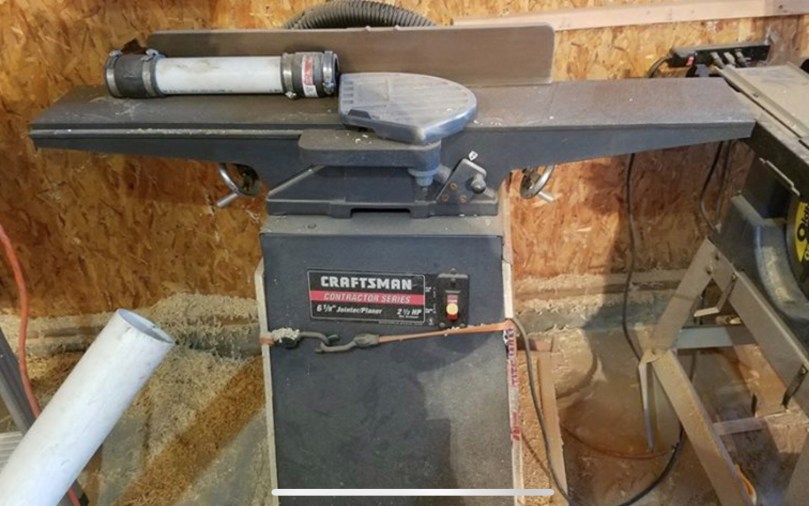
When I saw this Craftsman Jointer (model 113.232240) for $100 I couldn’t pass it up. Most jointers I’ve seen in the $100-150 range are shit.

img_0534

The manual is dated 5/97, so it’s over 20 years old. My Internet searching suggests this model originally sold for around $600. The only original parts that appear to be missing are the side panels, blade gauge, and push block. I bought a couple of push blocks this summer at an estate sale, so I’m set there.

They don’t make many tools like this anymore. This thing is a beast of solid metal and weighs a ton. Here it is in my basement. It had some rust, but otherwise it was in good shape and the rolling base was built well.

img_0529.jpg

I went at the table and fence with a razor blade, which easily removes most of the surface rust. I sprayed everything with WD-40, let it soak, and then did another pass with the razor blade. I love that feeling when you start to see some shine.

img_0533

Then I cleaned up the stand and the base. The leveling feet in the stand were rusted and beat to shit, so I trashed them. Drilled holes in the base and properly attached it to the stand with bolts instead of tape like the previous owner.

I replaced the bolts on the belt guard which were rusted really bad. A little elbow grease and a brass brush cleaned up some of the rest on other bolts throughout the stand. I removed the screws for the switch and ran them over a brass wire wheel on the grinder. I also took apart a lot of the fence assembly one piece at a time and used the brass wire wheel to clean it all up.

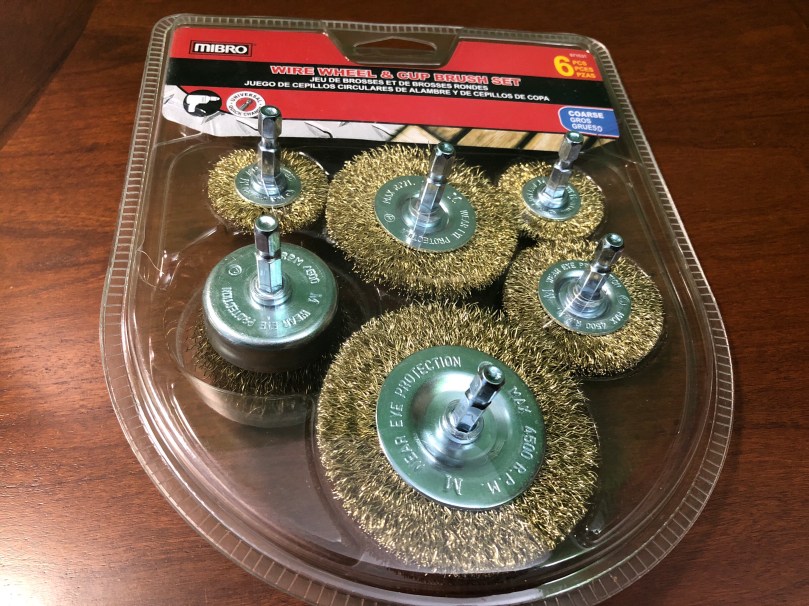
To continue cleaning the tables and fence I had to order a brass wire brush set for the drill. Everywhere in the area sells the steel wire set, which eats at the metal too much.

Look how much of a difference a few seconds makes.

I went over both tables and the fence with the brass brush and followed up with a polishing wheel. Then I put it all back together and applied a coat of paste finishing wax to those surfaces. Look at that shine! I love that you can see the reflection of the blade guard.

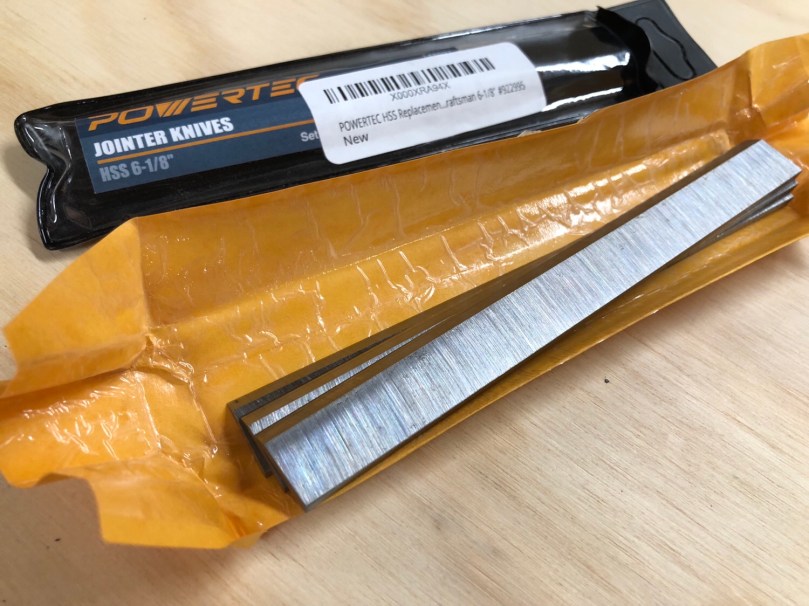
I could see a few nicks in the knives and they had some rust. I’d rather start with a fresh set, especially since they were only $17.

I’m going to add a dust/chip collection chute I can hook my hose up to, but that’ll be an upcoming project. Will wait until that’s completed to do final adjustments to the tables and knives since I’ll be removing the tool from the base several times.

Catching up on Electronics Projects

I’m behind on a bunch of electronics subscription boxes and projects, so I’m just going to list out a bunch of stuff. None of its worthy of its own post anyway.

One of the projects for HackerBox #0023 was to build a custom antenna out of PVC, copper wire, and glue. I did a pretty piss poor job of drilling my holes in a straight line (as you can see in the picture), but I connected it to a microcontroller and was able to scan for Wi-Fi networks in the area. Success?

img_0591.jpg

I need to make more time to work with the pan and tilt system built with HackerBox #0024.

The camera that came with the project can only do 640×480, which sucks. One of these days I’ll connect the system to a Raspberry Pi and use one of my unused Pi cameras instead. Would be neat to mount at the front door to track anyone who comes to the house when I’m not home. The face tracking stuff is pretty awesome, even with the shitty camera. Here’s a really rough video of it.

I had to modify the code a lot to get everything working and I put it all on GitHub. If I work on this project more I’ll update that repo.

There wasn’t a lot to do with HackerBox #0025. It was mostly a soldering and look at the blinky lights project. Here are the 3 badges I made. I turned the star and rectangle (with a “Let’s Party” sticker in place) into pins and gave them to my nieces.

The skull badge has a buzzer on it, so I wrote some code (it’s on GitHub) to make it play the Star Wars theme and display some light animations.

Over the holidays I messed with AdaBox006 a bit. The 38 I posted on my birthday was a light painting taken with the Slow Shutter iOS app. I got it the light paintbrush working on both the Circuit Playground classic via a customized Arduino sketch and on the Circuit Playground Express through MakeCode. Both are available in the adabox-006 repo on GitHub. Using MakeCode is a fun way to program and I think it’s going to change the way people learn. Look at how simple and visual that version of the program is…

adabox-006-make-code-light-paintbrush.png

I did solder everything for HackerBox #0026 and verified some of the functionality, but haven’t done much with it. It was one of the most fun projects so far from HackerBoxes because of how many components were on this PCB. I find soldering to be so relaxing and satisfying.

I added the code for the temperature sensor I mentioned and showed in my post Why Are Thermostats Still on the Wall? to a new dht11-low-pass-filter repo on GitHub. Very simple, but useful.

Revisiting My Resistor Organization

My supply of resistors (and diodes) has grown over the last year. The previous solution worked well, although the screw tops were a pain. I’d been doubling up some containers if the values were close enough, but had run out of cylinders, so starting chucking parts into the box.

img_0580.jpg

img_0582.jpg

It went to Jo-Ann Fabrics again and was planning to buy another set of the cylinders, but they were either out of stock or don’t carry them anymore. So I found some organizers made for thread which don’t have adjustable compartments like a lot of these things. That was important because I don’t want the parts jumping compartments. The size looked good for the length of the resistors too, even if they had to be angled to fit. The cardboard label cards will make it easy to shuffle things around, compared to sticker labels, if I get a new resistor value.

I think it’s a nice improvement and will save time when I go digging for a resistor. I’m sure I can find a use for the cylinder organizer in my workshop, maybe for small screws.

Why Are Thermostats Still on the Wall?

A couple of weeks ago I noticed the heat was staying on in my office pretty much all day. I have a boiler heating system with 4 zones and the thermostat that controls the front of my house is right there in the office. I wasn’t cold in there, but the thermostat wasn’t reporting that the temperature ever reached what I had set.

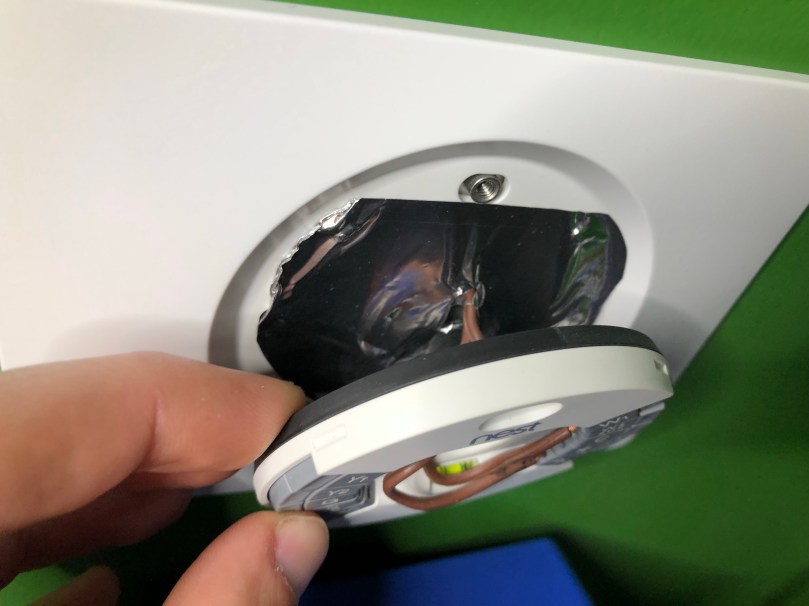
I pulled the Nest off of its mounting bracket, put my hand near the hole in the wall, and I could feel cold air. So I grabbed an instant read meat thermometer and stuck it through the hole. The reading inside the wall was 10° lower than a foot away from the wall.

For a simple fix, I stuffed a bunch of insulation through the hole and covered it with foil tape.
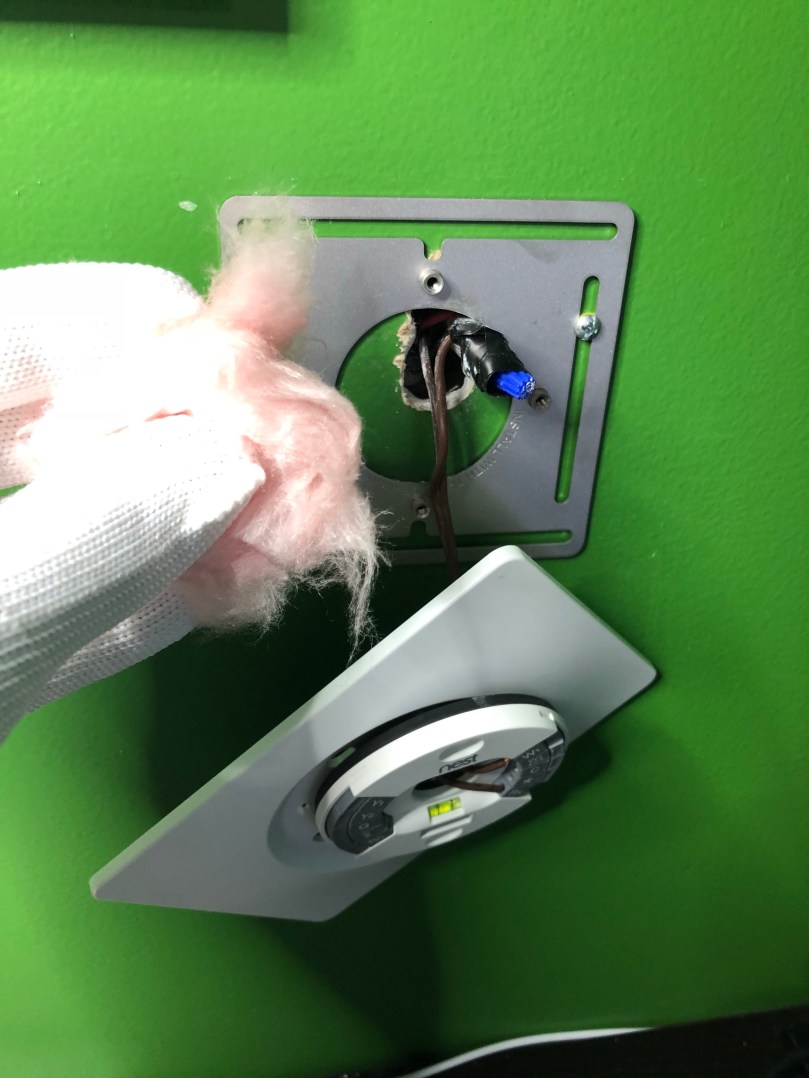
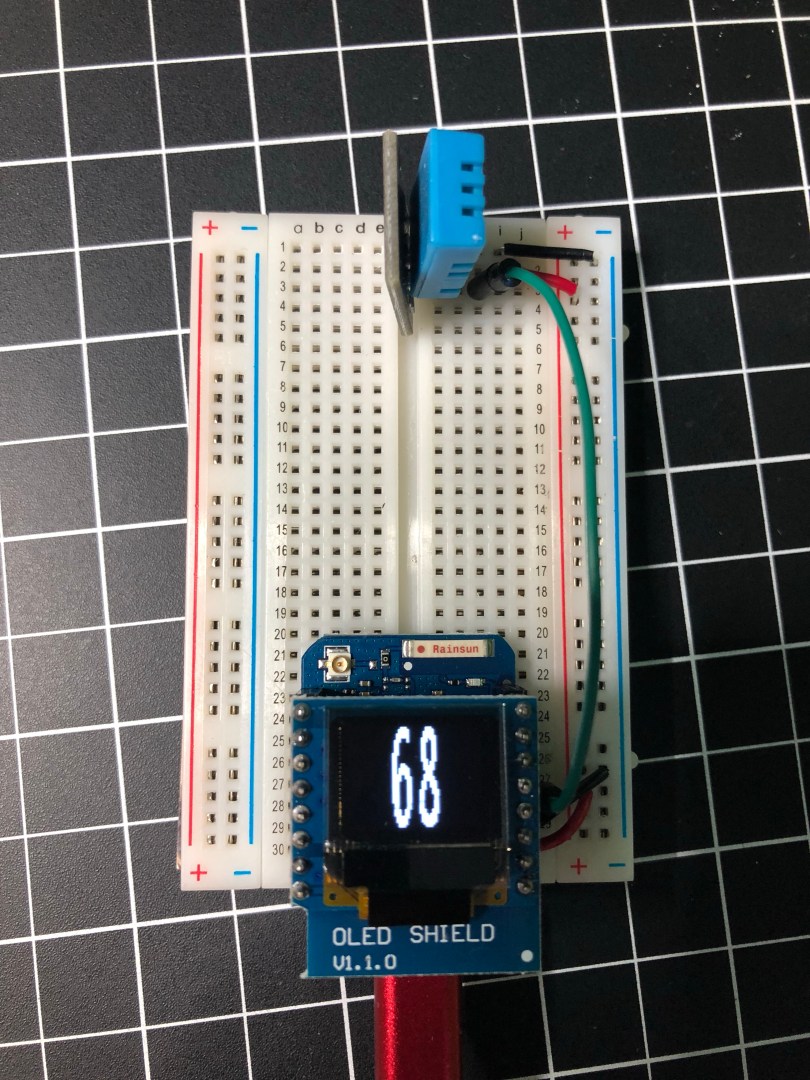
In order to monitor the effectiveness of the fix, I put together a quick temperature sensor instead of having to turn the meat thermometer on and off.
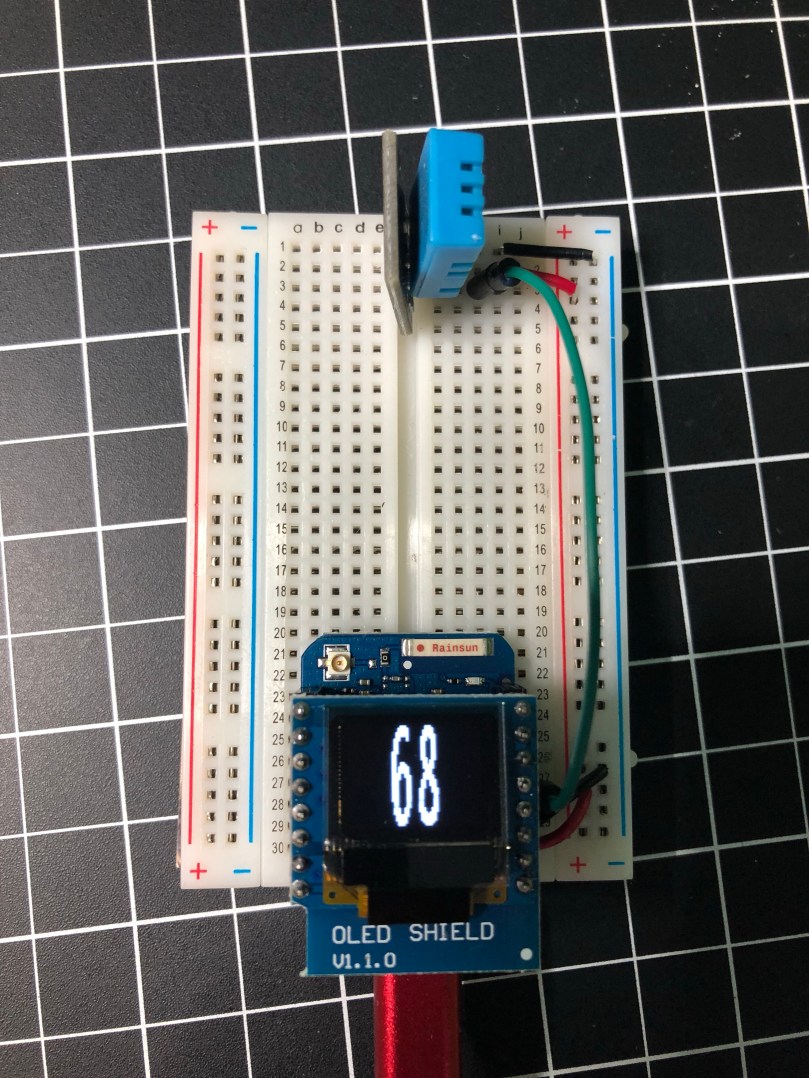
It worked!
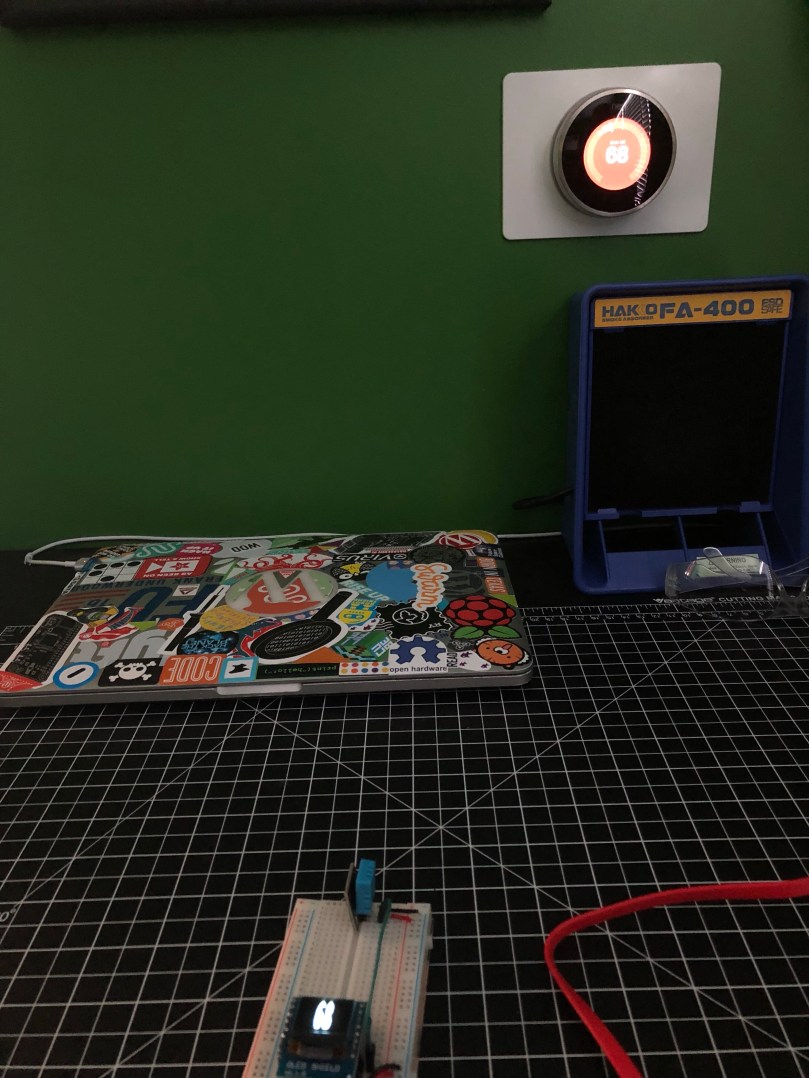
Two or three years ago I had the opposite problem with this heating zone; it was always cold in the office. By feeling the wall I came to the conclusion that the thermostat had been installed right next to one of the pipes sending hot water to the upstairs registers. Brilliant! The fix that time was moving the thermostat over between the next set of studs.

After these two issues with the placement of a thermostat, I starting thinking. Why are we still basing our heating on measurements taken from a set position on the wall? With the Internet of Things we can do this much smarter.

Imagine each zone in the house having one or more mobile temperature sensors. Like the simple circuit pictured above, but in a small case. These could be battery-powered or plug-in. Windows, wind, and location of the sun can all affect the heating of different areas of a house. Being able to move the temperature sensor with you as you make dinner in the kitchen or watch a movie from your recliner would be awesome.

These temperature sensors would wirelessly report the temperature back to the home automation system. I use Home Assistant, which would make it easy to set the heating schedules for each zone. If a zone needed to go on or off based on the sensor’s reported temperature and the schedule’s target temperature, it would wirelessly trigger a relay module at the furnace or boiler. The relay would wire in to the furnace/boiler system in place of the wires that come from each thermostat and it would never know the difference. None of these pieces are hard to build and the parts are cheap.

This is all just something that ran through my mind as I was fixing my heating issue. I don’t have plans to build such a system, but if I did I could ditch my 4 Nest thermostats. For someone who works at home, often at random times of the day, I think Nest thermostats are overrated anyway because the learning and auto scheduling system doesn’t do much for me.

Photo Challenge: Silence

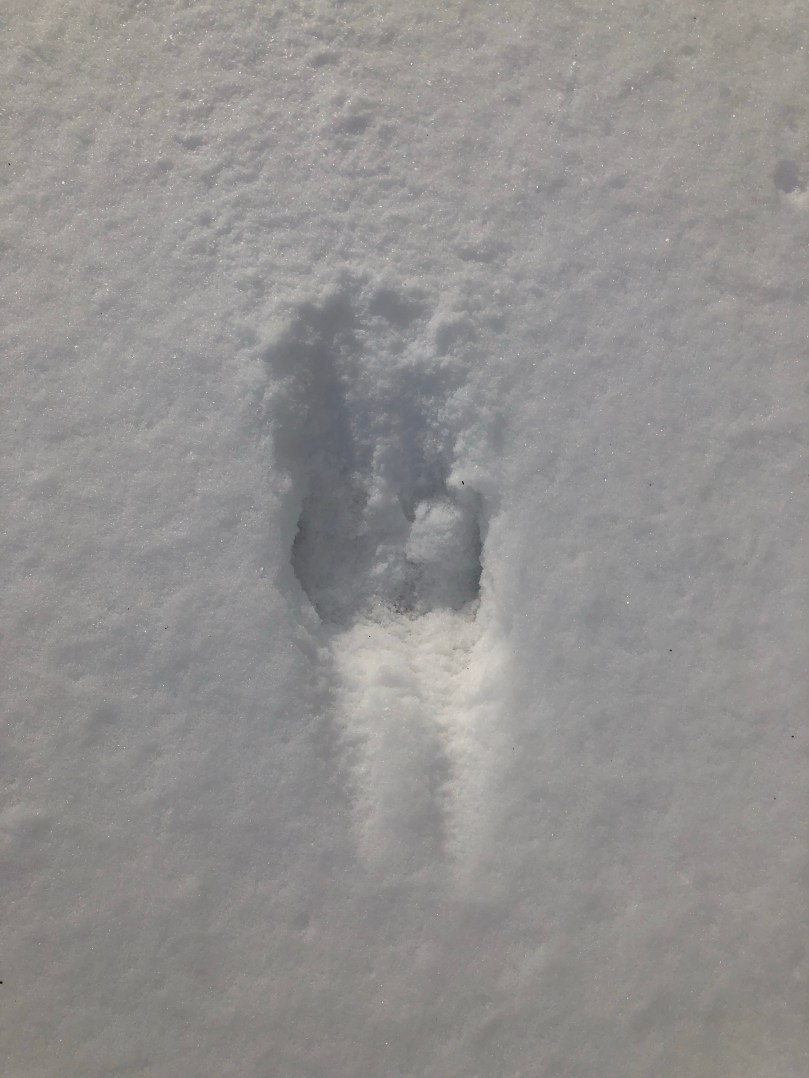
When I see an animal track in the snow I often think back about 20 years to rabbit hunts with my Dad. When you’re in the middle of the woods during winter, you don’t hear a thing. Or at least that’s how it is in Northern Michigan. Sound doesn’t travel because the trees are covered in snow. It’s the purest silence I’ve ever experienced. Maybe the most peaceful bit of nature too.