Outfeed Assembly Table – Part 2

To keep the momentum going from part 1, I started the next phase of the build. This phase is the router station. I bought the Bosch 1617EVS router to use in a JessEm Mast-R-Lift II, with a POWERTEC 32″ fence. I also bought 2×48″ of T-track with four hold down clamps and a four pack of intersection kits.

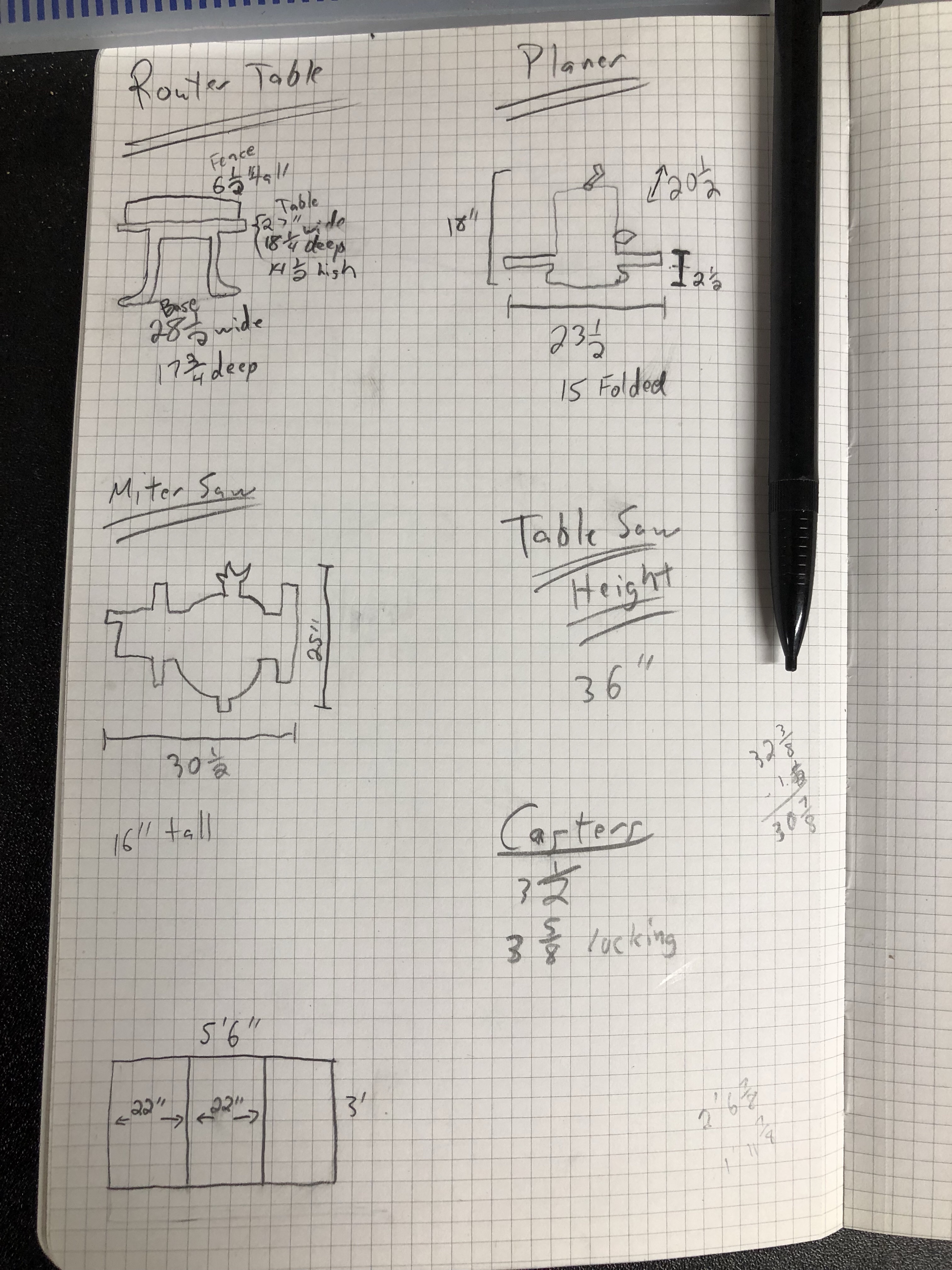
First, I had to figure out exactly where to install everything. I placed the fence and lift (upside down) on the table to get a feel for it. Then I outlined the lift and drew in the T-tracks.
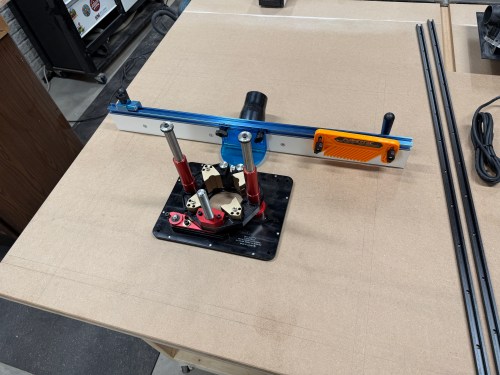
Router station setup with a lift and fence on a work table, showing precision tools and measuring instruments.

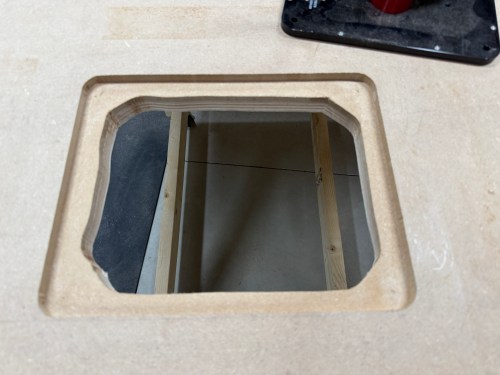
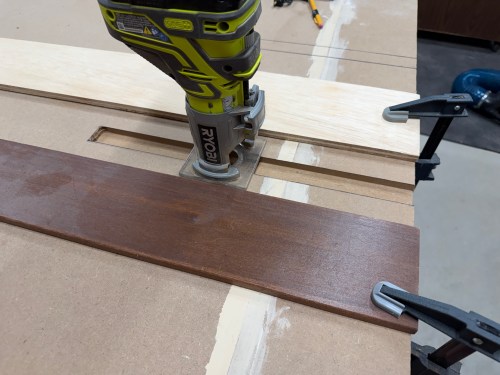
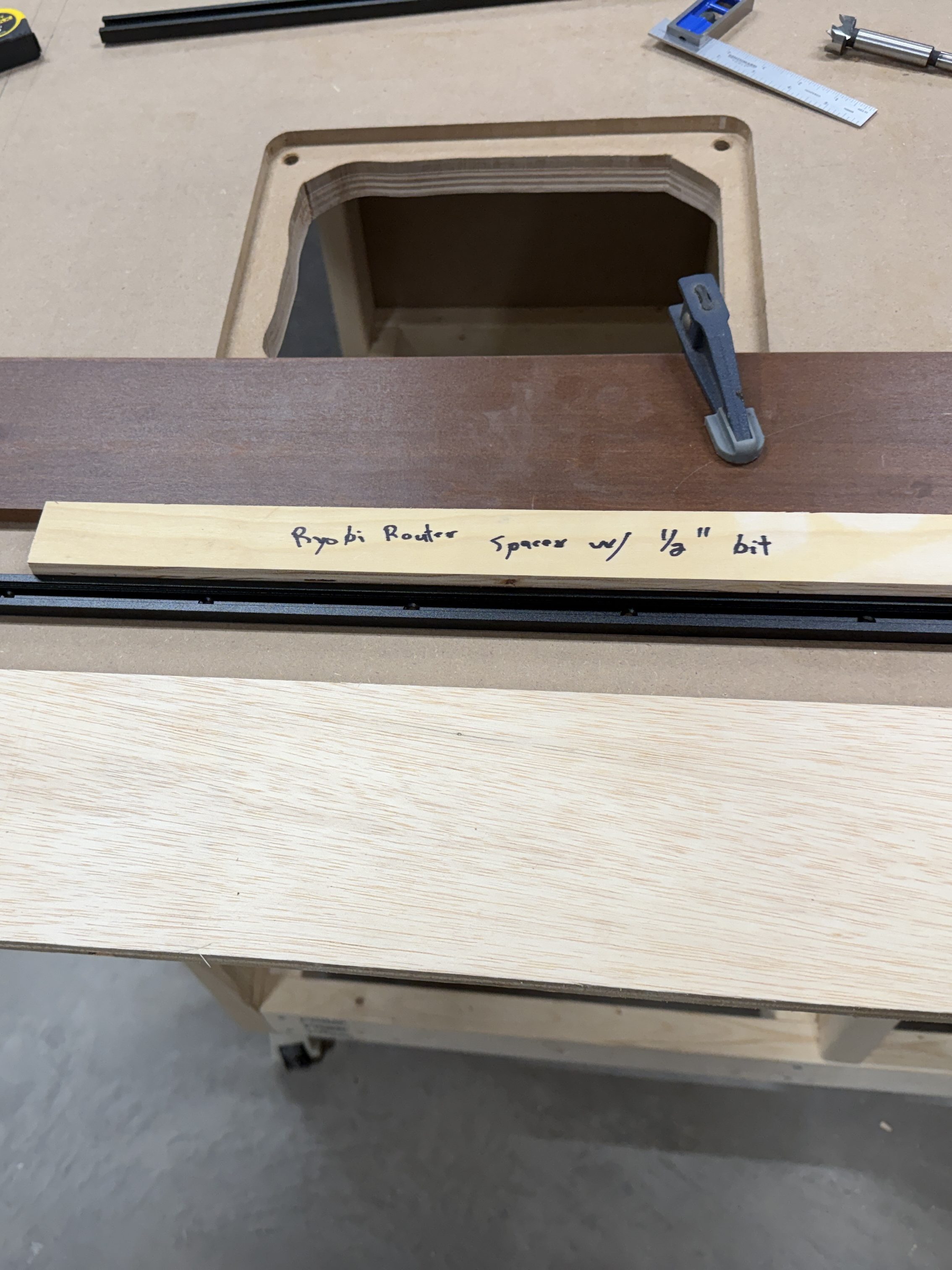
I cut a spacer equal to the distance from my router base to a 3/8″ straight bit. Then I used double-sided tape to secure the border pieces. I removed the material in two passes and cut out the middle with a jig saw. The radius on the corners was much larger than the router bit, so I free-handed those up to the pencil marks.

I installed threaded inserts for the four bolts that secure the lift. Yet my centering was off, so it didn’t work out. I removed the inserts and drilled through to use longer bolts with a washer and nut under the table. I had to drill a recess in the bottom because I couldn’t find long enough bolts.
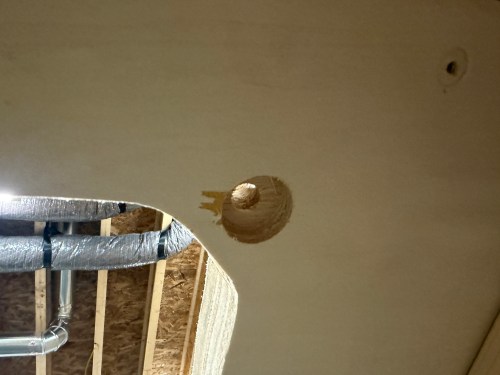
Close-up of a circular hole cut into a wooden surface, showing wood fibers and some markings around the edge.

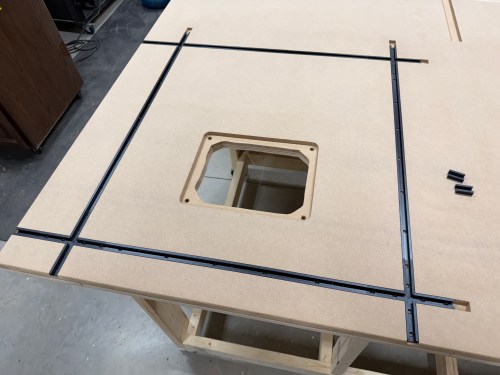
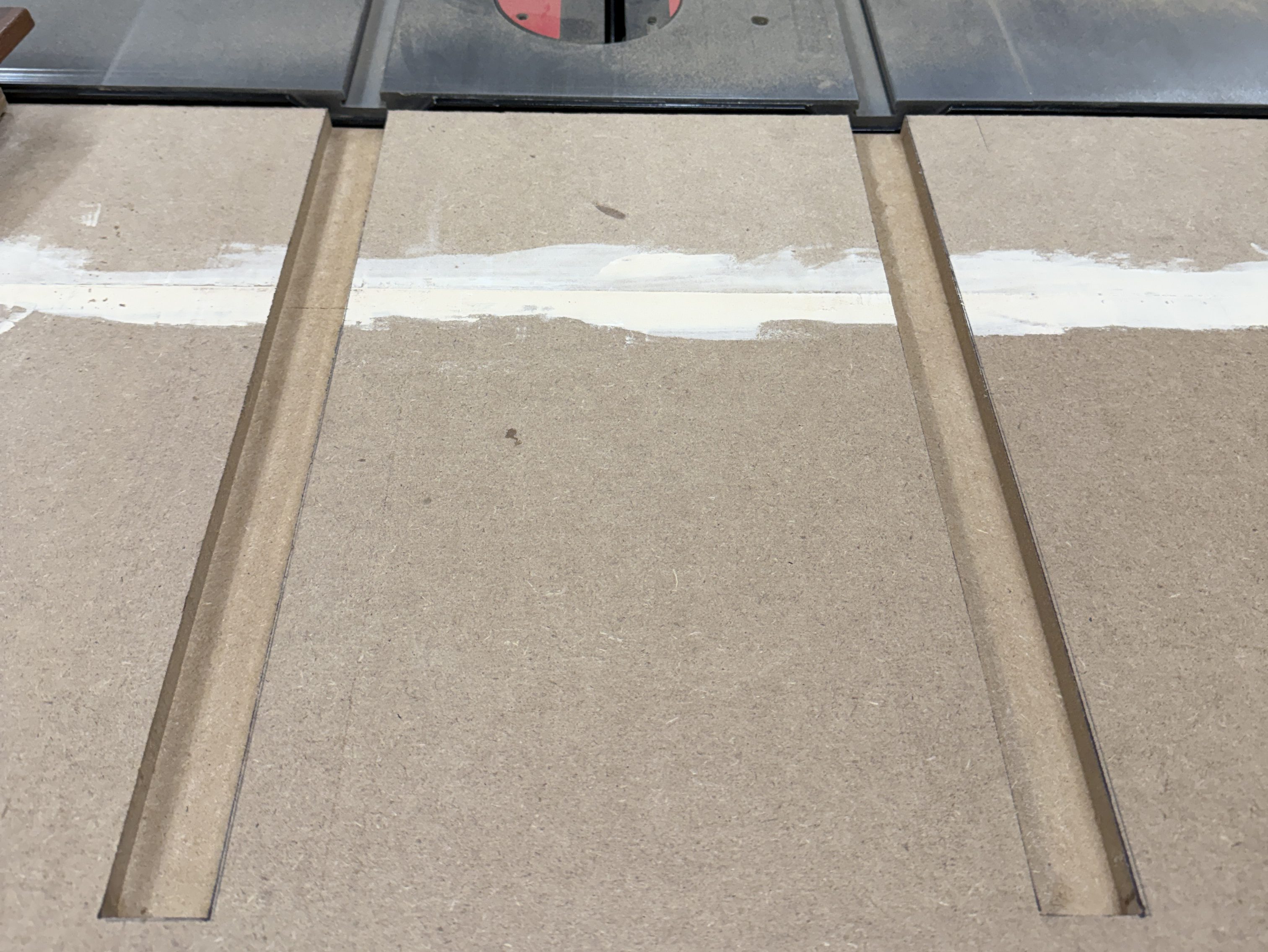
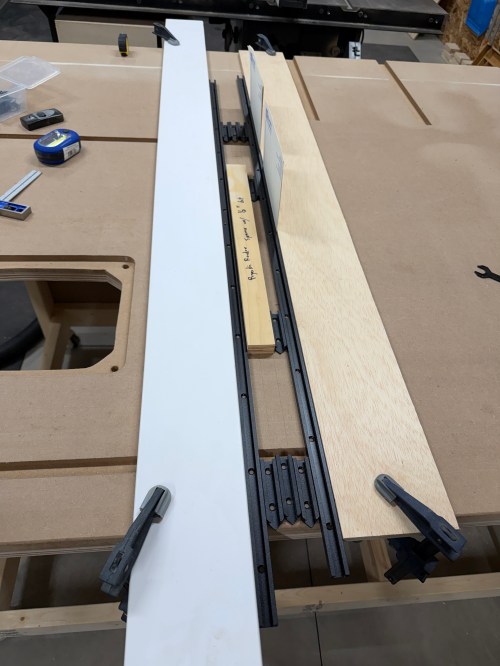
Setting up to route the first T-track took a long time, like when I did the miter slot extensions. I got faster with each one, as I figured out a process and all of the spacing. That same spacer came in handy, as well as pieces of the T-tracks. I measured and cut all of the T-tracks.
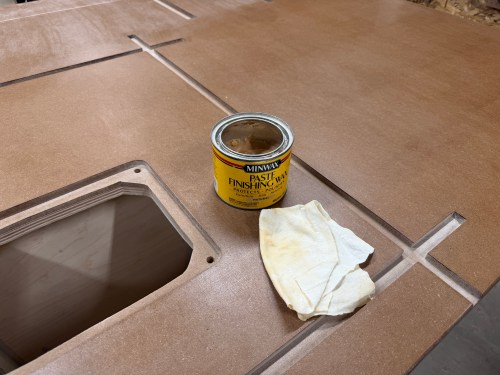
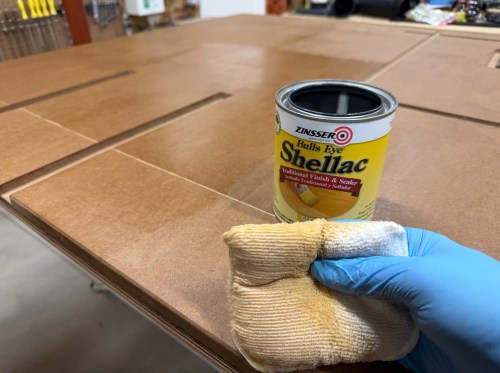
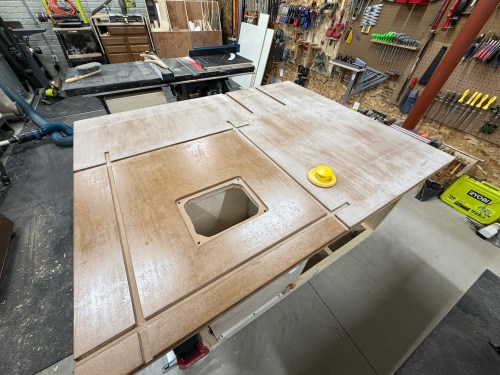
I sanded the top and edges with 80 grit using my random orbital sander .Then I applied four coats of Zinsser Bulls Eye Shellac. A day later I did a light hand sanding with 220 grit and applied paste wax.
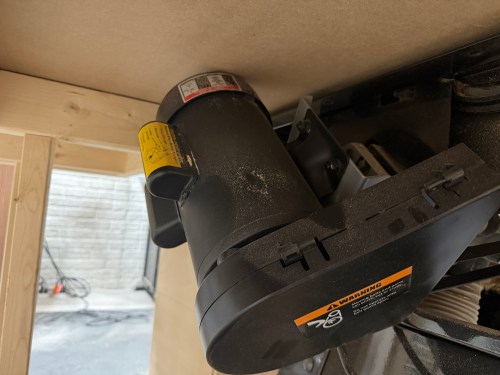
A good router table needs dust collection and here are the parts I used for mine:

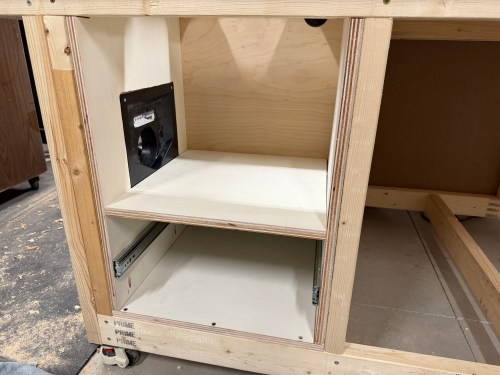
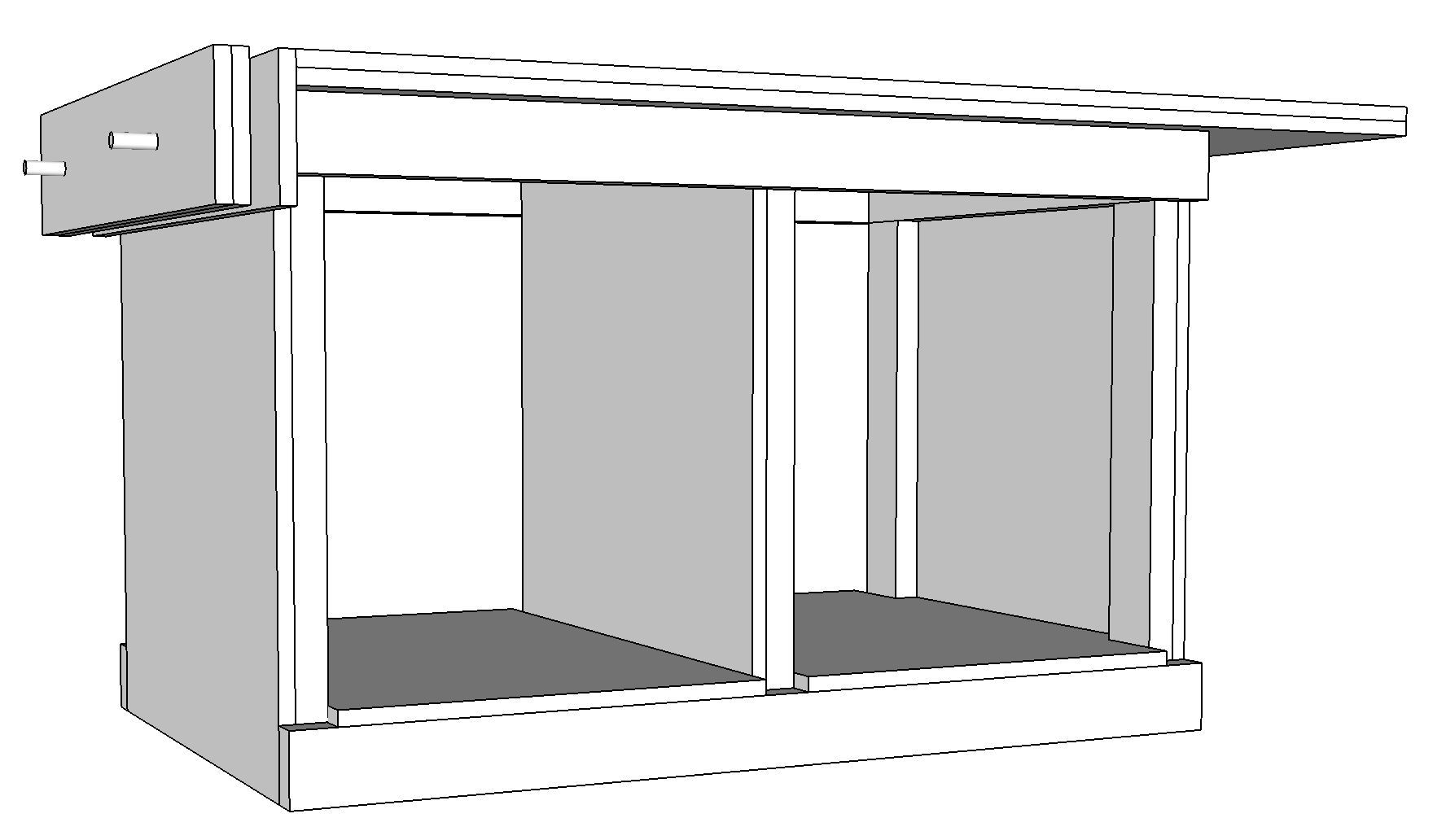
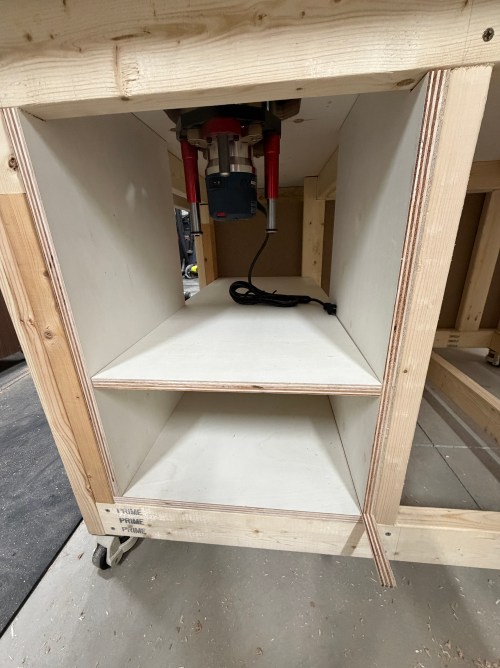
I had to build a cabinet to enclose the router lift, plus a drawer underneath. Due to the table’s frame and a need for the left side, I sketched out a plan. I was making a big version of the L-shaped Tetris piece.

Hand-drawn sketch of a cabinet design with labeled parts and notes, including measurements and assembly details.

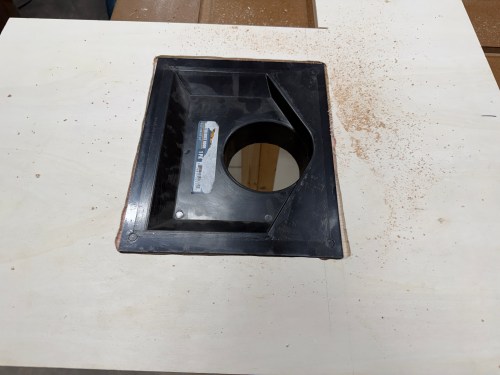
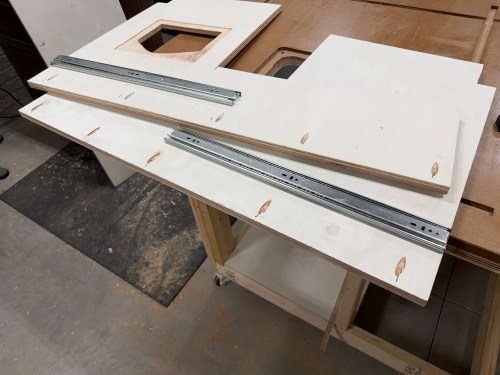
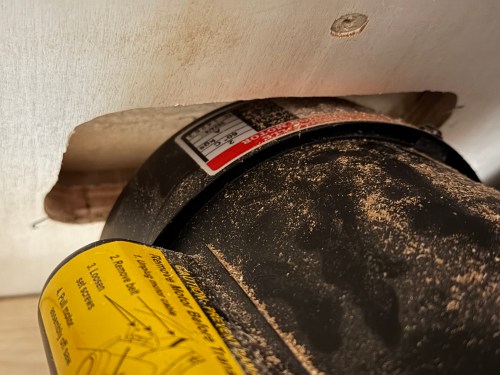
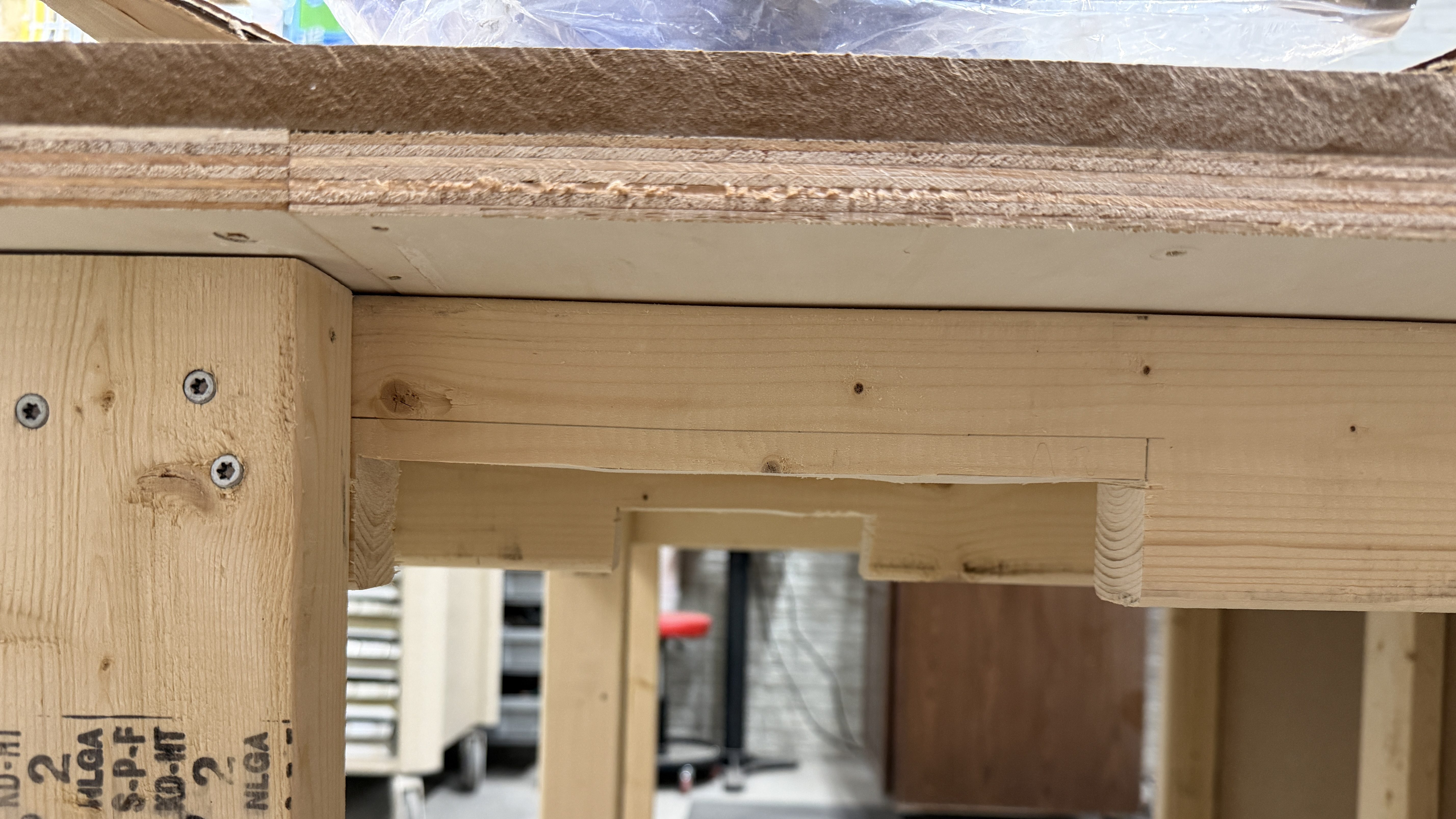
The assembly had to be done inside the frame, due to the cabinet nesting up through the frame. After getting plywood to size, I cut various holes, attached 22″ drawer slides, routed a recess for the dust hood, and drilled pocket holes. It all screwed together quickly.

Of course, when using the jig saw, I accidentally cut in to the new table top! I’m the only one who does this, right?
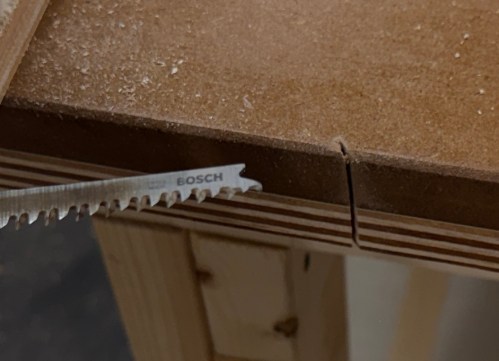
Close-up of a saw cutting through a wooden surface, showing fine wood shavings and a Bosch blade.

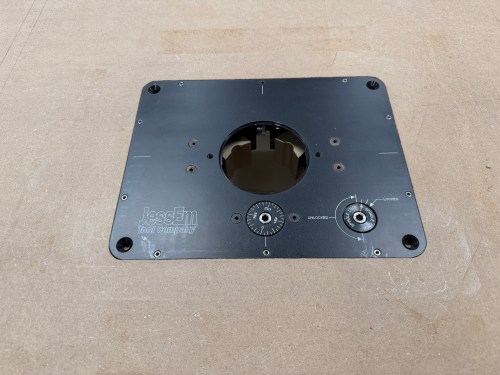
I caulked everywhere inside the dust box. Then I cut a door, mounted hinges, added a magnet close, and used weather stripping to seal it. The door got a hole with a vent cover to supply fresh air to the router and dust collection system. After some use I’ll see if I need to add a second vent. I mounted the lift, leveled it to the table, and bolted it in. The lift doesn’t came with a blank insert, so I bought one from an Etsy store.

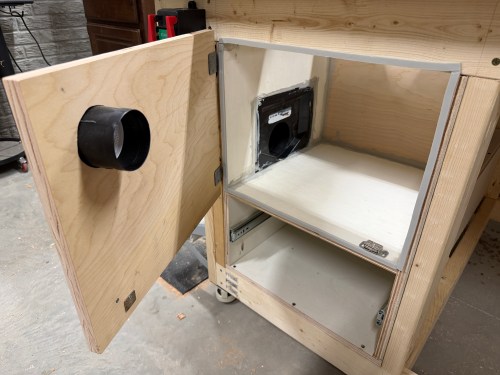
Update: I did end up adding a second vent.
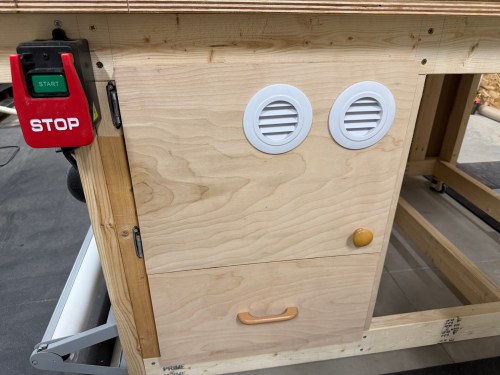
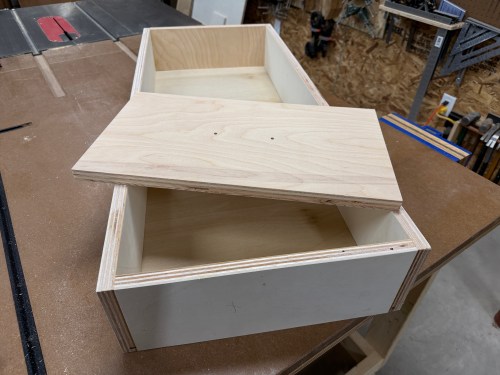
I cut all the pieces for the drawer, cut a rabbet where the bottom would slide in, and drilled pocket holes. Then I glued and screwed it together. Attached a drawer face and mounted a handle.

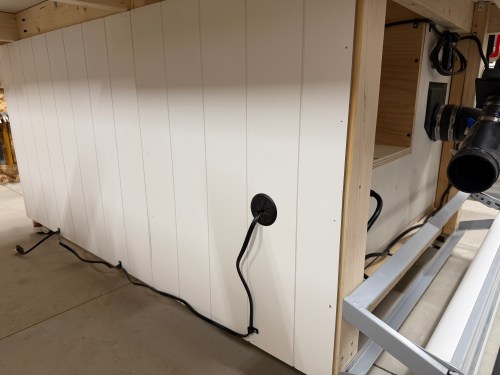
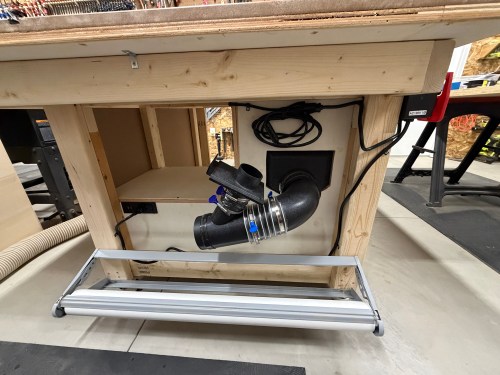
Along the left side of the table, I installed my paper roll dispenser. A 90° and then a Y-fitting connect to the dust hood. A 2.5″ blast gate is attached to the other side of the Y, for a hose up to the fence. The power cord went through a 2″ Desk Grommet on the back side. I screwed a POWERTEC Paddle Switch to the front. These switches makes it quick and easy to turn off the machine with my knee. I put in a recessed power strip with USB ports. Then I clipped in the wires and mounted a heavy duty surge protector power strip. This allows me to plug in the table saw as well.
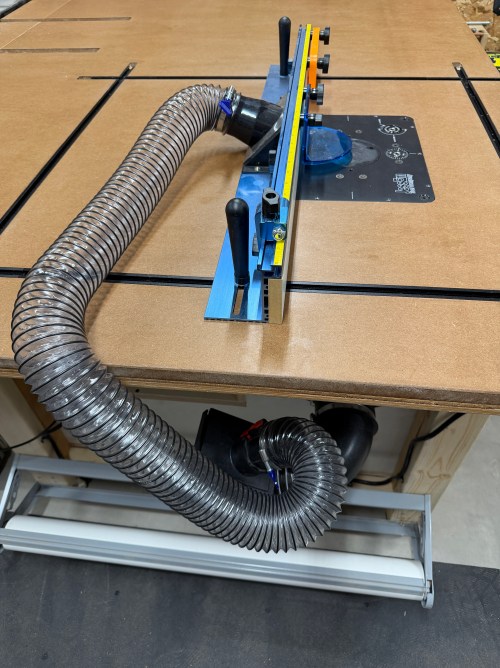
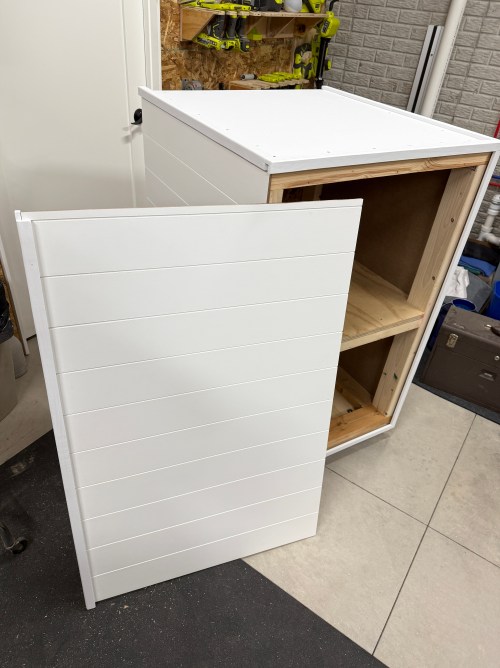
The final thing was to lower the castor feet to raise the table up to the saw.
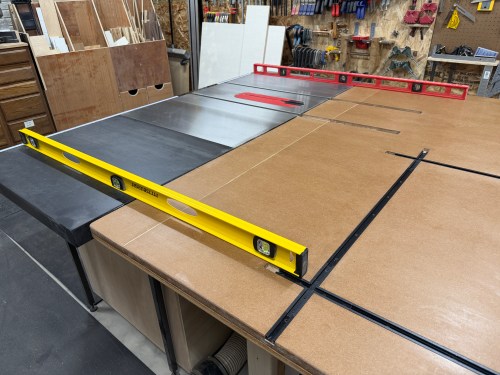
A woodworking table with a level placed on top, showing the setup for a router station, including a saw and T-track system in a workshop.

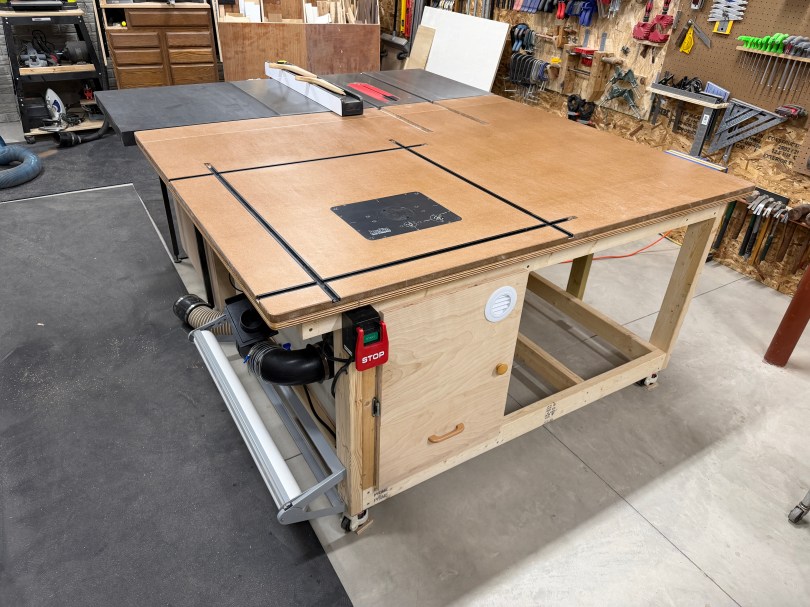
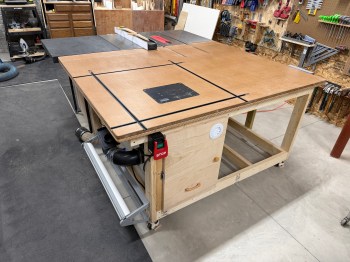
It’s so nice to have a large table table in the shop and I’m excited for the router, where it’s easy to use and always ready. Here are some more pictures.
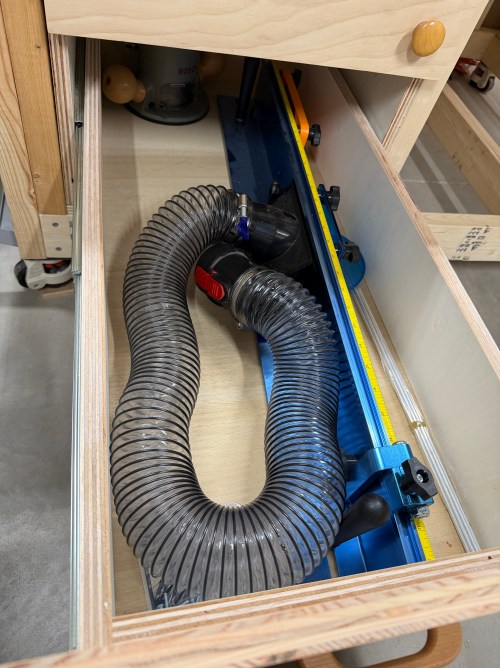
There are the other accessories I bought for the router station, some of which can also be used at the table saw:

Head to Part 3, where I finish the table with a bunch of drawers for storage and organization.

Outfeed Assembly Table – Part 1

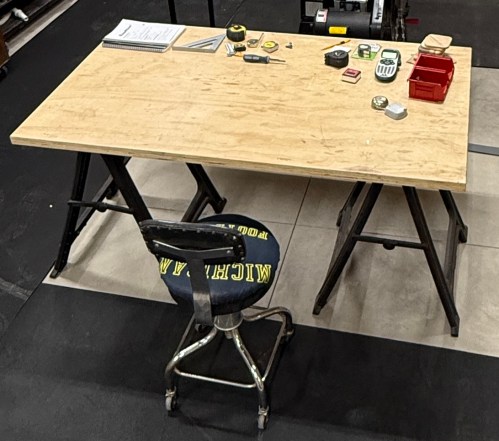
When we moved to the new house, I disassembled my workbench with the plan to build one for the new workshop. More than a year later I was still using the old top on sawhorses and everything I bought for the build was piled up in the corner.

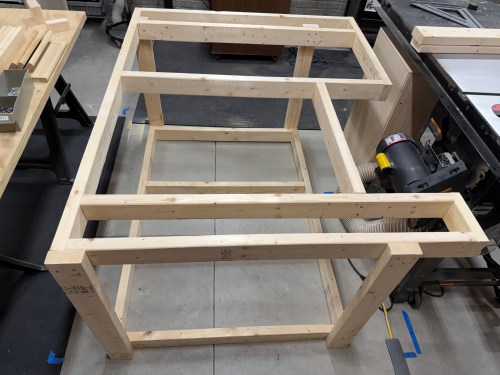
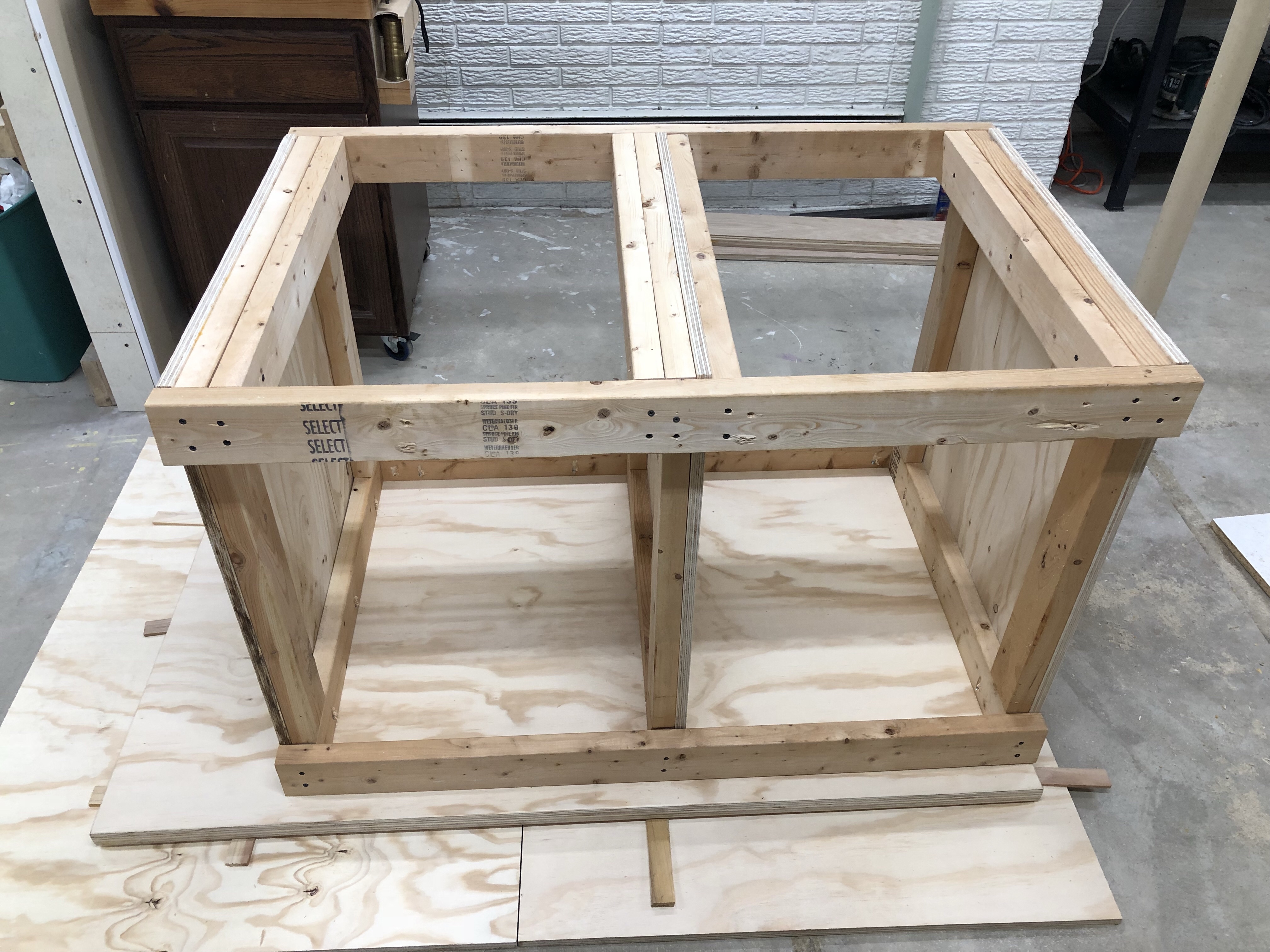
The planning notes and ideas I made last year were a good starting point. I took a bunch of measurements, adjusted to account for the motor when tilting the table saw blade, and mapped it out with blue tape. Made more adjustments, cut all of the pieces from 2x4s, and assembled the frame with 3″ screws. I’ve learned my lesson about not using glue for shop furniture because it’ll likely get taken apart in the future. By only using screws I can reuse the materials when an improved replacement gets made.

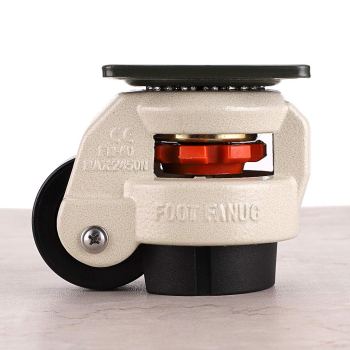
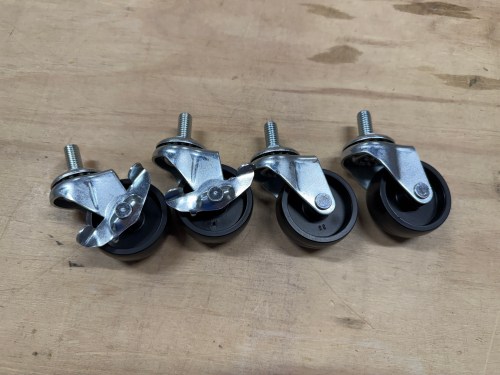
The castors I bought double as adjustment feet, making it easy to raise the height up to the table saw and will make the table stationary 99% of the time.

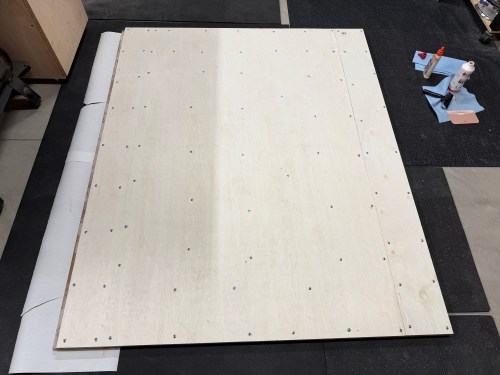
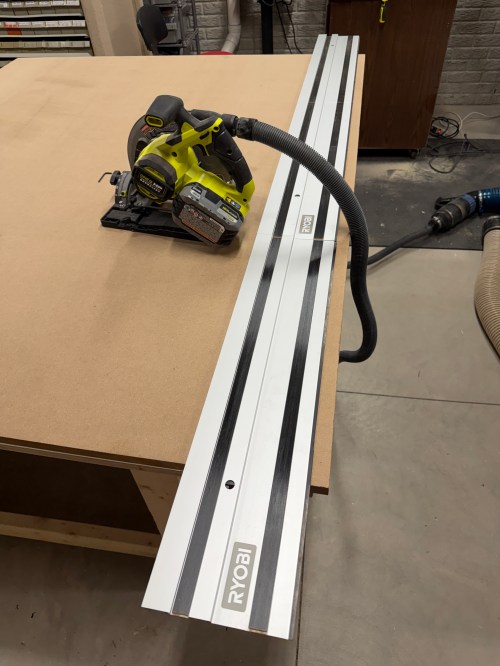
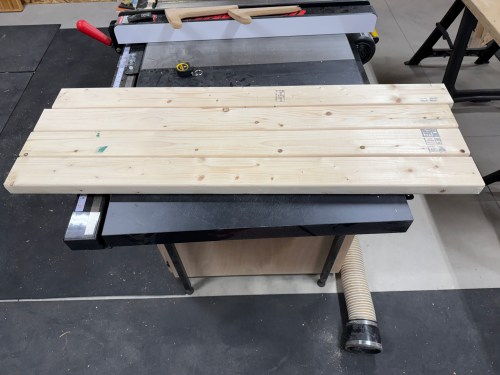
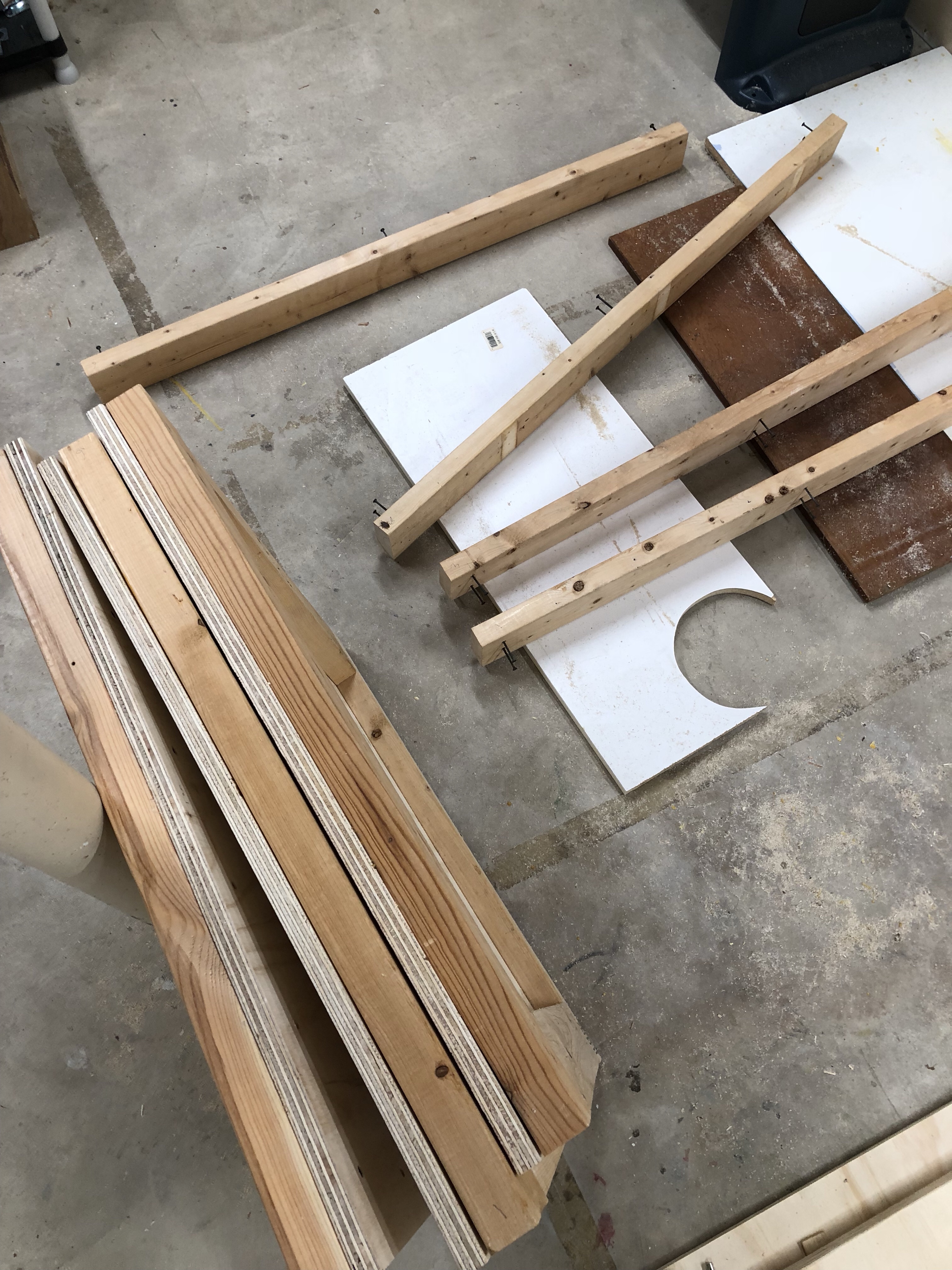
I cut plywood and MDF, then laminated them together, using screws for clamps. Since my top was going to be 66×54″ I had to splice in a six inch strip of each.

After the glue dried I removed all the of screws and got it up on the frame. Then I checked the height of my table compared to the table saw and it was going to work out well. With the blade at 45° and all the way down it was extremely close to the table top though.

When maxing out the blade height the motor raised about an inch. So I created a clearance pocket with the router.

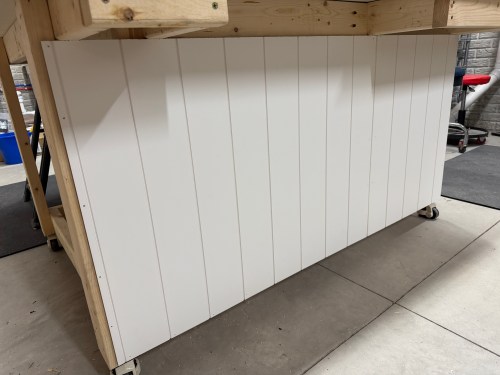
I added a couple more vertical supports along the back of the frame and cut scrap shiplap panelling to rigidify it and close it up.

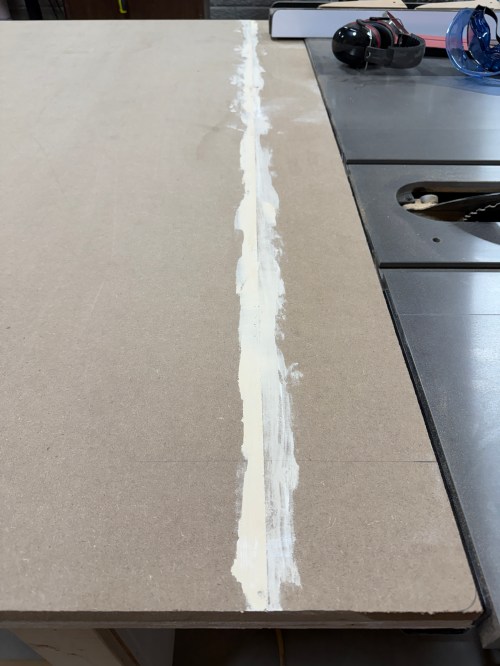
I trimmed all of the edges to size. There was a small gap between the spiced sections of MDF, so I used wood filler.

One inch corner braces with 1/2″ screws were used to attach the top to the frame.

The miter slots were extended from the table saw. I made them wider and slightly deeper, so the outfeed table placement won’t need to be too exact.

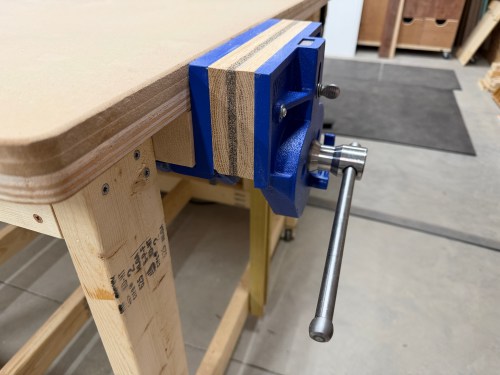
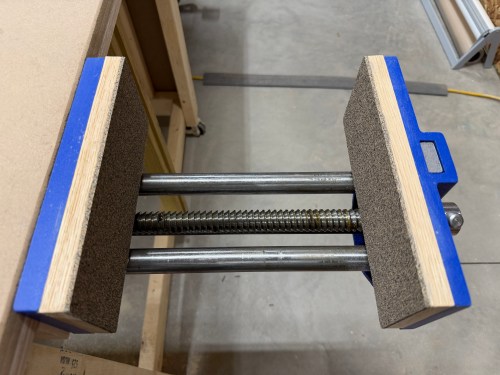
For my vice, I bought a Yost 9″ quick release vice. To mount it I had to remove part of the frame and add blocking.

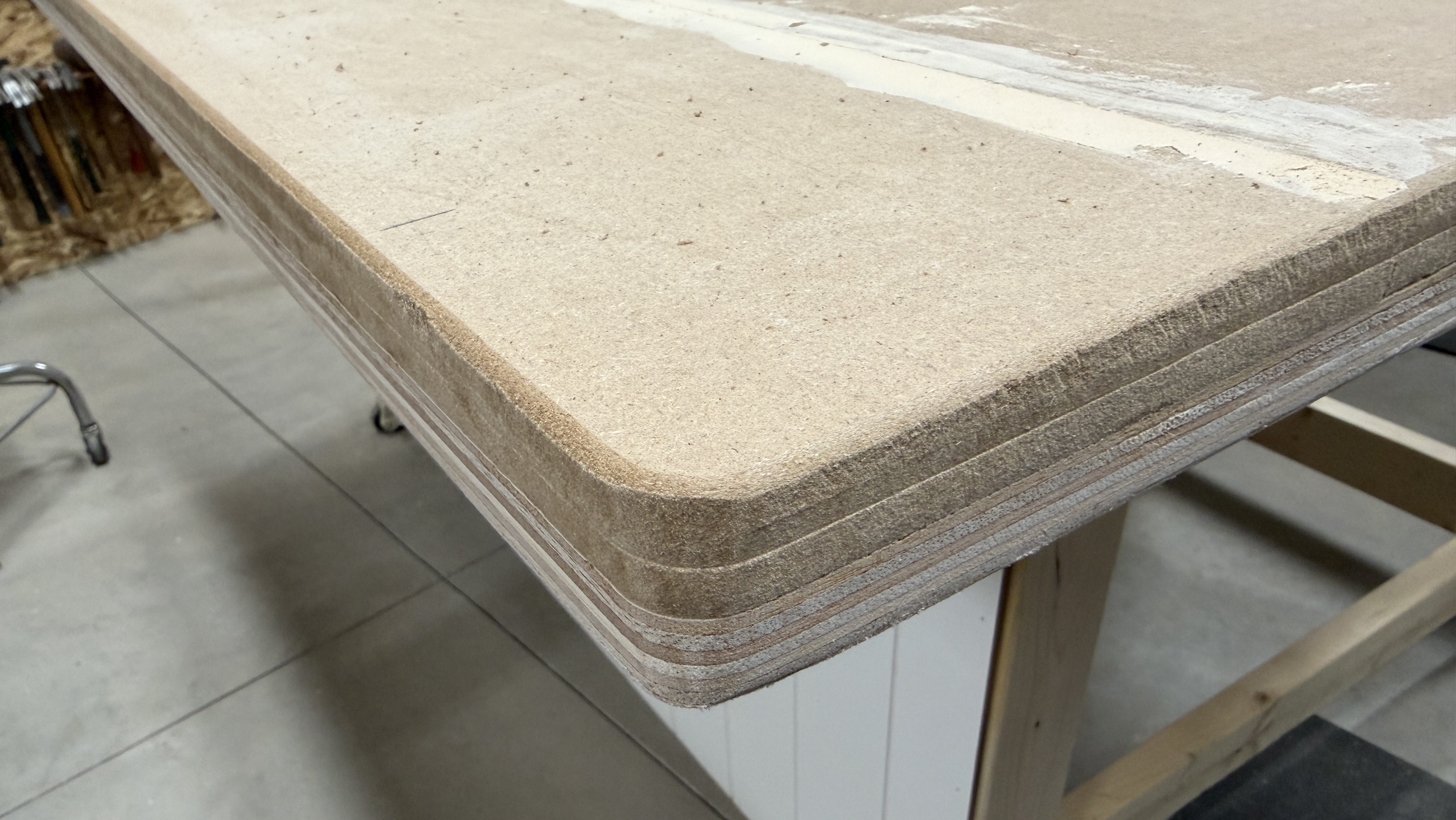
I realized I should finish up the edges of the table, so I quickly rounded the corners, sanded the edges, and added a roundover.

Then I mounted the vice and cut oak for the jaws. To finish it I attached cork rubber with 3M Hi-Strength 90 spray adhesive.

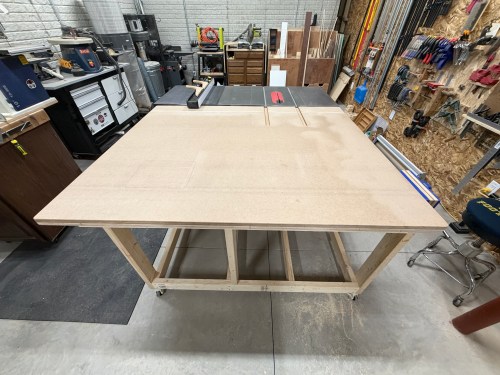
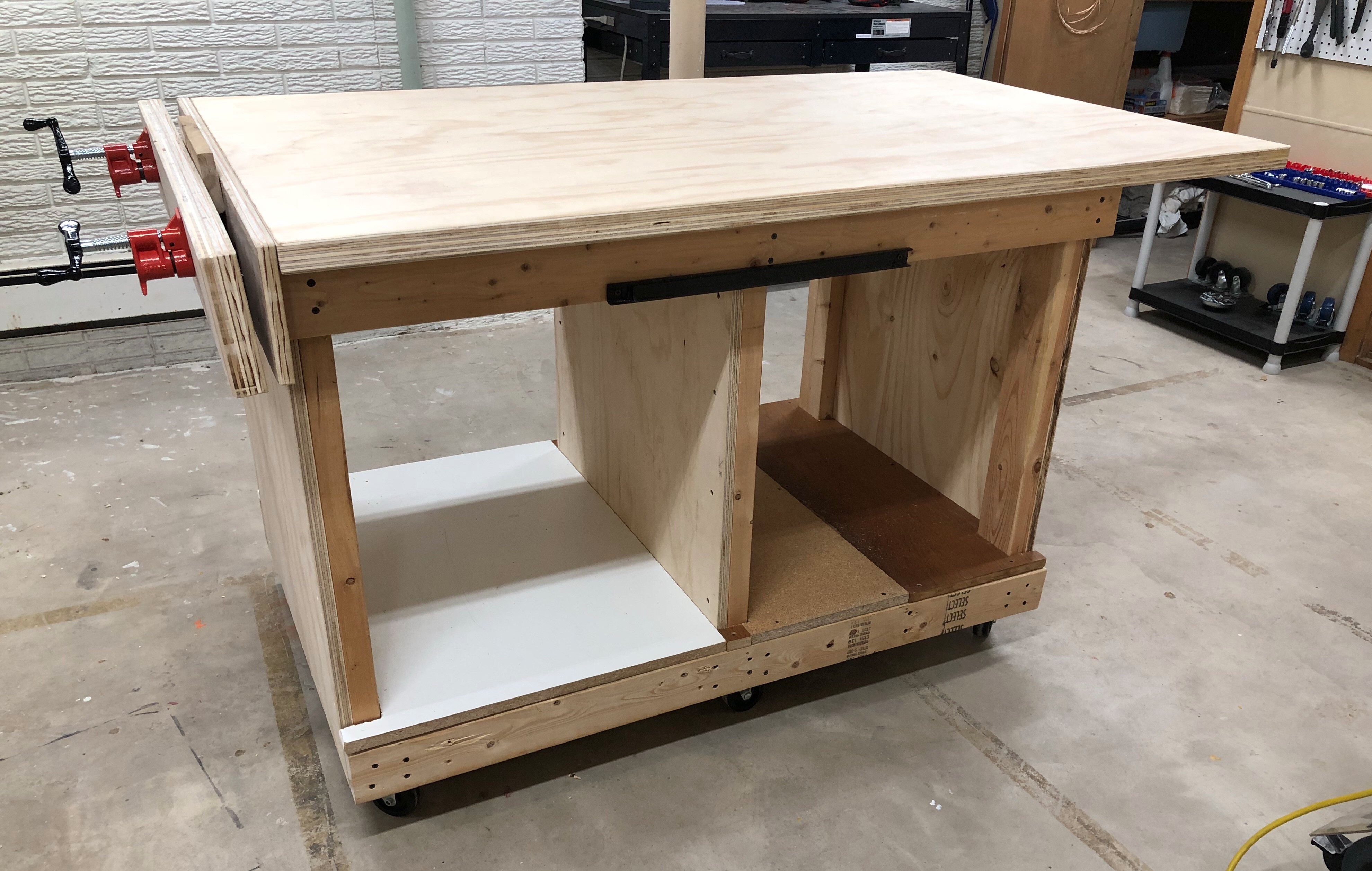
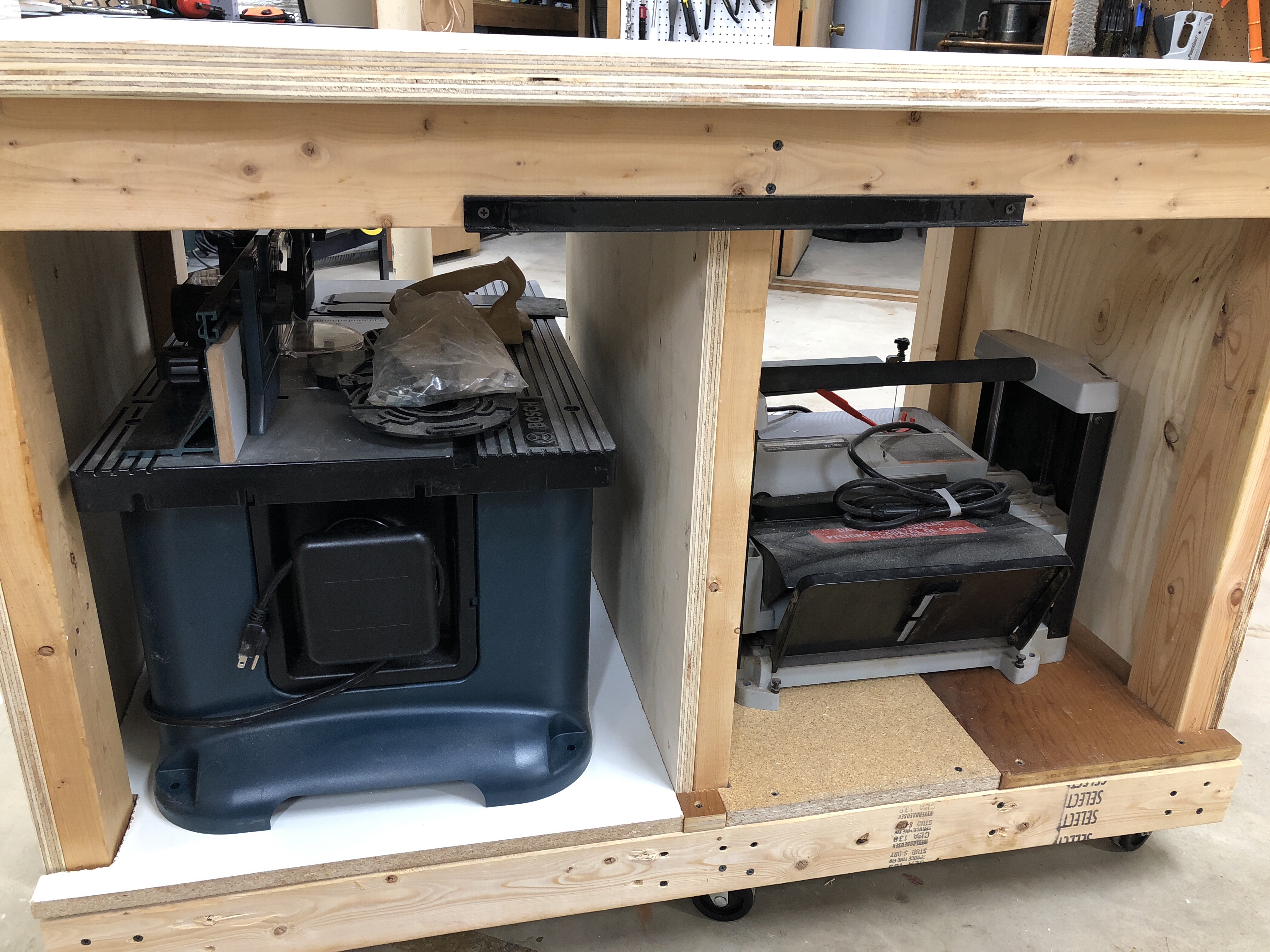
Look at this beauty! So much room for projects and a space underneath for storage.

Continue to Outfeed Assembly Table – Part 2, which is where I add a router station, complete with dust collection. Then Part 3, where I add a bunch of drawers for storage and organization.
Network Rack Cart

Part of our plan for the house included Cat6 Ethernet ports all over so I can wire in as many devices as possible and keep Wi-Fi for devices that need it. My original plan for the network rack was to build a cabinet on the wall, but the space between the hot water heater and the wall is pretty tight.

I decided to build a cart instead, especially since there is enough slack on the Ethernet cables that’ll allow me to pull the cart out and turn it to get at the sides of the rack. When we moved I took apart my old work table, which left me with three plywood panels and pieces of 2×4 glued to them. I thought they would make a good top, bottom, and shelf for this cart and I was tired of moving them around the shop.

I pulled out castors, washers and nuts.

Then drilled recesses and holes in the base so I could attach the castors right away.

I cut notches out of the middle panel and squared up the edges on all of the panels.

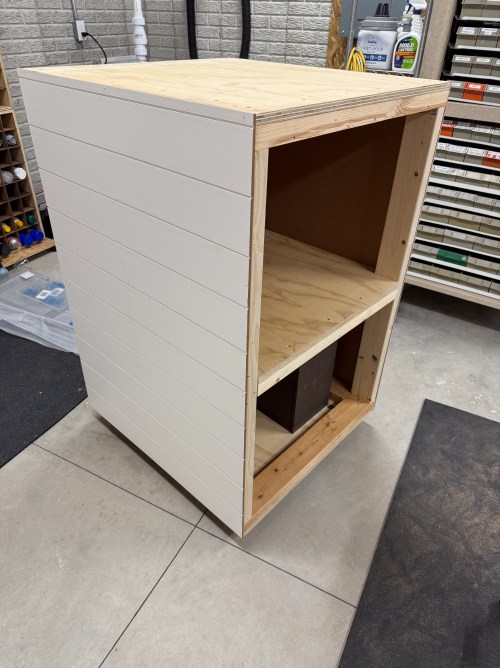
I cut 2x4s for the vertical supports, assembled the frame, and put OSB on the back. I learned my lesson with the old work table and didn’t use any glue here since I’m treating this as a shop project and would like to have the option of taking it all apart if/when I want to change the design.

To blend the cart in to the wall, I cut and attached shiplap panels.

I made corner trim from 2x4s and painted it.

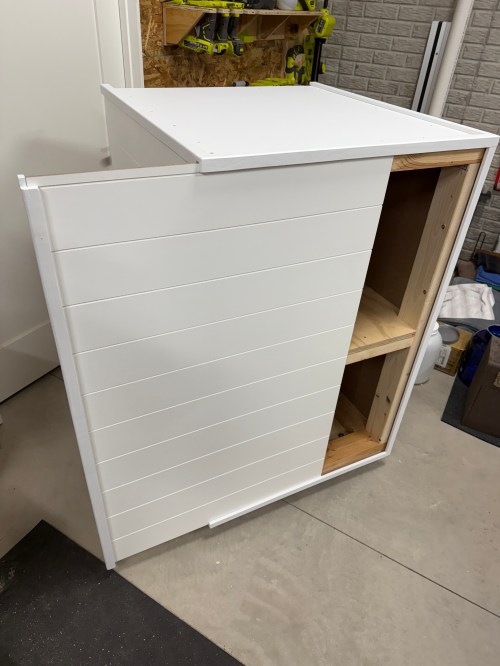
I didn’t want to make doors, so I had the idea to make a hidden siding door. I was going to have it slide up out of the top. Thankfully my wife suggested it slide to the side, which is much better.

I made a hole in the back for the power cable and a hole in the top to line up with the bottom of my network rack.

Then I screwed the rack down, wheeled it in place, and loaded it up.

Now I can start wiring up the Ethernet and configuring all of the network hardware.

Building a Basement Golf Simulator: The PC

I’m putting a golf simulator in our basement, so this will be part of a series of posts about different aspects of the build and process.

When planning out the project, my first thought was to buy a gaming laptop for ease and portability. I have no need to move the computer around the house though and they’re very expensive. So I briefly looked at buying a pre-built gaming desktop, which can still be expensive. Building my own would save a ton of money. I hadn’t built a computer or even owned a Windows machine in close to 20 years and I was eager to dive in.

I found a starting parts list Reddit and swapped out a few things. Here’s what I ended up getting:

Total cost, with Black Friday sales, was just shy of $1,850.

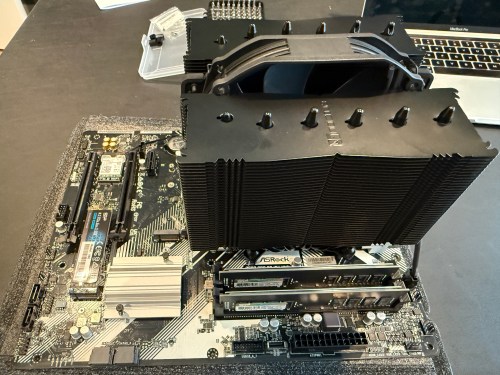
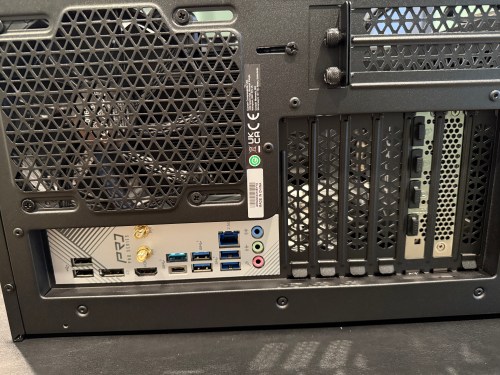
I actually managed to put together a working computer! The only mistake I made was not connecting an extra cable from the power supply to the motherboard, which provides more juice for the CPU and memory. It may have been easier to connect all of the cables before installing the graphics card, but it may have caused other issues.

Then it was time to install the operating system. I downloaded an ISO of Windows 11 Home from Microsoft and created a boot drive on a USB stick with balenaEtcher on a Mac. I’ve used balena many times to create boot drives for installing Raspberry Pi operating systems, but Windows was not happy. During installation it was giving the error “A media driver your computer needs is missing.” I turned to Google and found out a Windows boot device is special and balena doesn’t do whatever is required. I used WinDiskWriter to create a new boot drive, which then launched a working Windows install.

At one point an Internet connection was required and the drivers for the WiFi adapter weren’t installed yet. I still don’t have the Ethernet in our house connected, so I had to share my MacBook’s Internet connection from WiFi through a USB Ethernet device.

After several reboots and various Windows updates, it’s a working PC. I’m pretty happy with how it went. The stand came in a few days later and was easy to assemble.

Time to get everything else setup and get some golf balls!

The second post in this series covers my sim environment and the third post covers the other electronics and everything else.

New Workshop

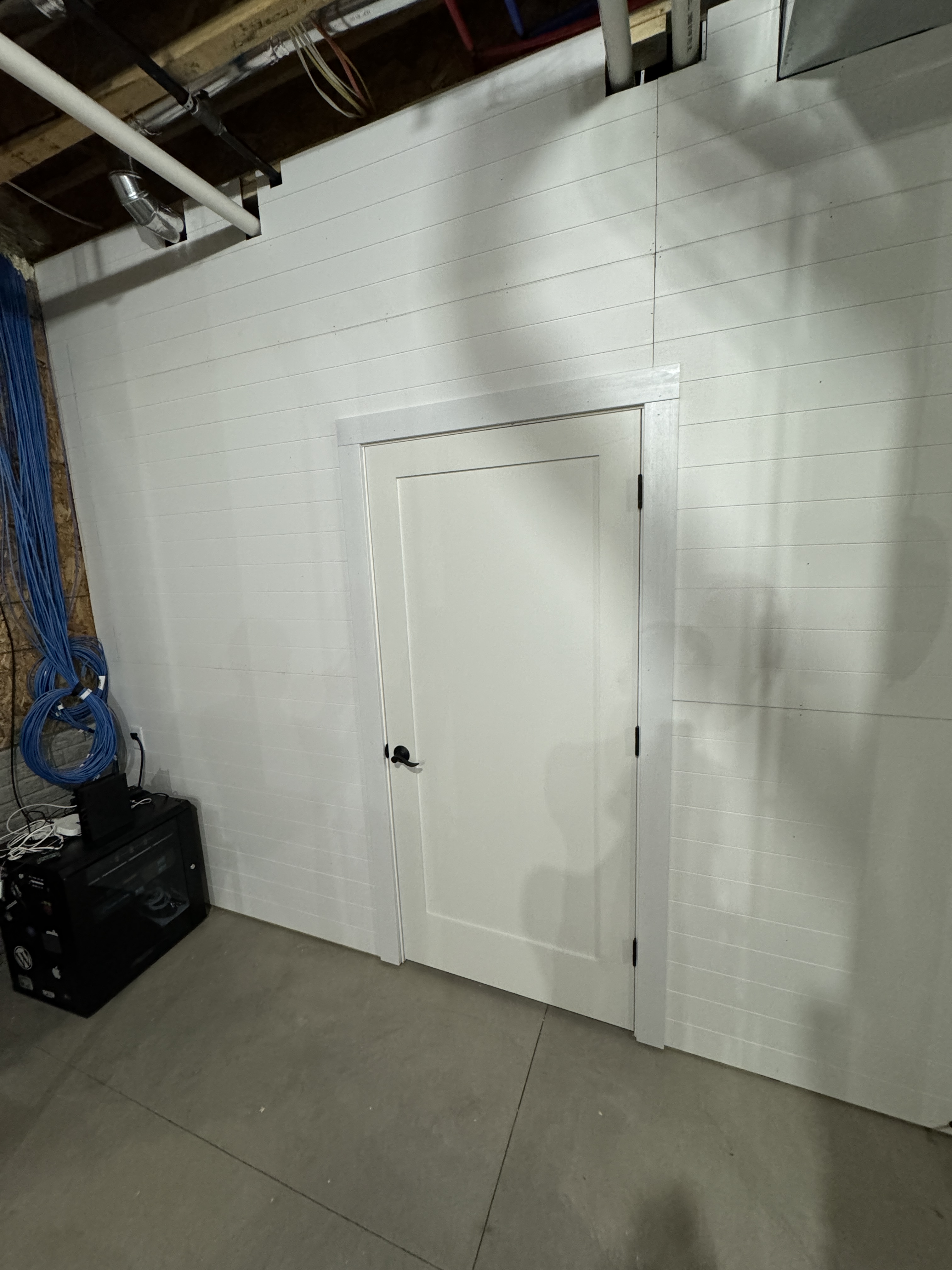
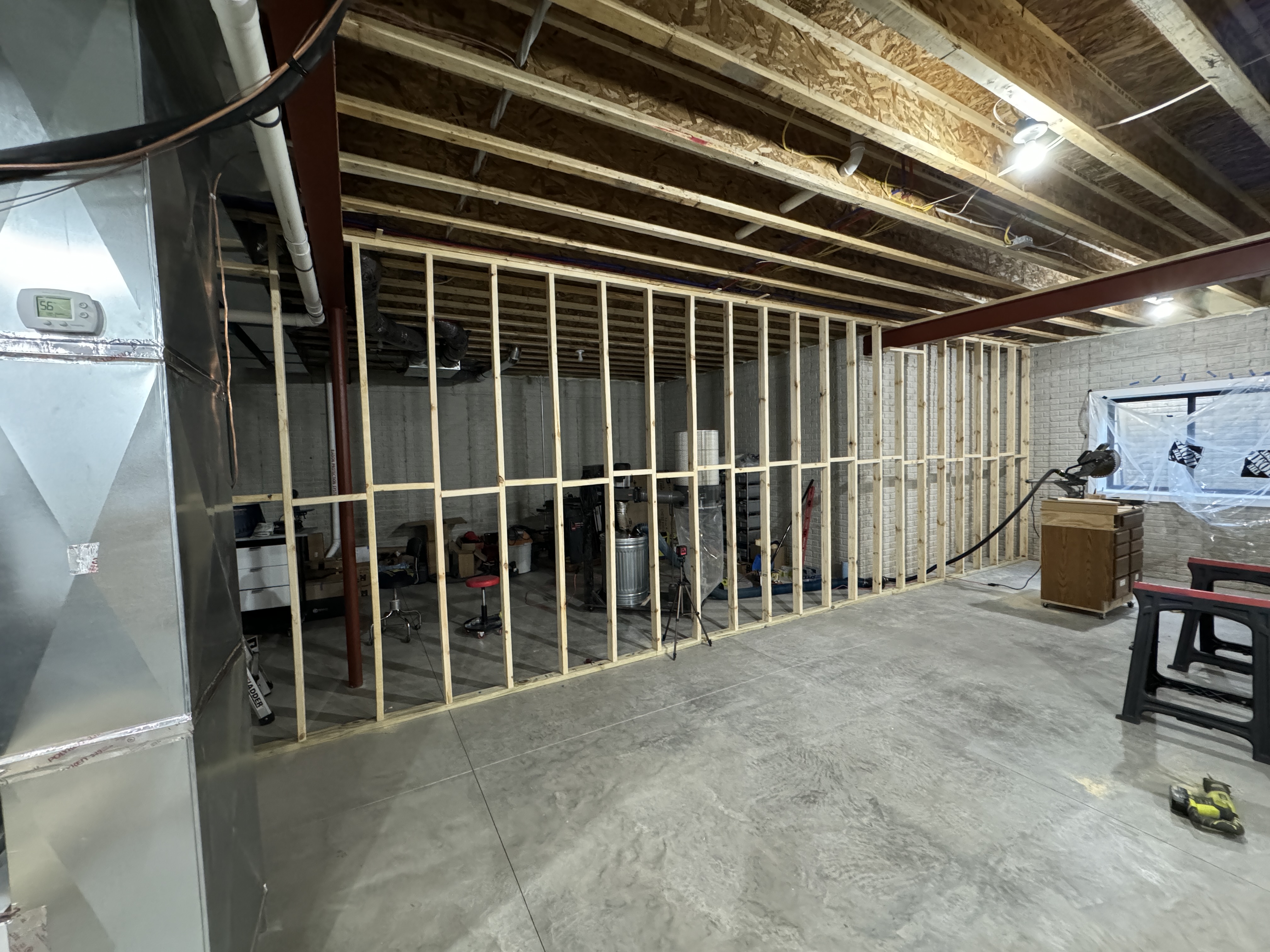
A week after moving in, Dad came down and we built a wall in the basement to close off the workshop and keep sawdust contained. I eventually finished the rest of the show side of the wall and added trim to the door.

The Cat6 cables and networking rack are a project I hope to tackle over the holidays.

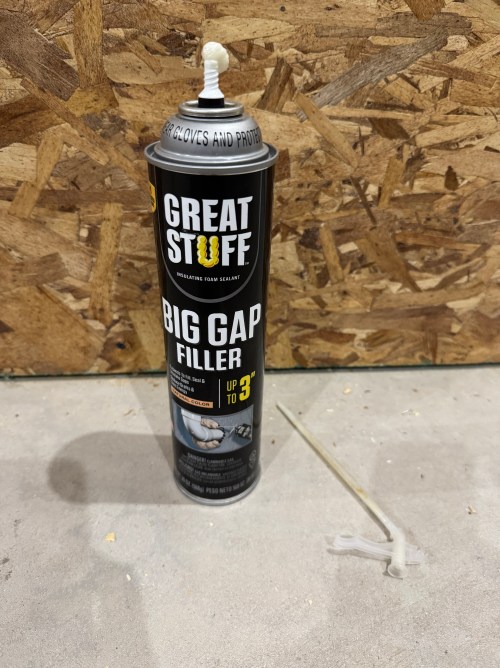
In order to keep as much dust as possible in the shop, I bought a can of spray foam to fill gaps around pipes, ducts, and beams. Since I hade some large gaps, I had to do two applications. I used wider painter’s tape to hold the foam back (picture below was taken during round two).

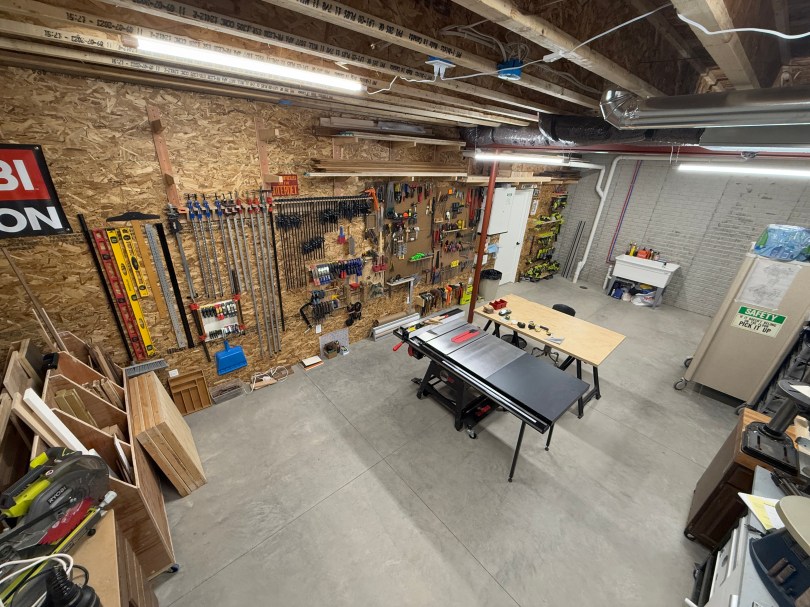
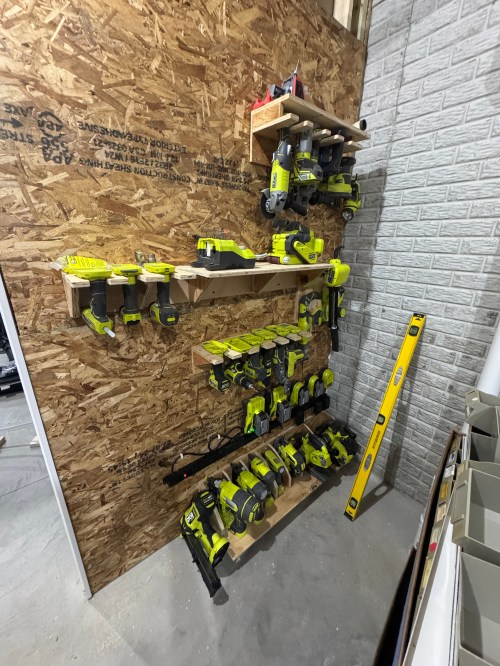
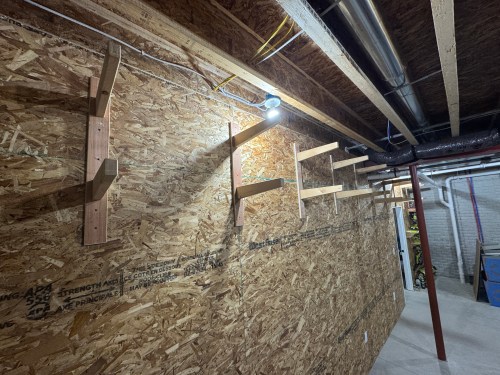
Then I wired all of the shop outlets and put up OSB for my wall material. It was a cheap option at about $15 a sheet, while allowing me to screw lighter things anywhere. The first things to go on the wall were all of my Ryobi storage, since the tools had been scattered across the floor for weeks. I absolutely love the 10 foot foundation, which allowed me to put wood storage high and out of the way.

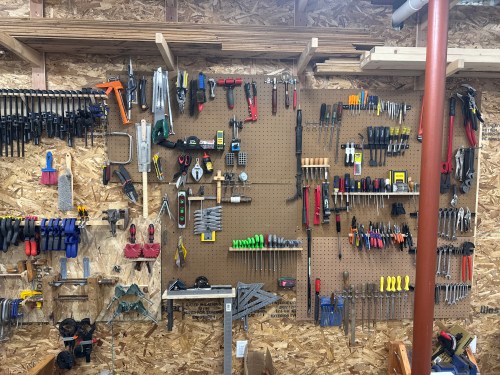
I put up my clamp racks and emptied a lot of boxes to organize my tool wall. The Allen key holder was a quick side project.

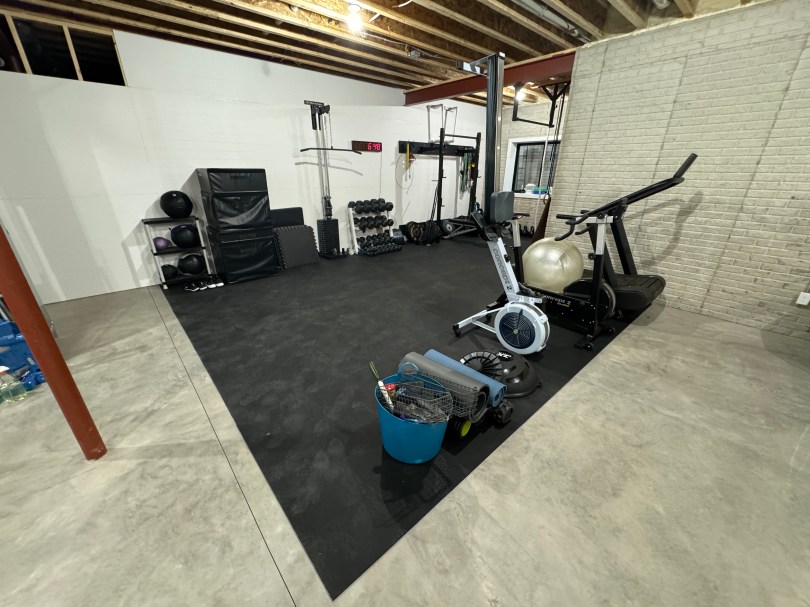
I replaced all of the lighting in the gym and the workshop with a 10 pack of 4′ LED light fixtures for $76 from Amazon and it made a big difference. Here’s a before and after of the gym.

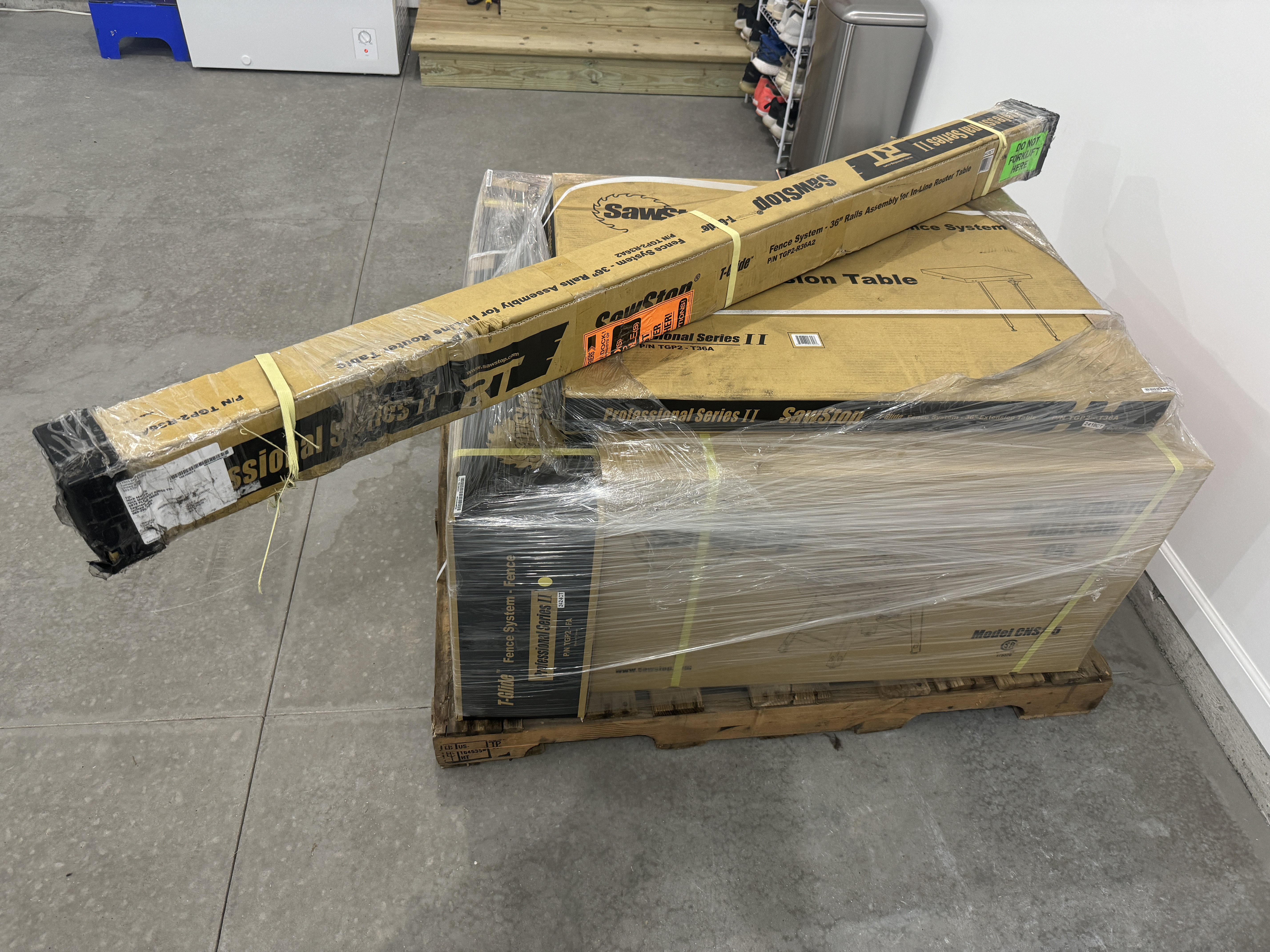
I had wanted a SawStop for years and the move seemed like good excuse to sell my old Craftsman table saw instead of hauling it to a new basement. I bought SawStop’s Contractor Saw with the 36” T-Glide Fence Assembly, Mobile Base, and Cast Iron Wings. She’s a beauty, a joy to use, and the safety features can’t be beat.

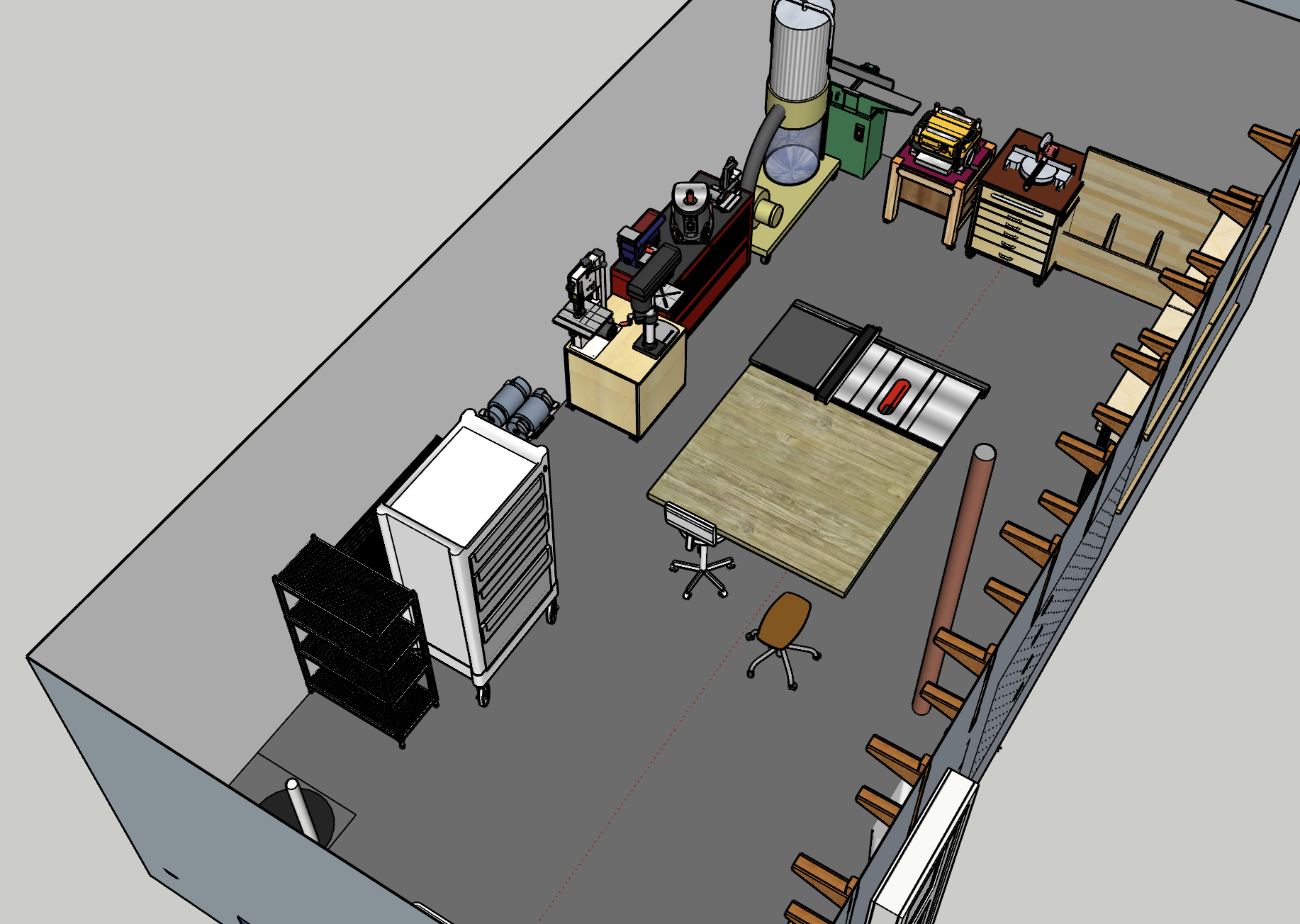
I had a general idea of the layout I was going for in the shop, but in order to get a feel for the space, I measured all of my carts and tools so I could model in SketchUp. I started with the structure, items on the main wall, and things that can’t be moved, like pipes and the shop sink.

Then I needed all of the tool and storage carts. I imported a lot of the items from SketchUp’s 3D Warehouse and scaled everything to the correct size.

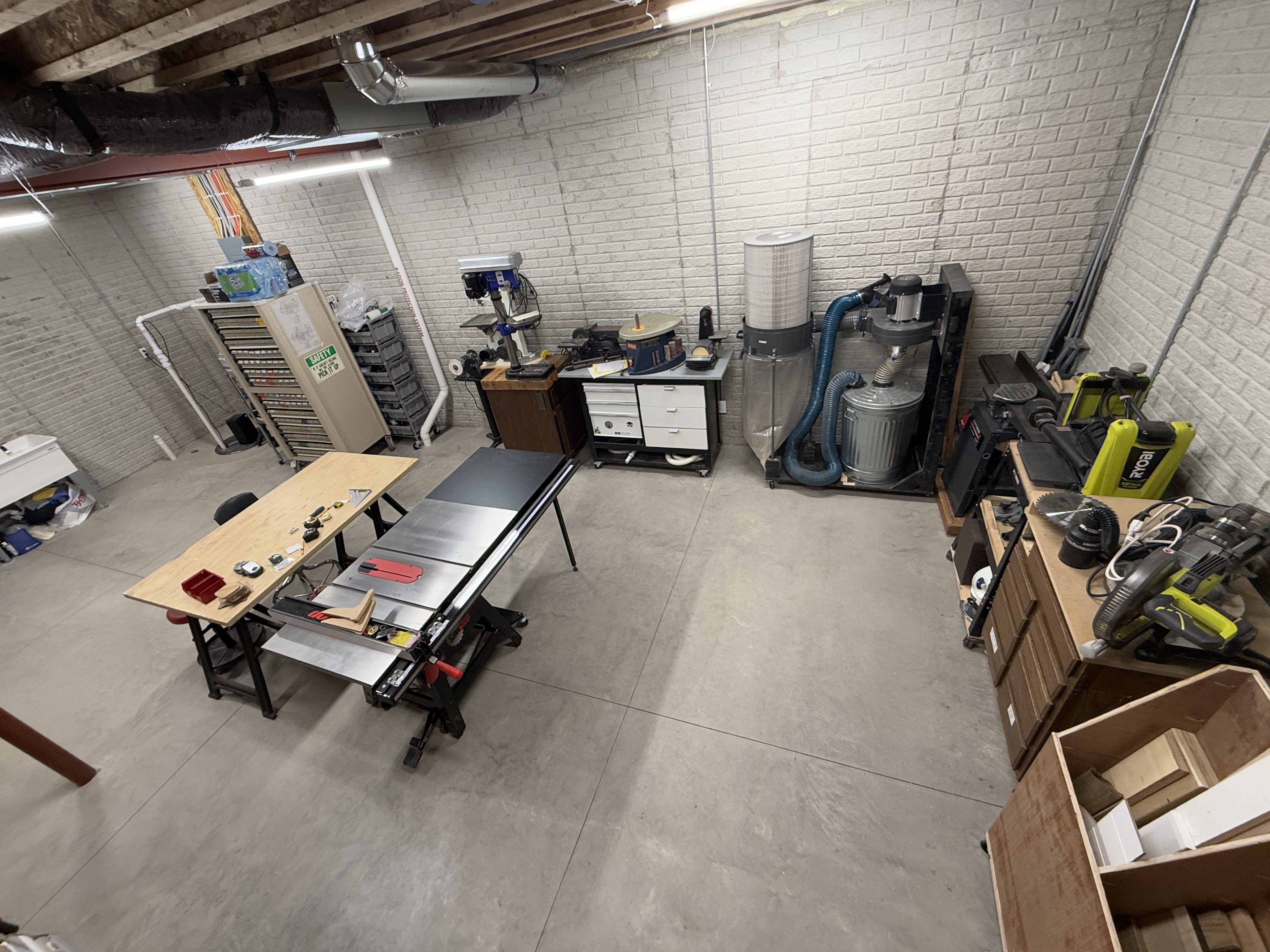
Eventually I got to a comfortable arrangement in the model and could physically put things in place. Over the course of several weeks I made a lot of adjustments. I even moved my band saw over to the drill press cart so I could repurpose it’s cart for my planer. I think I ended with a very good first iteration. Here are comparisons of the model and the actual room.

I can start making things again! One of the first builds is going to be an outfeed/assembly table for the table saw. It’ll have some neat features and storage. In the models I made a table top of about the correct size and in real life you see my old table top, which is too small and low, on saw horses.

A Wall and a Home Gym

It’s been a busy few weeks packing and moving to the new house. Actually, it’s been a busy year! Building a 40 foot wall before being fully unpacked is a great idea, right? My dad was up for it, so of course I was. I’d never build a wall before, so framing was a fun challenge. This new project meant buying a couple of new tools, which I always love.

We’re very excited about this new gym area inside the house. No more garage gym for us, which was brutal in the Michigan summers and winters. There is still some organizing to do as we figure out how we use space. The wall isn’t actually finished yet either.

After I finish paneling this area I can get started on the other side of the wall. I picked up 1/2″ OSB for the shop’s wall material, to make it easy to screw small items in anywhere I want. You can’t beat $16 a sheet. Check out this cool storage space for sheet goods I gained by having the wall follow the floor joist.

I’m excited to get this mess of a shop organized, especially with all of my wood and large clamps at the other side of the basement for temporary storage. It’s going to be awesome.

A New House

We’re having a house built!

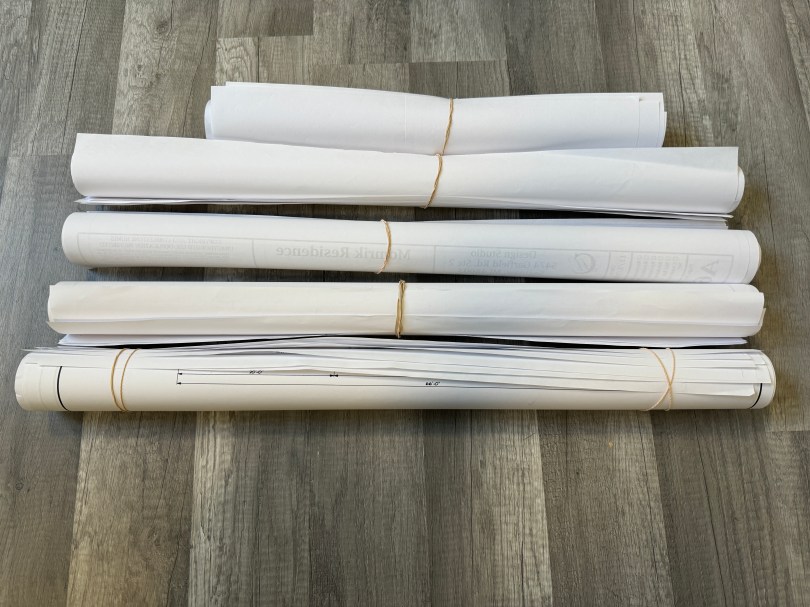
The planning phase has a been a lot of work, but we made it to the end. The plans are finalized and the construction agreement has been signed. This photo is only a portion of the revisions.

Our first meeting with the builder, Cobblestone Homes, was on August 21st and we signed on December 11th, which was our 13th meeting. In the end, we went with a custom build, heavily inspired by their popular split ranch floor plan. Their plan was too big for us, so we moved in some walls, changed the location of the basement stairs, and made a larger walk-in closet and pantry. We saved about 200 square feet and will get exactly what we want.

I did some early drawings before passing off to the architect. Since this is based off a Cobblestone plan, I believe they hold the copyright. This was my first attempt and we ended up flipping the entire house.

This next drawing I did is very close to what we ended up with. The final plan is 1,947 square feet.

Hopefully we close on the loan in a few weeks and then the lot becomes ours. If the weather cooperates, they should be able to break ground in February. We can’t wait!

Custom Workbench

I’ve needed a workbench in my new shop since day 1. I finally got tired of working on the floor and built one. I created a little video to show the various ways I’ll use the table.

Let me walk you through the build. First I measured a bunch of stuff, especially the tools I wanted to be able to store under the table.

Then I did a quick framing mock-up to visualize the size.

workbench-tools-mockup.jpg

The size felt pretty good so I spent some time in SketchUp. The model is free at my new Misc Plans repo on GitHub. Not everything in the model and the screenshot below are exact to the finished workbench, but they’re a good starting point if you want to build something similar.

workbench-sketchup-screenshot-from-below.png

At Home Depot I had them cut a sheet of 3/4″ plywood into 3 equal pieces. At home I trimmed them to size for the walls. Then I started cutting 2x4s (all from the walls I took down) for the rest of the framing. I set up an extended fence and a stop block on my miter saw.

That really made quick work so I didn’t have to measure each piece.

img_0467

Then I countersunk and drilled holes, glued, and screwed the pieces of 2×4 to create a frame on each wall.

img_0468

After assembling the 3 walls I started to line everything up and attached the rails. I was thrilled when the power went out as I was finishing up. Some battery lights allowed me to finish the remaining screws.

I couldn’t believe how level it turned out, considering my basement floor is not very flat.

img_0472.jpg

Here’s the frame after the power came back on.

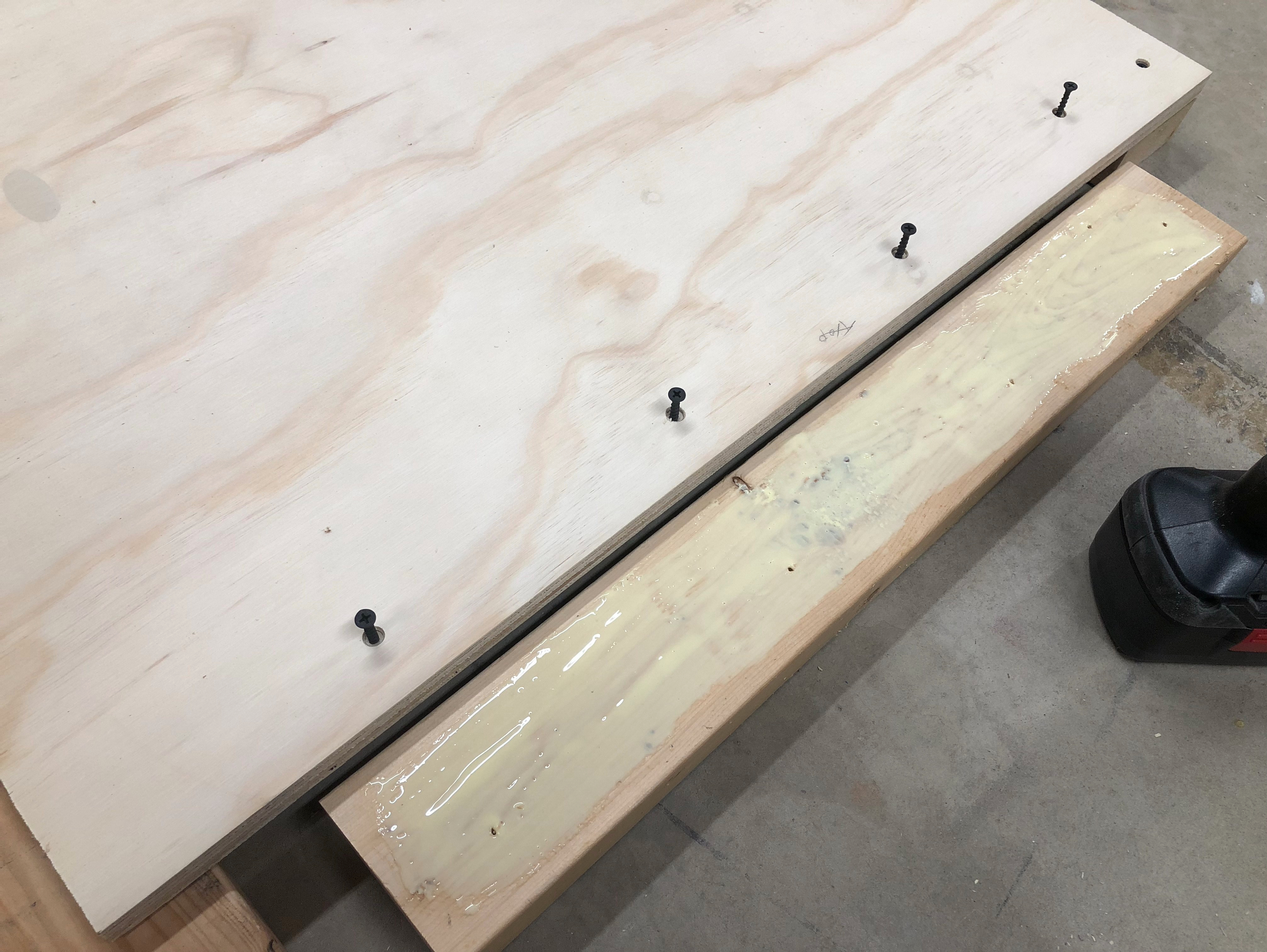
I made another trip to Home Depot. I had them cut 2 sheets of plywood to my exact size of 3×5 feet. Then I used a lot of glue (2-3 times what is pictured below) to laminate the two sheets together. I wanted a solid surface for the top of the workbench.

I hauled a bunch of weights down from the garage and clamped all around the edges. I think I counted 35 clamps being used! There weren’t many left on my clamp racks.

With so much glue, I gave it almost a full day to dry. Then I used my router with a flush trim bit along the edges to even up the 2 pieces, followed by a round over bit to get rid of the sharp edges

It was time to attach the top to the frame. I measured out the placement on one end and when I went to check the other side it was way off. I hadn’t been testing squareness enough or not in the right places when I assembled the frame. This is where experience and learning the order of operations is important. I measured the diagonals and there was about an inch difference between the two. Shit!

I pushed and pulled on corners and racked my brain trying to think of a good way to square it up. I decided to take the frame apart and go with a different approach. I’m glad I didn’t glue those rails to the walls!

I gave the entire table top a coat of paste finishing wax before moving on. Then I laid out some scrap plywood on the floor, set the top down, and used shims to get it as level as I could. I placed the wall on the end and used pocket holes to screw it in. From there I measured out where the two rails should go and I pocket holed them to the top as well. Then in went the other two walls. I made sure to test squareness of the walls to the top. I didn’t need to test horizontal square because I knew the top was a good rectangle. This was a much smoother way to assemble the frame.

Before flipping it over, I attached 6 castors (3 locking along one side) to the frame. I cut a bunch of scraps to make shelves and attached a metal tool holder on each side.

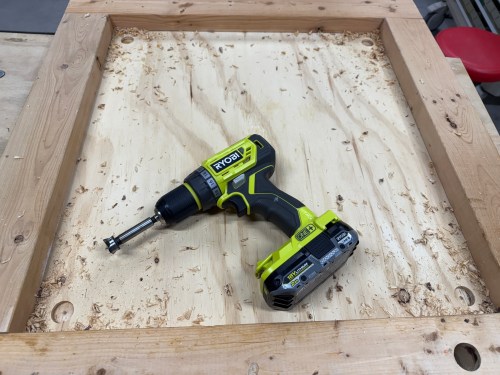
I had already cut and laminated the pieces for the vise somewhere earlier in this whole process. I also used flush trim and round over bits to route the edges of the vise jaws. In the drill press I used a Forstner bit to make the holes in the vise jaws for the pipes. Then I screwed the single vise jaw to the table and used its holes as guides to continue the holes through the side wall of the table. Unfortunately the Forstner bit wasn’t long enough to go all the way through. I found this massive drill bit in a box of bits my Dad had given me with the drill press. It wasn’t quite wide enough so I still had to file the edges of both holes.

img_0491

Here is a close-up of one piece of the pipe clamp under the table. I used the drill press to put some holes in the clamp and then locked it in place with some screws.

IMG_0501.jpg

Hung up a couple of router accessories on the wall.

IMG_0498.jpg

Voila!

Isn’t she pretty? I don’t know how I lived without this thing. I’ve already used it so much. If you’re putting together a shop I recommend starting with a proper workbench before anything else.

img_0493

I bought this 36″ paper roll and holder so I could cover the table when doing a glue up or a quick paint or stain job.

IMG_0527.jpg

It would stick out too much on the sides though. I also didn’t like the mounting method and how much space it would take up under my 12″ overhang. So I found a place on the floor under my tool bench (that you see in the picture) to put it.

DIY Cyclone Dust Separator

With the plans to turn an area of my basement into a workshop, I wanted to have some type of dust collection system in place. Here’s the video of what I built and then I’ll go into some details.

Originally I had some grand ideas, but I did more searching and came across a neat mobile dust station. It seemed like a good solution for me since the area I’ll be using isn’t very large and there is a pole in the middle of the room. I’ll probably have most of the larger tools and work table on wheels, so I scrapped the initial idea to have dust collection feeds going to several different places around the room.

I ordered a knock-off cyclone unit for about $25 on Amazon. I noticed it was going to take several weeks to be back in stock, so I wondered if I could make my own. Sure enough there are countless examples of people building their own. I cancelled the order and had my next project. Most of the builds shared online are based on the Thien Baffle Cyclone Separator, which is one guy’s improved version of the Cyclone. I found a video where someone used polycarbonate to create a clear cylinder, which I thought looked really cool when dust was whipping around inside. I ended up using many of his methods to construct my own cylinder.
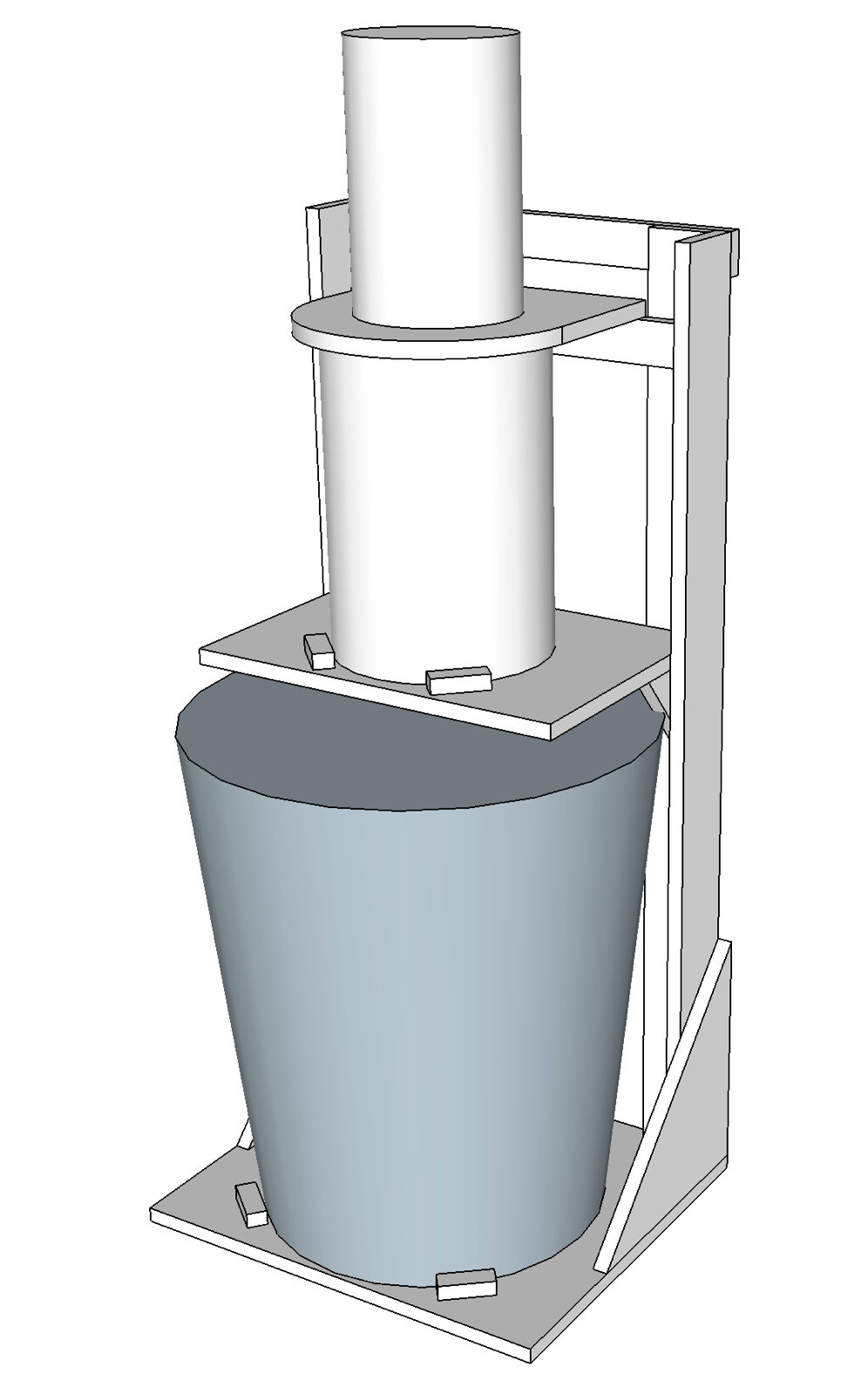
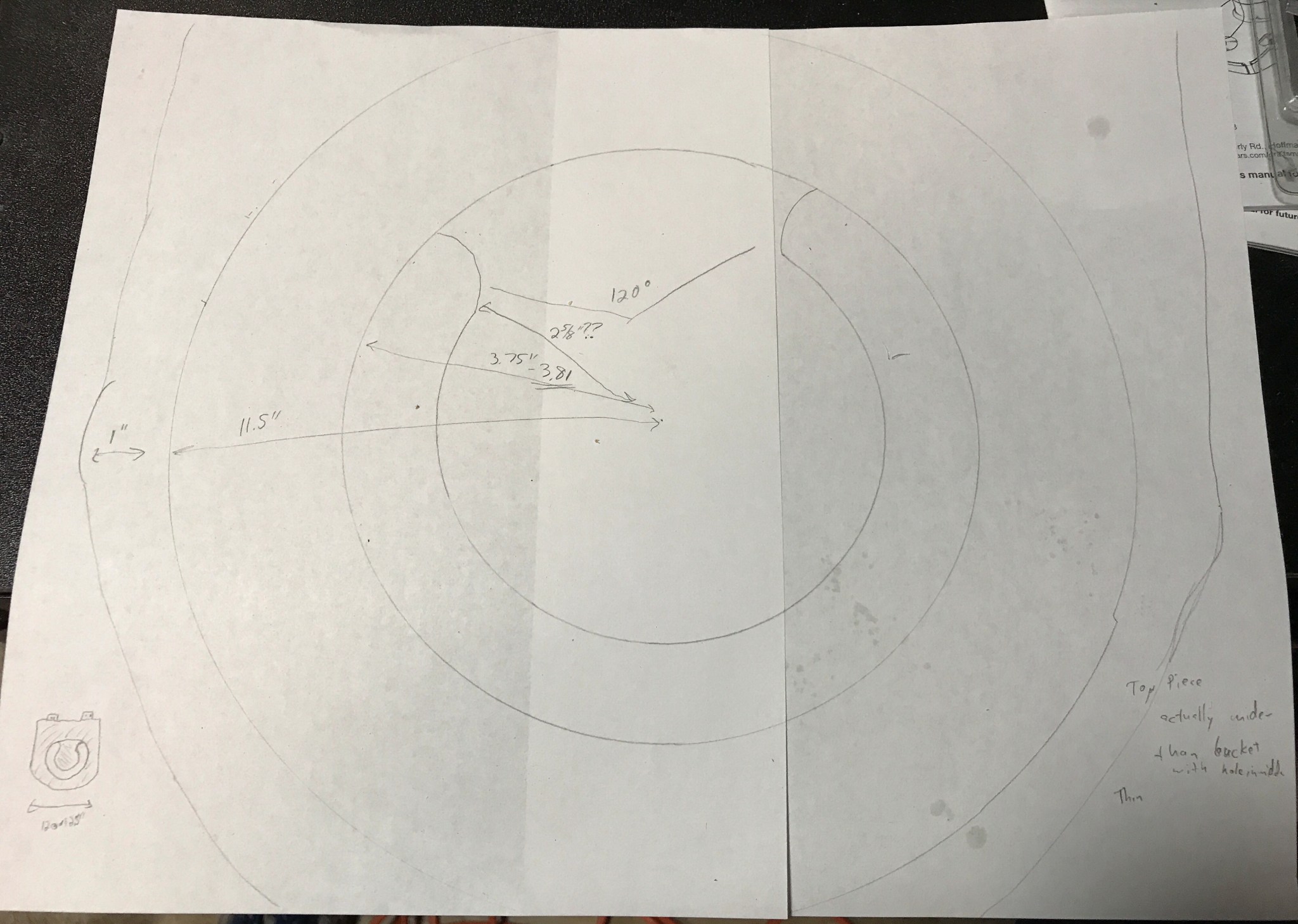
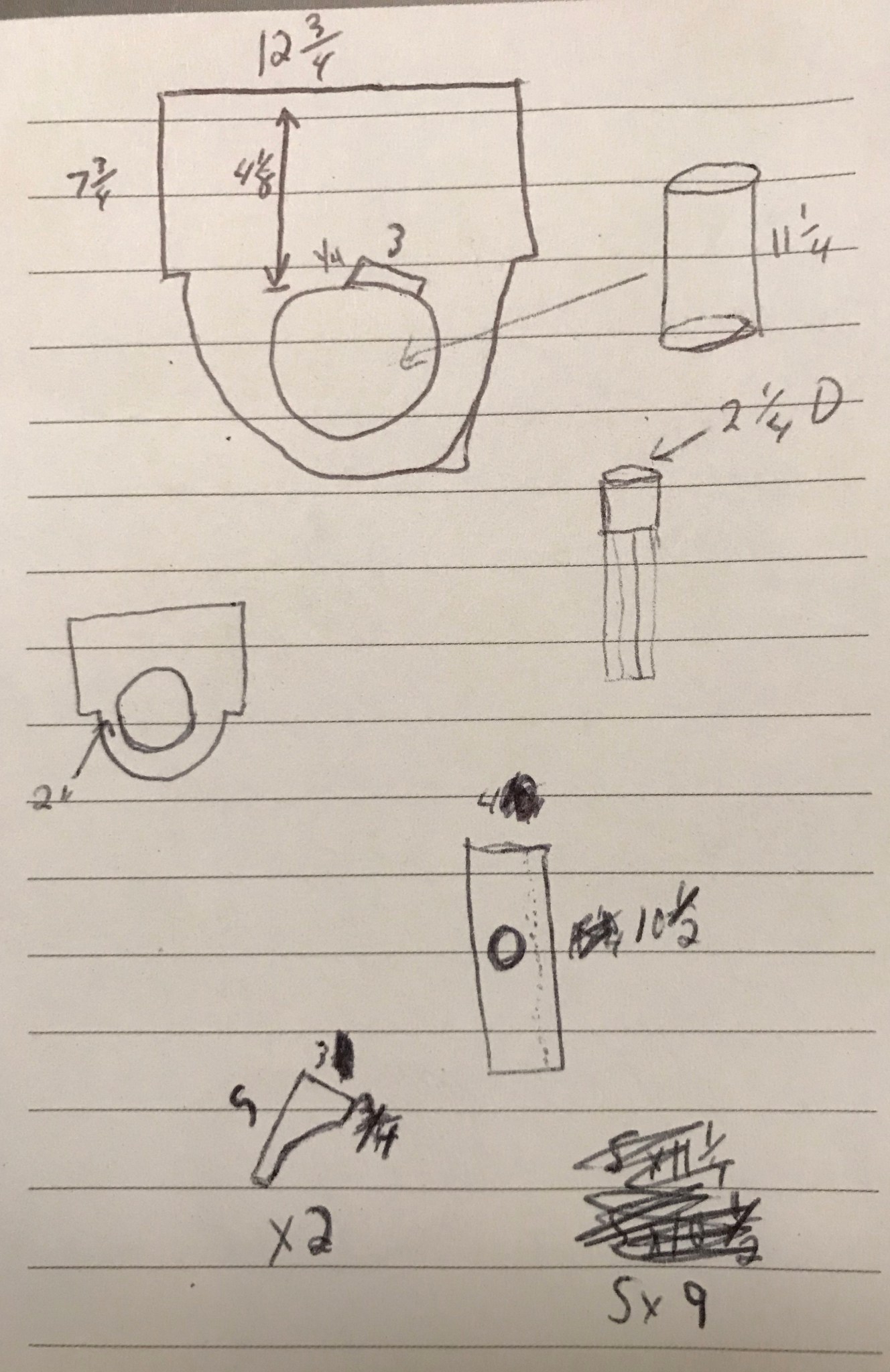
Here are some sketches I did before and through the build process.


img_0005
The final build ended up pretty close to this sketch.


img_9942
Dimensions of my baffle and the other parts at the bottom of the cylinder.


img_9948
Pieces to support the seam of the cylinder and house the infeed hose.

Cutting the outer hole, an inside circle, and forming the cylinder were easily the most difficult parts of this build. I used straps to help keep the polycarbonate shape, because it wants to go right back to being a flat sheet. If I were to do this again, I’d use a wider sheet than 24″ or find some thinner than the 0.093″ I got from Home Depot in the hopes it would be easier to form the cylinder.

Once formed and screwed in, the 2 screws at each end of the sheet pulled right out of the top circle after a few minutes. It needed some support down the seam, so I learned how to cut a cove with a table saw that would allow a piece of wood to fit up nicely against the curve of the cylinder. Don’t get me started on how many circles and curves there were during this build.

I didn’t take any pictures during the frame/stand build but there isn’t anything exciting to say there. To get the rainbow effect on the LEDs I’m using a cheap Arduino Nano clone with some pretty simple code, which is available at my rgb-led-rainbow repo on GitHub.

I’m happy with how the project turned out, but it took much longer than I expected. I probably should have started out my shop with something easier to get more comfortable with woodworking. I did learn a lot and used so many different tools throughout the process.

If you have any specific questions about my build, leave a comment and I’ll do my best to answer. I decided not to do a detailed description or video because there are a lot of examples out there, including the two YouTube videos and the Thien baffle design I linked to above. I took most of my ideas from others and gave things my own twist.