A couple of weeks ago we made pumpkin decorations for the front porch. We used three cedar fence pickets, which cost less than $3 each.
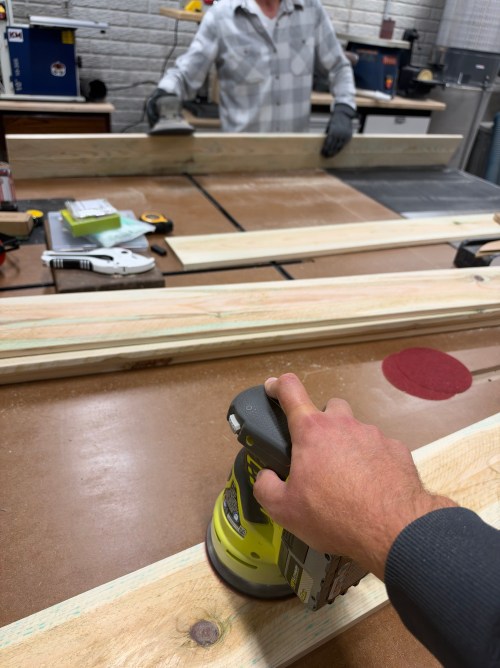
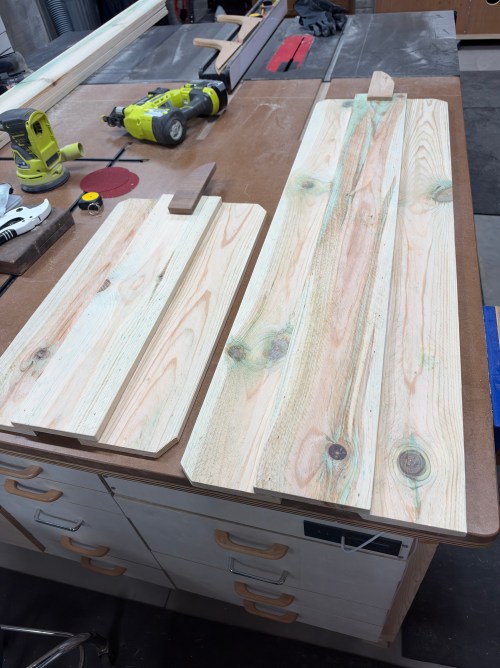
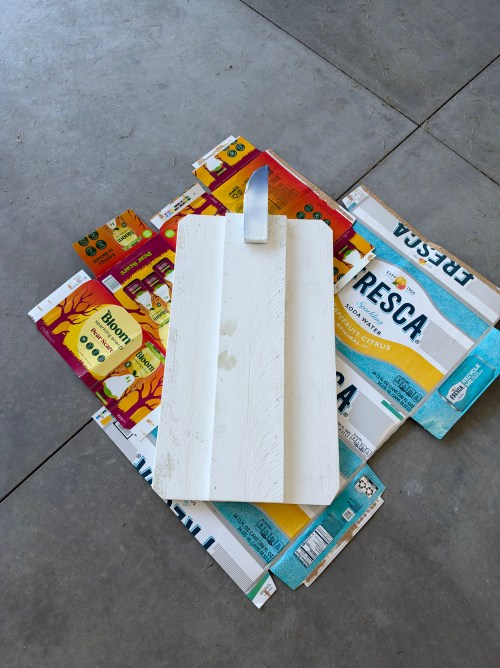
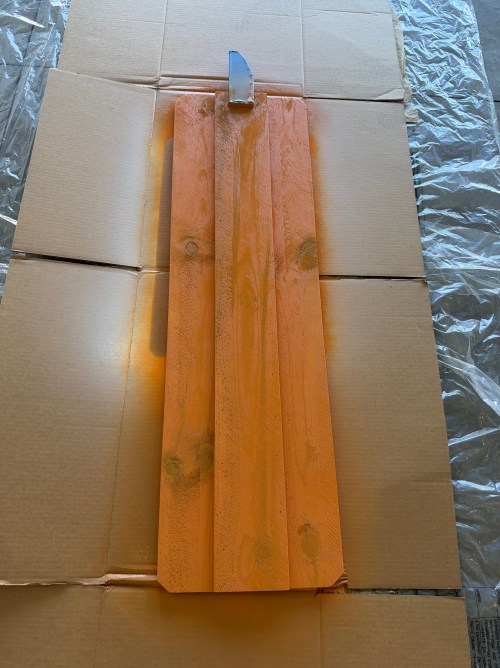
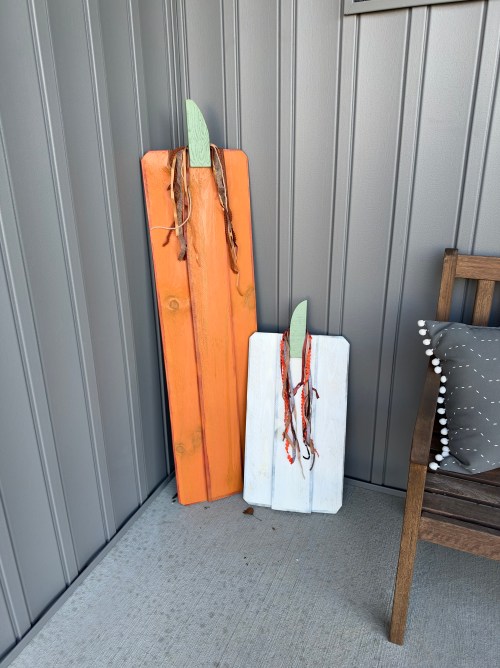
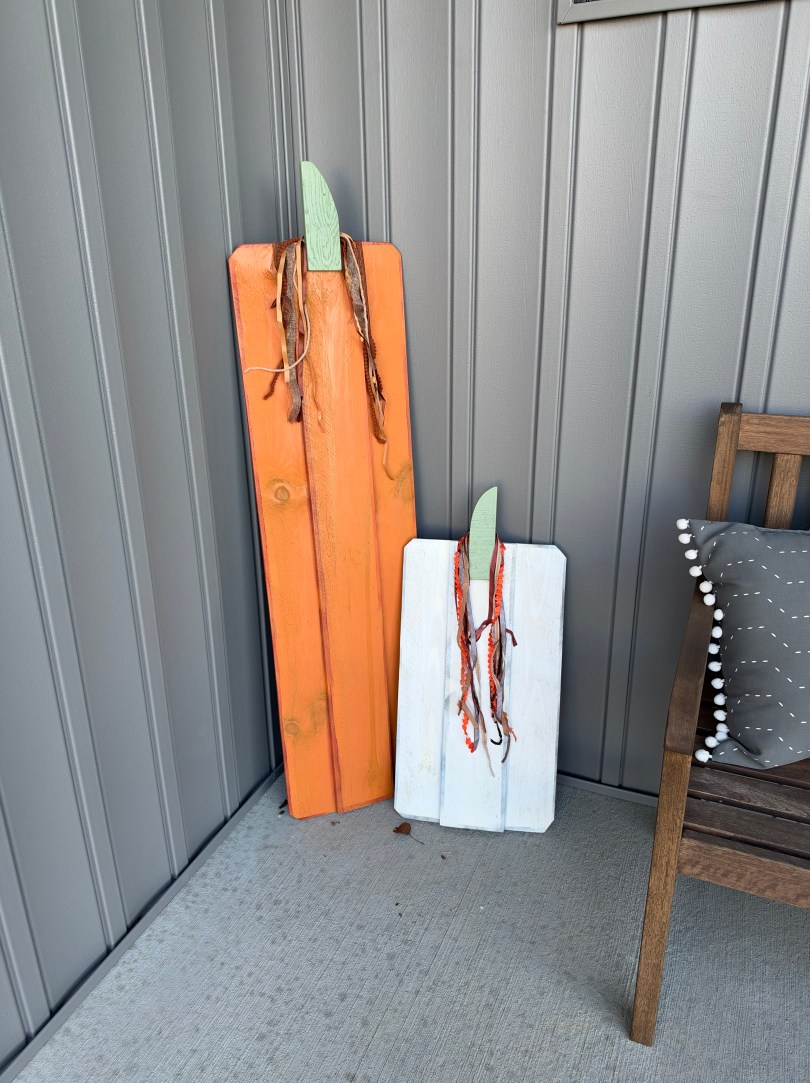
A couple of weeks ago we made pumpkin decorations for the front porch. We used three cedar fence pickets, which cost less than $3 each.
When practicing in the golf sim I use driveway markers. I think I bought them at Home Depot a long time ago.
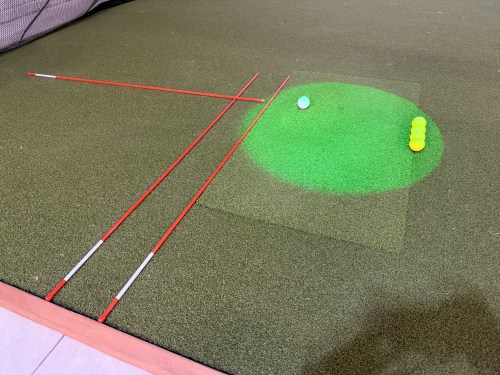
They’re always getting bumped by us or our cats. Another issue is one marker lays on top of another so it’s end can be closer to the golf ball. Two problems that could easily be solved by an old piece of oak and a bunch of passes through the table saw.
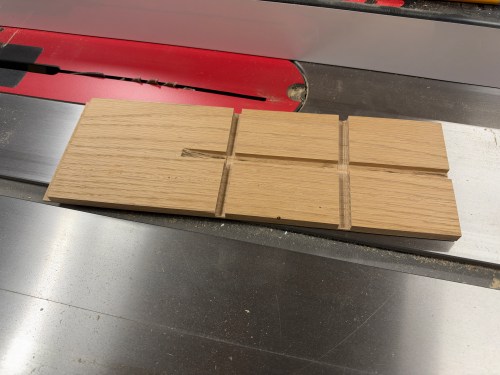
In the photo above you can barely see the left side groove, which is for the first alignment stick and allows me to use the edge of the hitting strip as a reference line for everything. The two grooves running parallel to it give me an option to place the second stick closer to my feet. I penciled in a line on the top side to extend the perpendicular stick, which I guess is no longer needed. A quick sanding eliminated any sharp edges.
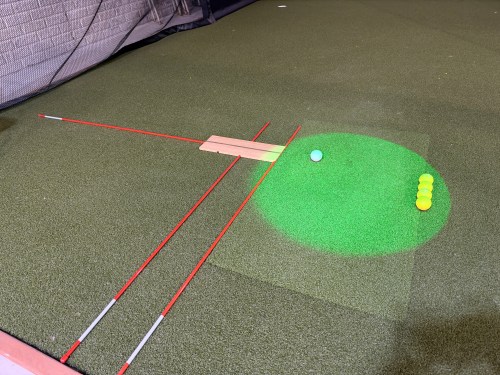
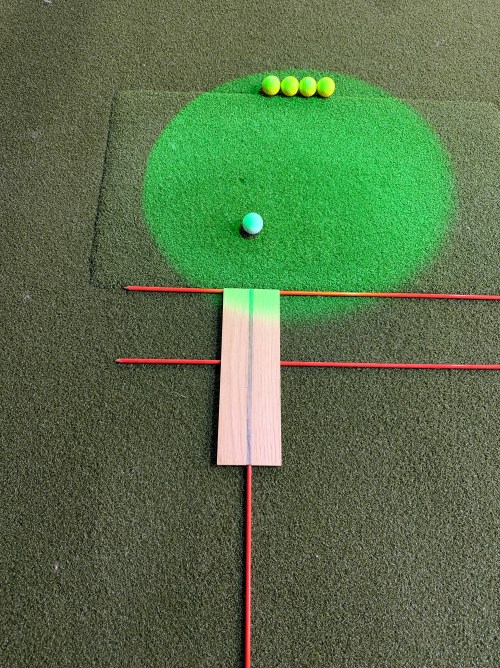
Solving a problem doesn’t always need a complicated solution. Quick and simple can often get the job done.
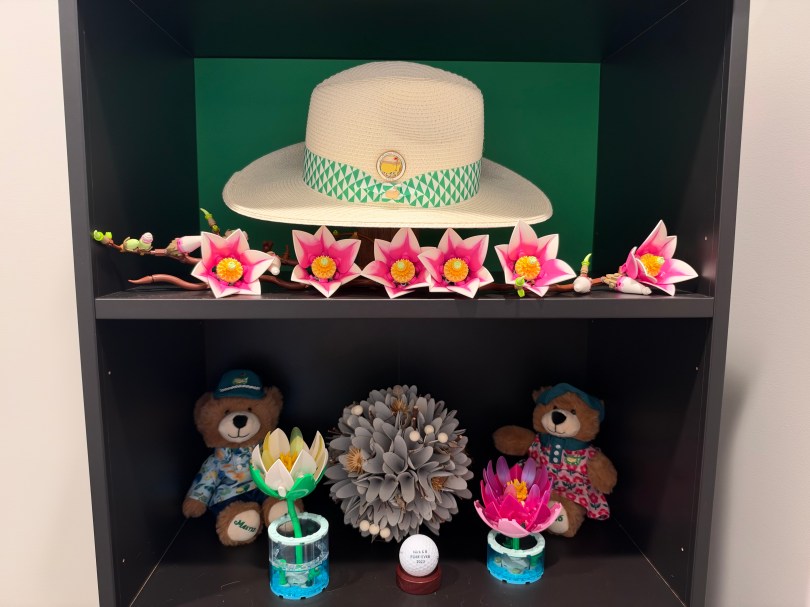
Brandi bought this hat at the Masters and wanted to put it on display in her pocket office.
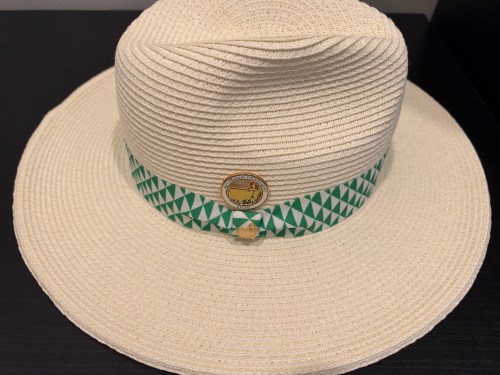
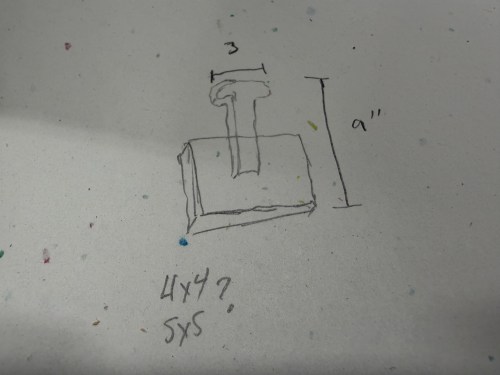
I sketched out an idea for a stand and made a quick plywood test to figure out the actual size.
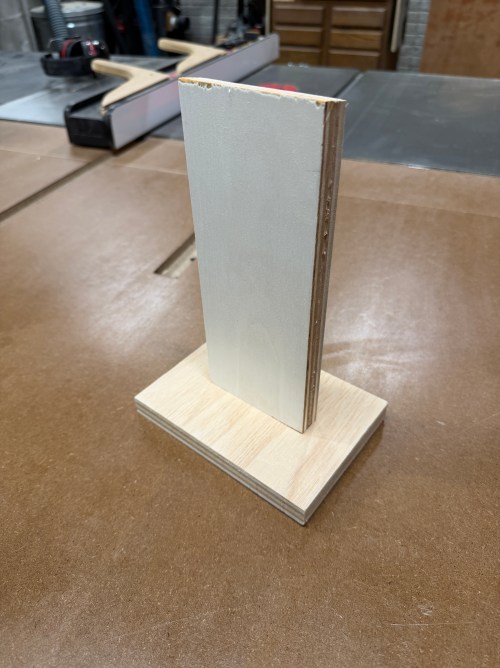
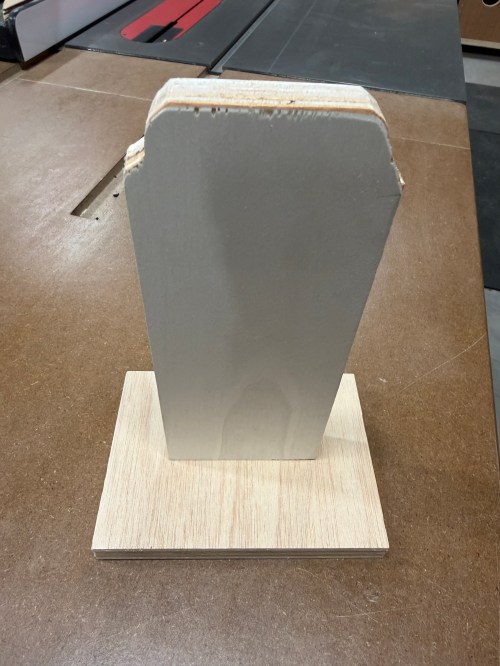
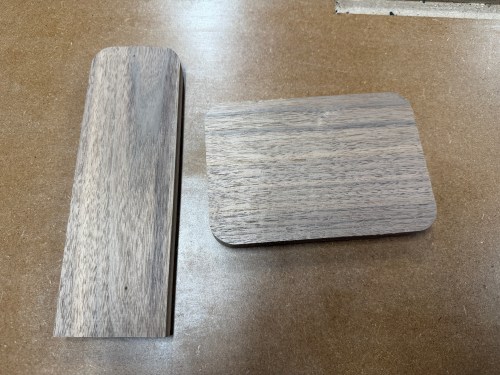
The final pieces were made out of black walnut.
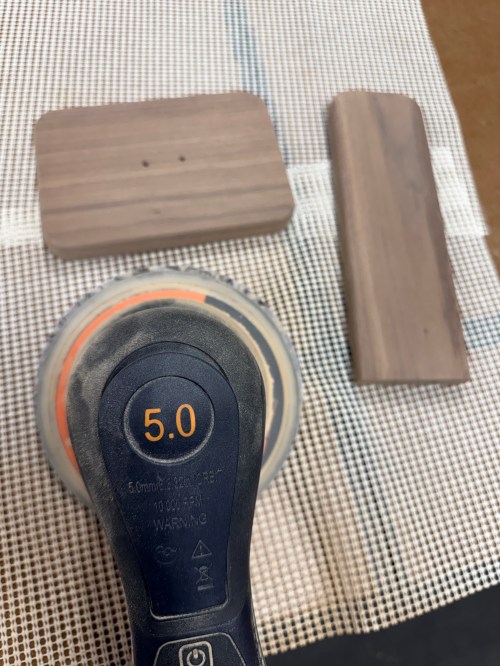
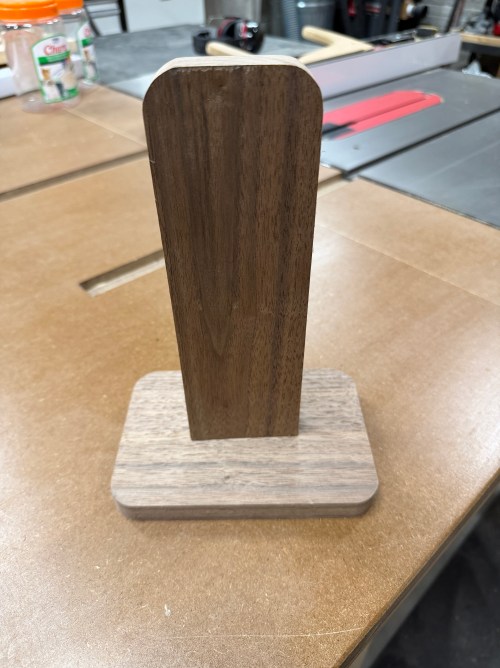
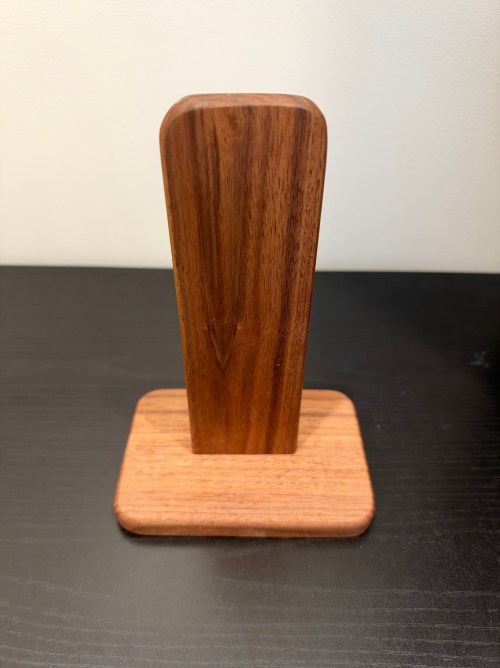
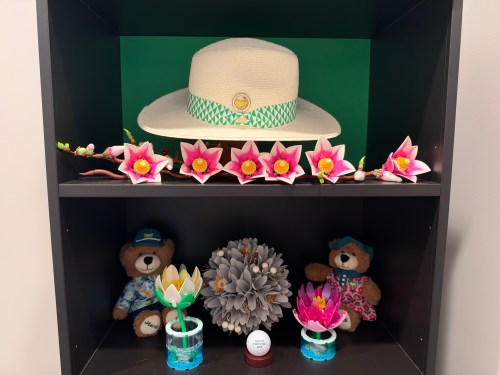
To make the hat stand out, we used green paper as a backer. Turned out great with the LEGO flowers to tie it all together.
Last year, Pepsi released a zero sugar Trolli flavor and it was disgusting.
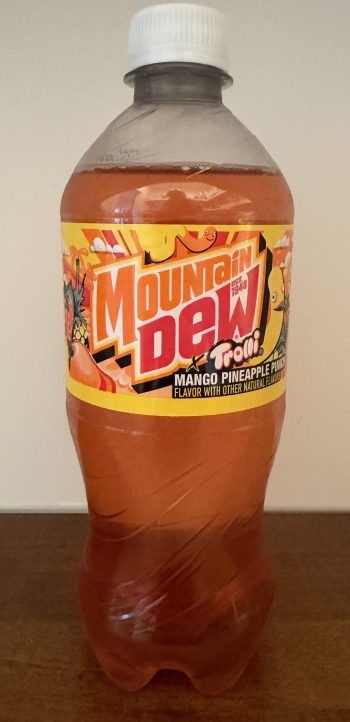
They learned their lesson by using sugar this time and completely changed the flavor from cherry-lemon to mango pineapple punch. These things gave me hope, especially since I’m a mango pineapple fan; at Tropical Smoothie I get the Mango Magic, which includes both fruits.
I have to say, they did a good job with this one. There’s the sweetness of the fruit flavors with a gummy worm kick on the back end. I give it a 7.5 and might consider buying it again.
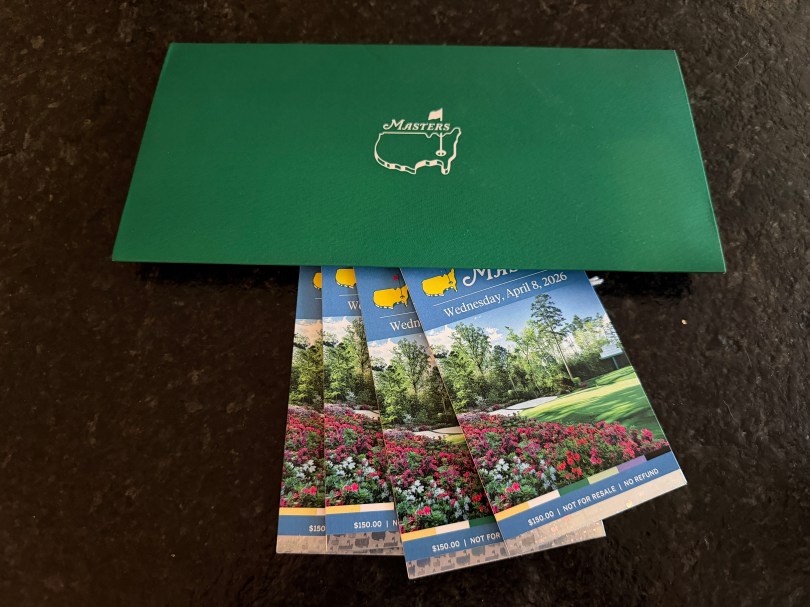
I’ve been entering the lottery for Masters tickets since 2010 and each year get an email with a subject similar to “2025 Ticket Application Update” with a message along the lines of “Unfortunately, your entry was not selected this year.” It’s expected. Tickets are extremely hard to get.
On July 21st last year, I saw an email with the subject “Your Ticket Application Was Selected.” I figured it was some kind of joke until I opened it and saw the image below.

I was able to purchase four tickets for Wednesday of the 2026 Masters Tournament, which gave us access to the practice round and the Par 3 Contest. They were $150 per ticket, which is very reasonable for an elite event. I asked my wife, dad, and brother to go and of course they accepted. The tickets arrived about two weeks before tournament week.
We decided to make it a two day drive down from Michigan and got hotel rooms in Columbia, South Carolina, about an hour away from Augusta, Georgia. We hauled our golf clubs with us and played a couple of 9 hole rounds on the way, which I wouldn’t do if making a future trip. It’s just too hard to plan out tee times when you don’t know where you’re going to be depending on traffic and stops along the route. I think I’d also try to stay closer to Augusta.
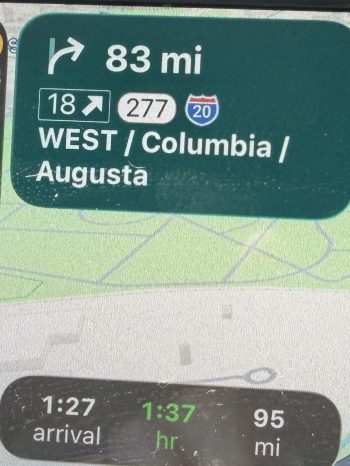
On the morning of, we left our hotel just after 4:30 a.m. It took about 70 minutes to get to the course and traffic was a non-issue. We pulled off Washington Road, followed the signs around a Publix and came to the parking lot. It was still dark out, so we could see headlights coming in from five or six directions and every line of vehicles kept moving. It was the most organized parking situation I’ve ever seen. The Masters experience had begun. By the way, parking is free!
We grabbed our tickets, tossed our phones in the glove box, and got in line. The gates weren’t opening for over an hour. About ten minutes before the line moved towards the ticket gates I realized I didn’t have my wallet, since it attaches to my phone. I ran to the car, got my wallet, and within minutes of jumping back in line, we started moving. Lucky timing because my family would have had to get out of line to wait for me, or there would have been no way I’d find them again.
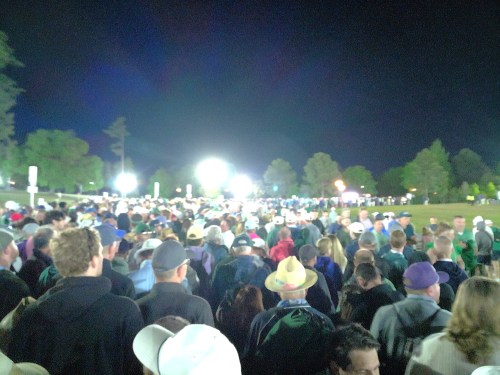
I have to mention it was awesome not having a cell phone all day. We were present with each other and the experience. The Masters does allow you to bring in other types of cameras for the practice rounds, so we bought a couple of cheap ones to get some photos. To be honest, after the day, I wish they didn’t even allow that. I was still too focused on getting some photos, most of which turned out poor because we’re so spoiled by the awesome iPhone camera, which makes it extremely hard to take bad photos.
While waiting in line, we got moved up in sections and then right before a small group of patrons was released to the ticket gate one of the workers gave a quick announcement. Getting through the gate was a breeze and we rushed to the North Gate’s merch shop. We got in line but were never stationary for more than a minute; it kept moving and we were inside in about 20 minutes. Since we were early enough, all four of us were able to get the 2026 Masters Gnome.
The merch shop is a bit overwhelming, but as expected it’s extremely well organized and run. There are different counters for sweatshirts, hats, and golf shirts with a bunch of volunteers working at each. Behind the workers are columns of cubbies with the different sizes of items and the choices are all up high on the wall with numbers on each design. You walk up and tell the volunteer the number and size of each item you want.
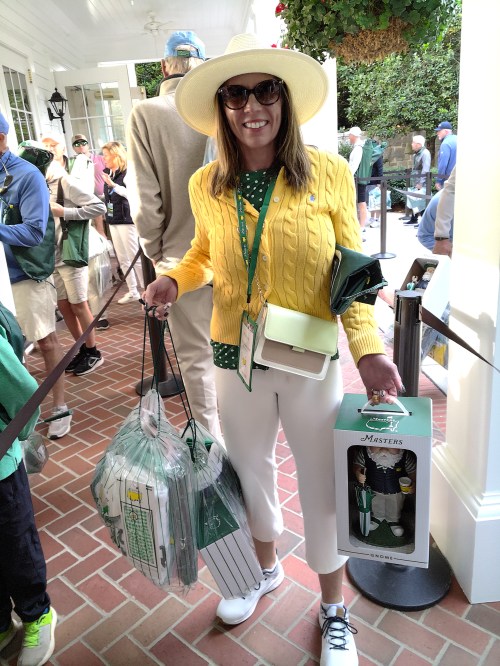
Throughout the shop are shelves with other items and accessories. Most of the smalls are near the checkout lines. In my two trips through the shop, I spent about $950. My wife picked up a lot of items for other people, so spent even more. After walking out, we immediately got in a line to check our items. This line also kept moving and took about 20 minutes. Here’s Brandi with her first haul as we stood in that line.
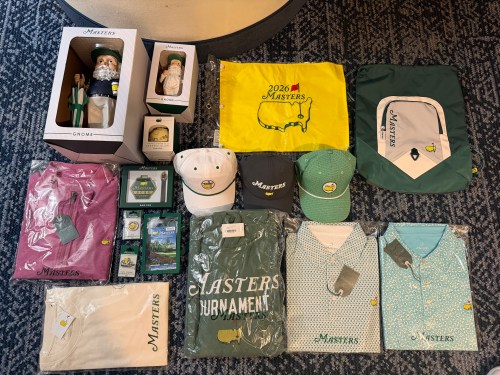
Here are my purchases.
With most of our shopping out of the way, we could see the first fairway, but it was time for a restroom. In the “gentlemen’s” line, they had volunteers splitting you up based on 1 or 2. Or as a volunteer later in the day put it, “back 9 or front 9” haha. Even the bathroom lines were organized! There were volunteers in each restroom with a little squeegee, periodically wiping water off the counters back in to the sinks.
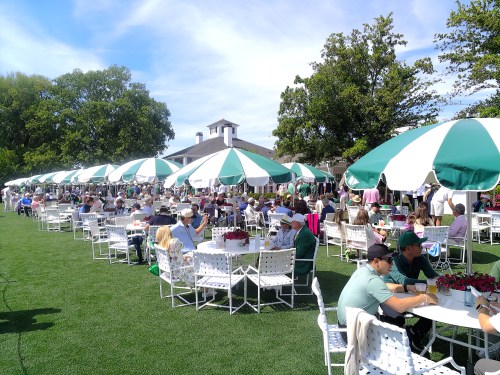
One last stop for coffee and a snack, before heading to the course. Under the north merch shop, since it’s a real building and not a temporary tent as you’d see at most professional golf tournaments, is the first snack area we ran in to. There were a bunch of lines with everything being self-serve, even the drinks, which are constantly getting poured and set out for patrons to grab and go. If you don’t know, prices at the Masters are cheaper than any sporting event you’ve attended in decades. Here’s a picture I took later in the day at another snack shop.
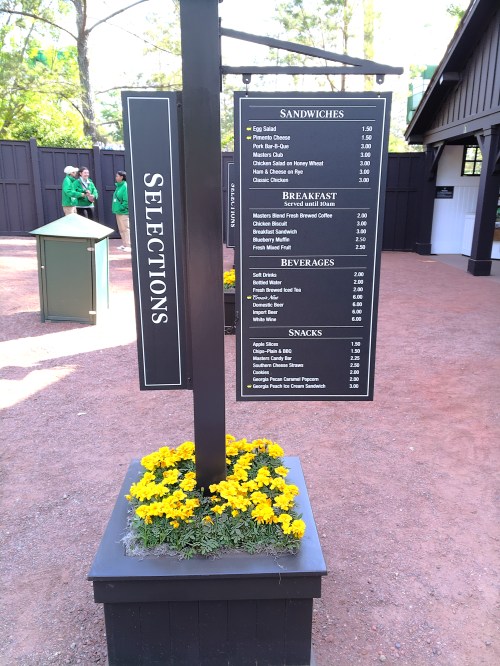
I wasn’t expecting anything spectacular from the food, but it was pretty good. Over the course of the day I think I ate the breakfast, pimento cheese, Masters club, and pork bar-b-que sandwiches. I enjoyed the pimento cheese but the BBQ was probably my favorite. Unless of course you count the ice cream sandwich, which would be the winner. Their new candy bar was way too hard to chew, so not good. The chocolate chip cookie and the praline pecan were both excellent. The lemonade was great, coffee was good, the Crow’s Nest is a solid craft beer, and I had a so-so Arnold Palmer. I think we ended up with about twelve Masters cups.
Time to see the course. We got our picture taken right away by the big scoreboard along #1 fairway.
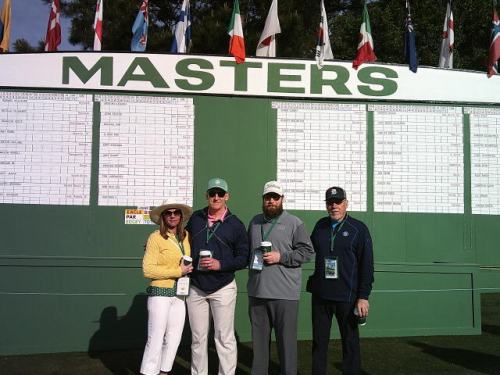
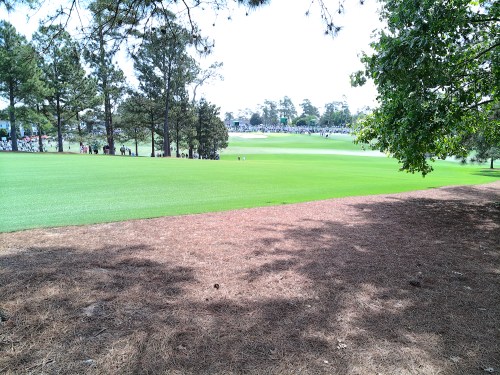
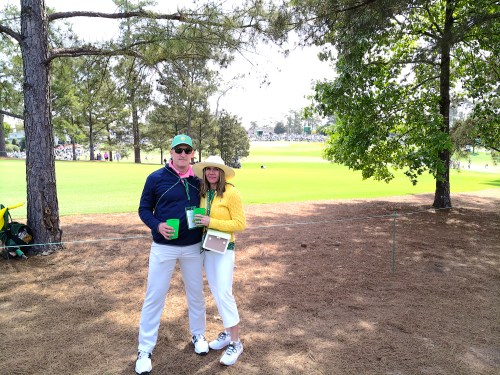
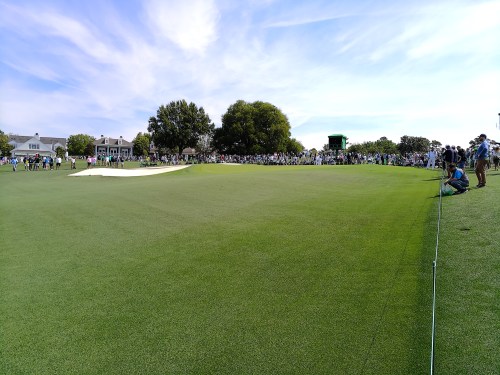
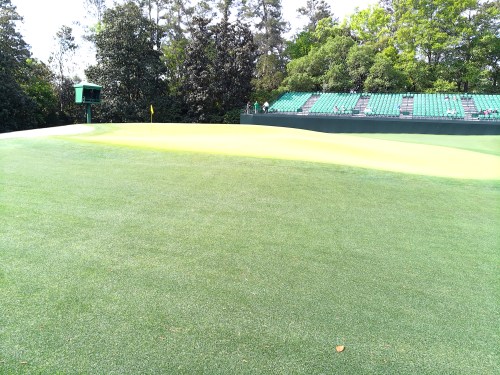
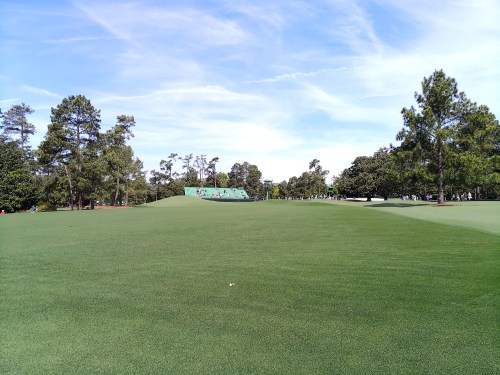
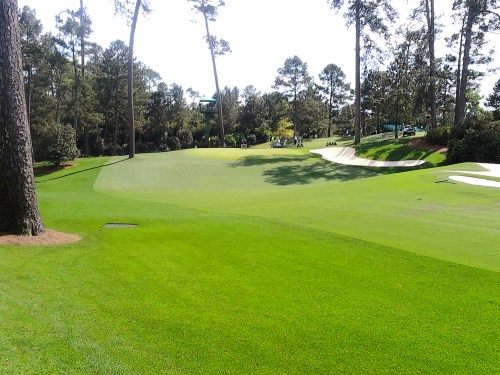
From there, we walked up the hill to #1 tee and walked the first nine in order, from tee to green. If you’re at all familiar with the golf course, you’ve heard “it’s a lot hillier than you can see on TV” and I can confirm it. Every hole is up and down or both. There aren’t many flat spots to even stop and stand. Looking down at the grass, it looked like artificial turf it was so perfect. When you walk around the greens it’s easy to see why the course is so tough. Even the greens have very few flat spots to land an approach shot.
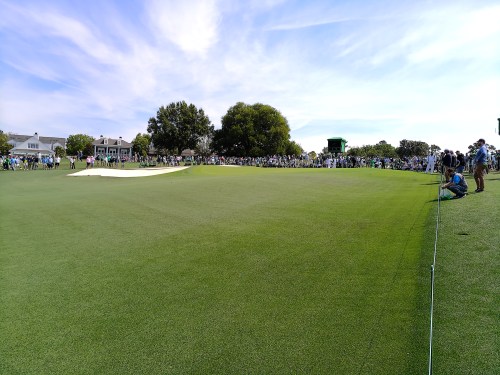
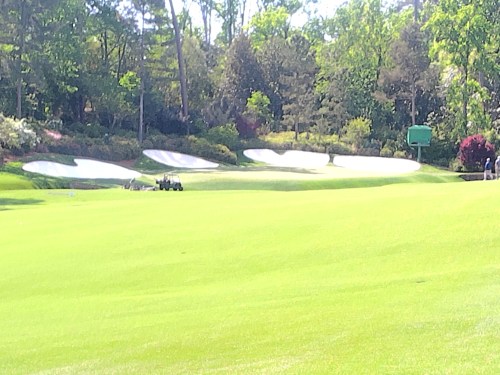
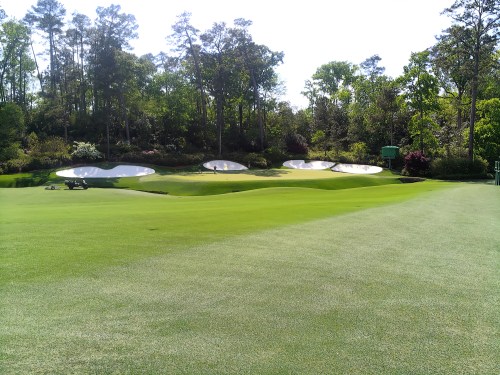
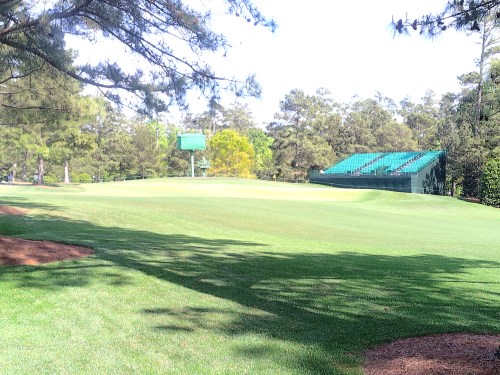
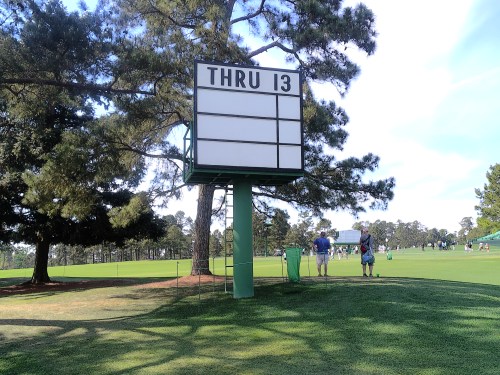
We detoured to watch a couple groups skip balls on 16, but other than that, walked straight through the first nine. None of my course pictures can compete with professional photographers, but here they are. They’re not in order and a few of my brother’s pictures are mixed in.
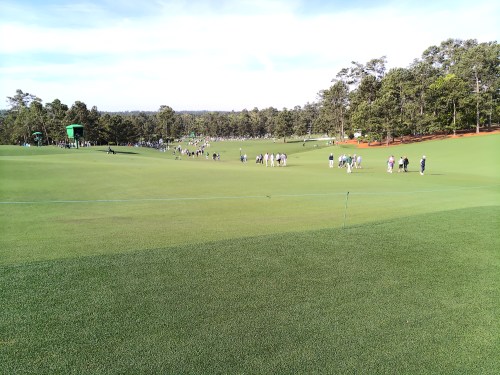
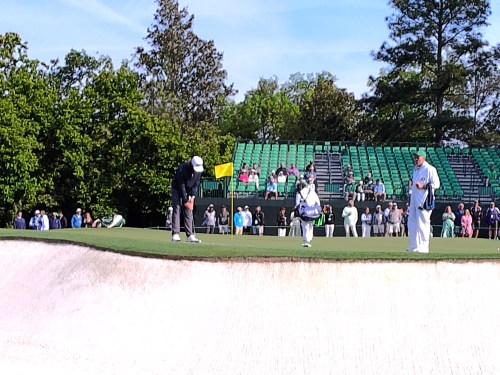
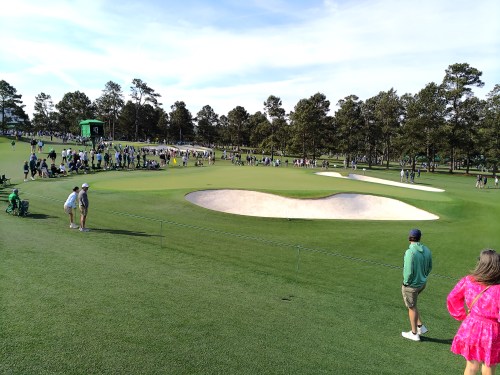
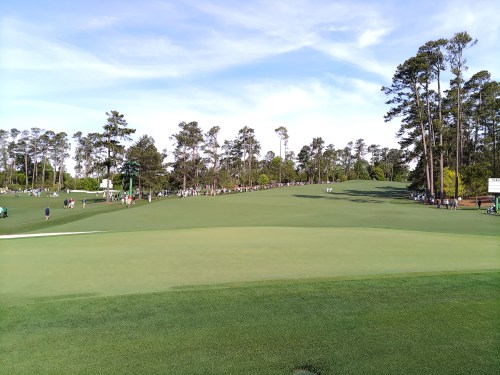

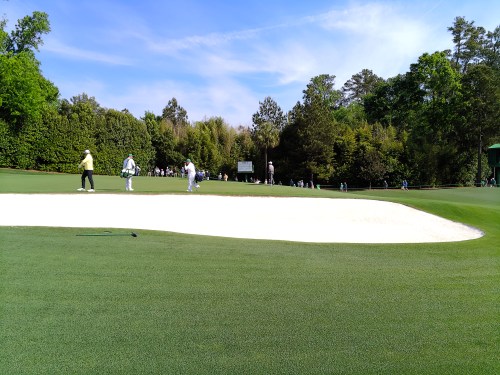
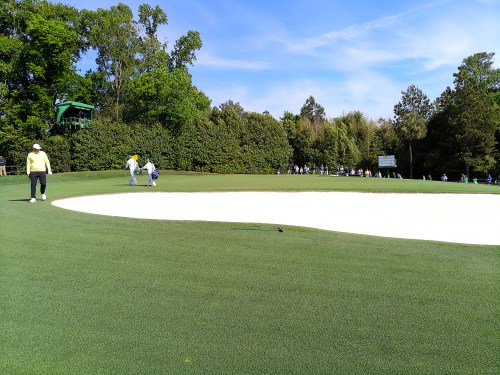
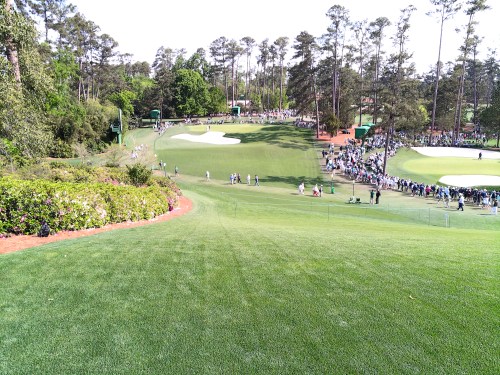
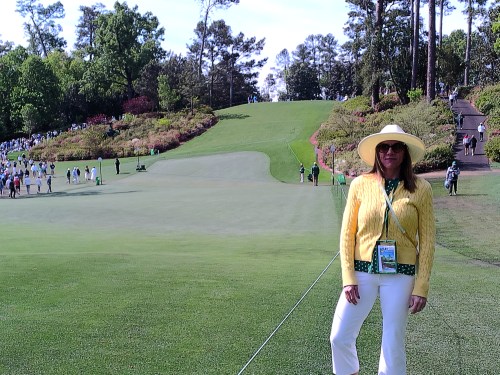
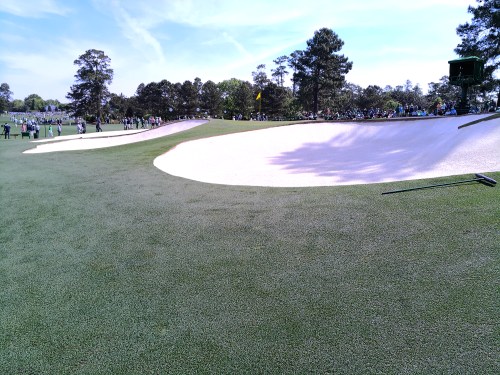
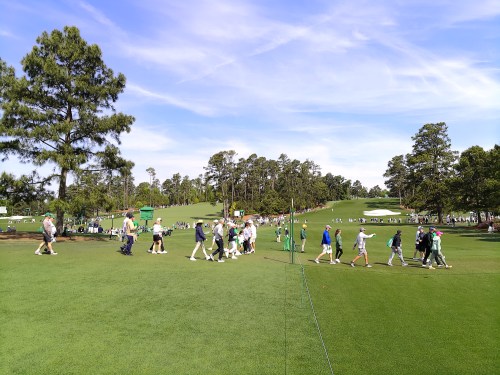
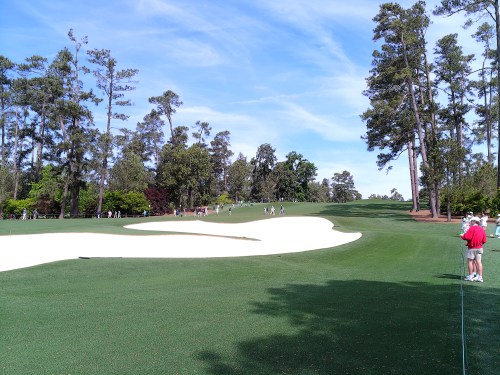
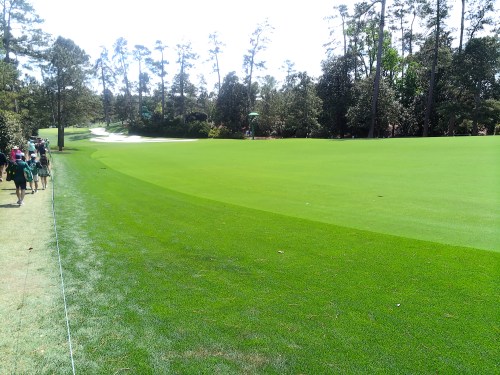
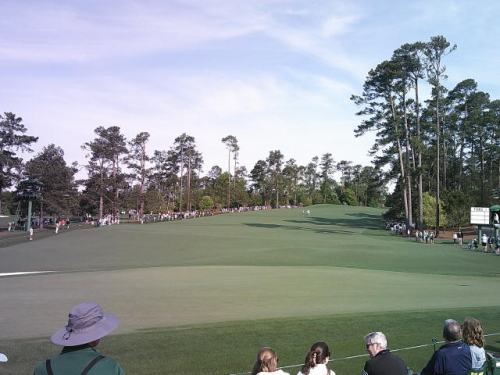
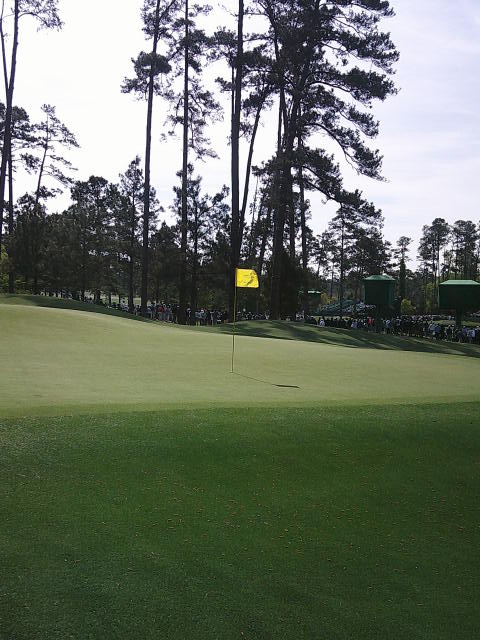
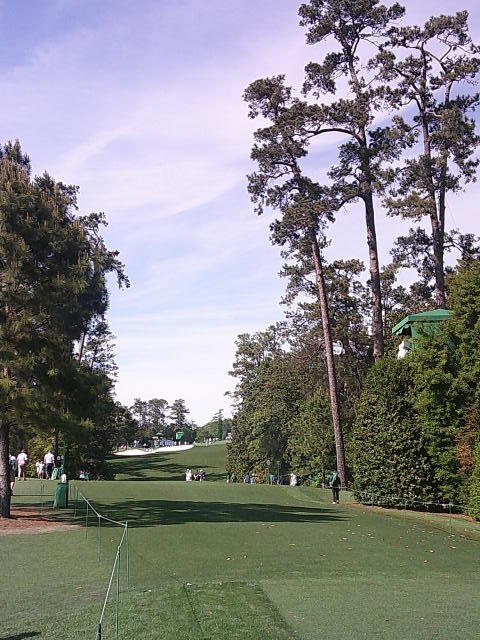
We headed over to the par 3 course and spent over three hours there. It was relaxing and we even found a spot to sit on the ground for about an hour.
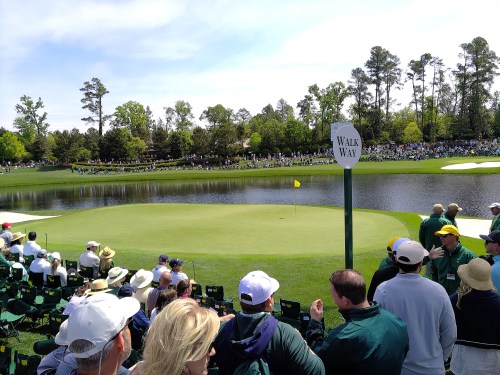
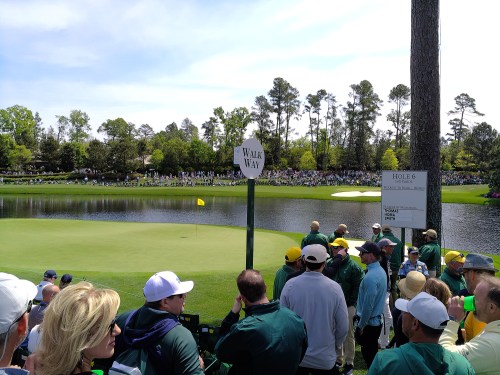



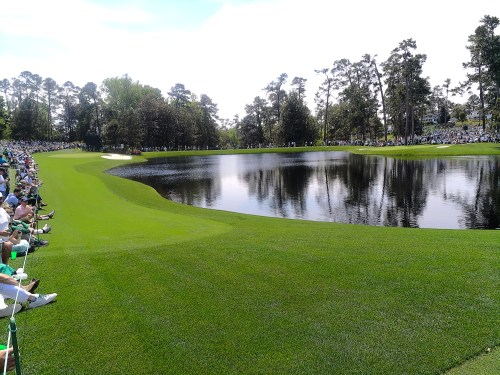

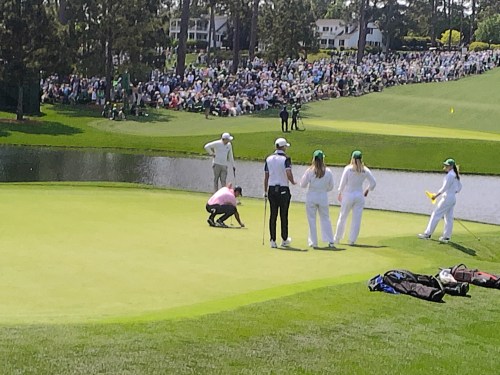



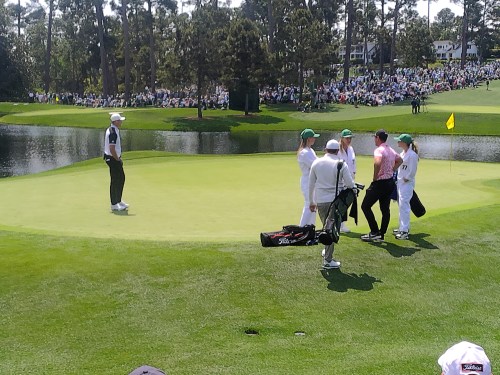
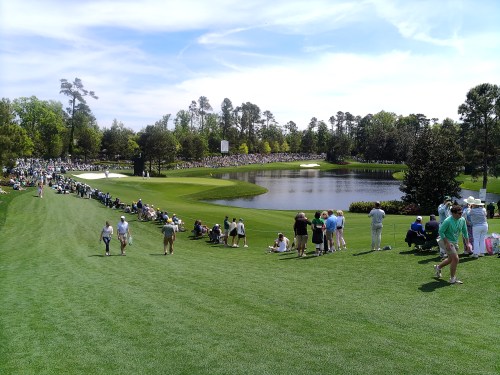
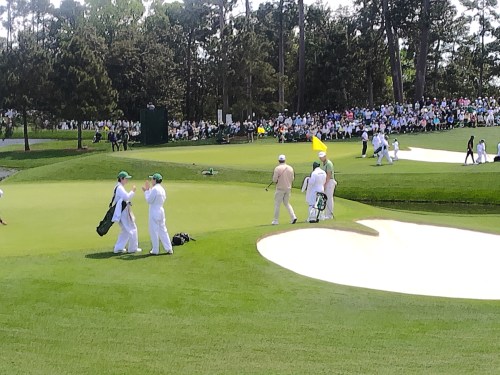
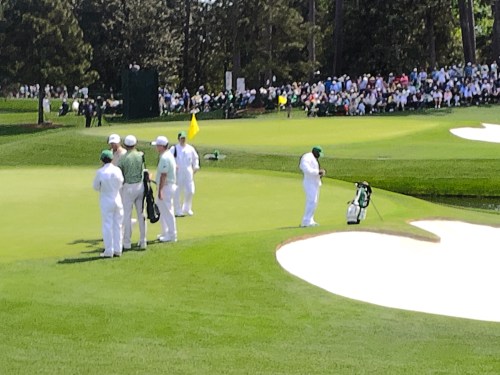
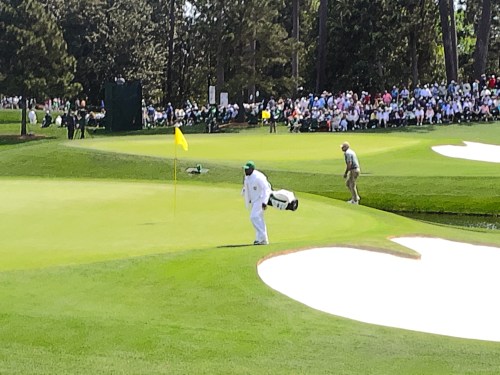
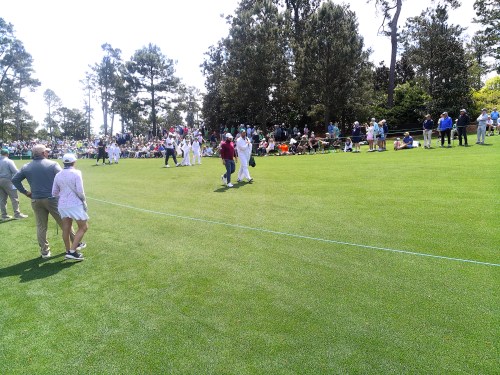
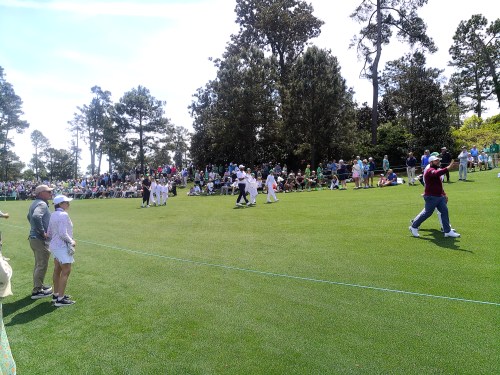

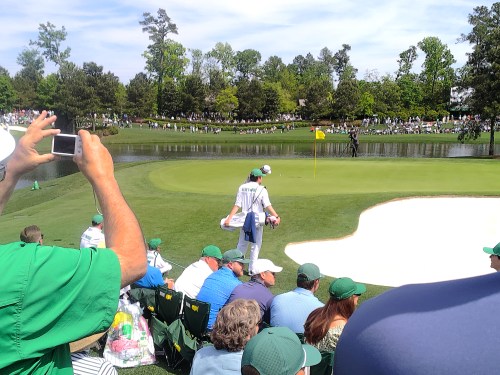
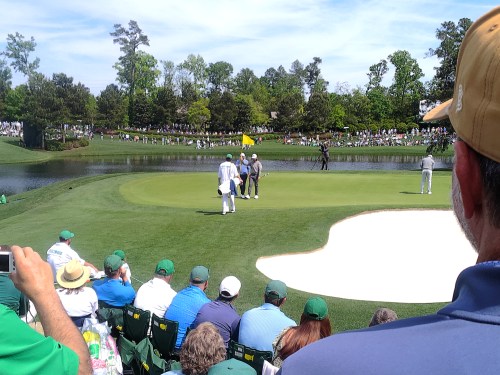



We left the par 3 course before the event was over and walked the second nine. It sucked that no players were out practicing and the grounds crew had started their maintenance. It was odd seeing the place so empty.
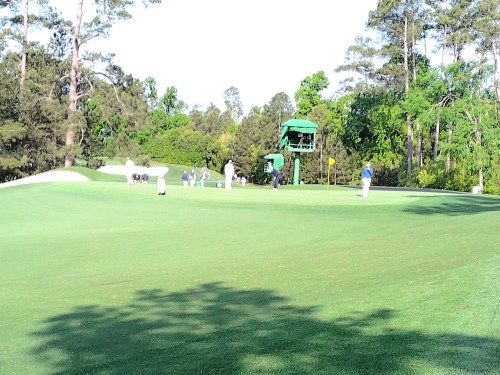
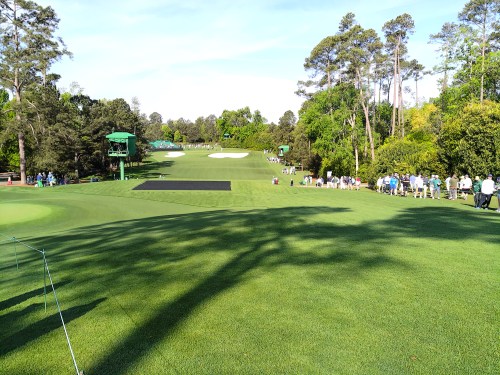

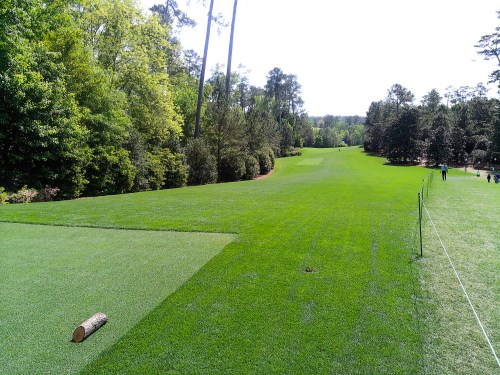
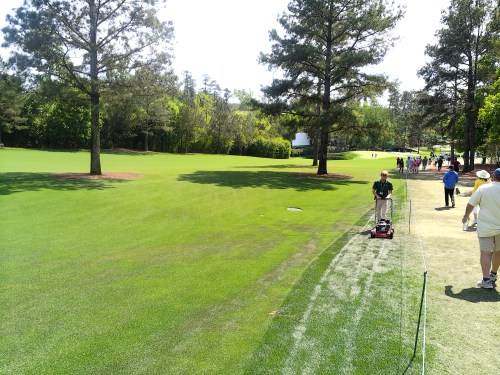
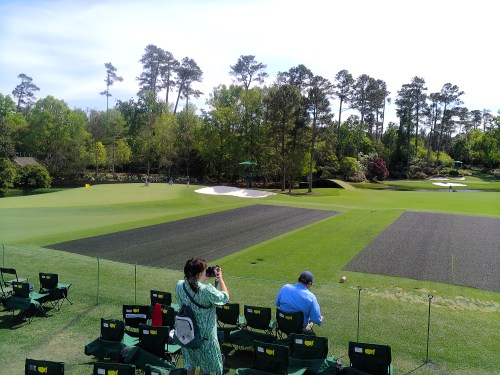
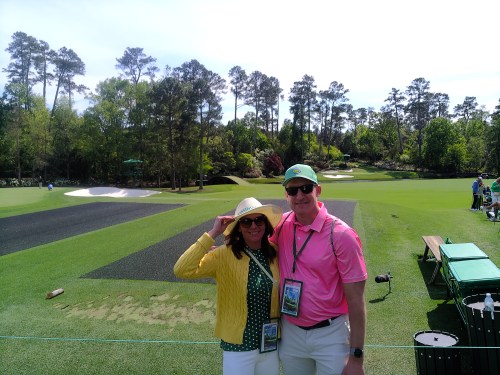
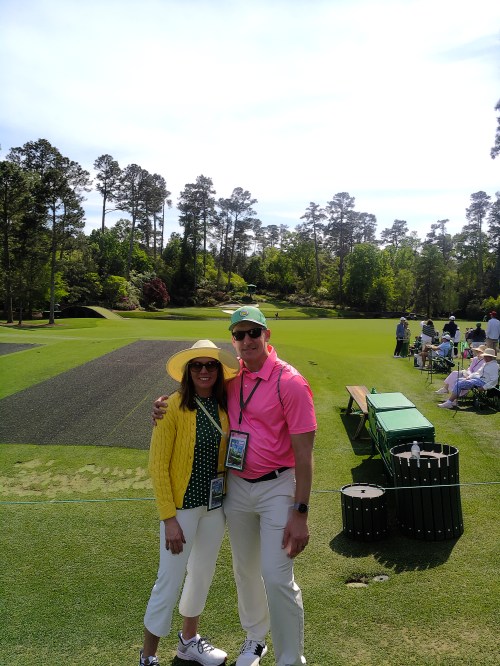
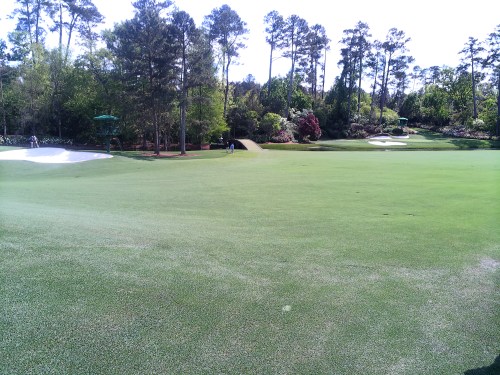
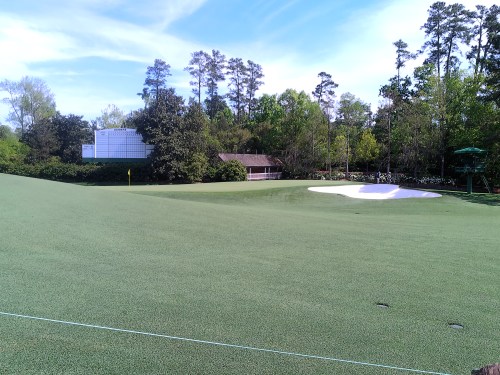
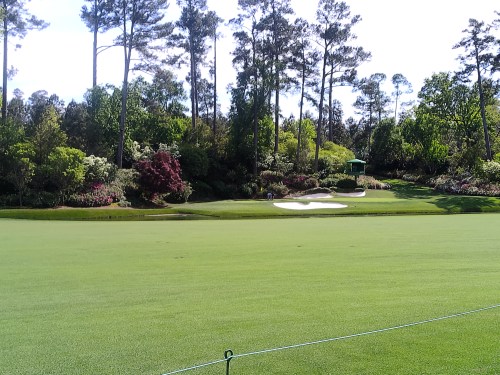
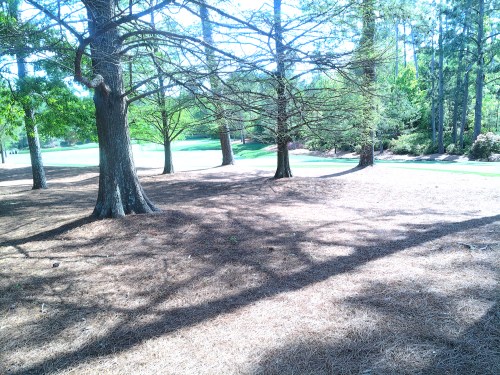
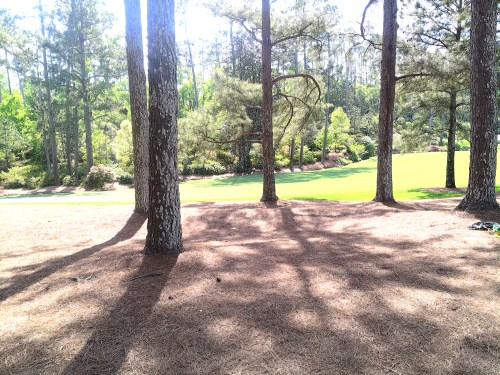
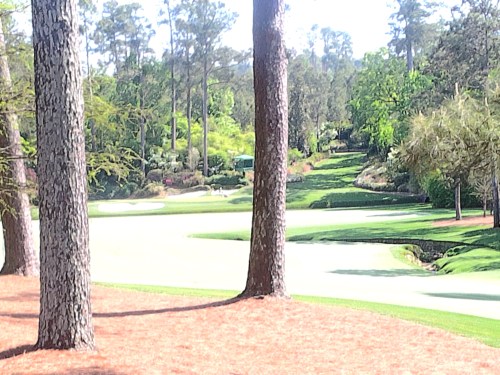
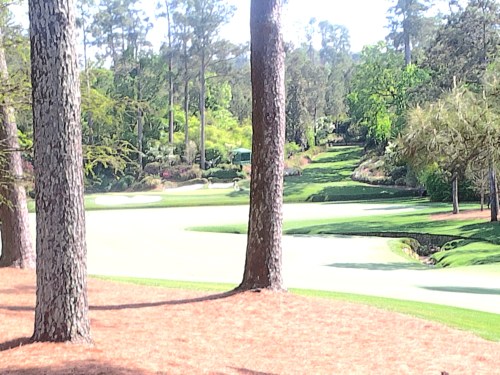
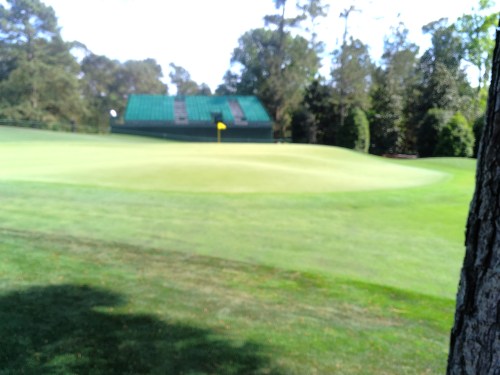
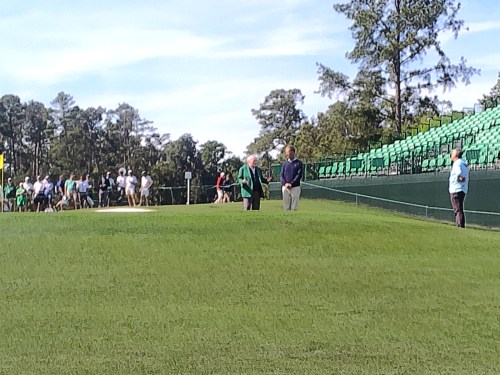
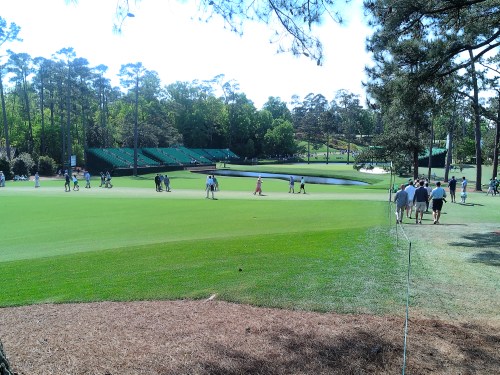
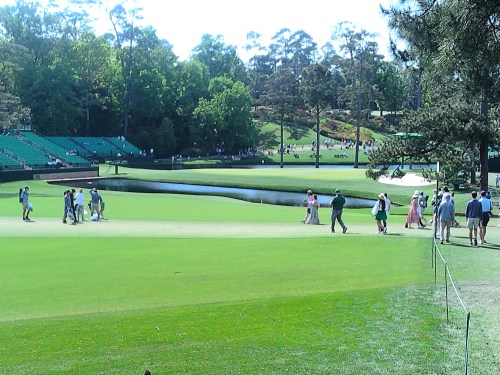
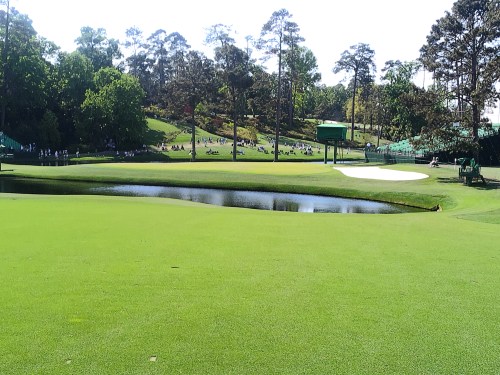
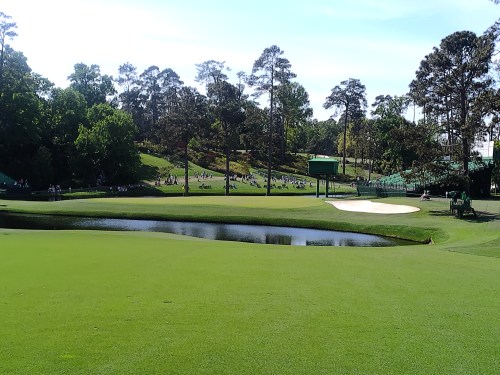
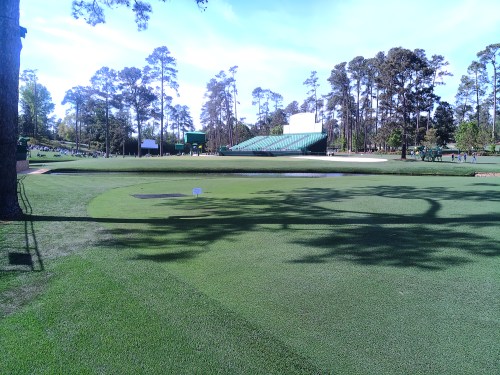
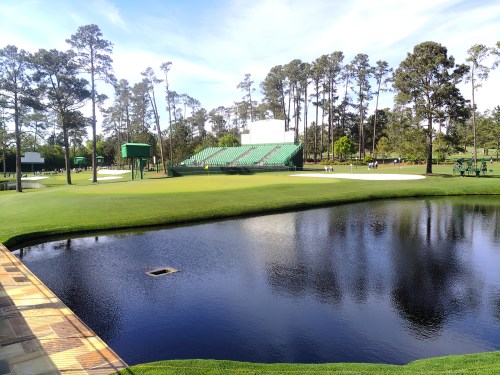
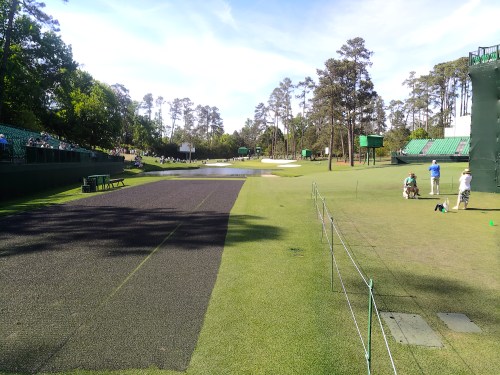
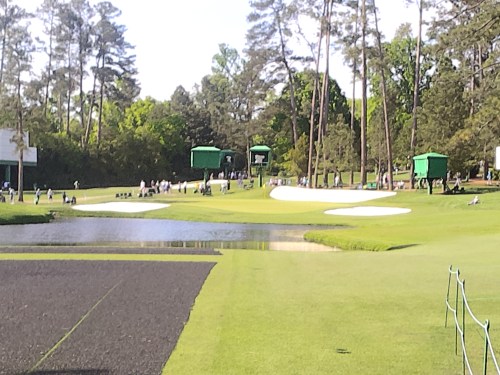
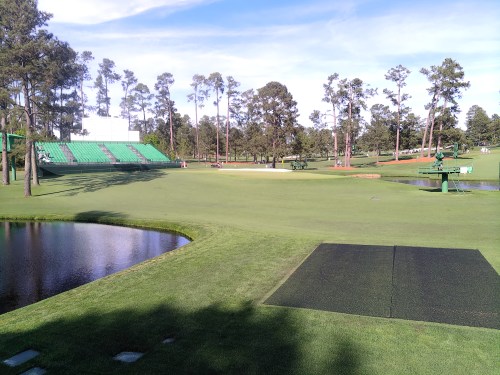
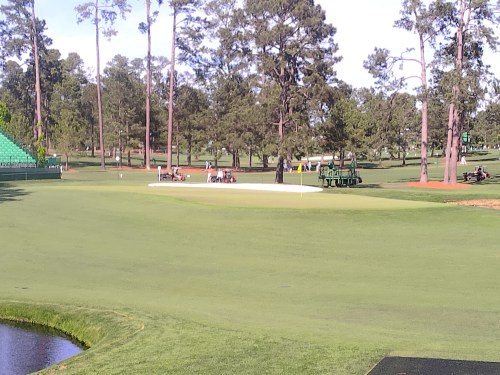
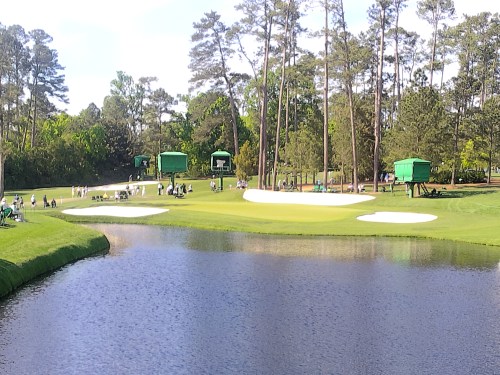
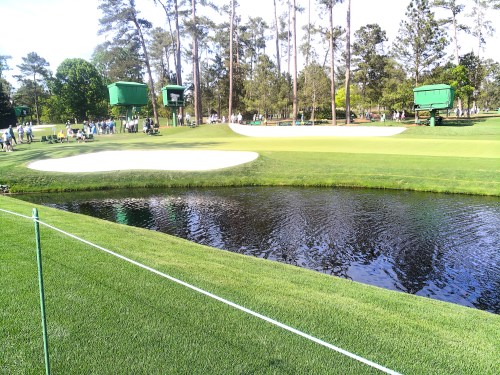
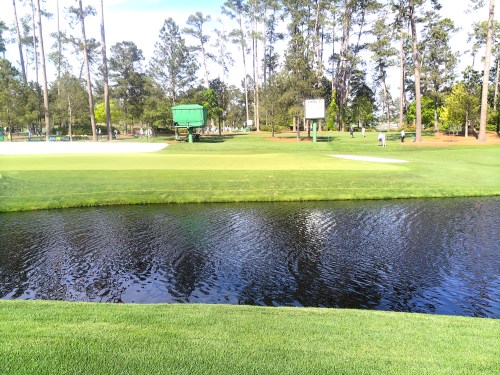
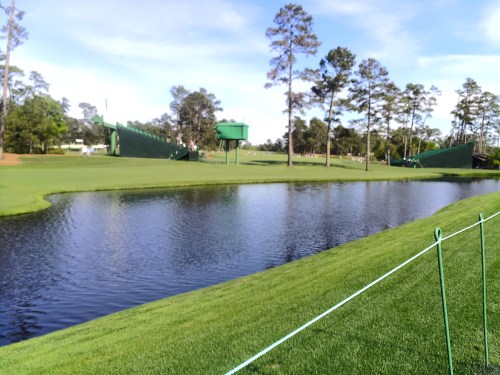
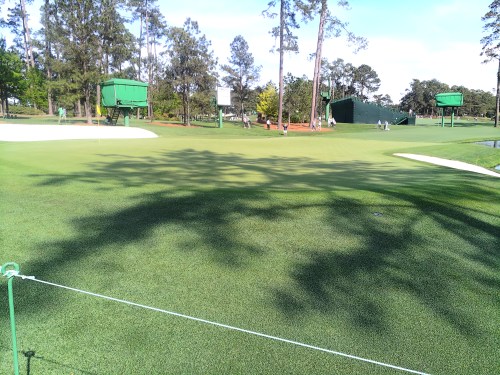
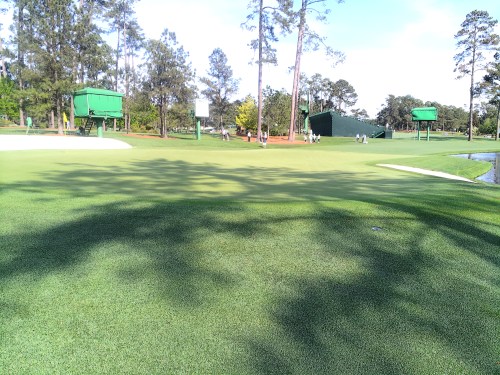
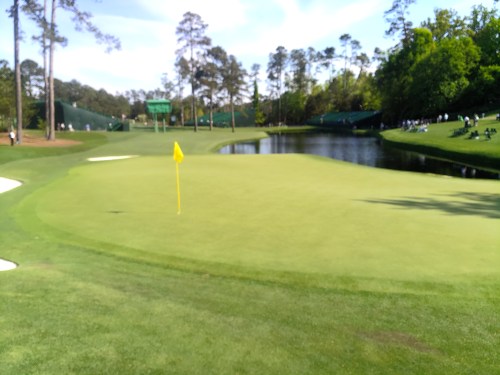

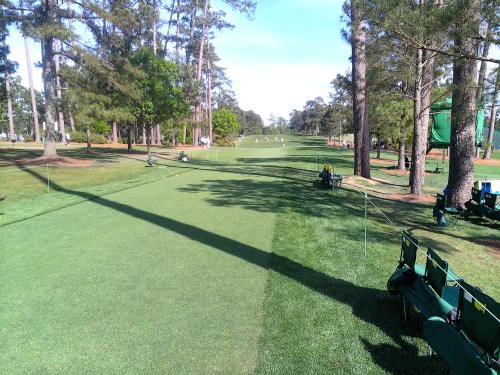
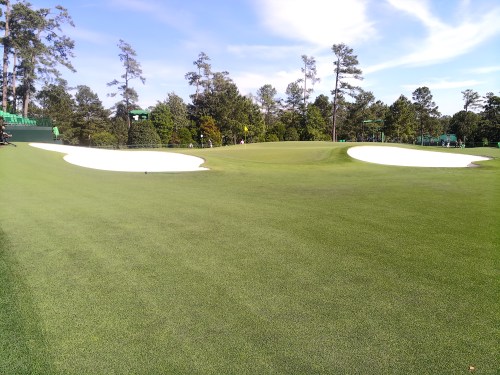
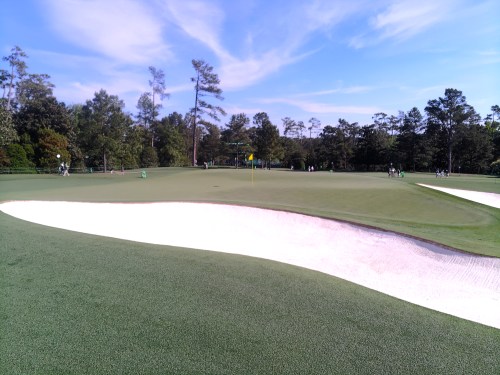
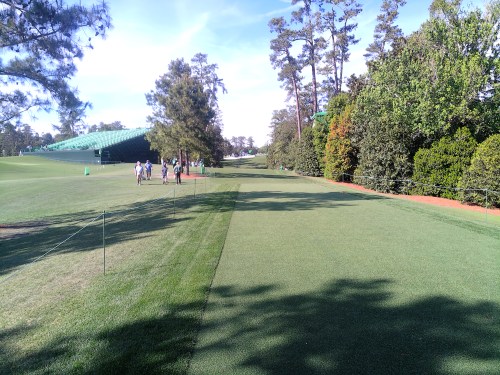
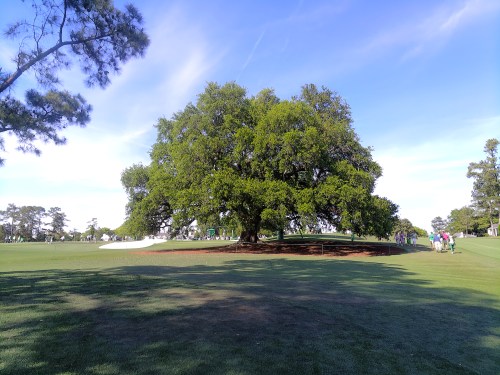
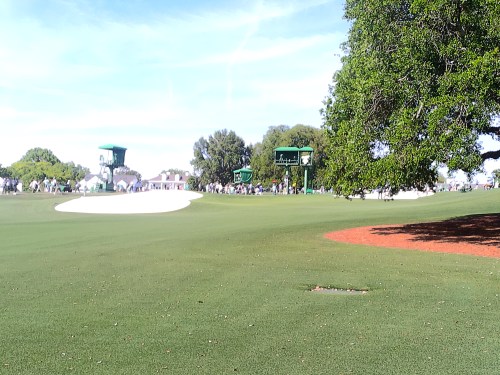
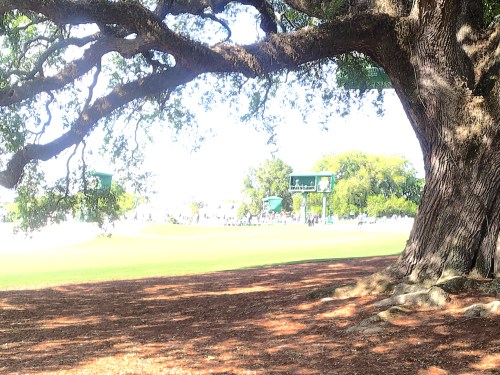
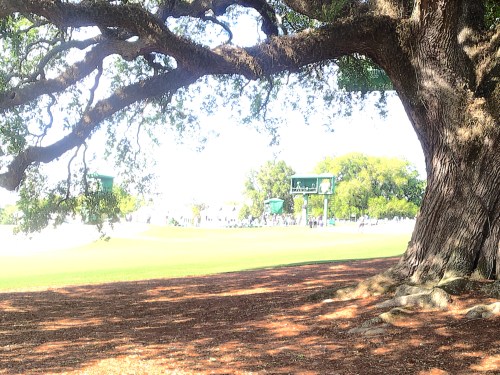
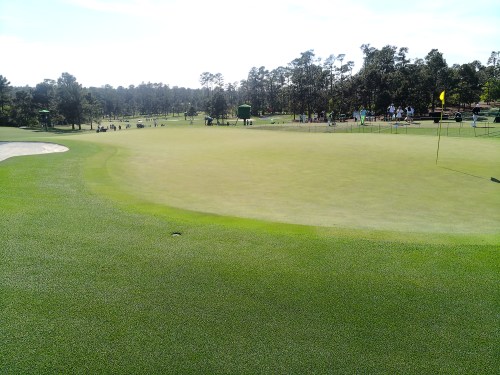
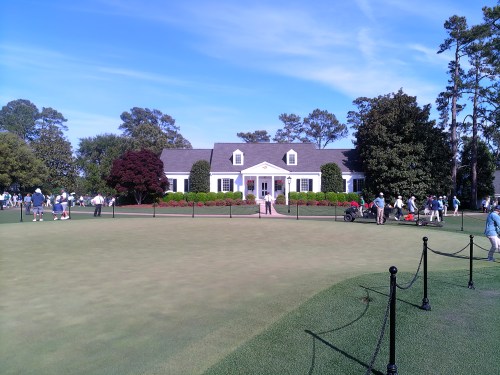

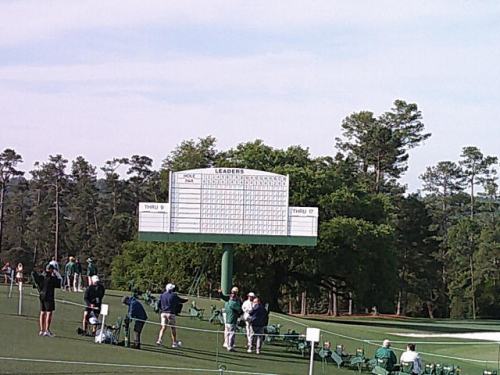
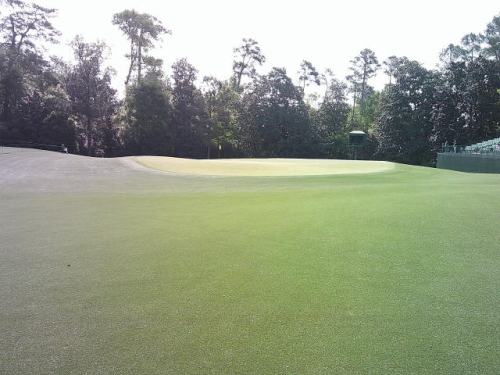
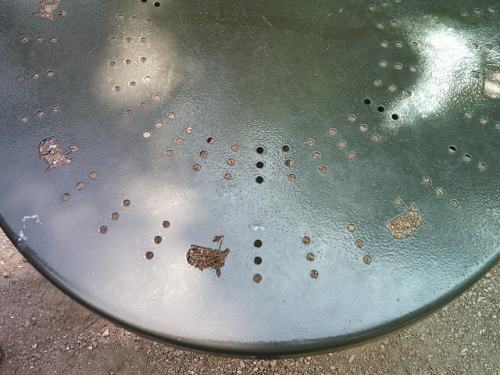
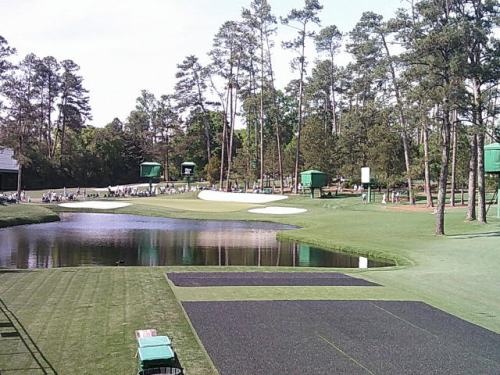
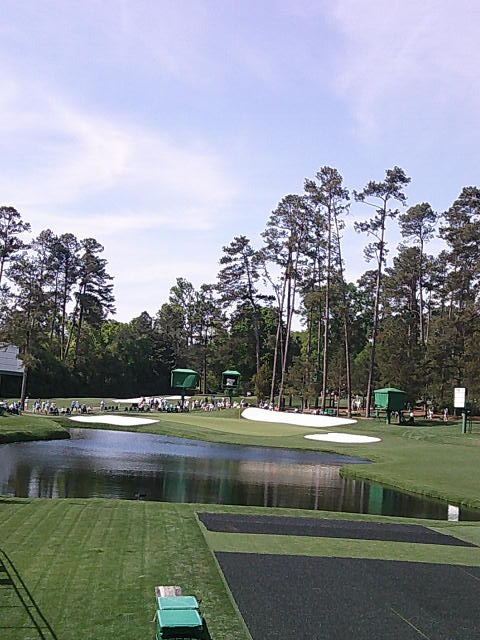
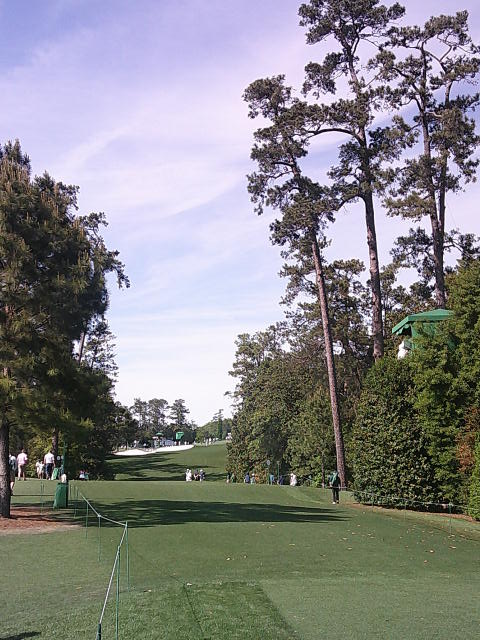
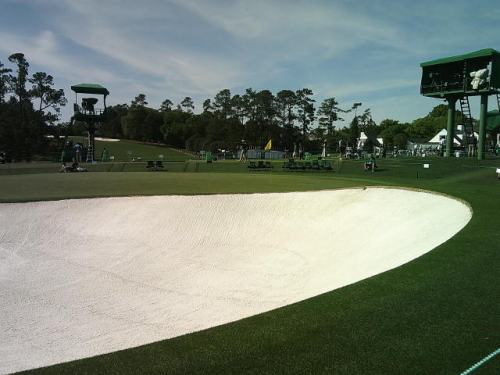
An amazing day! I’d love to get back for a tournament day, but it’ll have to wait because I wasn’t selected for 2027 tickets.

This summer had a special 18 pack release at Walmart, which included six cans each of Code Red, White Out, and Voltage. I bought two packs.

These are the same three flavors combined to create DEW-S-A in 2021. I’ve reviewed Voltage before and is a flavor I buy 10-20% of the time when I want a Dew. I was surprised to see I’ve never reviewed Code Red or White Out though.
Code Red
This one has been around since 2001, though I never buy a bottle. The flavor is good, just not my cup of tea, since it is a bit heavy on the cherry flavor. I’d give it a solid 7.5 though.
White Out
I used to buy a bottle of this all the time when it was in stores. It’s a very subtle citrus flavor. It wasn’t quite as good as I remember from the bottles, but would still be in my purchase rotation if they regularly made it. I give it an 8.0.

Last fall, a Facebook ad for Hamilton popped up. It was coming to Detroit and I’d always heard people rave about the show, so I bought us tickets as a Christmas present.

Brandi and I had never been to a musical (or even a play), so we didn’t have any expectations. On Saturday we drove down to the Fischer Theatre in Detroit for the 2pm show. What an incredible building, with staircases you could get lost in. Our tickets were in the first row of the Balcony and we had no problem seeing any of the action.
…the music draws heavily from hip hop, as well as R&B, pop, soul, and traditional-style show tunes.
source: Wikipedia
We were absolutely blown away. The singing and rapping was a little hard to understand from our seats at times, but it was so well done. The choreography of all of the actors really caught our attention too. It was cool how the action from scene to scene kept going, with actors always moving around props.
If you get a chance, go see Hamilton. We definitely won’t hesitate to see it again.
I’ll probably remember the time I bought this new flavor of Mountain Dew because it was the first day of our road trip to The Masters.
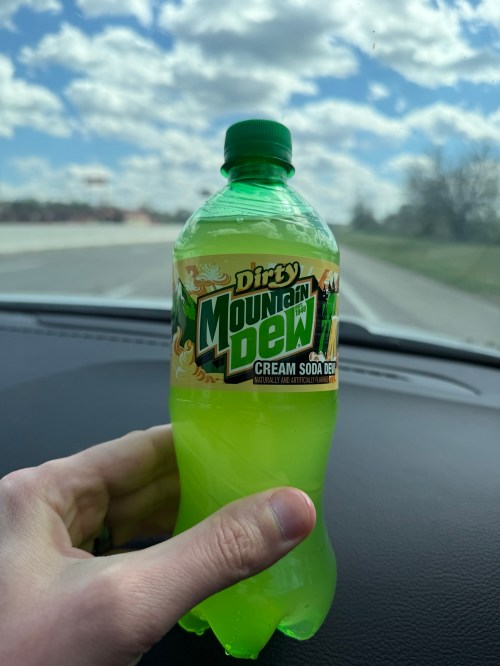
What a name for a new flavor. Dirty! I had read it’s not a limited release so they plan to sell it for quite some time. “Dirty” is probably what they should call the taste testers, because this is pretty gross and leaves a noticeable aftertaste. I’ll give it a 2/10 and never buy another bottle.
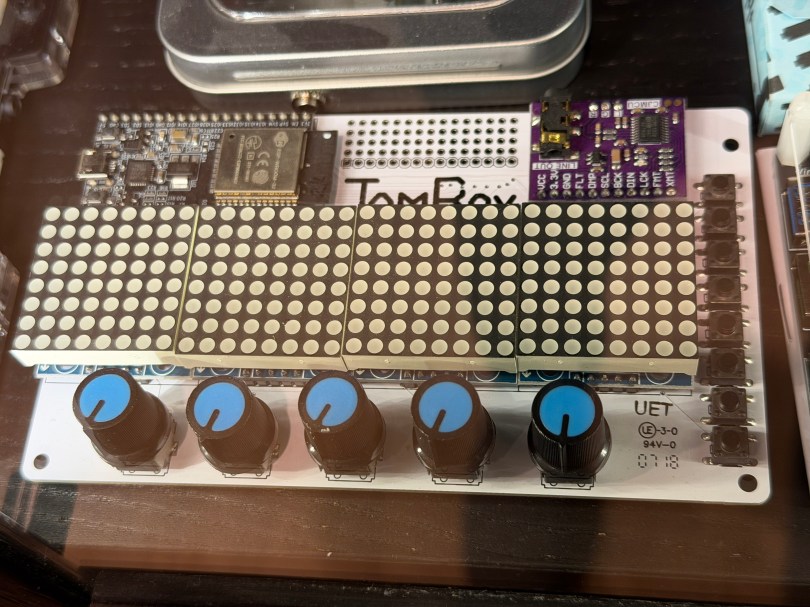
Not long ago the old JamBox sitting in one of my office display case’s caught my eye.
After picking it up I noticed it used an ESP32 development board, so I had to flash it for ESPHome. I downloaded the PixelOperator8 font and uploaded it to my esphome/fonts folder in Home Assistant. Then I figured out the following YAML to get the buttons, potentiometers (knobs), and LED Matrix working.
# Include your standard api, ota, and wifi sections

esphome:
  name: jambox
  friendly_name: JamBox

esp32:
  board: esp32dev
  framework:
    type: esp-idf

bluetooth_proxy:
  active: true

spi:
  clk_pin: GPIO14
  mosi_pin: GPIO12

font:
  - file: "fonts/PixelOperator8.ttf"
    id: pixel_font
    size: 8

display:
  - platform: max7219digit
    id: jambox_display
    cs_pin: GPIO15
    num_chips: 4
    intensity: 1
    rotate_chip: 90
    lambda: |-
      it.print(0, 0, id(pixel_font), "JamBox  ");

binary_sensor:
  - platform: gpio
    name: "Button 1"
    pin:
      number: GPIO4
      mode: INPUT_PULLDOWN
  - platform: gpio
    name: "Button 2"
    pin:
      number: GPIO5
      mode: INPUT_PULLDOWN
  - platform: gpio
    name: "Button 3"
    pin:
      number: GPIO16
      mode: INPUT_PULLDOWN
  - platform: gpio
    name: "Button 4"
    pin:
      number: GPIO17
      mode: INPUT_PULLDOWN
  - platform: gpio
    name: "Button 5"
    pin:
      number: GPIO18
      mode: INPUT_PULLDOWN
  - platform: gpio
    name: "Button 6"
    pin:
      number: GPIO19
      mode: INPUT_PULLDOWN
  - platform: gpio
    name: "Button 7"
    pin:
      number: GPIO21
      mode: INPUT_PULLDOWN
  - platform: gpio
    name: "Button 8"
    pin:
      number: GPIO23
      mode: INPUT_PULLDOWN

sensor:
  - platform: adc
    name: "Knob 1"
    pin: GPIO32
    update_interval: 100ms
    attenuation: auto
    unit_of_measurement: "%"
    accuracy_decimals: 0
    filters: &knob_filters
      - calibrate_linear:
          - 0.15 -> 0.0
          - 3.13 -> 100.0
      - clamp:
          min_value: 0.0
          max_value: 100.0
      - round: 0
      - delta: 1.0
  - platform: adc
    name: "Knob 2"
    pin: GPIO33
    update_interval: 100ms
    attenuation: auto
    unit_of_measurement: "%"
    accuracy_decimals: 0
    filters: *knob_filters
  - platform: adc
    name: "Knob 3"
    pin: GPIO34
    update_interval: 100ms
    attenuation: auto
    unit_of_measurement: "%"
    accuracy_decimals: 0
    filters: *knob_filters
  - platform: adc
    name: "Knob 4"
    pin: GPIO35
    update_interval: 100ms
    attenuation: auto
    unit_of_measurement: "%"
    accuracy_decimals: 0
    filters: *knob_filters
  - platform: adc
    name: "Knob 5"
    pin: GPIO36
    update_interval: 100ms
    attenuation: auto
    unit_of_measurement: "%"
    accuracy_decimals: 0
    filters: *knob_filters
After installing the YAML and installing the device to Home Assistant, here are the sensors in the device UI.
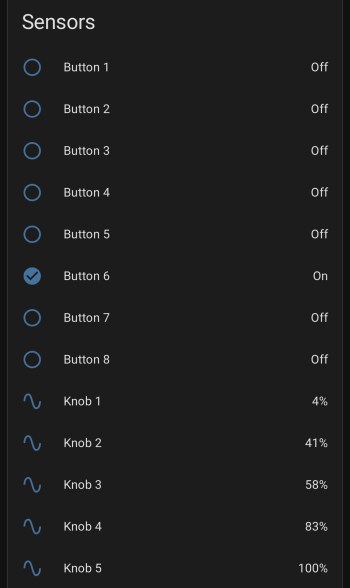
The device has a ton of inputs with the eight buttons and five knobs and the 8×32 LED Matrix can display text or maybe a simple graph. I haven’t thought of a good use for it though. Do you have any ideas?
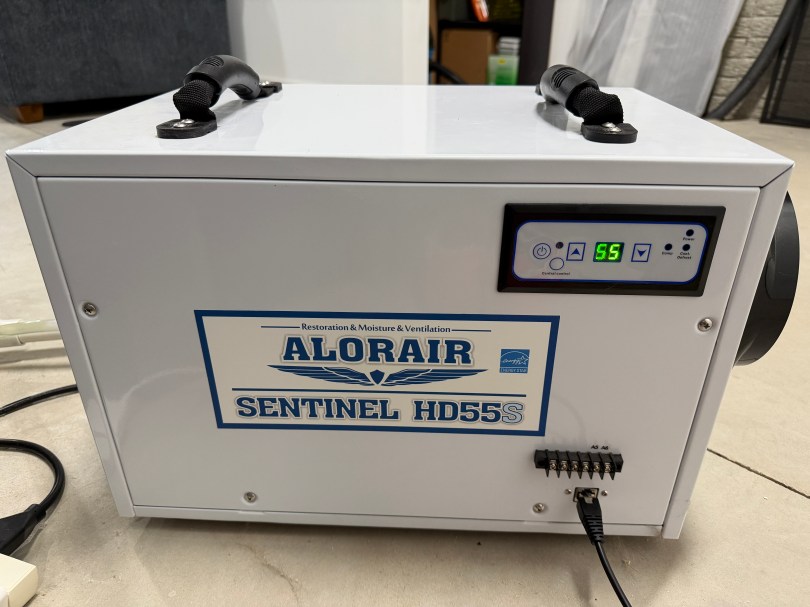
Working from excellent information in a Home Assistant forum thread, I put together an ESPHome device to read information from and send commands to our AlorAir Sentinel HD55S Dehumidifier.
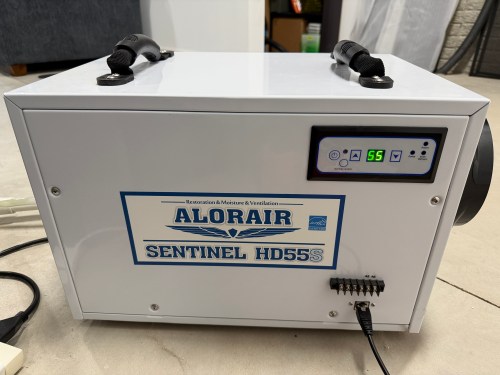
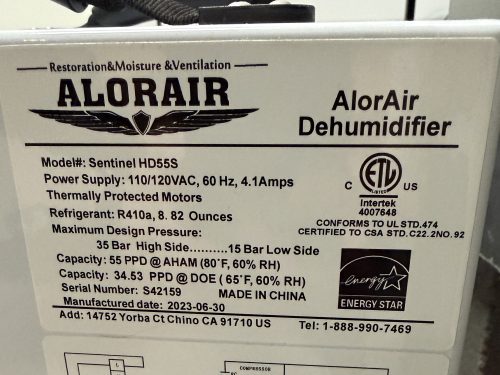
The dehumidifier has an RJ45 port on the front, which can be used to communicate over the CAN bus protocol.
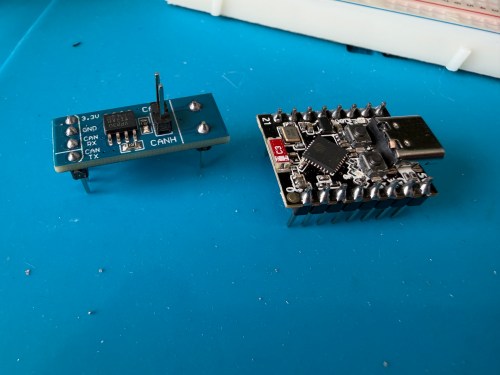
To make my ESPHome device I used:
All testing was done on a breadboard.
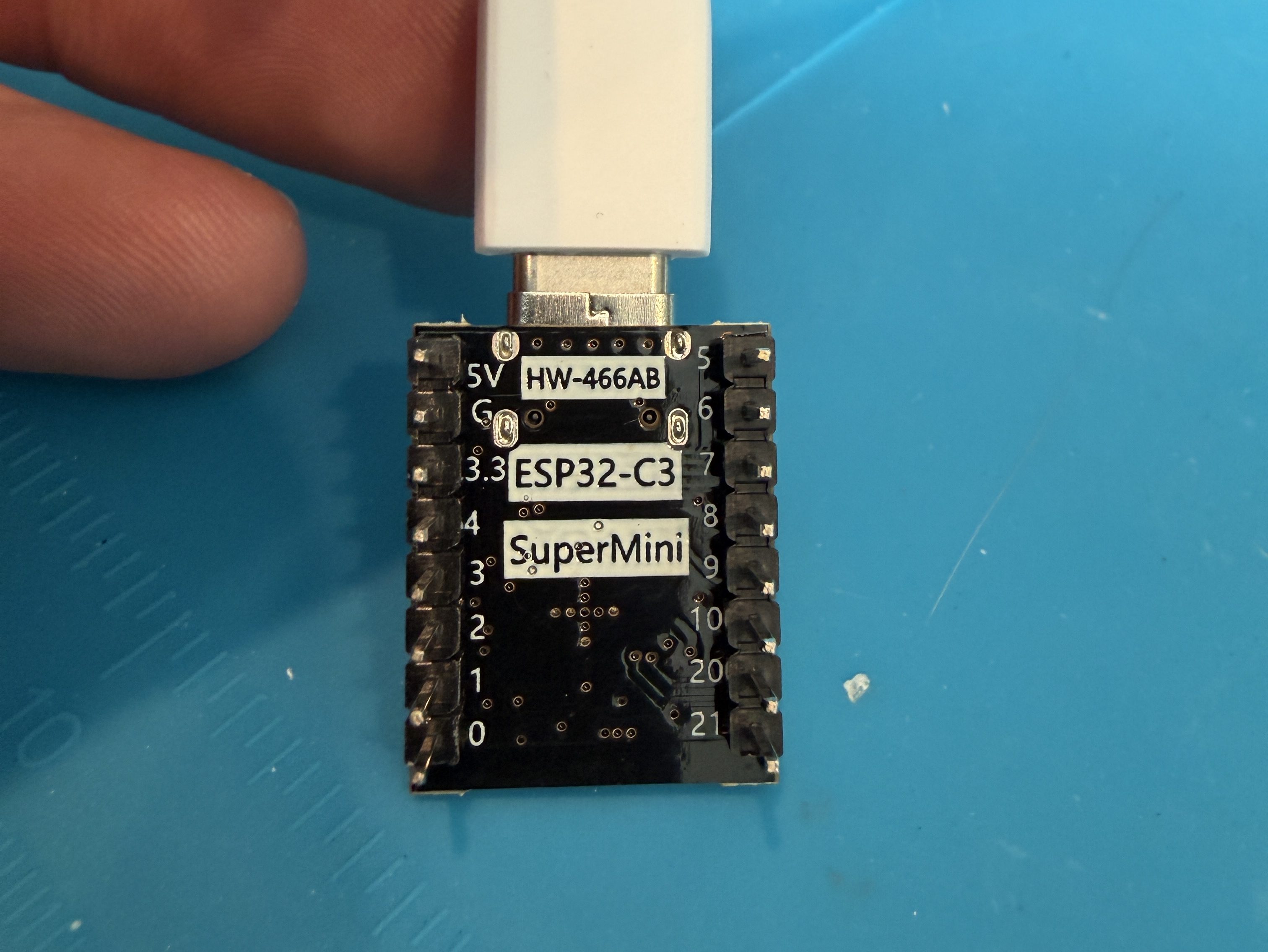
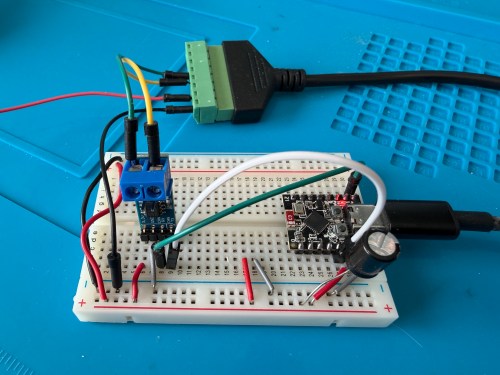
Connections:
Start with this YAML for your ESPHome device:
# Add your standard esphome, ota, api, and wifi sections here at the top

logger:
  level: DEBUG

esp32:
  board: esp32-c3-devkitm-1
  framework:
    type: esp-idf

canbus:
  - platform: esp32_can
    id: can
    tx_pin: GPIO4
    rx_pin: GPIO5
    bit_rate: 125KBPS
    can_id: 0x05
    use_extended_id: false

    on_frame:
      - can_id: 0x000
        can_id_mask: 0x000 # This catches EVERYTHING
        then:
          - lambda: |-
              std::string res = "";
              for (int i = 0; i < x.size(); i++) {
                char buf[5];
                sprintf(buf, "%02X ", x[i]);
                res += buf;
              }
              ESP_LOGD("ALORAIR_FINDER", "Received ID: 0x%03X, Data: %s", can_id, res.c_str());

# ====== Periodic Polling to Request Status ======
interval:
  - interval: 10s
    then:
      - canbus.send:
          can_id: 0x123
          use_extended_id: false
          data: [0x00, 0x00, 0x00, 0x00, 0x00, 0x00, 0x00, 0x00]
This will test sending and receiving. After you flash the device and have it connected to the dehumidifier, open the ESPHome device log and look for lines like below.

If you see errors after the send or don’t receive messages back, try changing the bit_rate from 125 to 50, install, and recheck the logs.

If you do receive messages back, make note of the value after Received ID, which is 0x123 above. Then open up the ESPHome device’s YAML again and replace everything below type: esp-idf with the following.
# ──────────────────────────────────────────────
# CAN Bus Protocol
# ──────────────────────────────────────────────
# Bus: 125Kbps, CAN ID 0x123 for both directions
#
# Status frame (from unit):
#   Byte 0: Humidity (%)
#   Byte 1: Setpoint (%), 35 = Continuous mode
#   Byte 2: Temperature (°C)
#   Byte 3: Unused
#   Byte 4: Status bits
#     Bit 0 (0x01): Power on
#     Bit 1 (0x02): Compressor running
#     Bit 3 (0x08): Continuous mode / Defrost
#   Bytes 5-7: Unused?
#
# Command frame (to unit):
#   Byte 0: Setpoint + 128 (to change setpoint)
#   Byte 2: 0x01 = toggle power
#   Continuous mode: send setpoint 35 + 128 = 163 (0xA3)
#
# Echo filtering: commands have byte 0 > 128,
#   status frames have byte 0 < 100
# ──────────────────────────────────────────────

script:
  - id: refresh_status
    mode: restart
    then:
      - delay: 1s
      - canbus.send:
          can_id: 0x123
          data: [0x00, 0x00, 0x00, 0x00, 0x00, 0x00, 0x00, 0x00]

interval:
  - interval: 60s
    then:
      - script.execute: refresh_status

time:
  - platform: homeassistant
    id: homeassistant_time

globals:
  - id: power
    type: bool
    restore_value: yes
  - id: continuous
    type: bool
    restore_value: yes

canbus:
  - platform: esp32_can
    id: can
    tx_pin: GPIO4
    rx_pin: GPIO5
    bit_rate: 125KBPS
    can_id: 0x05
    use_extended_id: false

    on_frame:
      - can_id: 0x123
        then:
          - lambda: |-
              if (x.size() < 5 || x[0] == 0) return;

              // Debug logging (uncomment the lines below if you need to debug the data packets)
              // char buf[64];
              // snprintf(buf, sizeof(buf), "%02X %02X %02X %02X %02X %02X %02X %02X",
              //   x[0], x.size() > 1 ? x[1] : 0,
              //   x.size() > 2 ? x[2] : 0, x.size() > 3 ? x[3] : 0,
              //   x.size() > 4 ? x[4] : 0, x.size() > 5 ? x[5] : 0,
              //   x.size() > 6 ? x[6] : 0, x.size() > 7 ? x[7] : 0);
              // ESP_LOGD("canbus", "0x123 [%d]: %s", x.size(), buf);

              // Filter out command echoes (byte 0 > 128)
              if (x[0] >= 100) return;

              // Byte 0: Humidity (%)
              id(humidity).publish_state(x[0]);

              // Byte 1: Setpoint (%), 35 = continuous mode
              id(setpoint_value).publish_state(x[1]);

              // Byte 2: Temperature (°C, convert to °F)
              id(temperature).publish_state(x[2] * 9.0 / 5.0 + 32.0);

              // Byte 4: Status bits
              bool power_on    = x[4] & 0x01;
              bool compressor  = x[4] & 0x02;
              bool cont_defrost = x[4] & 0x08;
              bool is_continuous = (x[1] == 35);

              // Update sensors
              id(compressor_status).publish_state(compressor);
              id(defrost_status).publish_state(cont_defrost && !is_continuous);

              // Sync globals
              id(power) = power_on || is_continuous;
              id(continuous) = is_continuous;

              // Build status string
              std::string status_str;
              if (!power_on && !is_continuous) {
                status_str = "Off";
              } else if (is_continuous && cont_defrost) {
                status_str = "Continuous";
                if (compressor) status_str += ", Compressor On";
              } else if (cont_defrost) {
                status_str = "Defrosting";
              } else if (compressor) {
                status_str = "Running";
              } else if (power_on) {
                status_str = "Idle";
              }
              id(status_text).publish_state(status_str.c_str());

              // Update timestamp
              auto time = id(homeassistant_time).now();
              if (time.is_valid()) {
                char time_str[20];
                time_t now = time.timestamp;
                strftime(time_str, sizeof(time_str), "%H:%M:%S", localtime(&now));
                id(last_update).publish_state(time_str);
              }

              // Alert on unexpected bits in byte 4
              uint8_t unknown_b4 = x[4] & ~0x0B; // mask out known bits 0,1,3
              if (unknown_b4 != 0) {
                ESP_LOGW("canbus", "Unknown bits in byte 4: 0x%02X", unknown_b4);
                id(unknown_data).publish_state("Byte 4 unknown bits: 0x" +
                  std::string(1, "0123456789ABCDEF"[(unknown_b4 >> 4) & 0x0F]) +
                  std::string(1, "0123456789ABCDEF"[unknown_b4 & 0x0F]));
              }

              // Alert on any non-zero data in bytes 3, 5, 6, 7
              if (x[3] != 0 || x[5] != 0 || x[6] != 0 || x[7] != 0) {
                ESP_LOGW("canbus", "Unexpected data in unused bytes: B3=0x%02X B5=0x%02X B6=0x%02X B7=0x%02X", x[3], x[5], x[6], x[7]);
                char msg[64];
                snprintf(msg, sizeof(msg), "B3:%02X B5:%02X B6:%02X B7:%02X", x[3], x[5], x[6], x[7]);
                id(unknown_data).publish_state(msg);
              }

text_sensor:
  - platform: template
    name: "Status"
    id: status_text
  - platform: template
    name: "Last CAN Update"
    id: last_update
  - platform: template
    name: "Unknown CAN Data"
    id: unknown_data
    entity_category: diagnostic

sensor:
  - platform: template
    name: "Humidity"
    id: humidity
    unit_of_measurement: "%"
    device_class: humidity
    state_class: measurement
    accuracy_decimals: 0
    filters:
      - median:
          window_size: 5
          send_every: 1
      - delta: 1

  - platform: template
    name: "Temperature"
    id: temperature
    unit_of_measurement: "°F"
    device_class: temperature
    state_class: measurement
    accuracy_decimals: 0
    filters:
      - median:
          window_size: 5
          send_every: 1
      - delta: 1

  - platform: template
    name: "Setpoint"
    id: setpoint_value
    unit_of_measurement: "%"
    accuracy_decimals: 0

binary_sensor:
  - platform: template
    name: "Compressor"
    id: compressor_status
    device_class: power

  - platform: template
    name: "Defrost"
    id: defrost_status
    device_class: cold

number:
  - platform: template
    name: "Change Setpoint"
    id: setpoint_control
    min_value: 36
    max_value: 90
    step: 1
    optimistic: true
    set_action:
      then:
        - lambda: |-
            uint8_t sp = (uint8_t)(x + 128);
            std::vector<uint8_t> data = { sp, 0x00, 0x00, 0x00, 0x00, 0x00, 0x00, 0x00 };
            id(can).send_data(0x123, false, data);
        - script.execute: refresh_status

switch:
  - platform: template
    name: "Power"
    id: enable_dehumid
    lambda: return id(power);
    turn_on_action:
      - lambda: |-
          if (!id(power)) {
            std::vector<uint8_t> data = {0x00, 0x00, 0x01, 0x00, 0x00, 0x00, 0x00, 0x00};
            id(can).send_data(0x123, false, data);
          }
      - script.execute: refresh_status
    turn_off_action:
      - lambda: |-
          if (id(power)) {
            // If in continuous mode, exit continuous first by setting a normal setpoint
            if (id(continuous)) {
              float sp_val = id(setpoint_control).state;
              if (std::isnan(sp_val) || sp_val < 36) sp_val = 55;
              uint8_t sp = (uint8_t)(sp_val + 128);
              std::vector<uint8_t> data = { sp, 0x00, 0x00, 0x00, 0x00, 0x00, 0x00, 0x00 };
              id(can).send_data(0x123, false, data);
              delay(500);
            }
            std::vector<uint8_t> data = {0x00, 0x00, 0x01, 0x00, 0x00, 0x00, 0x00, 0x00};
            id(can).send_data(0x123, false, data);
          }
      - script.execute: refresh_status

  - platform: template
    name: "Continuous Mode"
    id: continuous_mode_enable
    lambda: return id(continuous);
    turn_on_action:
      - lambda: |-
          // Send setpoint 35 (below minimum) to enter continuous mode
          uint8_t sp = (uint8_t)(35 + 128);
          std::vector<uint8_t> data = { sp, 0x00, 0x00, 0x00, 0x00, 0x00, 0x00, 0x00 };
          id(can).send_data(0x123, false, data);
      - script.execute: refresh_status
    turn_off_action:
      - lambda: |-
          // Exit continuous by sending a normal setpoint
          float sp_val = id(setpoint_control).state;
          if (std::isnan(sp_val) || sp_val < 36) {
            sp_val = id(setpoint_value).state;
          }
          if (std::isnan(sp_val) || sp_val < 36) {
            sp_val = 55;
          }
          uint8_t sp = (uint8_t)(sp_val + 128);
          std::vector<uint8_t> data = { sp, 0x00, 0x00, 0x00, 0x00, 0x00, 0x00, 0x00 };
          id(can).send_data(0x123, false, data);
      - script.execute: refresh_status

automation:
  - alias: "Alorair Unknown CAN Data Alert"
    trigger:
      - platform: state
        entity_id: sensor.alorair_dehumidifier_unknown_can_data
        not_to:
          - ""
          - "unknown"
          - "unavailable"
    action:
      - service: notify.mobile_app_YOUR_PHONE
        data:
          title: "Alorair: Unknown CAN Data"
          message: "{{ trigger.to_state.state }}"
          data:
            tag: alorair_unknown_can
            importance: low
If your ID was different than 0x123 (0x3b0 seems common), change the can_id under on_frame. Update mobile_app_YOUR_PHONE for your phone. Install this new code to the device. Go to Settings -> Devices & services -> ESPHome. If your device isn’t already listed, add it, and click through to see the entities. Hopefully you see the Controls and Sensors with data.
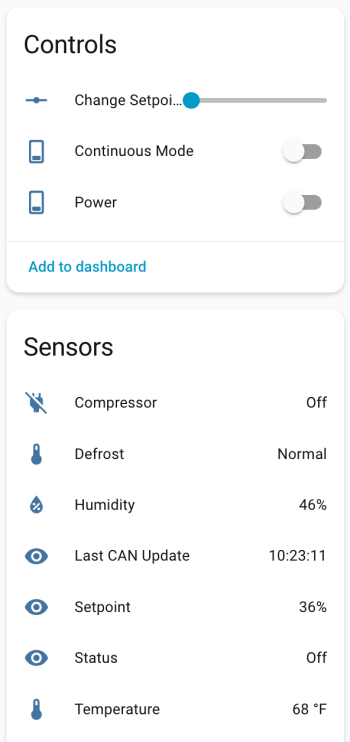
Try to toggle the power and change the setpoint. If it’s working, the dehumidifier should respond. Good luck! If all is working, I suggest adjusting your logging level to WARN. There is some stuff in the YAML to alert if the unit sends data that isn’t recognized, because there might be flags or statuses not implemented.
If you install the stack-in-card via HACS, here’s some YAML for your dashboard. Make sure to update the entity names to match what you have.
type: custom:stack-in-card
title: Dehumidifier
cards:
  - type: markdown
    content: >
      Status: {{ states('sensor.alorair_dehumidifier_status') }}

  - type: entities
    entities:
      - entity: switch.alorair_dehumidifier_power
        name: Power
      - entity: sensor.alorair_dehumidifier_setpoint
        name: Setpoint
      - entity: number.alorair_dehumidifier_change_setpoint
        name: Change Setpoint
      - entity: switch.alorair_dehumidifier_continuous_mode
        name: Continuous Mode
  - type: glance
    entities:
      - entity: sensor.alorair_dehumidifier_humidity
        name: Humidity
      - entity: sensor.alorair_dehumidifier_temperature
        name: Temperature
    columns: 2

  - type: glance
    entities:
      - entity: binary_sensor.alorair_dehumidifier_compressor
        name: Compressor
      - entity: binary_sensor.alorair_dehumidifier_defrost
        name: Defrost
    columns: 2
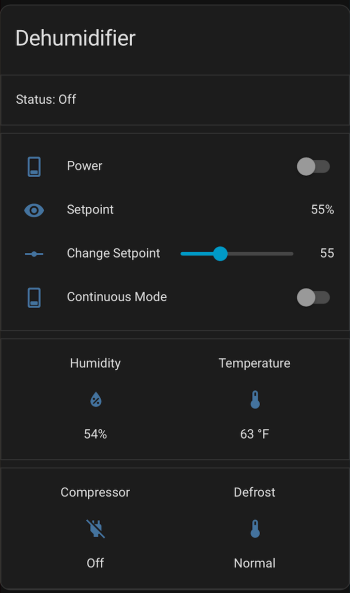
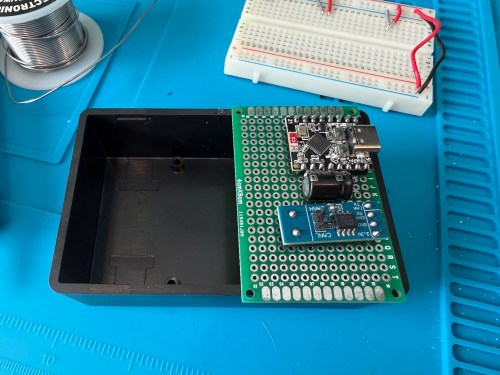
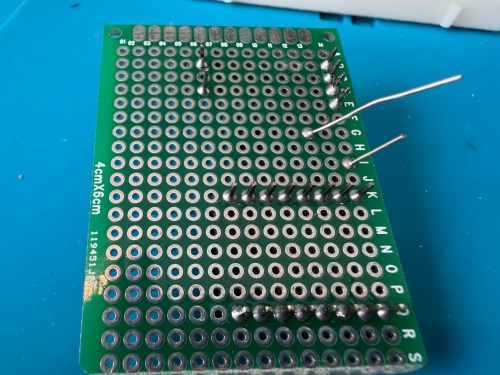
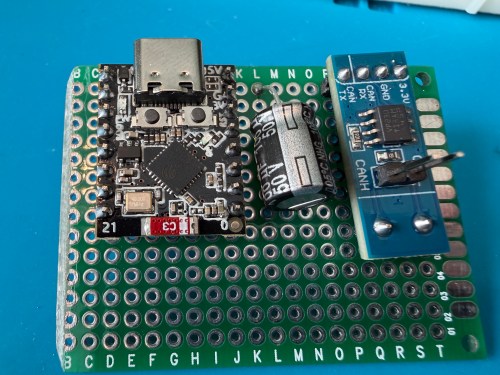
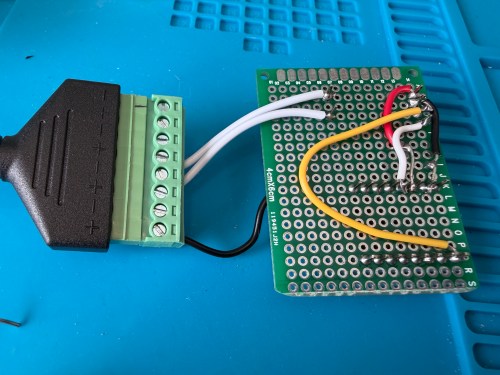
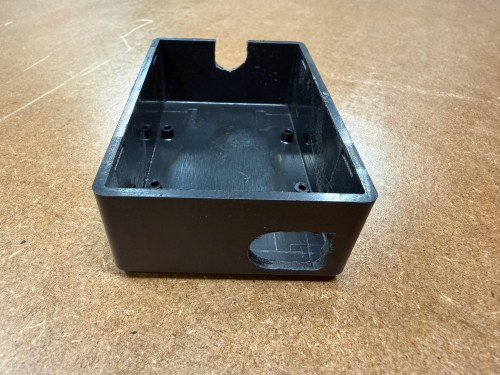
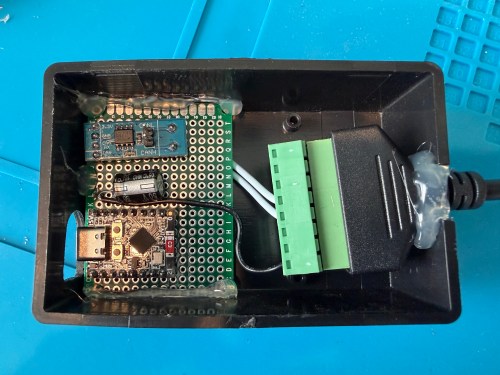
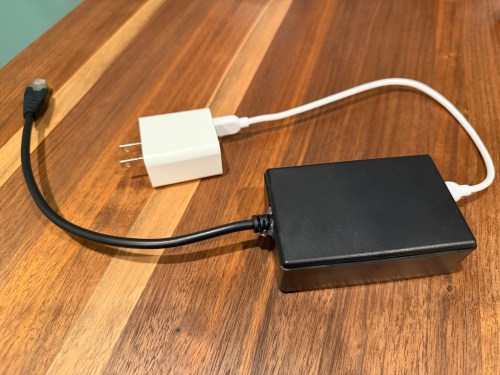
Once I got everything working, I soldered to a permanent board and hot glued it inside a project box.
I haven’t worked on automations yet, but I have time before spring arrives when I need to run the dehumidifier.

