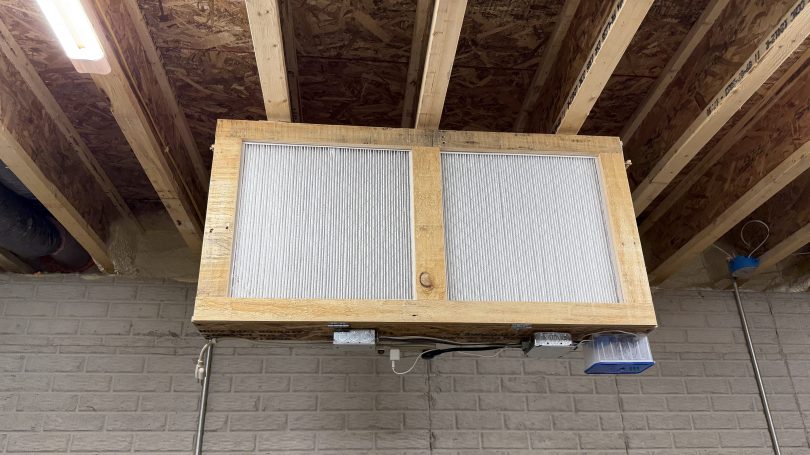
Over the years, I’ve seen many versions of a shop air filter, made from box fans and 20×20 inch furnace filters. A few years ago I picked up some old box fans on Facebook Marketplace and bought a pack of filters from Sam’s Club. They’ve been stacked in the corner.
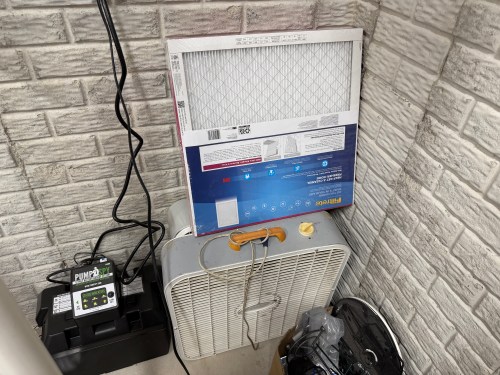
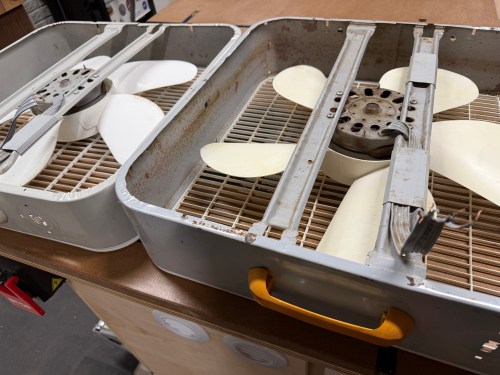
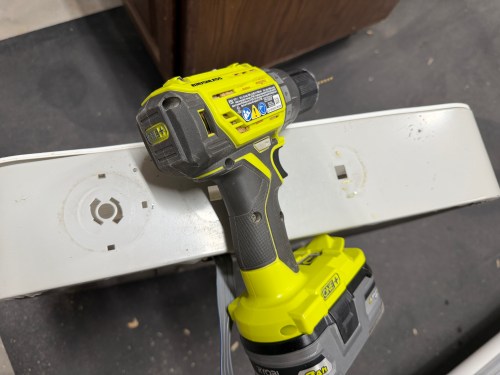
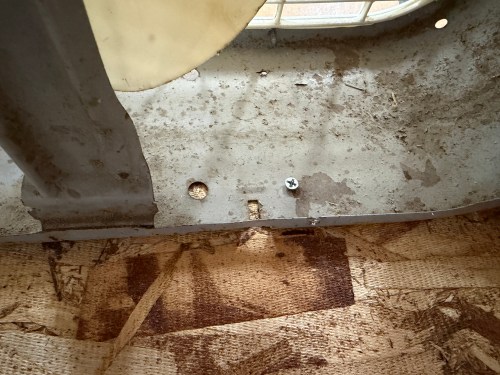
It was finally time to build my air filter. I removed the back covers, feet, handles, and knobs from the fans. I got my first look at the switches inside, which are nearly identical.
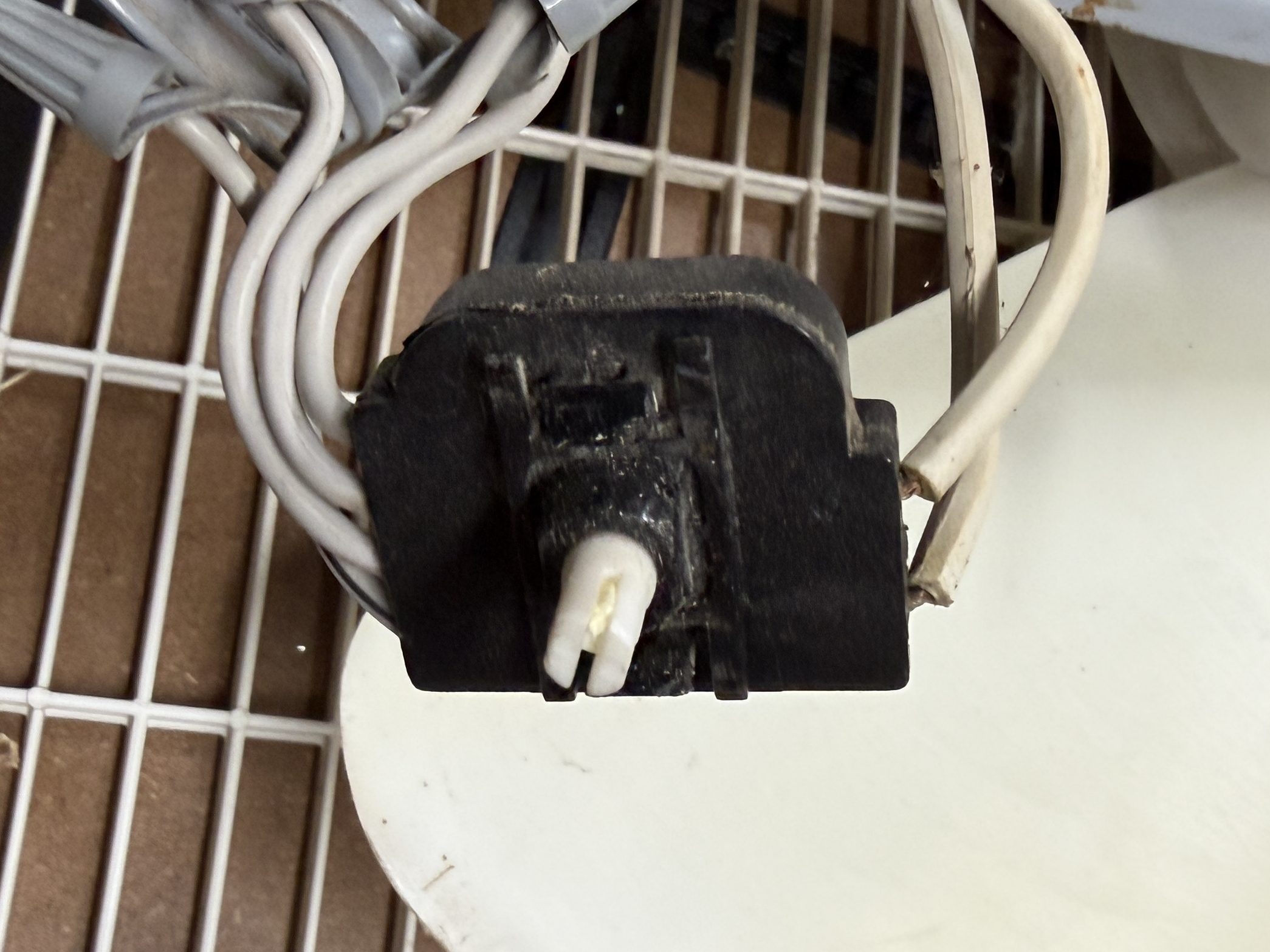
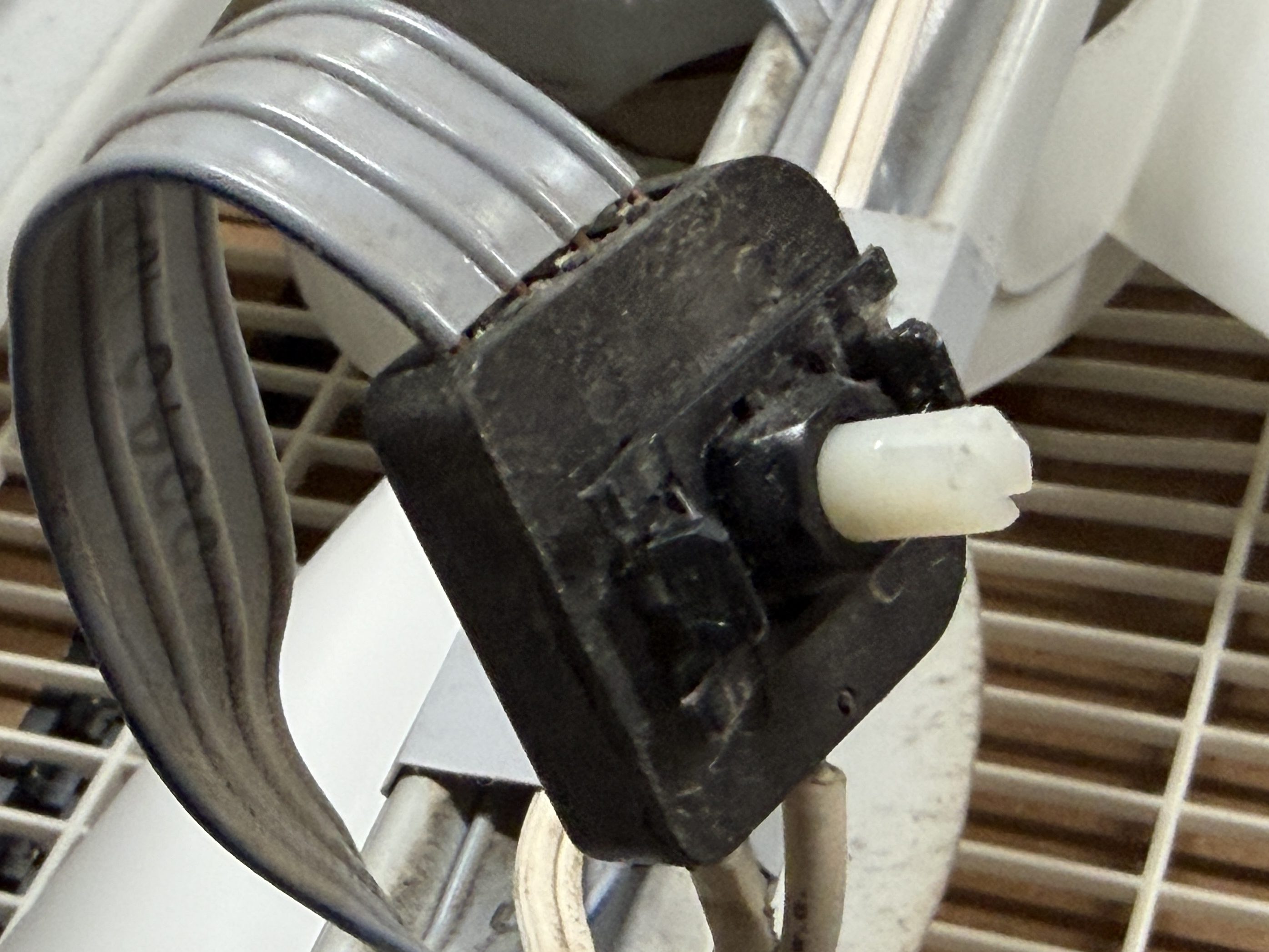
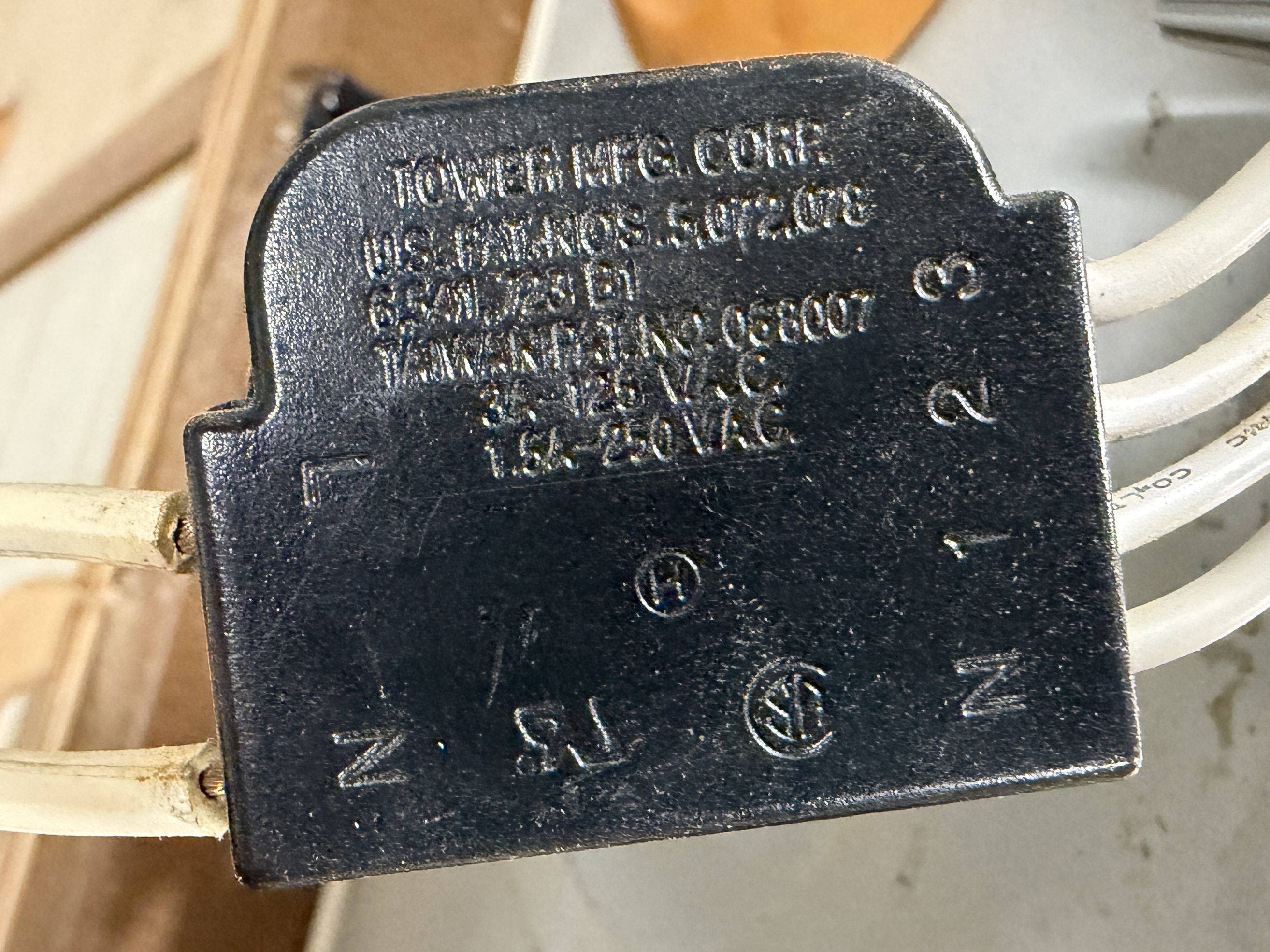
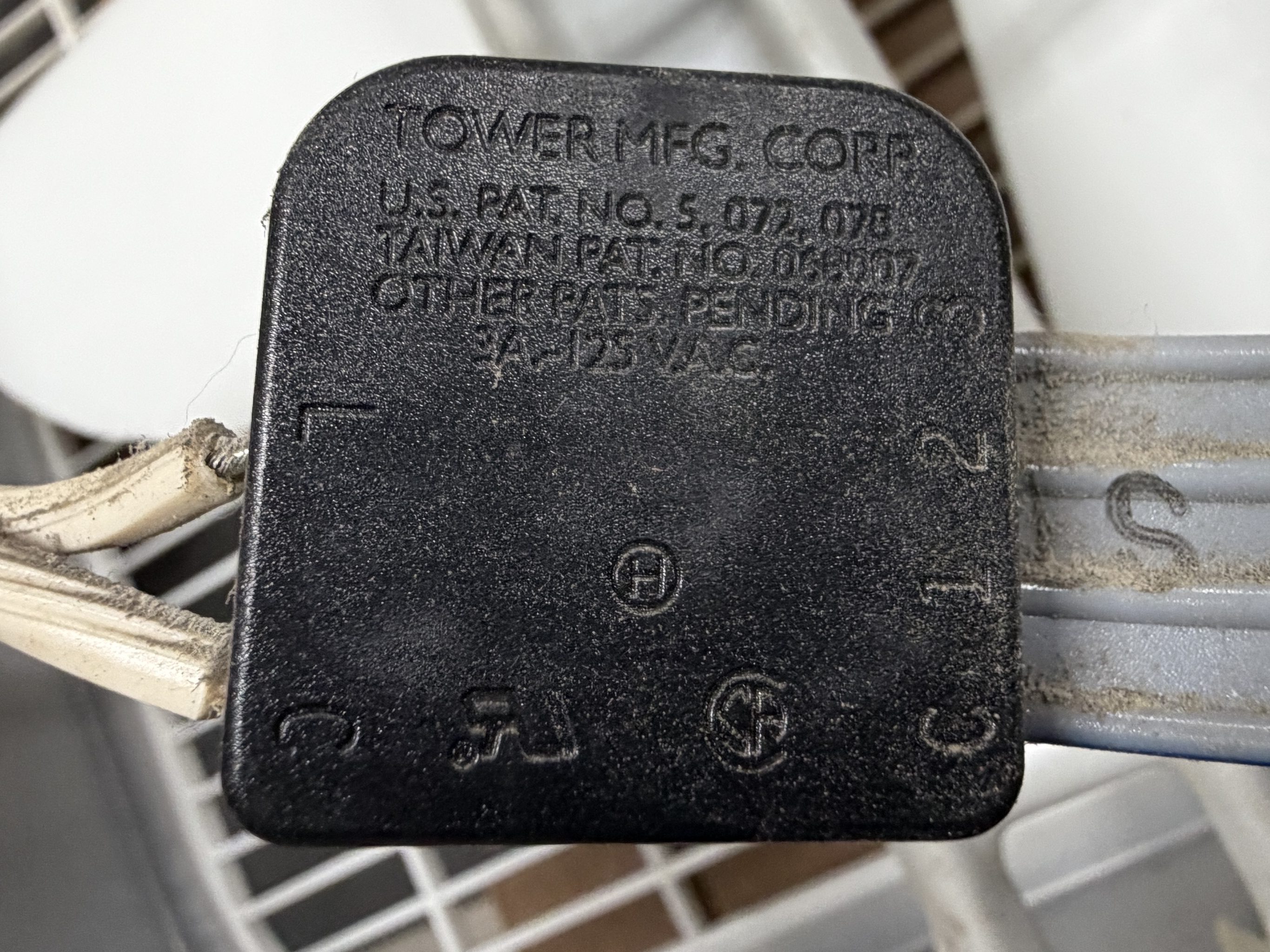
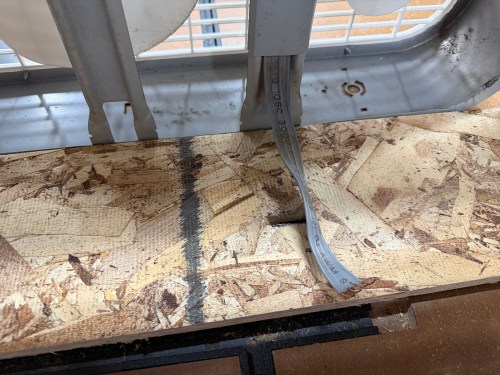
I’d easily be able to wire the fans together, so I removed the switches and power cords.
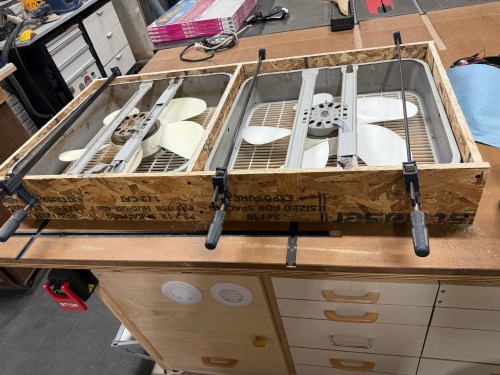
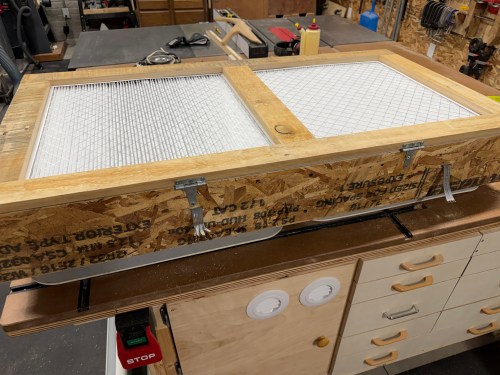
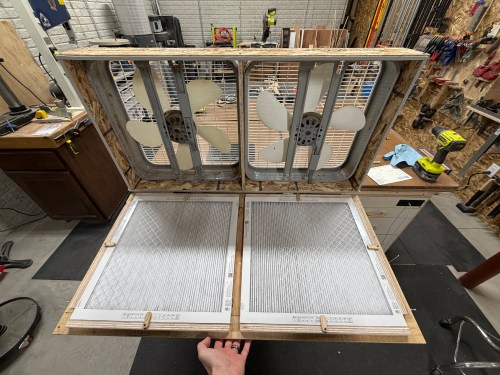
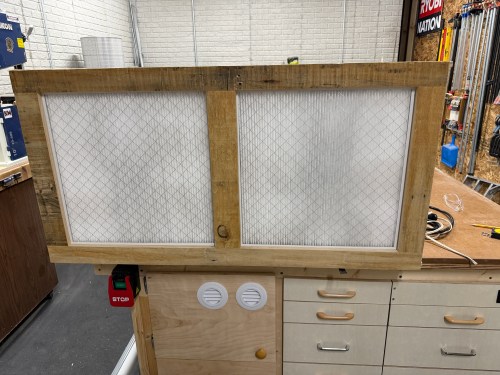
I put together a frame from OSB, cut slots to feed the wires through, and screwed the box fans in.
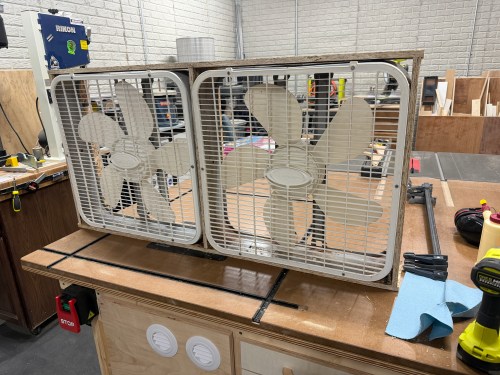

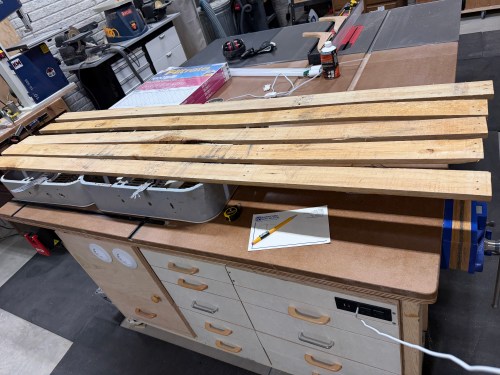
Then I grabbed wood that had been salvaged from a pallet to construct a door.
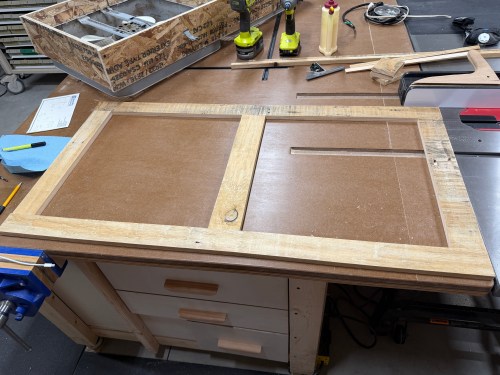
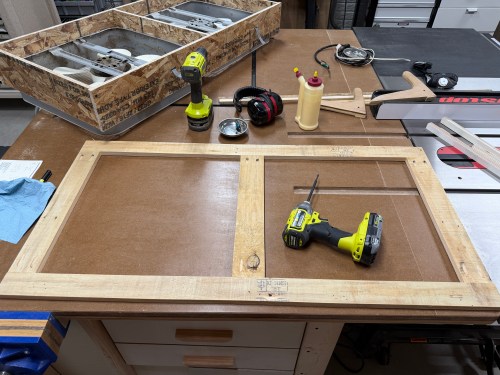
On the back side, I used glue and brad nails to attach plywood rails. I also made tabs to hold the filters secure.
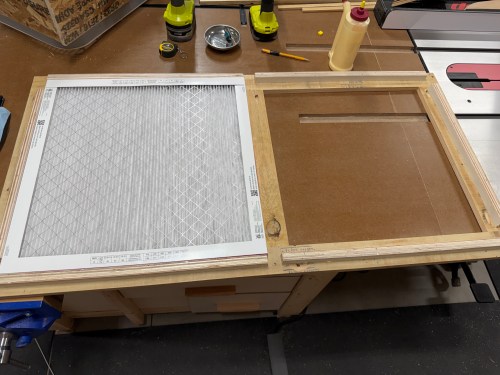
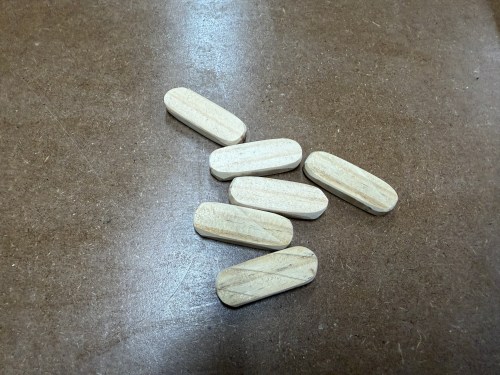
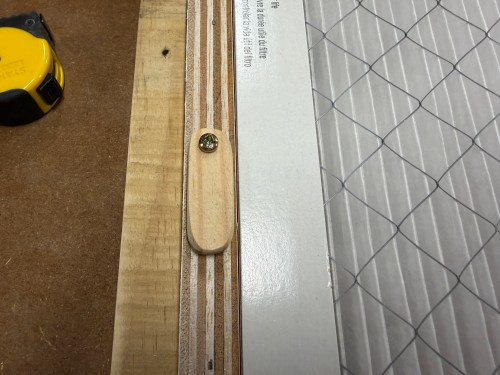
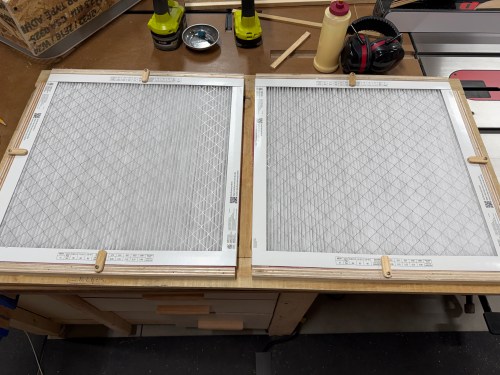
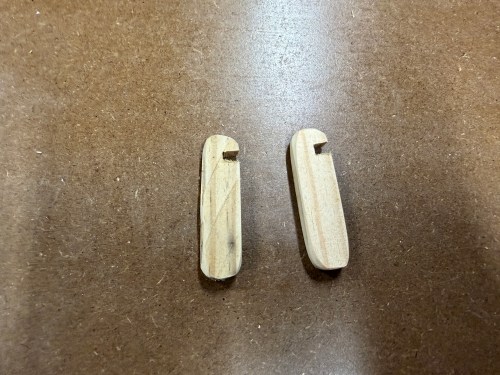
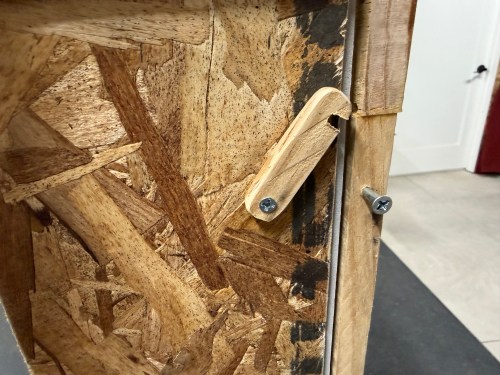
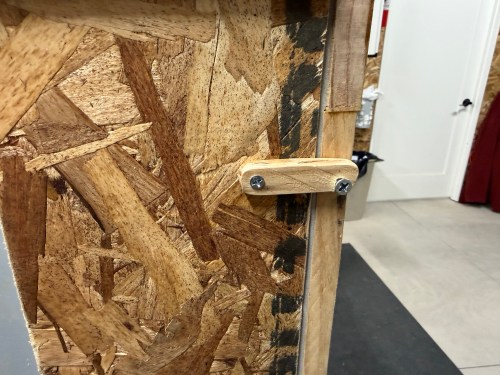
I attached the door with a couple hinges and made some notched tabs to hold the door shut.
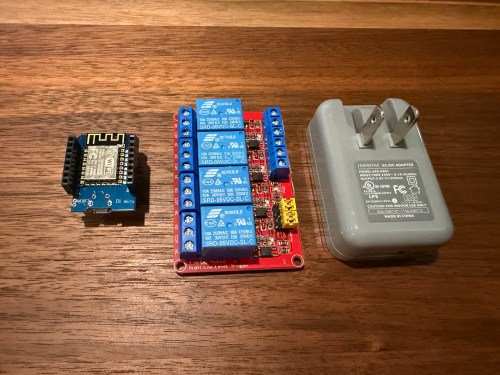
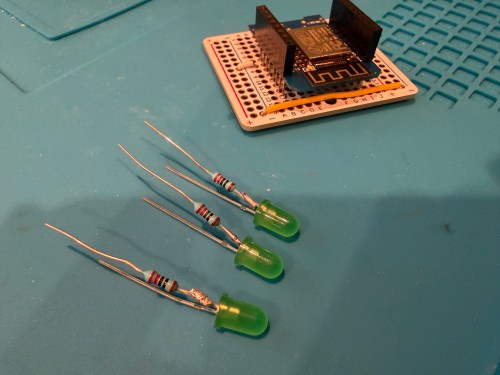
Then it was time to work on the wiring and electronics. I had recently watched a YouTube video showing how to make an old fan smart and his code with ESPHome and Home Assistant gave my a great start. I bought a 4 channel relay board to use with a an ESP8266 development board, a button, and some LEDs. I tore open an old USB power plug and was originally going to tie in the 120 volt line, but decided against it. First, I tested out the circuit and code on a breadboard and then soldering things up more permanently.
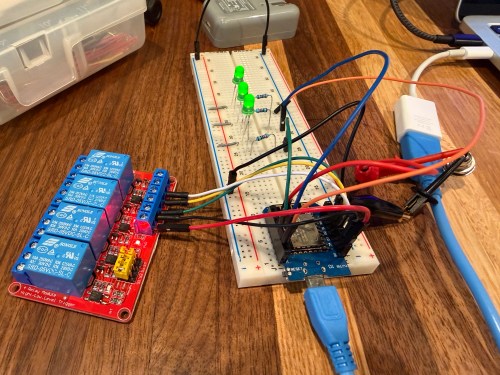
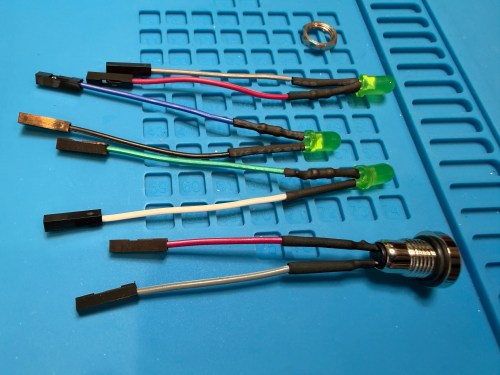
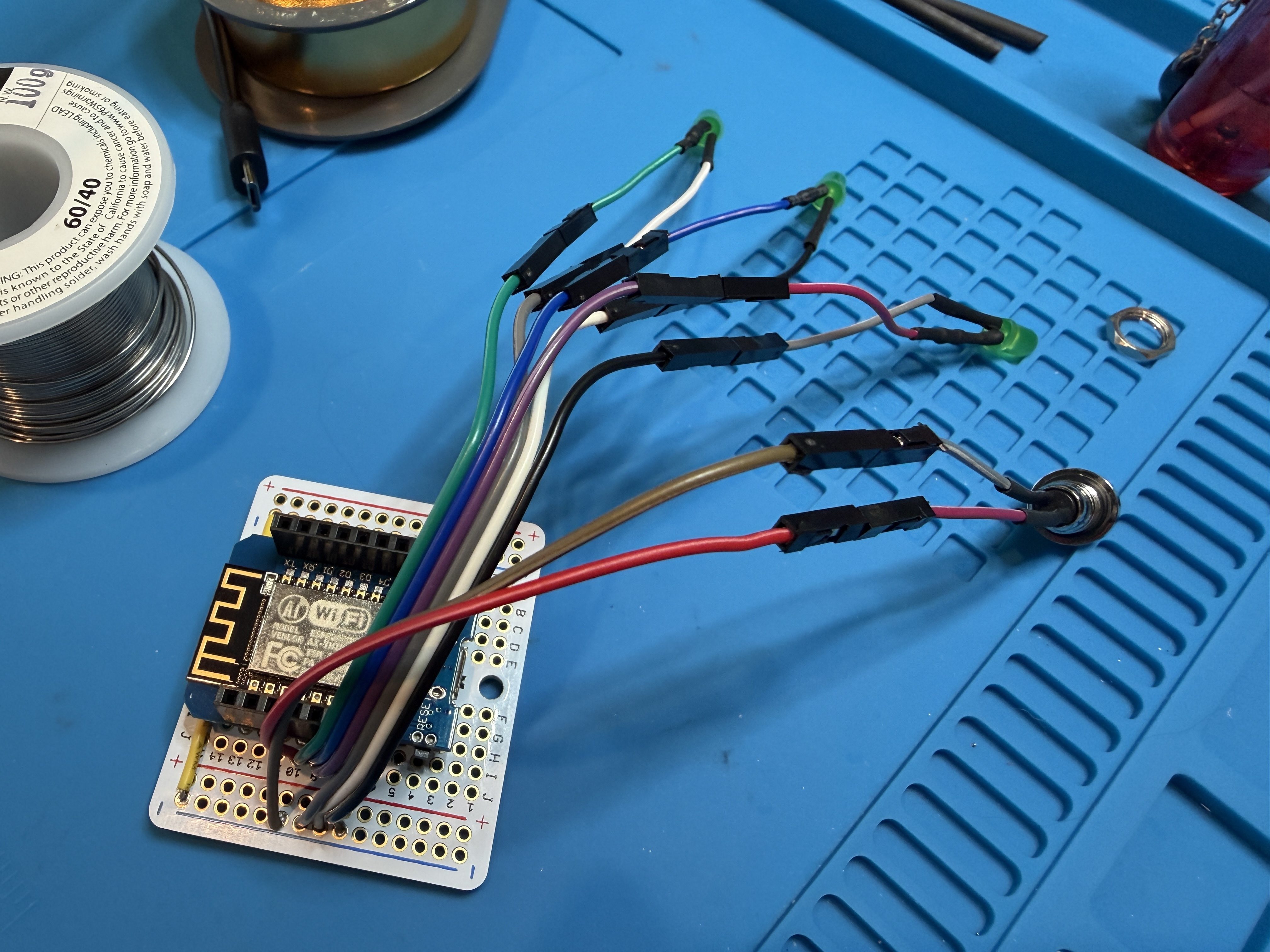
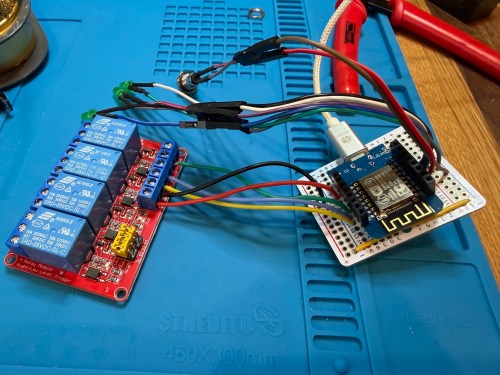
A plastic screw container was a good side, so I used hot glue to secure the boards and then wired up all of the fan connections.
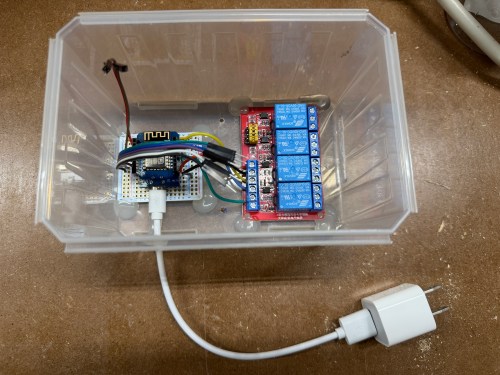

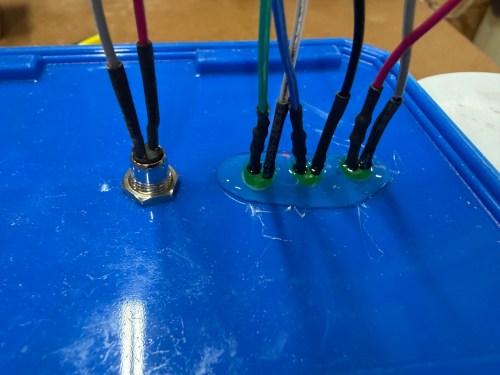
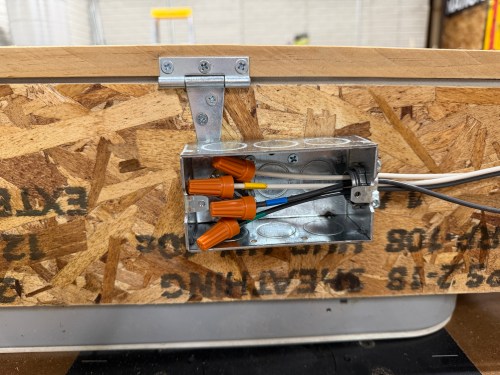
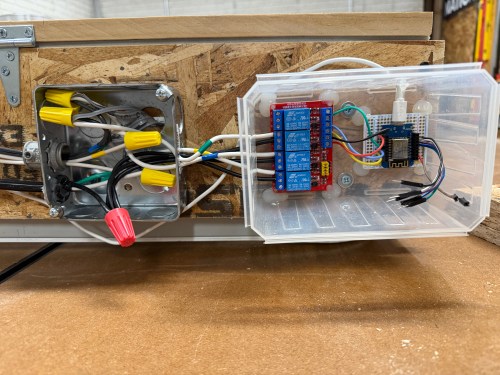
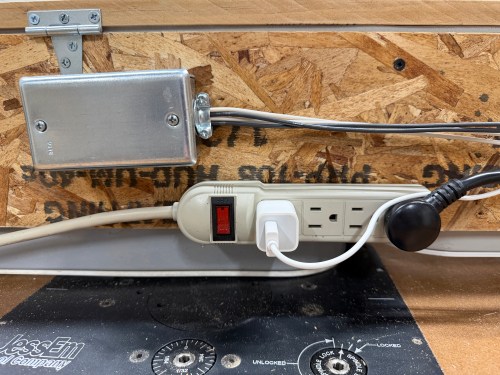
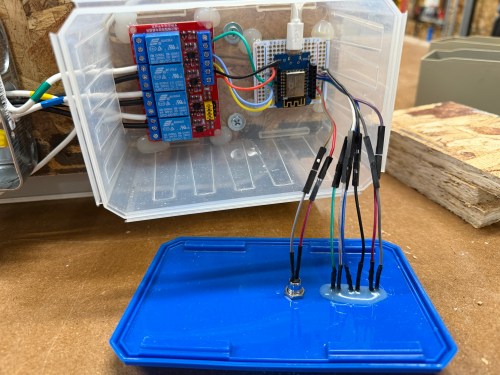
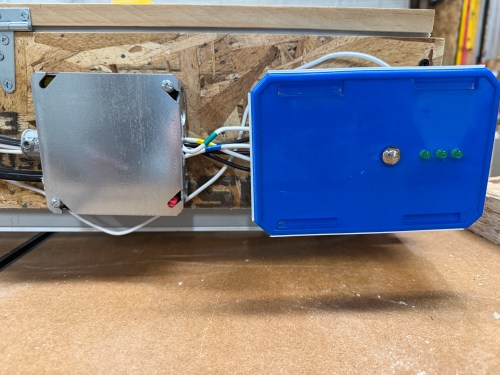
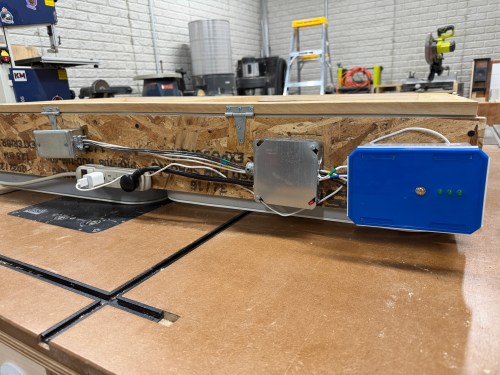
I’m not sure if I’ll ever use the button, but it allows me to cycle between the three speeds and turn it off. The three LEDs show which speed is currently running. The only thing I got wrong was reversing the low and high speeds, which was a quick fix in the ESPHome code. Speaking of the code, here’s mine.
esphome:
  name: shop-air-filter
  friendly_name: Shop Air Filter

esp8266:
  board: d1_mini

logger:
  level: WARN

api:
  encryption:
    key: "input_yours"

ota:
  - platform: esphome
    password: "input_yours"

wifi:
  min_auth_mode: WPA2
  ssid: !secret wifi_ssid
  password: !secret wifi_password
  manual_ip:
    static_ip: 192.168.1.2
    gateway: 192.168.1.1
    subnet: 255.255.255.0

time:
  - platform: homeassistant
    id: home_time

binary_sensor:
  - platform: gpio
    pin: {number: D5, mode: INPUT_PULLUP, inverted: true}
    name: "Speed Button"
    on_press:
      then:
        - script.execute: cycle_fan_speed

  - platform: template
    id: active
    lambda: 'return id( fan_speed ).state > 0;'

switch:
  # Relays
  - platform: gpio
    pin: D3
    id: speed_1
    inverted: true
    interlock: &fan_interlock [speed_1, speed_2, speed_3]
    internal: true
  - platform: gpio
    pin: D2
    id: speed_2
    inverted: true
    interlock: *fan_interlock
    internal: true
  - platform: gpio
    pin: D1
    id: speed_3
    inverted: true
    interlock: *fan_interlock
    internal: true

  # LEDs
  - platform: gpio
    pin: D6
    id: led_1
    internal: true
  - platform: gpio
    pin: D7
    id: led_2
    internal: true
  - platform: gpio
    pin: D8
    id: led_3
    internal: true

number:
  - platform: template
    name: "Fan Speed"
    id: fan_speed
    min_value: 0
    max_value: 3
    step: 1
    optimistic: true
    restore_value: true
    on_value:
      then:
        - script.execute: set_shop_filter_speed

text_sensor:
  - platform: template
    name: "Current State"
    id: current_state

sensor:
  - platform: duty_time
    name: "Filter Runtime"
    id: shop_filter_usage
    sensor: active
    restore: true
    unit_of_measurement: h
    accuracy_decimals: 1
    filters:
      - multiply: 0.000277778 # Convert seconds to hours

button:
  - platform: template
    name: "Reset Filter Timer"
    icon: "mdi:timer-off"
    on_press:
      then:
        - sensor.duty_time.reset: shop_filter_usage

script:
  - id: set_shop_filter_speed
    mode: restart
    then:
      - switch.turn_off: speed_1
      - switch.turn_off: speed_2
      - switch.turn_off: speed_3
      - switch.turn_off: led_1
      - switch.turn_off: led_2
      - switch.turn_off: led_3
      - delay: 300ms
      - lambda: |-
          if ( id( fan_speed ).state == 0 ) {
            id( current_state ).publish_state( "Off" );
          } else if ( id( fan_speed ).state == 1 ) {
            id( speed_1 ).turn_on();
            id( led_1 ).turn_on();
            id( current_state ).publish_state( "Low" );
          } else if ( id( fan_speed ).state == 2 ) {
            id( speed_2 ).turn_on();
            id( led_1 ).turn_on(); id( led_2 ).turn_on();
            id( current_state ).publish_state( "Medium" );
          } else if ( id( fan_speed ).state == 3 ) {
            id( speed_3 ).turn_on();
            id( led_1 ).turn_on(); id( led_2 ).turn_on(); id( led_3 ).turn_on();
            id( current_state ).publish_state( "High" );
          }
  - id: cycle_fan_speed
    then:
      - lambda: |-
          int next_speed = id( fan_speed ).state + 1;
          if ( next_speed > 3 ) next_speed = 0;
          id( fan_speed ).publish_state( next_speed );
I used Google Gemini to help and it had a great suggestion to track the run time and add a maintenance reminder when it was time to replace the filters.
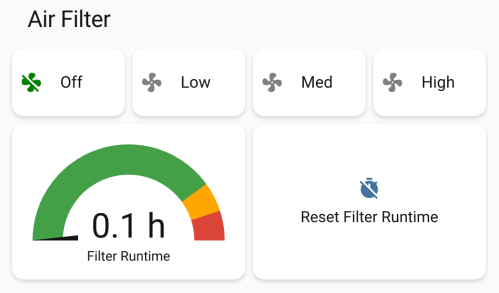
In Home Assistant I created some automations. My dust collector uses a smart plug, so when it draws electricity, the air filter automatically turns on at high speed. When the dust collector turns off, the air filter continues to run for 15 minutes before turning off. If I had to remember to turn on the air filter all the time, it would rarely happen, so this is amazing.
I’m still on lifting restrictions for several weeks so Brandi helped me install the air filter on the ceiling.
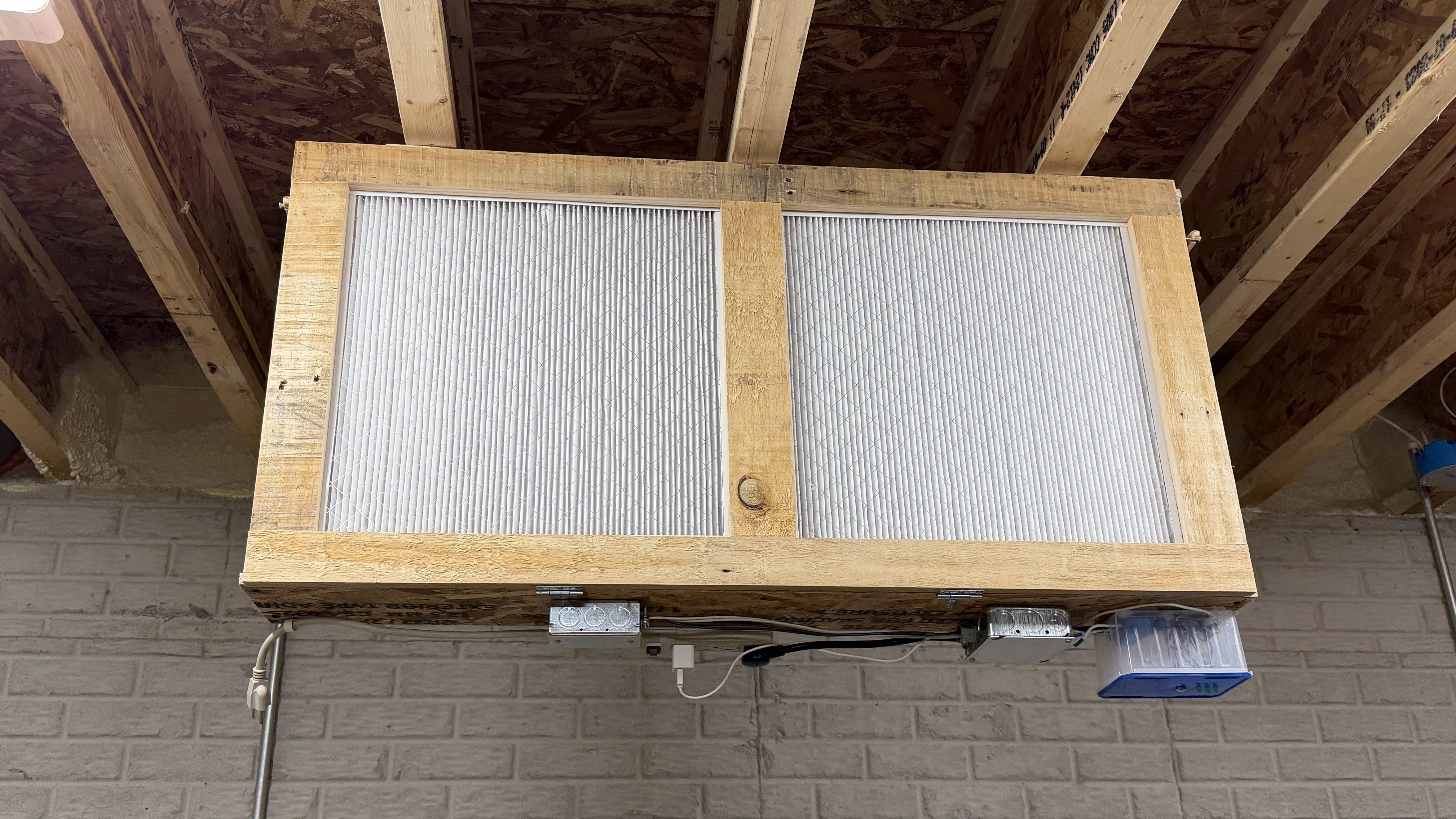
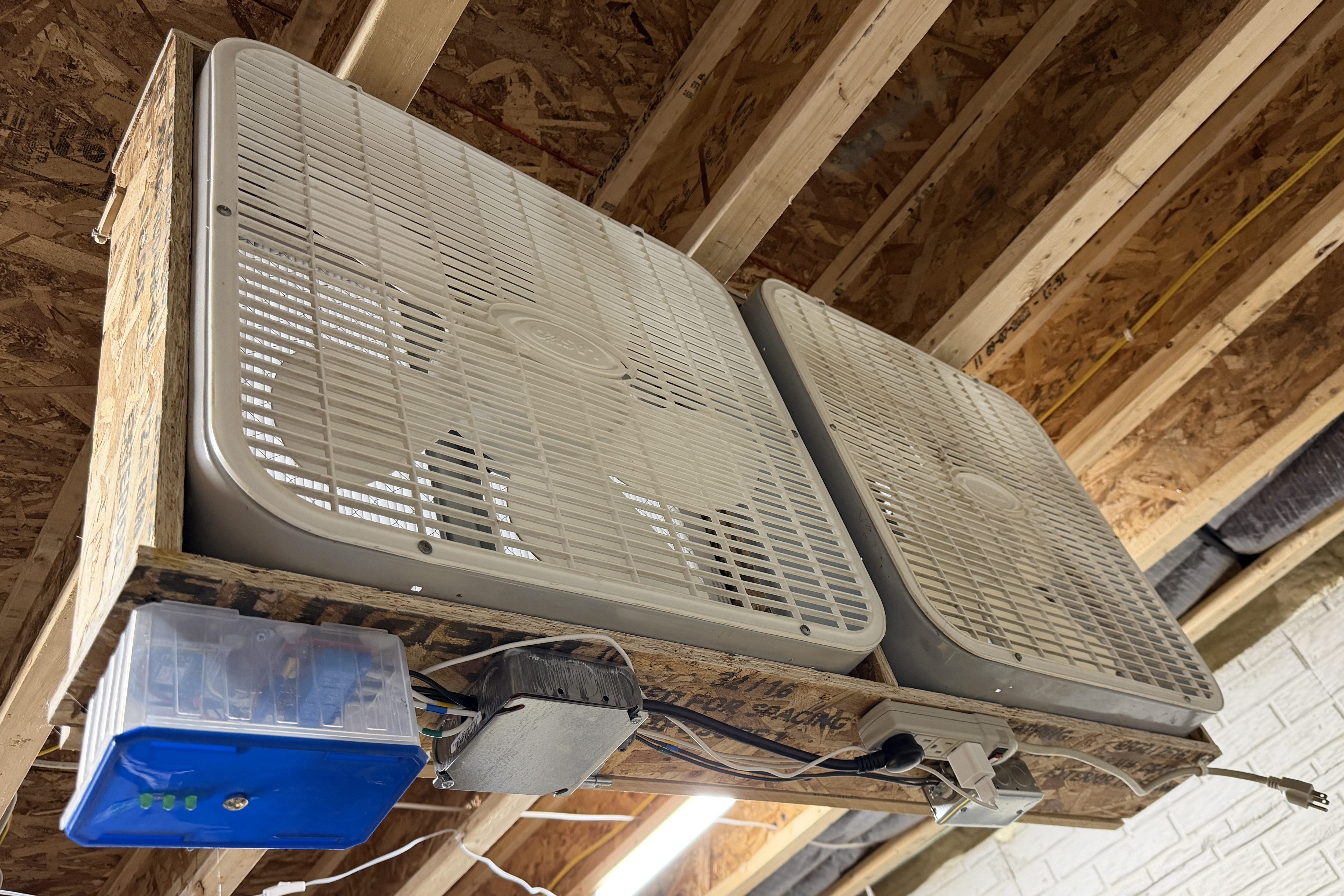
I wish I hadn’t waited so long to build this!




 Nick Momrik