DIY Air Quality Monitors for Home Assistant

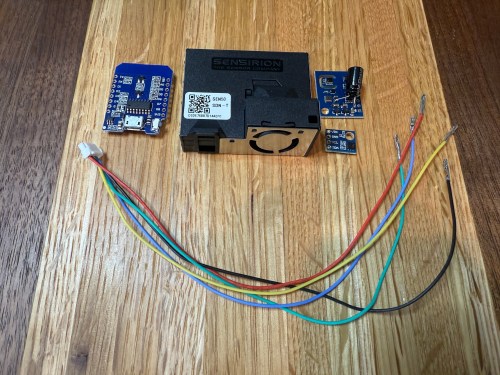
The upgraded IKEA air quality monitors I did work great, but the LED indication isn’t great for a bedroom and the fan noise was annoying in my office. So I wanted to create a couple of my own devices for those locations. I used:

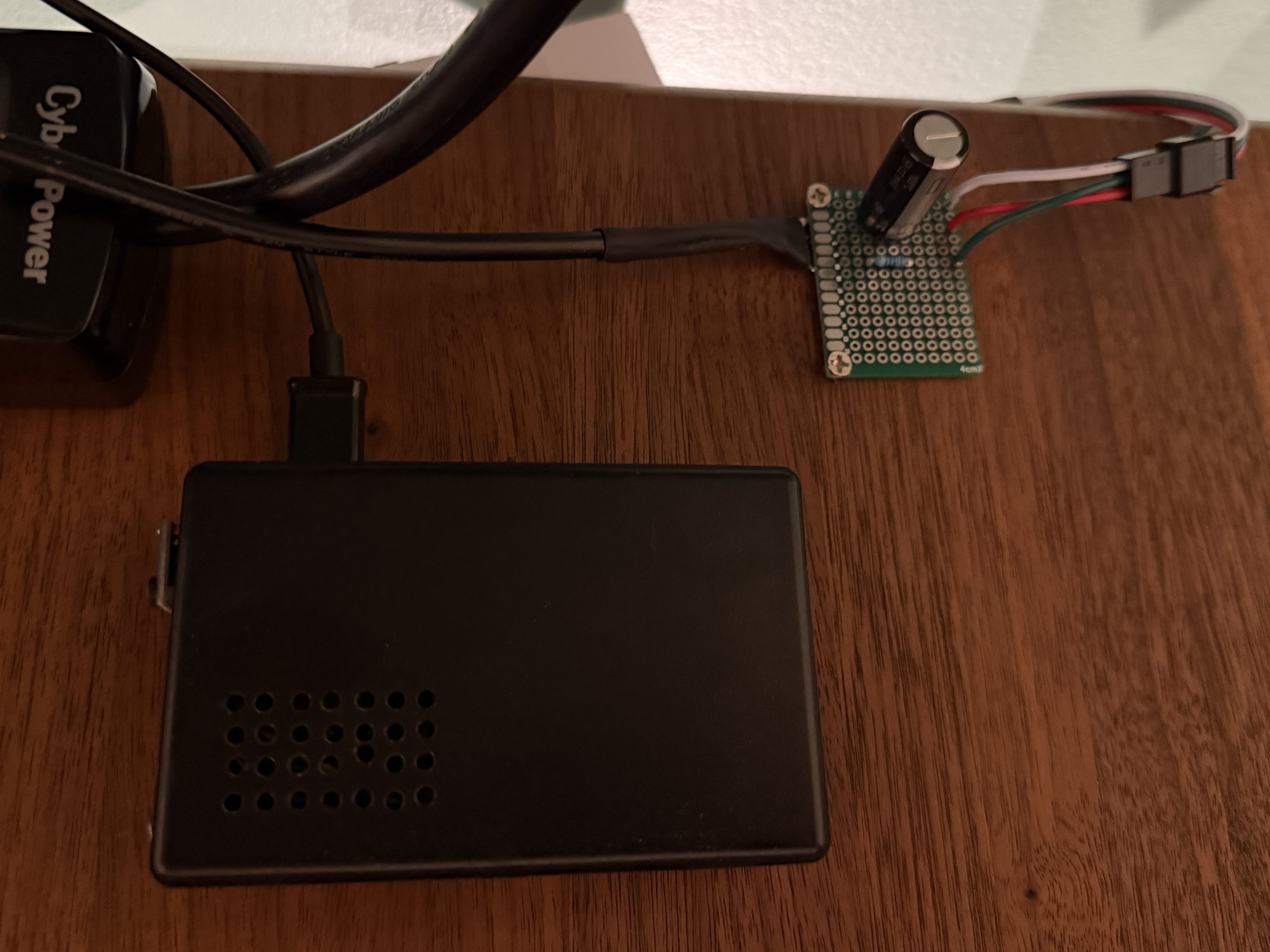
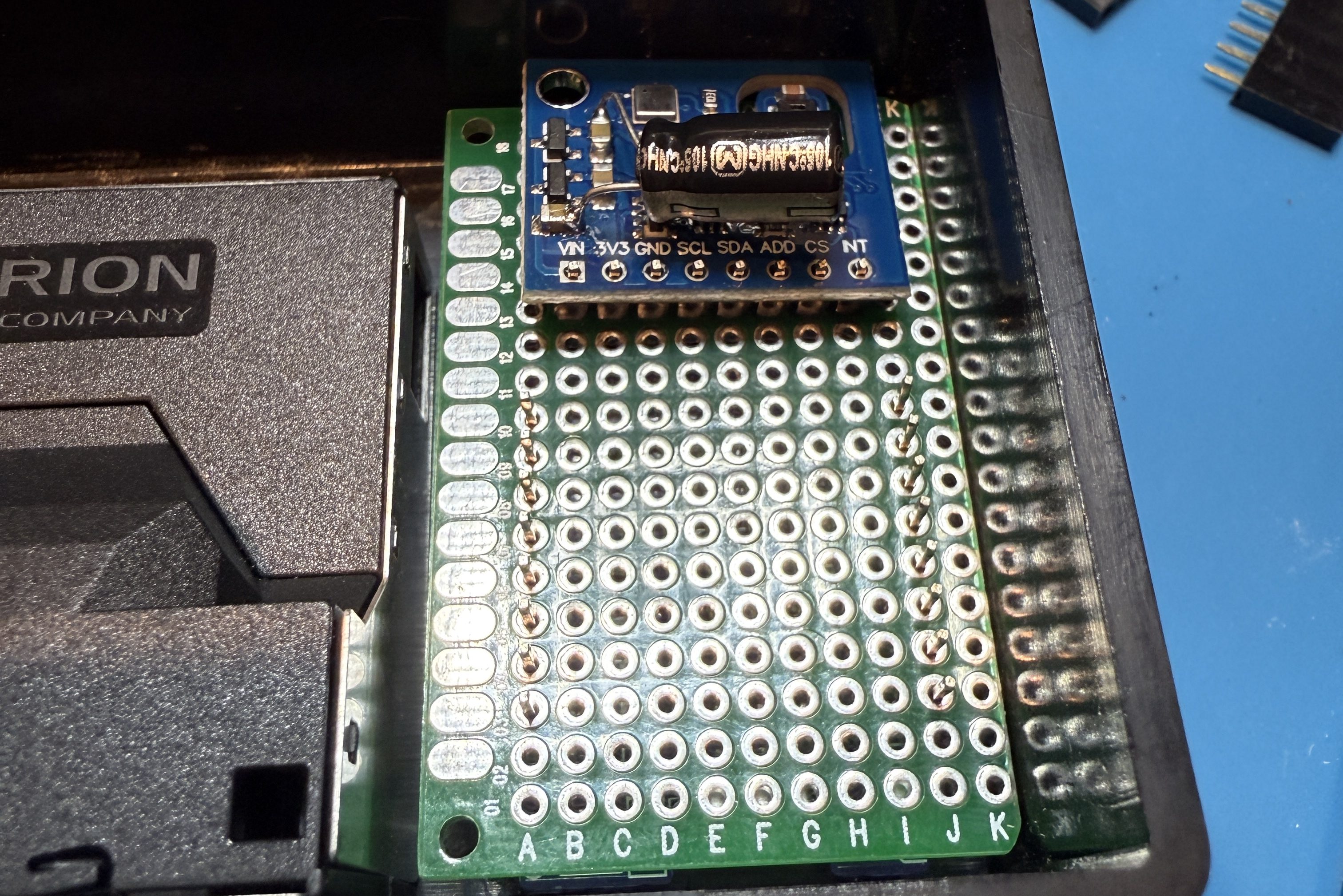
The SEN50 is a big upgrade over the PM sensors used in the IKEA devices and I used the Si7021 in place of the BME280 I had used because I think they’re a bit better. I soldered 47µF electrolytic capacitors from a big kit I’ve had (similar on Amazon) to the ENS150 modules to improve their power.

Then I attached 5 of the crimped wires to a 6P JST connector, which is what the SEN50 modules require. I’m note sure why buying the actual cable for these SEN50s are so expensive, but I got the entire JST kit for cheaper than a couple of the special cables.

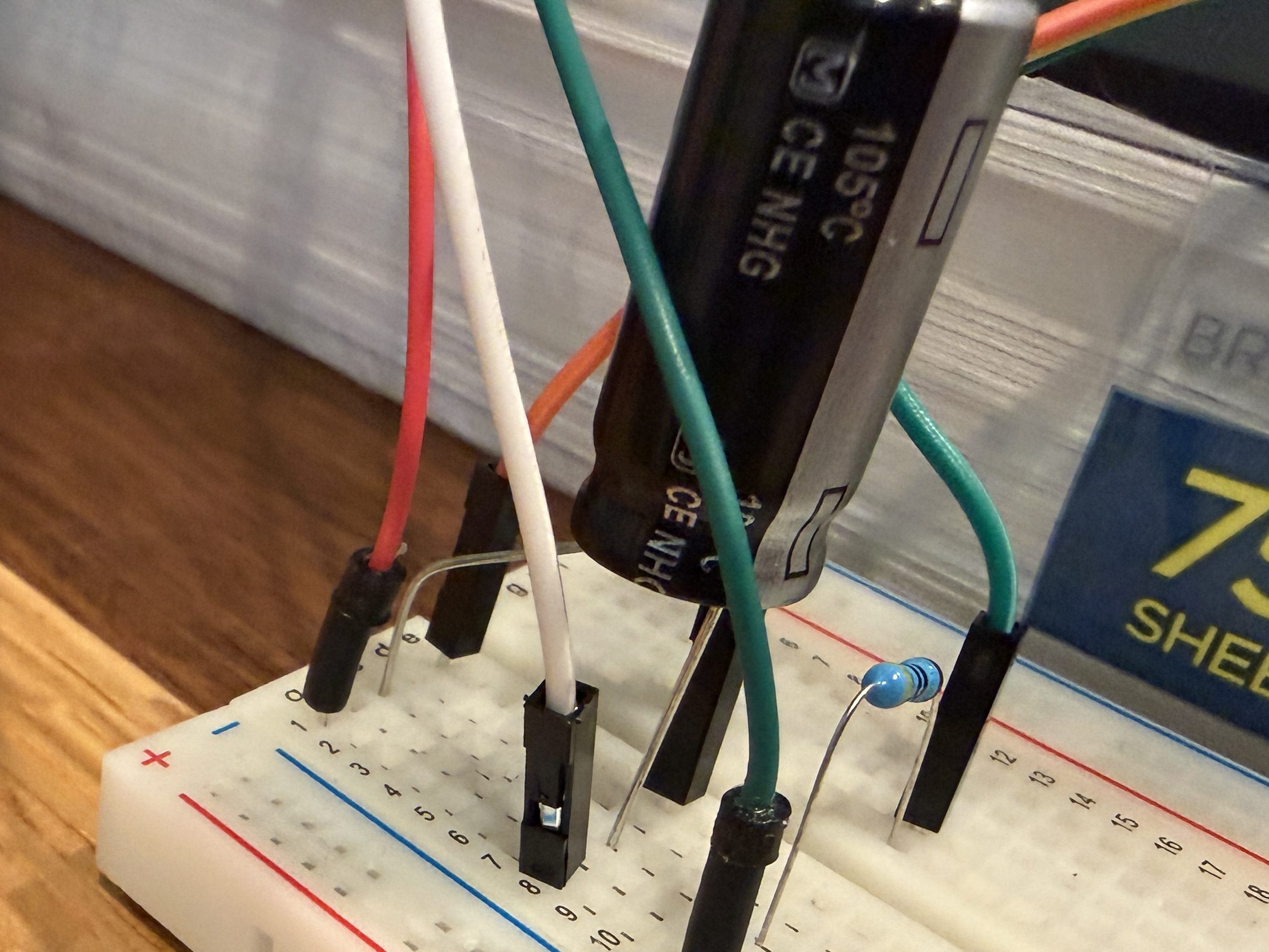
All three sensors communicate with the microcontroller over I²C, so a breadboard test was easy to wire up. The SEN50 does require 5 volts instead of 3.3, so I’m glad I checked.

The ESPHome YAML code is very similar to the code used for the modified IKEA air quality monitors.

substitutions:
  slug: demo
  friendly: Demo

esphome:
  name: ${slug}-wemos-d1
  friendly_name: ${friendly} Wemos D1

esp8266:
  board: d1_mini

logger:
  #level: WARN

api:
  encryption:
    key: 'xxx'

ota:
  - platform: esphome
    password: "xxx"

wifi:
  ssid: !secret wifi_ssid
  password: !secret wifi_password
  manual_ip:
    static_ip: xxx
    gateway: xxx
    subnet: 255.255.255.0

i2c:
  frequency: 50kHz

sensor:
  - platform: sen5x
    pm_1_0:
      name: PM 1µm
      accuracy_decimals: 0
    pm_2_5:
      name: PM 2.5µm
      accuracy_decimals: 0
    pm_4_0:
      name: PM 4µm
      accuracy_decimals: 0
    pm_10_0:
      name: PM 10µm
      accuracy_decimals: 0

  - platform: htu21d
    model: SI7021
    temperature:
      name: Temperature
      id: ${slug}_temp
    humidity:
      name: Humidity
      id: ${slug}_humid

  - platform: aht10
    variant: AHT20
    temperature:
      name: AHT21 Temperature
      id: ${slug}_aht21_temp
    humidity:
      name: AHT21 Humidity
      id: ${slug}_aht21_humid

  - platform: ens160_i2c
    address: 0x53
    eco2:
      name: CO²
    tvoc:
      name: VOC
    aqi:
      id: demo_aqi
      name: AQI
    compensation:
      temperature: ${slug}_aht21_temp
      humidity: ${slug}_aht21_humid

text_sensor:
  - platform: template
    name: AQI Rating
    lambda: |-
      switch ( (int) ( id( ${slug}_aqi ).state ) ) {
        case 1: return {"Excellent"};
        case 2: return {"Good"};
        case 3: return {"Moderate"};
        case 4: return {"Poor"};
        case 5: return {"Unhealthy"};
        default: return {"N/A"};
      }

These resources helped out:

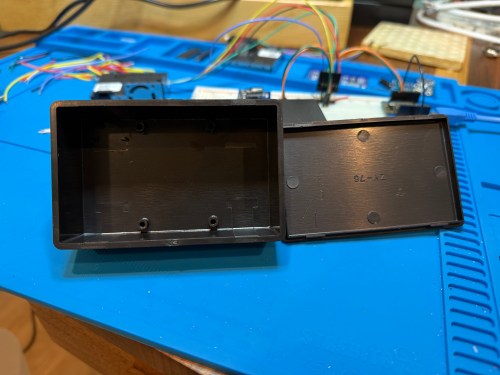
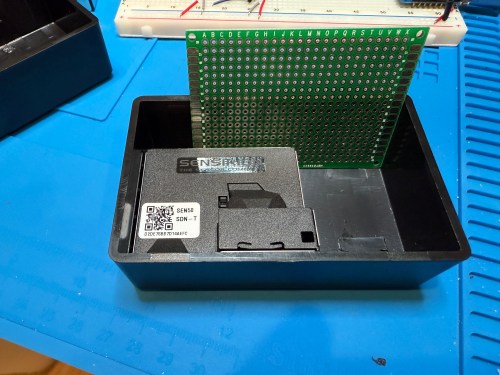
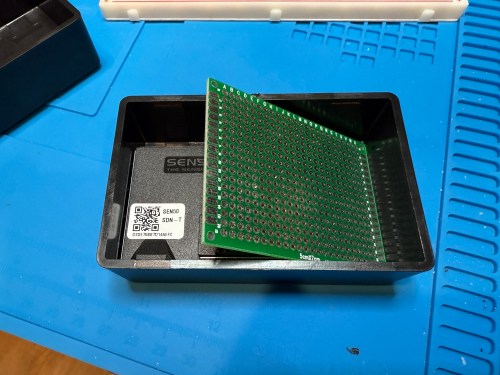
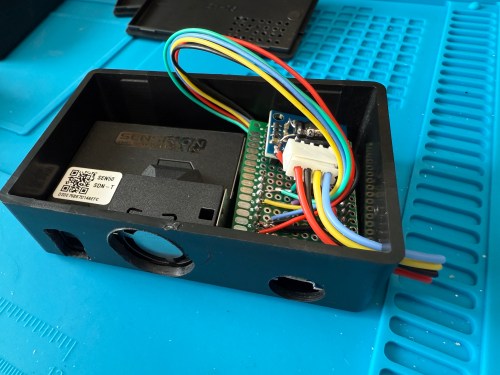
The project boxes had some standoffs on the bottom, which I snipped off and then sanded with a rotary tool. I pulled out my box of proto boards and found a size almost exactly double what I needed, so I cut out a sliver and ended up with a piece for each box. I also cut vent holes for the SEN50 sensors.

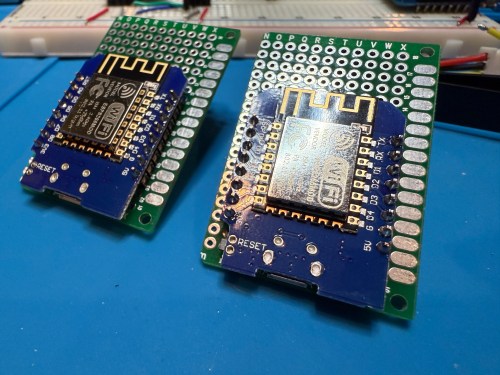
In order to get everything to fit I decided to put the microcontroller on the bottom of the board. After mocking things up I did all of the soldering. I was hoping to be able to mount everything with connectors so it could easily be taken apart, but there wasn’t enough room and I didn’t want bigger boxes.

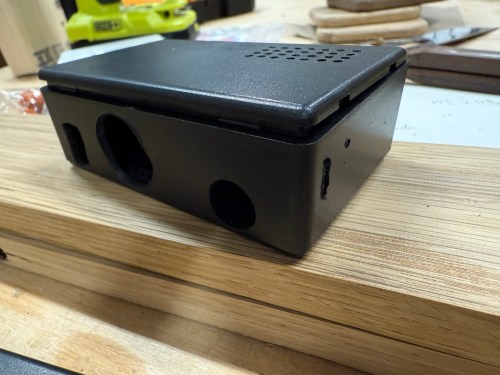
I did some continuity testing along the way and everything worked when I connected power. With the boards ready I cut more access and ventilation holes in the boxes.

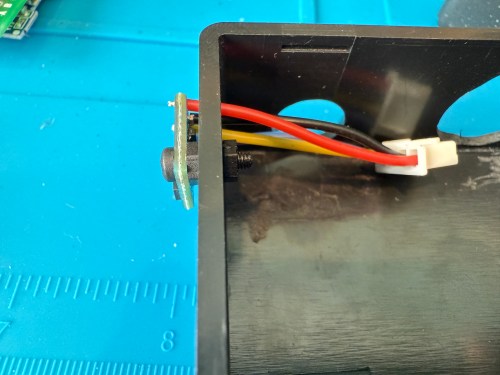
I soldered the Si7021 on to its wires outside of the enclosure so it wouldn’t be exposed to unnecessary heat and used hot gun to secure everything.

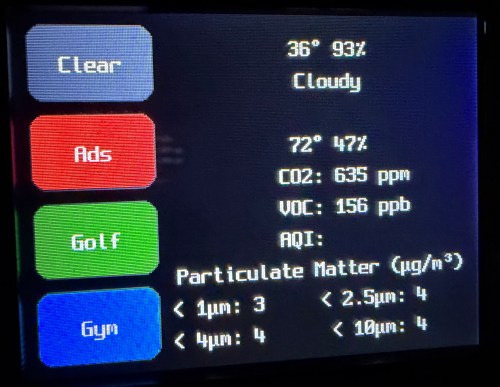
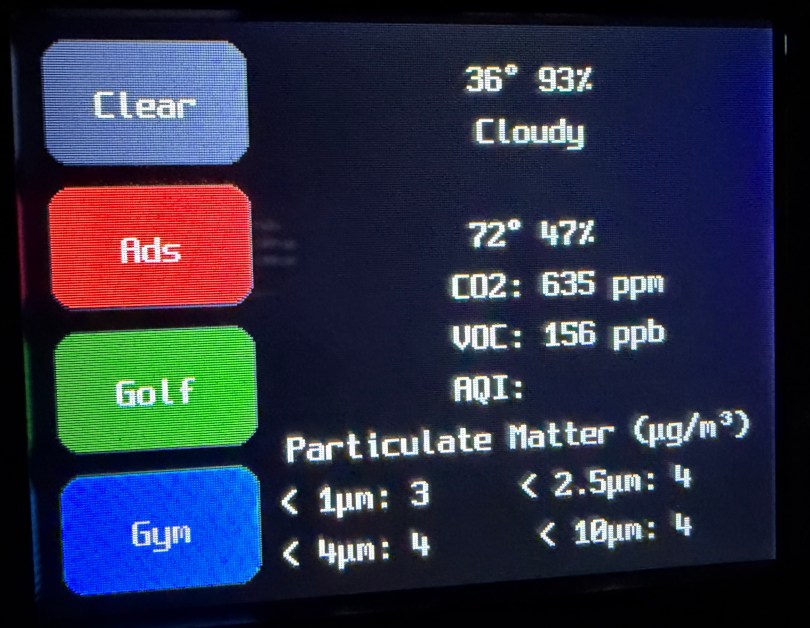
I’m really happy with how these turned out. Here’s a view of the office data on my Home Assistant dashboard.

This was definitely a project where I wished I had a 3D printer to design custom boxes. Some day, when I’m caught up on my project list and can give it proper attention. I know if I get one now I’ll spend a ton of time with it and neglect other projects in my pipeline.

Swapping an AC Adapter Cable

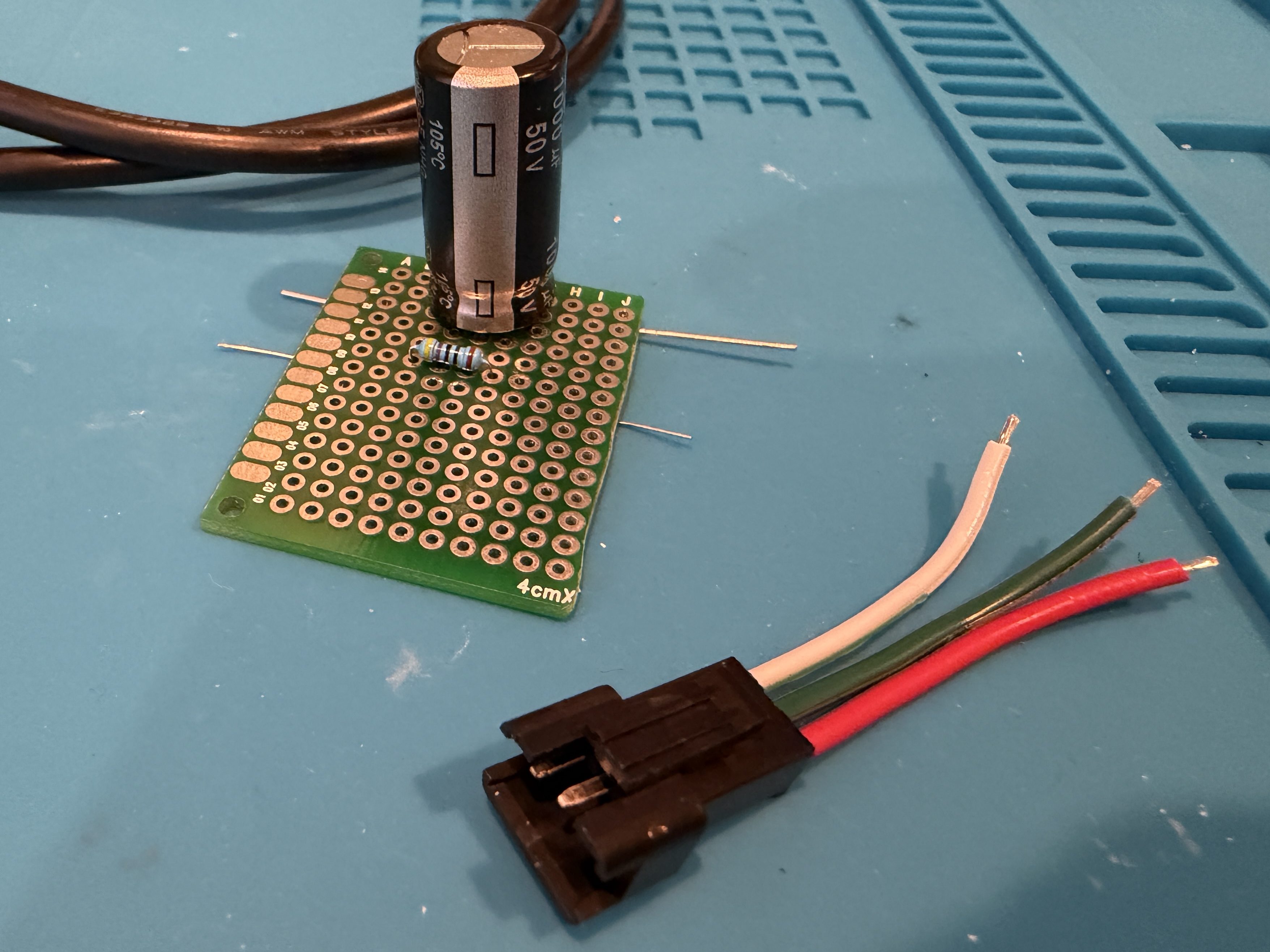
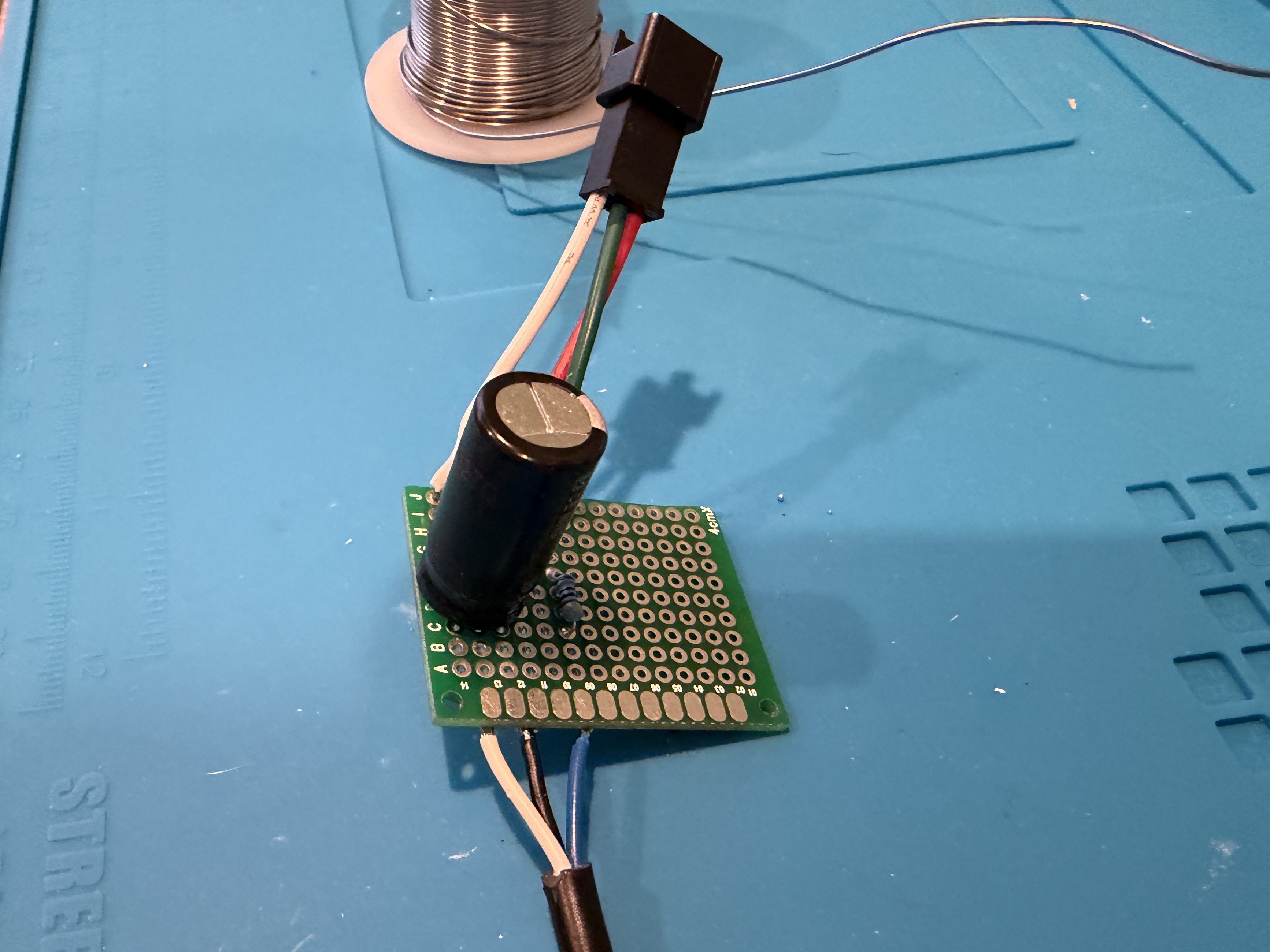
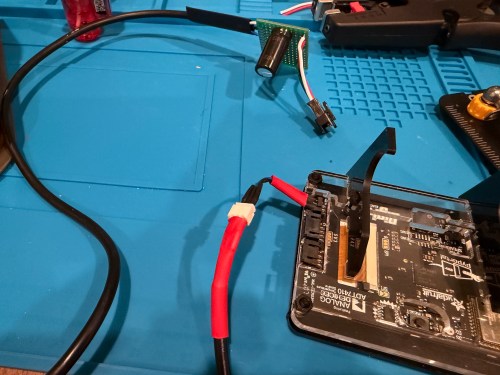
I was given a replacement AC adapter for an Acer laptop, which isn’t compatible with the Dell Optiplex micro PC I wanted to use it with. The output is close enough to work, so I looked for an adapter to convert from the 5.5×1.7mm connector used by the Acer to 4.5x3mm used by the Dell. I couldn’t find an adapter anywhere! I did however find a pigtail adapter on Amazon for about $8 I could wire in. Here’s the original connector and the new cable.

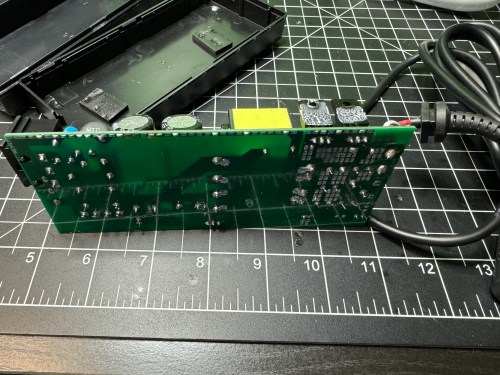
I opened up the power brick.

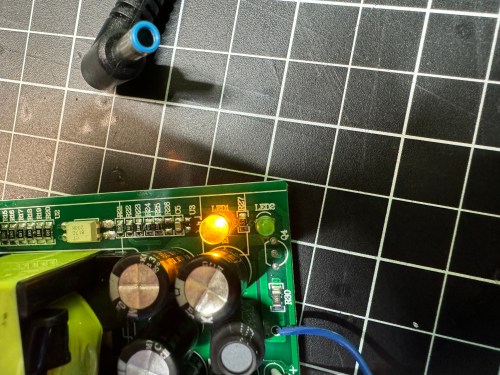
Then I made sure to test the output voltage and the polarity of the wires and connector with a multimeter. I noticed an unused spot for LED1 on the circuit board, so I figured I’d see if connecting a second LED would provide some other status indicator.

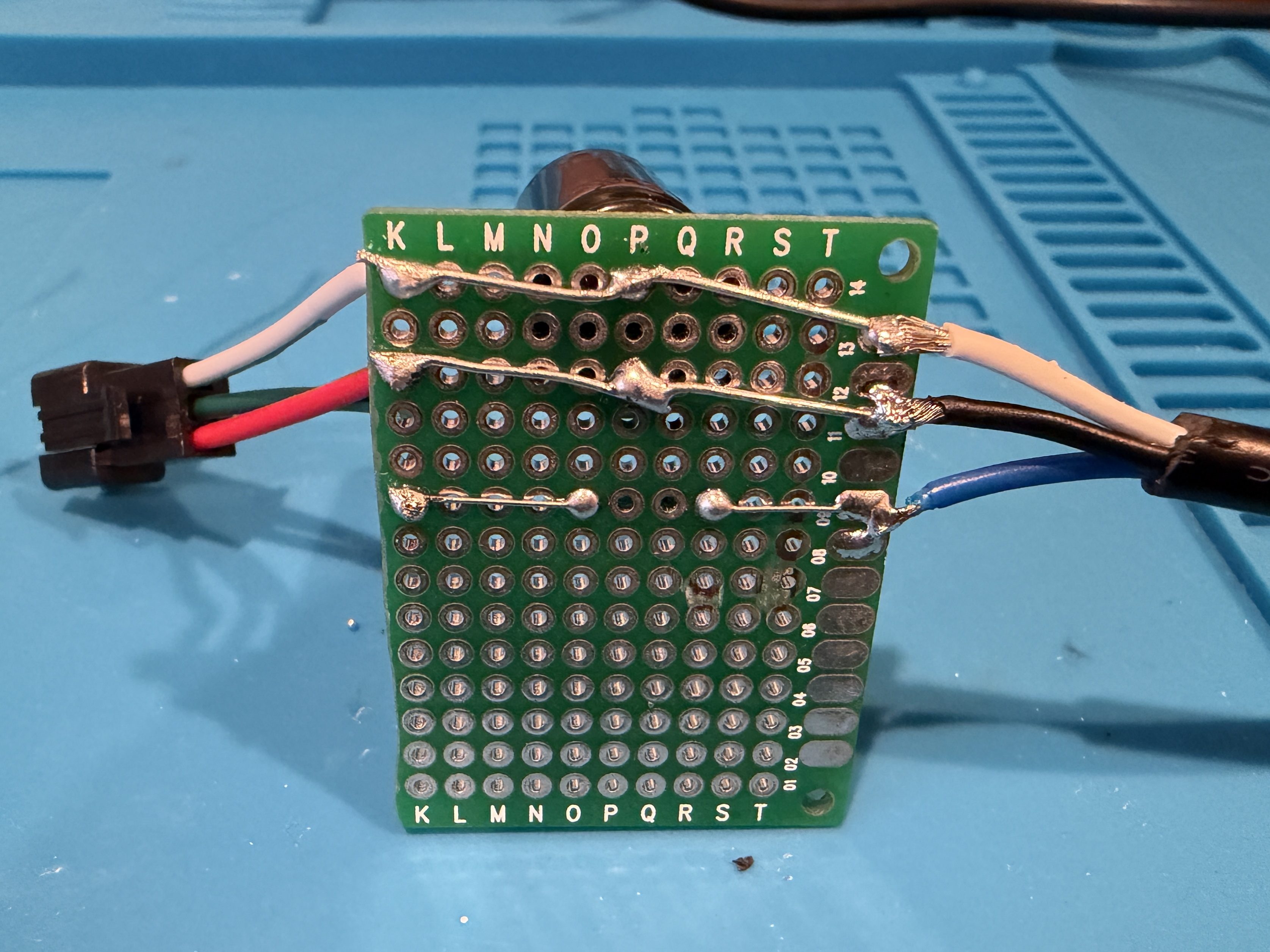
All it seemed to do was take over and disable LED2. So I removed it and left the original green LED. I desoldered the original cable, which only had positive and ground wires. The board had a spot with an S, which I assume means “signal,” so when connecting the pigtail, I soldered the blue wire there.

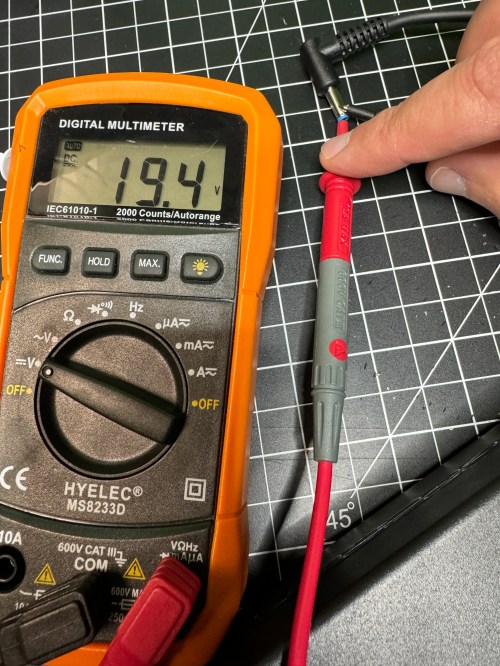
I checked the voltage on the new connector and it was as expected.

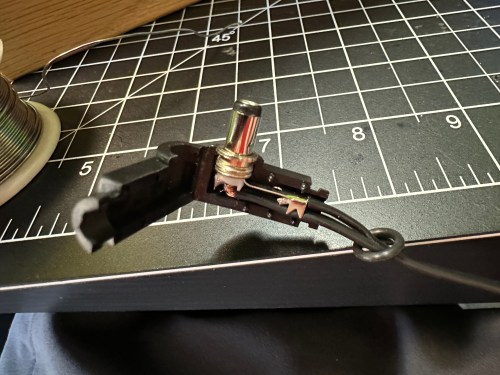
I plugged in the Dell and everything seemed to work. I cleaned the old thermal paste off the 3 components that screwed to a big metal heat sink and put on new paste. When I went to close everything I realized the black wire was too short, preventing the cable from reaching the hole in the power brick. I had to solder on a short extension and cover it with shrink tube.

Tucked everything back in the power brick, snapped it together, and it’s good to go.

Boldport: PissOff

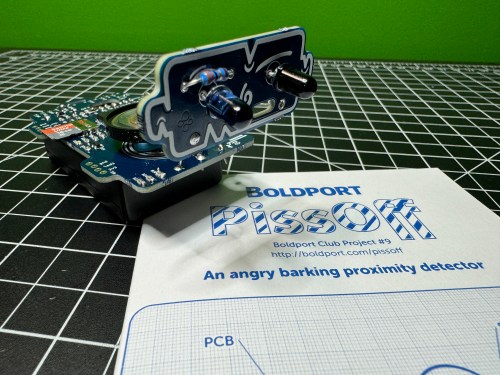
PissOff was project #9 of the Boldport Club, which was before my membership, but I bought it in December of 2018 with my credits when the club closed. I recorded an unboxing video on February 21, 2021 and I guess I ran out of time for the build. The project sat on my shelf for almost three more years before I finally assembled the circuit, which ended up being five years after ordering it!

The kit created a proximity sensor via IR and combined it with annoying noises. With so many surface mount components, this was one of my most challenging electronic soldering builds. I really struggle when an IC has a lot of pins. At one point I tried some other solder and realized what I’d been using was junk, so it went right in the trash.

I screwed up the placement of a couple of SMD capacitors, but caught myself soon enough to remember which ones needed to be exchanged. The other mistake I made was swapping locations between the IR phototransistor and diode, which I didn’t catch until testing. After putting them in the correct locations, everything worked!

Here’s a 8x speed run of the unboxing and some footage of Ninja’s testing.

Useful links:

Update on the Milwaukee M12 Heated Jacket Fix

Last month I wrote about some failures with Brandi’s Milwaukee M12 Heated Jacket and the higher capacity battery they sent is working great for her. I ended that post with sort of a prediction…

I might end up getting a right angle jack to help with the strain relief. We’ll see how this holds up.

Yeah…

It hadn’t failed, but was heading that way. I didn’t help that I don’t have any heat shrink large enough to go over the end of that barrel jack. I ordered a pack of right angle barrel jacks from Amazon and soldered the wires in.

Didn’t work. The jack wasn’t long enough or the wrong size to make a good connection to the power source. I wish I had checked connections before soldering the wires on. I ordered a different style of jack in two sizes, 5.5 x 2.1 mm and 5.5 x 2.5 mm.

The 5.5 x 2.5, on the left, turned out to be the correct size. After confirming (multiple times) the positive and negative sides of each connection I slipped on some heat shrink, soldered the wires to the jacket, and blasted flames at the heat shrink.

The right angle is a much better connection because of how the battery sits in the jacket pocket and the extra length will help with strain relief. I feel better about having a soldered connection as well. It’s a win all around.

RasP.iO Breadboard Pi Bridge

The Breadboard Pi Bridge is a neat way to connect the Raspberry Pi to a breadboard for prototyping. I preordered this kit in March of 2019 from RasP.iO after I’d seen Alex Eames release some cool kits there before. It shipped less than two months later, but it took me until February of 2021 to assemble it. Then it sat on the shelf until now when I finally did the testing and put together the video.

The build was simple with only having to solder some headers to a circuit board. I look forward to using this when I make some projects based on Pis.

Boldport: Pease-out

Pease-out was project #32 of the Boldport Club. This kit is kind of boring one, since it’s main purpose is a tribute to Bob Pease, an expert analogue designer. Adjustments to the potentiometer change the output frequency of the LM331, which can be observed by the flashing LED.

It was a simple build and removes another project from my todo list.

Portable Soldering Station

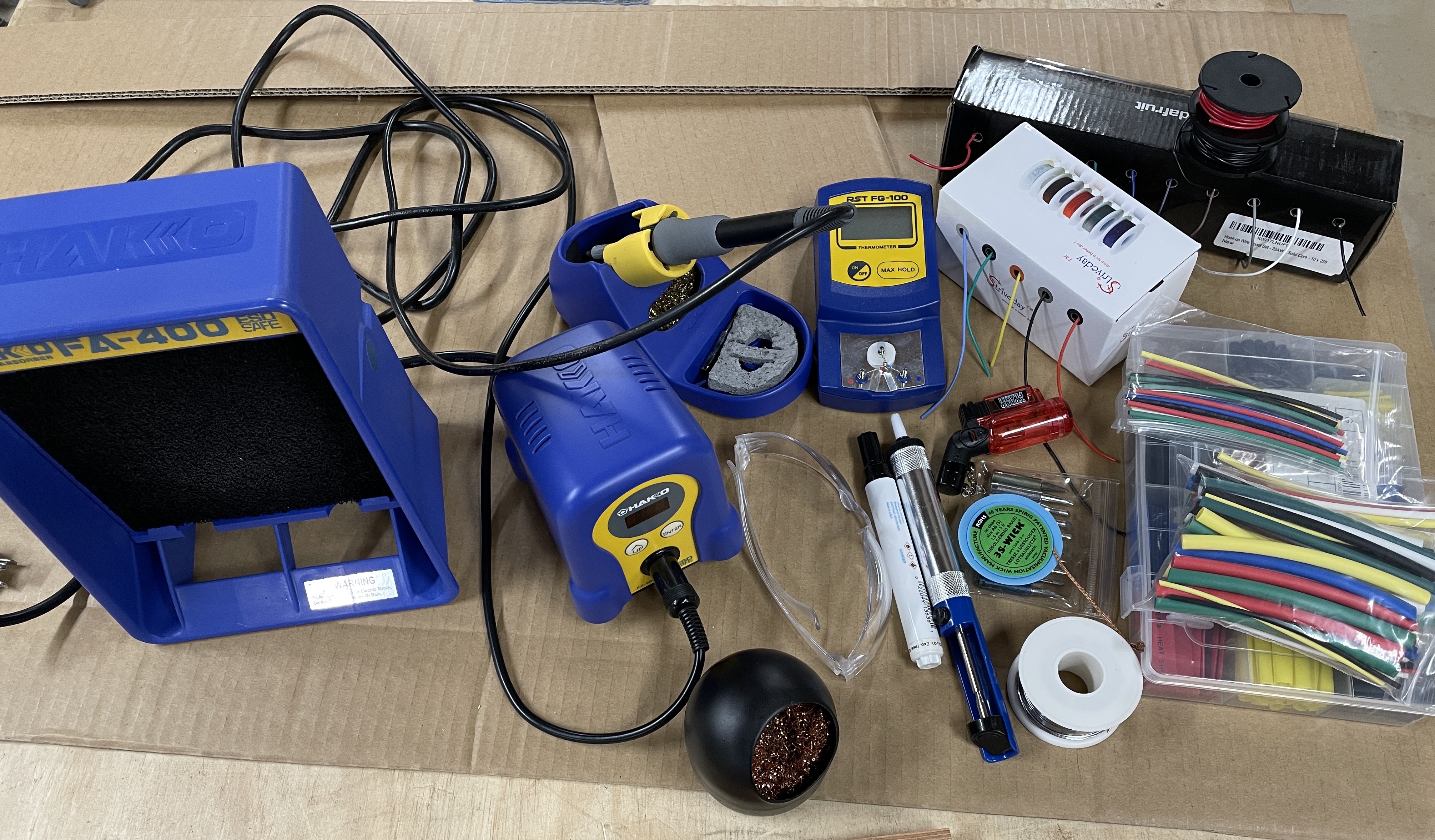
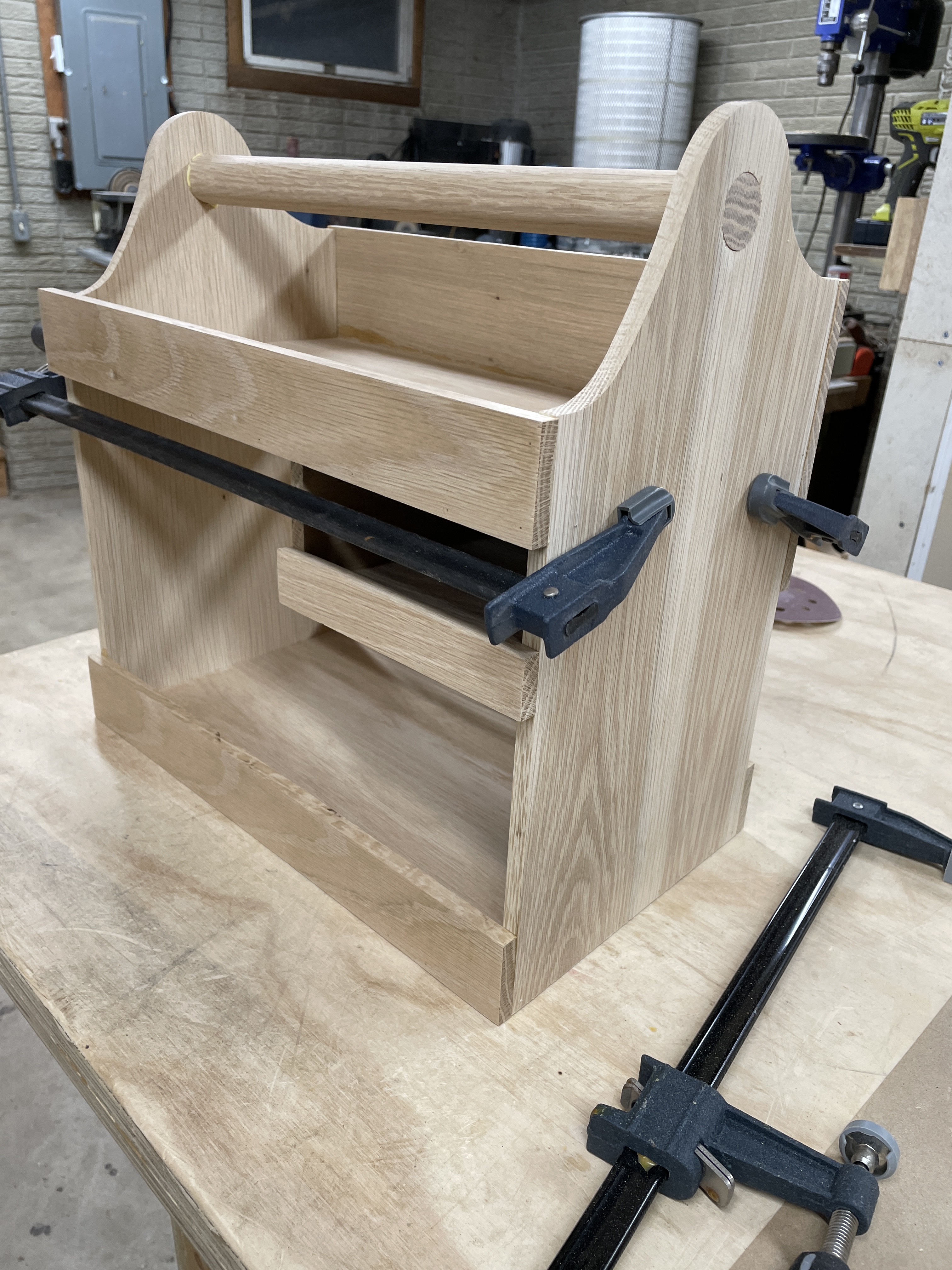
Following up on getting the new hobby desk and organizing the room, I needed something for all of my soldering tools. A lot of the stuff on these shelves needed to be easy to pull out and use at the desk.

The portable soldering station Adam Savage built gave me some inspiration. I could make something to live in the closet when not in use and being portable would allow me to take it to the basement if needed. I measured how much floor space I had available in the closet and hauled everything down to my woodshop.

I cut up some shitty scrap plywood and started playing around with ideas.
Being able to see things in space really helped with my design process. When I had something I was happy with, I made a sketch with rough details.

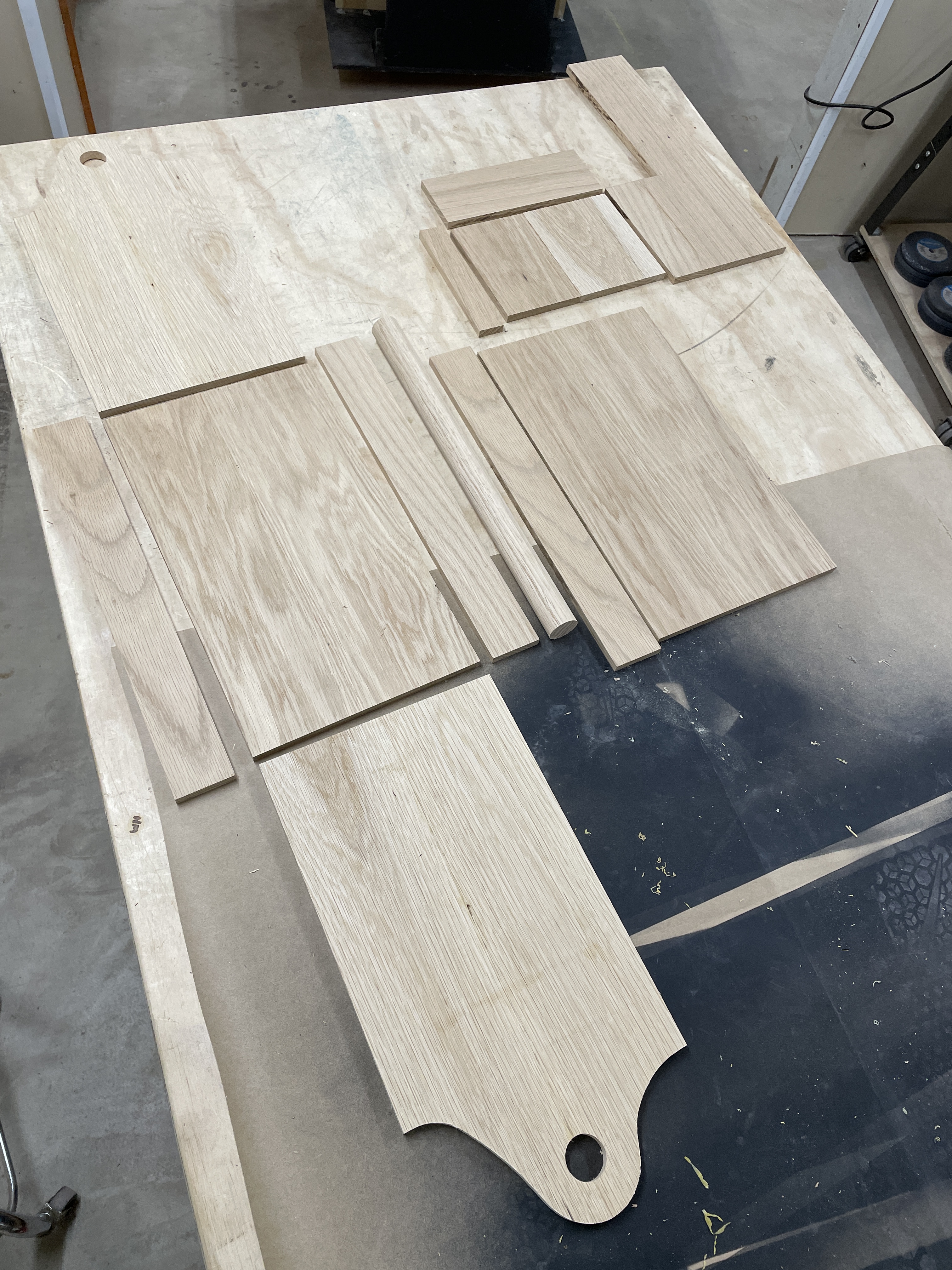
When I saw it on paper, it reminded me of a wood toolbox with a handle. Makes sense, I guess, since that’s essentially what I was building. I still have a large pile of old oak flooring, so I spent about two hours milling a few pieces down to 3/8″ thick boards. Then I glued some pieces to make panels for the sides, bottom, and shelf.

I picked up a piece of 1″ (it’s actually 1 – 1/8″) oak dowel from Menards for a handle. After letting the glue dry on those panels for a few hours I cut them to size, designed the side profile, and made other pieces. I realized I need to glue up two other panels for the small shelf bottom and a cross piece on the back. I think I only had to recut one small piece that was originally the wrong size. Eventually I had all of the parts.

I sanded all of the faces with 80 grit and then used glue and a pin nailer for assembly. Since nothing here need to support a lot of weight, I went with simple butt joints.

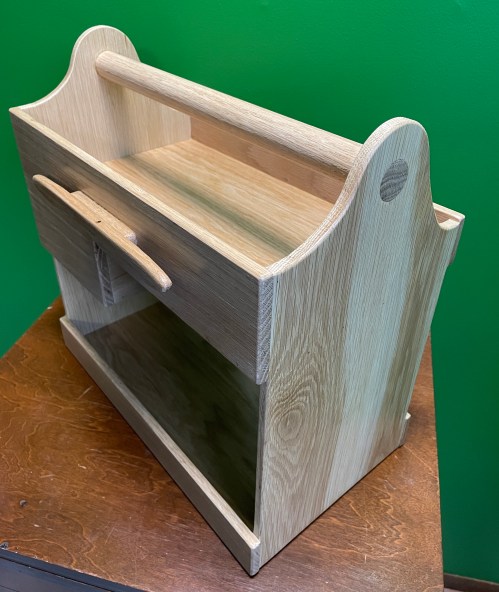
After a quick fit check for all of the tools and supplies, it was obvious I need some way to organize the power cords, so I made a cord wrap from some scraps.

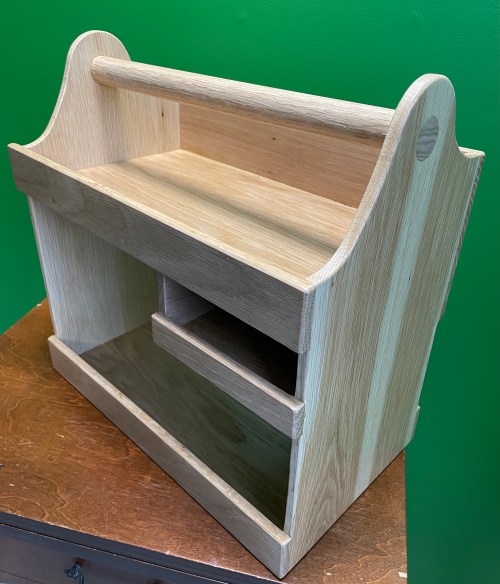
With a palm router I softened the edges everywhere and did a final sanding. Originally I was planning to use a dark stain to match the hobby room’s trim, but after seeing this put together I really liked the lighter colors and the wood grain. I skipped the stain and applied three coats of Minwax Water Based Polycrylic, sanding with a piece of paper bag after each.

I’m really happy with the decision not to use stain. The pieces I selected for the side panels have some great coloring and grain.

All of the tools and materials are easy to access and the station fits well in the closet.

Boldport: LIGEMDIO

A couple of weeks ago I assembled one of the BoldPort Club kits I had piled on my desk. This one was project #8, titled LIGEMDIO. It’s an LED tester and the name comes from the first letters of Light Emitting Diode, LED.

It was a cool little build after I swapped out to an old soldering iron and it’s a project I’ll actually get some use out of. Would have been nice to have when I tested all of the LEDs for the 8x8x8 cube.

HackerBox #0028: JamBox

I like it when the new HackerBox shows up on a weekend.

I always see electronics projects for making some kind of digital synthesizer to generate sounds so it seems to be a common project. It’s one I’ve never done, so I’m looking forward to experimenting with this box.

The official content list from the Instructable:

  • HackerBoxes #0028 Collectable Reference Card
  • Exclusive JamBox Printed Circuit Board
  • ESP32 DevKitC
  • CJMCU PCM5102 I2S Digital-to-Analog Module
  • Four MAX7219 8×8 LED Matrix Modules
  • Five 10K Ohm RV09 Potentiometers
  • Five Potentiometer Knobs
  • Eight Tactile Momentary Buttons
  • Four Adhesive Rubber Feet
  • 3.5mm Audio Patch Cable
  • MicroUSB Cable
  • Earbuds with Case
  • Exclusive HackerBoxes Skull Decal
  • Octocat Fan Art Decal Sheet

Unfortunately the demo code included in the guide only uses the potentiometers, buttons, and LEDs. Will need to do some tinkering to turn this into a synth.

A Raspberry Pi HAT

I successfully built the second piece to a large project I’m working on. I’ve essentially built my own XL Raspberry Pi HAT (Hardware Attached on Top). Since I’m not following the specs, I shouldn’t really call it a HAT.

I’m not sure how, but once again I correctly connected everything on the first try. Either I’m extremely lucky, my attention to detail is paying off, or a combination of the two. I’m just waiting for some catastrophic failure to happen soon when I solder things the wrong way one of these days. Every one of my solder bridges worked. I did run continuity tests on all of the early bridges, which I’m sure was a big factor to my success.

Any guesses on what this board does? Leave your best guess in the comments. It’ll be at least a month before I share more details because I need to finish the entire project first.