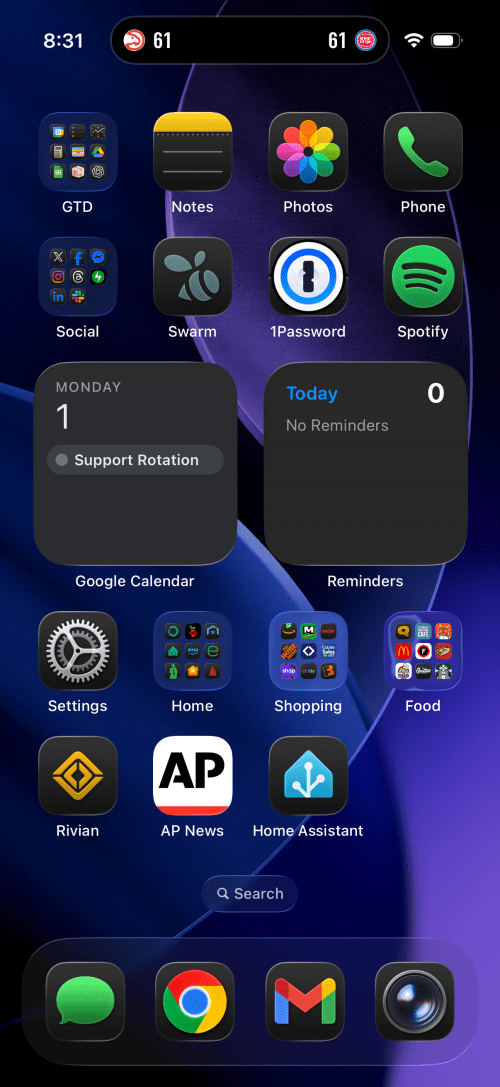
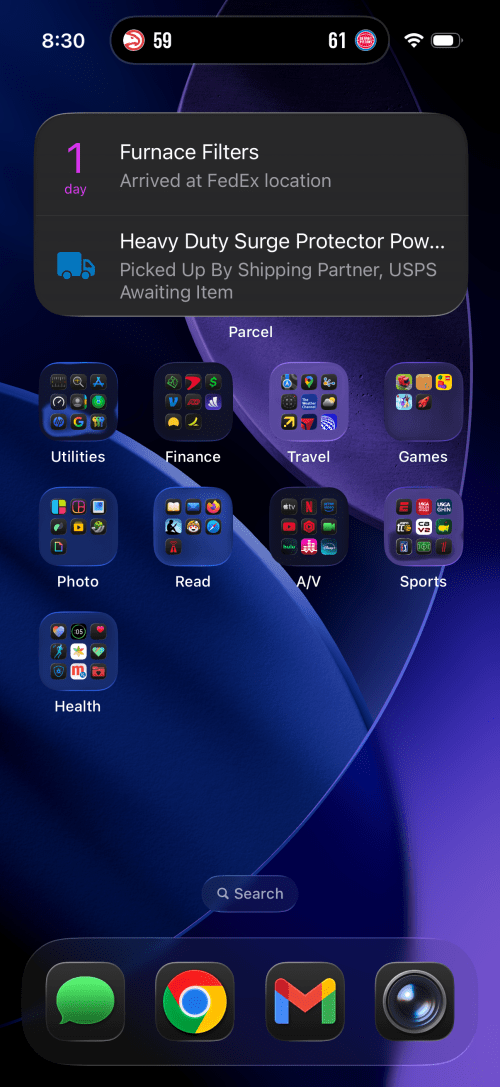
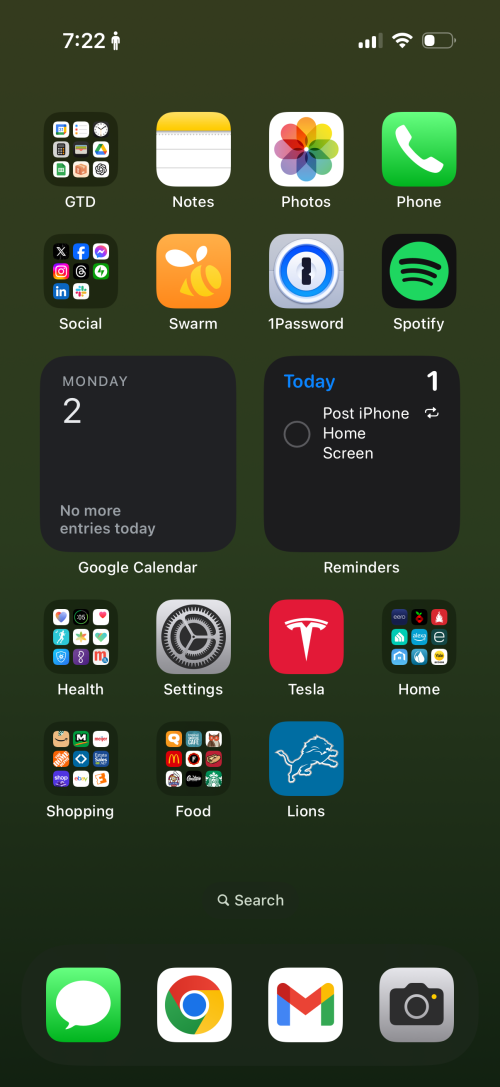
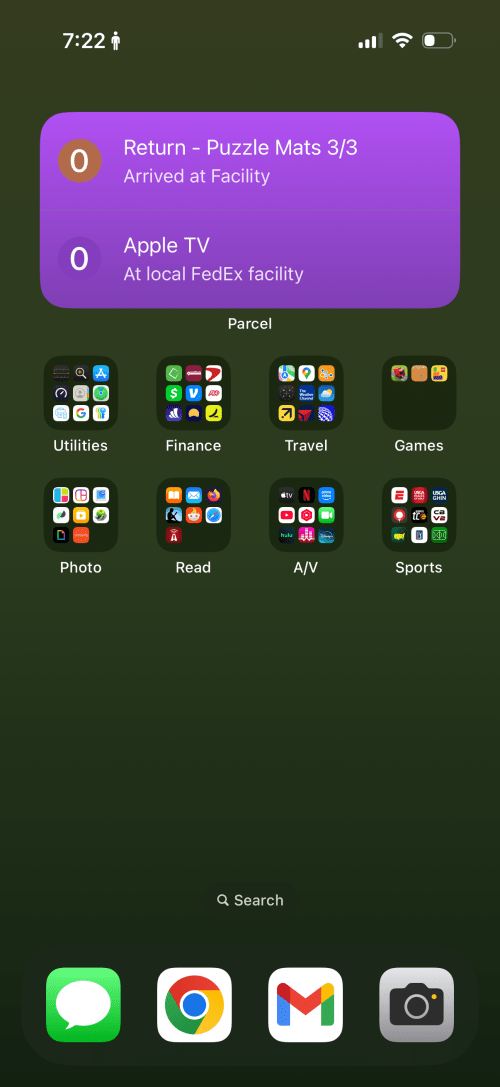
The biggest change I’ve customized it to always use the dark icons, even during the day. The Rivian, AP News, and Home Assistant apps all claim prominent spots on the first page and a few groups moved around.
Not much different than last year and I think I’ve deleted more apps than acquired new ones. The Lions app has gotten a spot on the home screen. Is anyone triggered by the battery status?
A few days ago when I watched the video about the future of power grids I noticed a shot of the iOS Battery Health, which I’d never noticed before. I’d think 96% is pretty good for a 9-10 month old phone.
Something I’ve noticed more and more with the iPhone X is I accidentally trigger some modes a lot more than I ever did with previous models. Here are 14 screenshots and pictures (actually a lot more since five of these are burst modes) I took today while leaving the gym.
Two other things I trigger all the time are the Apple Pay prompt and Emergency calling. Thankfully I haven’t called an emergency contact yet. Maybe it’s because I enabled Raise to Wake for use with Face ID, which was never enabled before.
How did I miss the release of Monument Valley 2 last year? The original is one of the greatest games I’ve ever played. The visuals, animations, sound, and game play were an absolute joy. Playing Monument Valley was an experience. I was getting the same feel last night when I started MV2.
Typing in my Apple ID password is still a terrible experience without access to 1Password.
The screen is beautiful.
Face ID just works. Don’t even notice it’s there. Better than v1 of Touch ID.
The glass back and silver sides are slippery. The phone slides off my recliner arm rest. My new wallet case comes today and I may need to keep it on the phone at all times.
Did I mention how much I ❤️ the new size? The iPhone Plus always felt awkward.
The screen gap below the keyboard is weird. Hopefully this is some transition phase.
Quality of the selfie cam is 💯.
I’m already rarely reaching for the missing home button.
Switching apps by swiping at the bottom of the screen is a nice UI improvement.
Animojis are fun but there is usually some lag between the voice recording and animations.
Fing is an iOS app that detects devices connected to a network. I ran it about 5 hours in to my DTW->AMS flight last week. Of the 47 devices found, only 12 were reporting as something other than an Apple product.
Electronics Engineering ToolKit is a useful iOS app if you’re messing around with electronics. I think I paid $6.99 to upgrade to Pro, which unlocks all of the formulas, reference material, and tools.
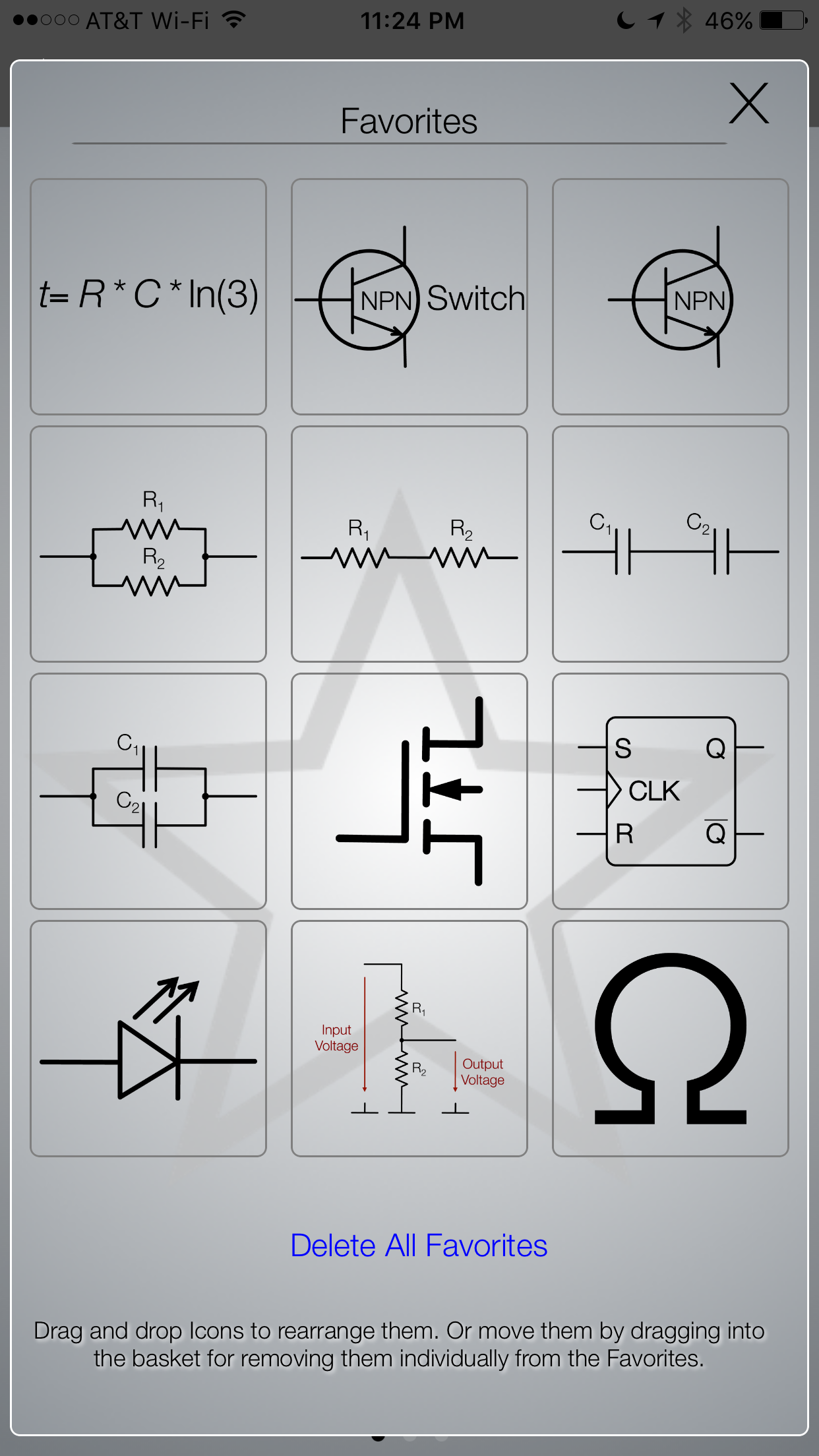
My favorites in the app
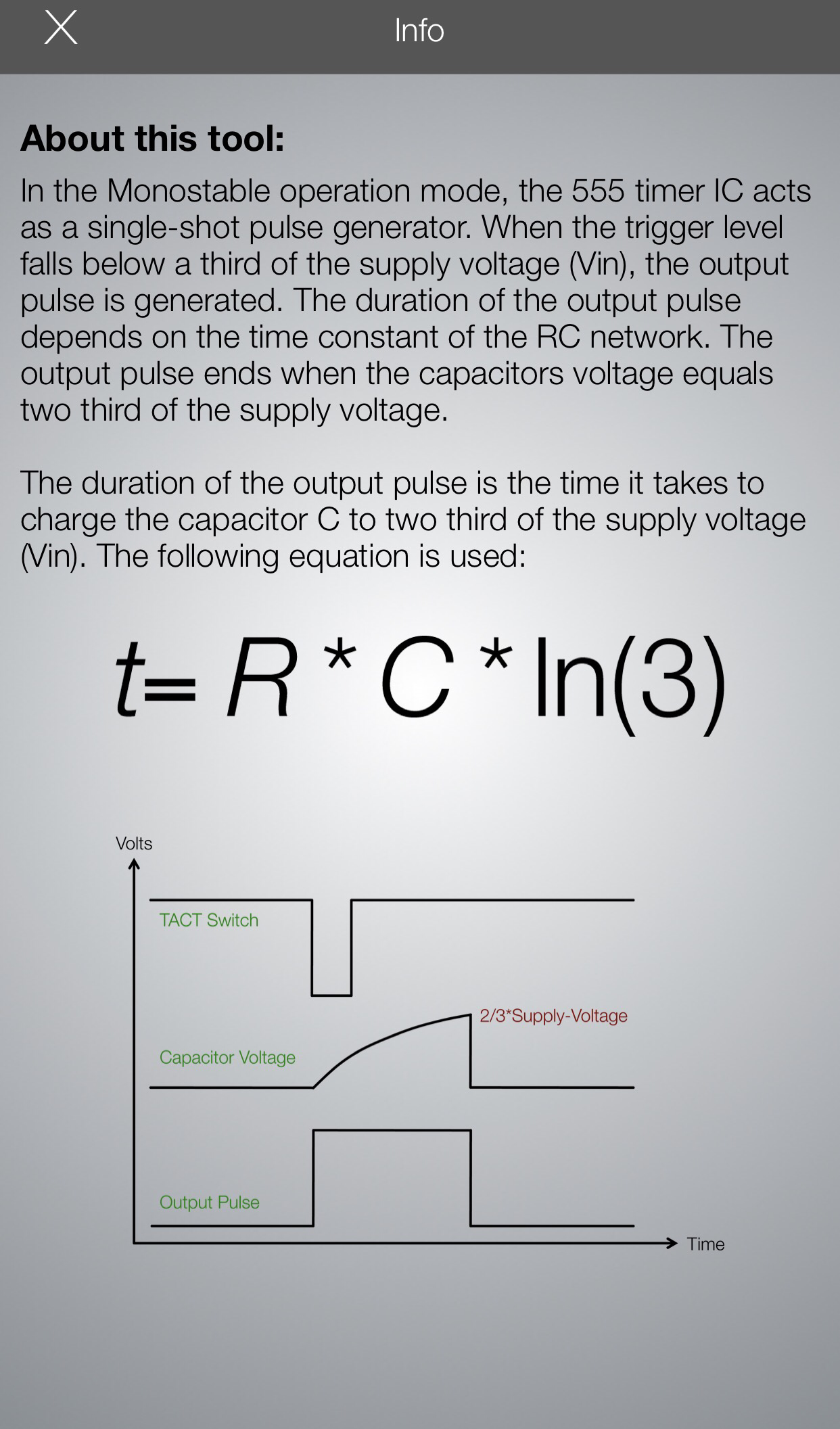
I recently posted Using a 555 Integrated Circuit. There are many ways to use these 555s. To get a sense of the power of this app, it has 10 tools in its 555 Timer IC group! Here’s a look at the Monostable operation mode. Each tool in the app has a great info panel like this one, describing what it does.
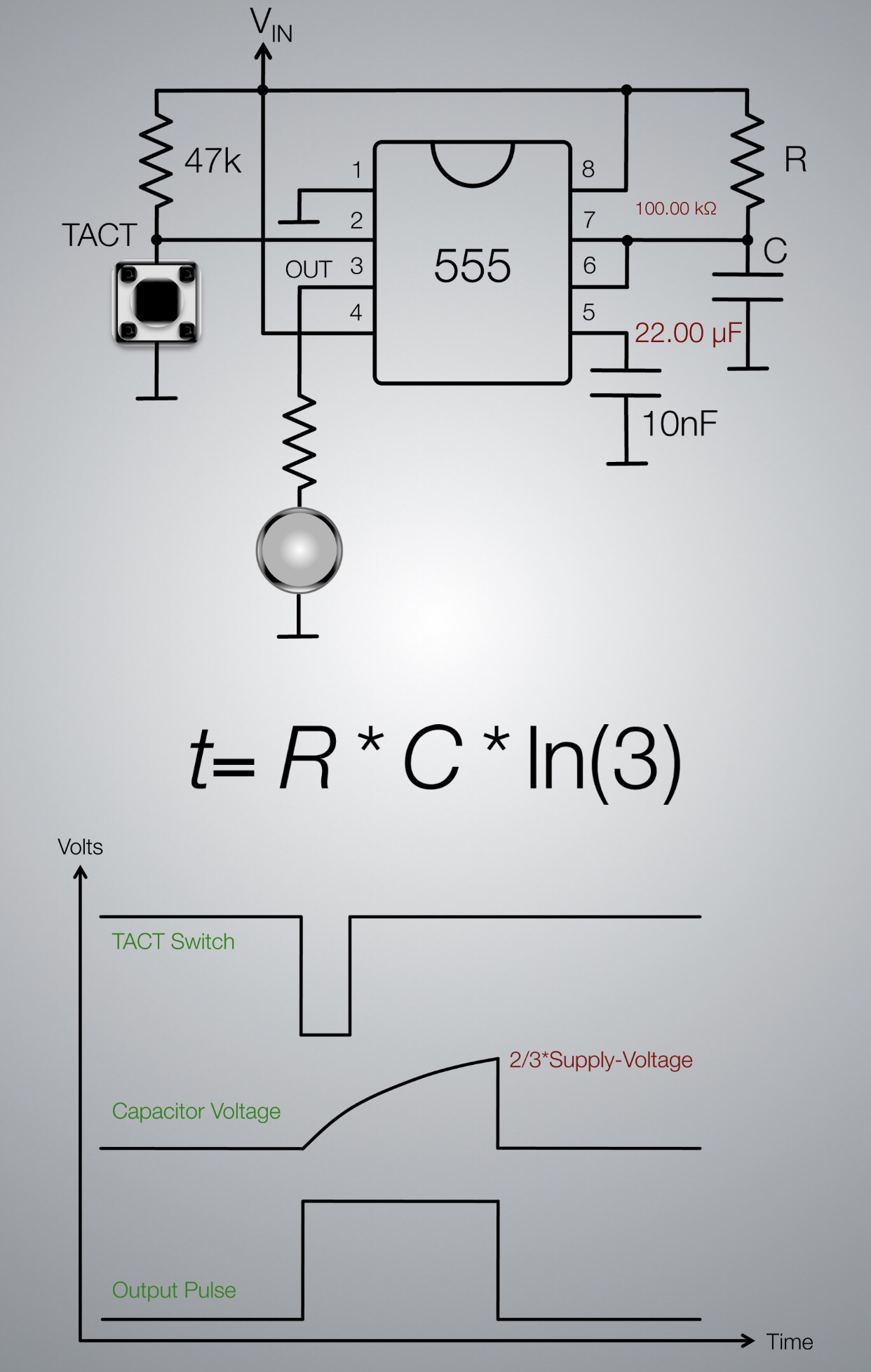
The tool itself gives 2 inputs where you set your resistor and capacitor values and it calculates the time for you.
It provides a circuit schematic where the R (resistor) & C (capacitor) values are updated instantly, based on you input values. This schematic doubles as a simulation, where it really gets cool. You can tap on the button to see how the circuit reacts. In this case, the LED turns green (ON) for 2.42 seconds and then turns off.
I wired up the circuit to try it for myself. Worked exactly as expected. I even triggered my live circuit and the simulation at the same time and the LEDs turned off simultaneously.
This is just one example of many useful things you can do in the Electronics Engineering ToolKit app, especially with the Pro upgrade. Not only can you favorite (as shown at the beginning of this post) the tools you find most useful, but the app also has a great search feature.
You can find similar tools for specific formulas and uses around the Internet, but I haven’t come across anything where it’s all in one place with an easy to use interface like this. Perhaps the best web site I’ve found is Basic Electronics Tutorials and Revision, which is a bit higher level in the way their descriptions.