A Larger Drill Press Table with a Motor

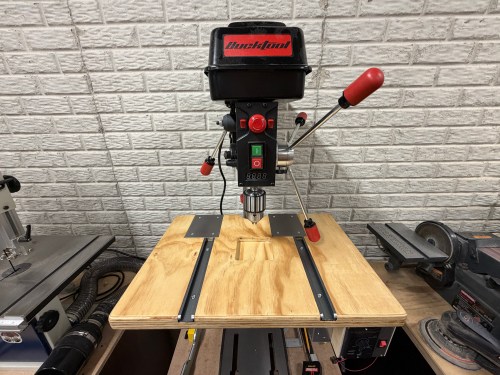
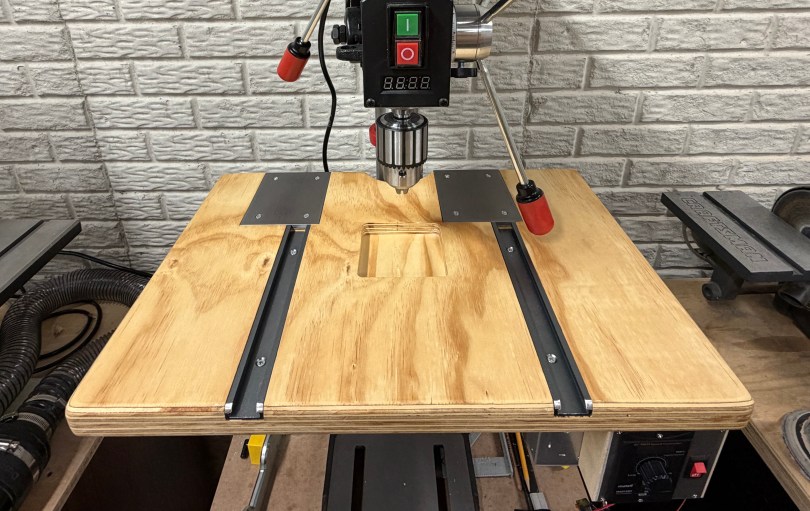
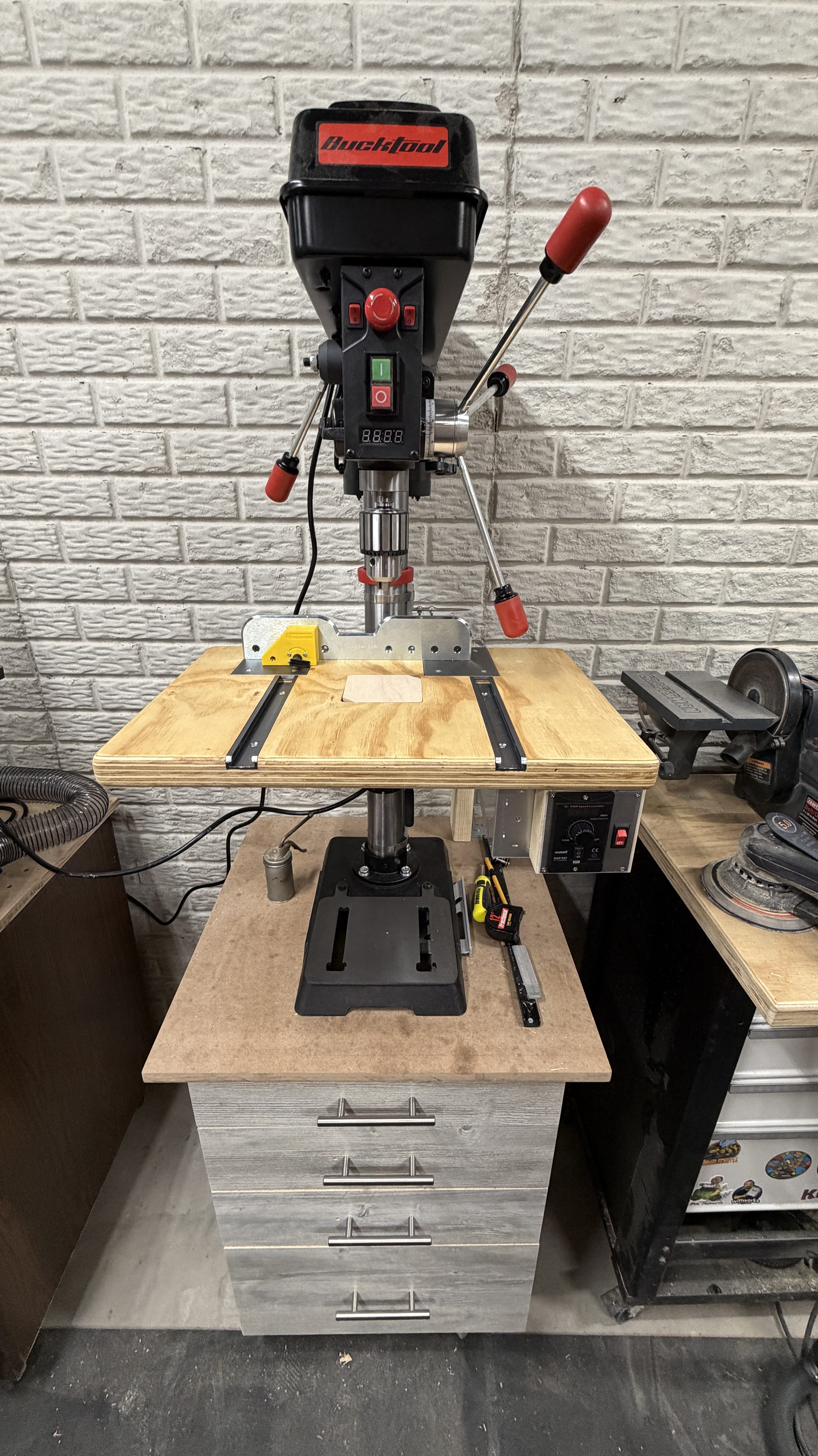
The table on my new Bucktool drill press is about 9-1/2 inches square, which is too small. I set out to make something bigger. First, a side quest though. I still had the top from my old work table, which was two sheets of 3/4″ plywood glued together.
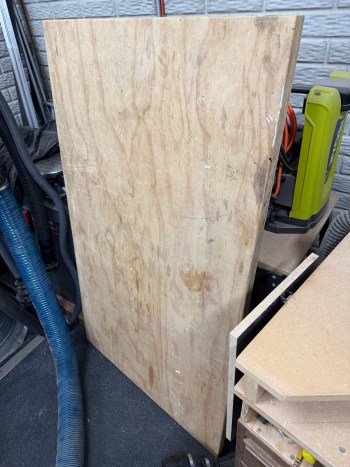
A big chunk was going to the sanding station, which had sheet metal over junk MDF for the top. The brackets holding it to the metal frame were always getting pulled out.
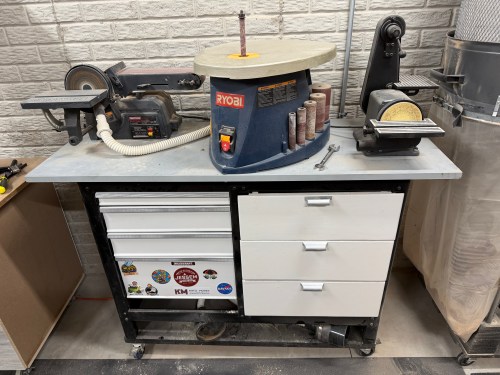
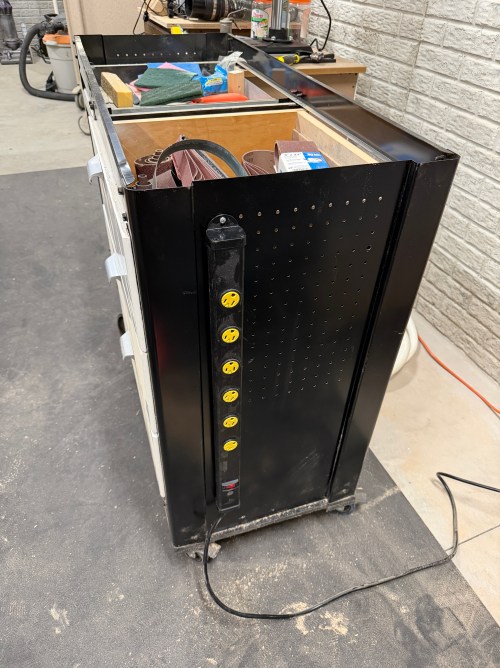
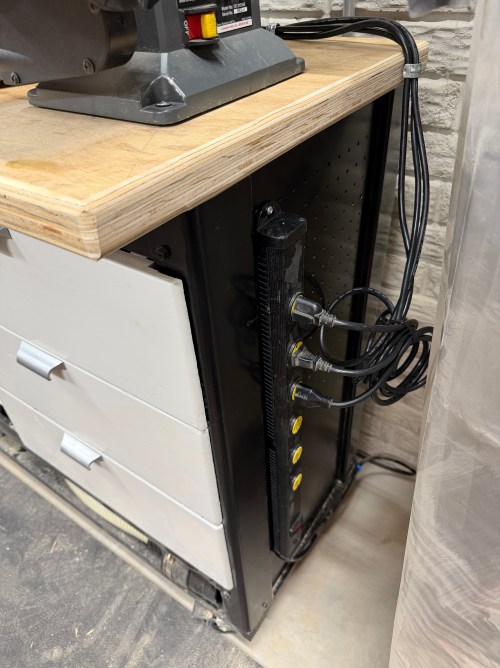
I cut up the plywood lamination and rounded the corners and edges. I changed the orientation of the machines to give me easier access to the big belt sander, which saved about 10″ of width. I also mounted a power strip.
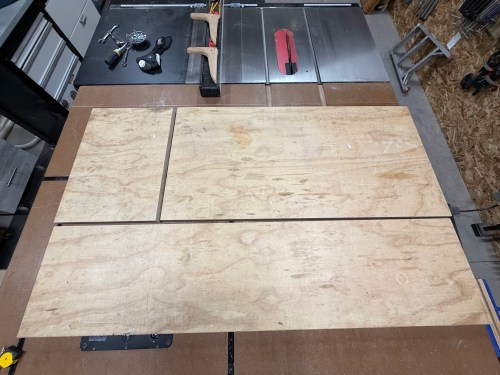
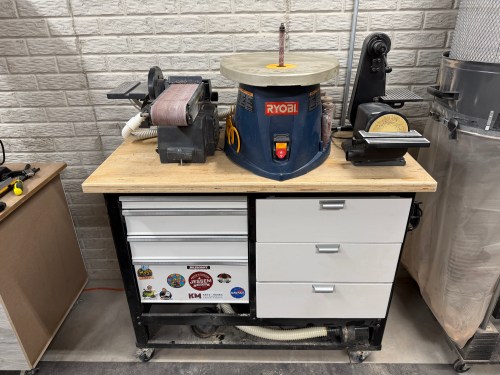
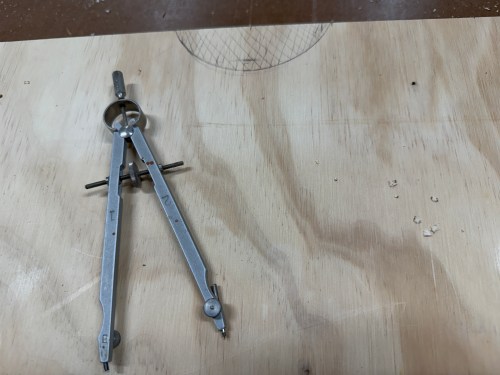
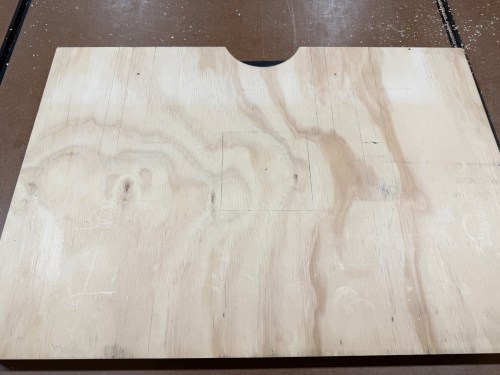
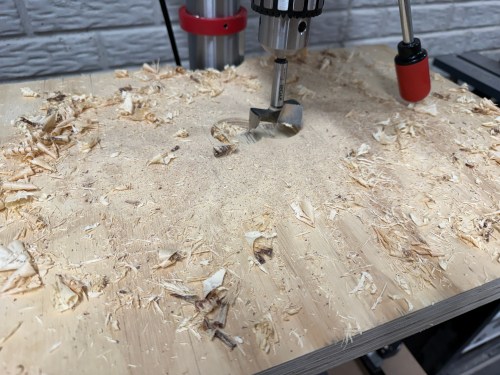
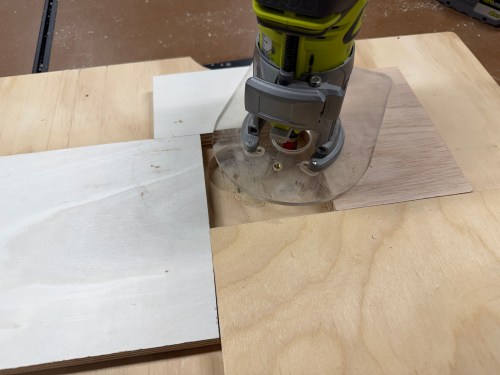
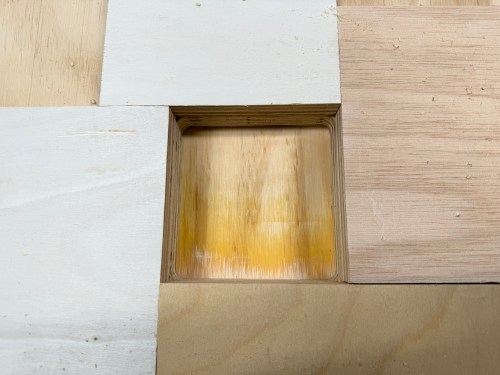
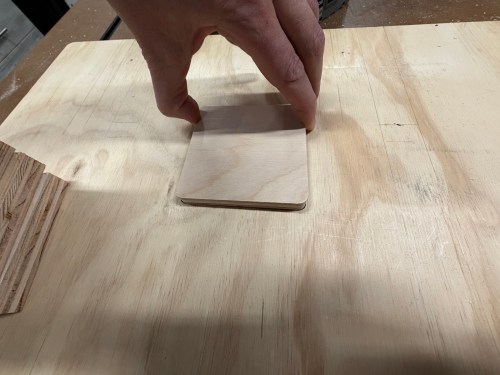
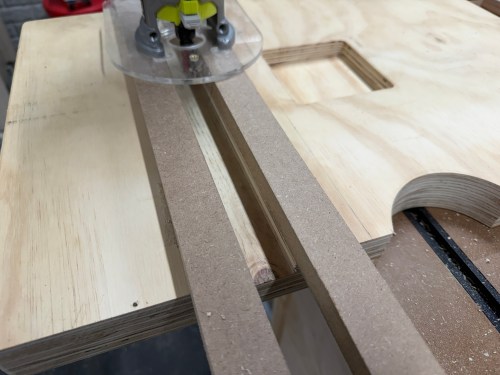
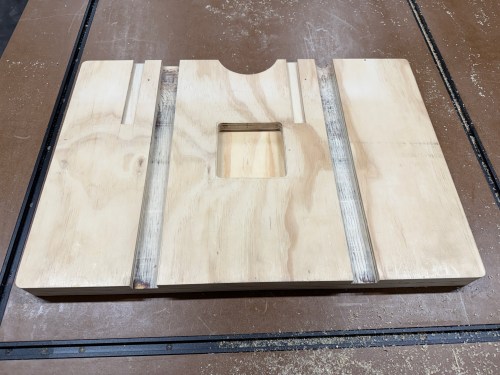
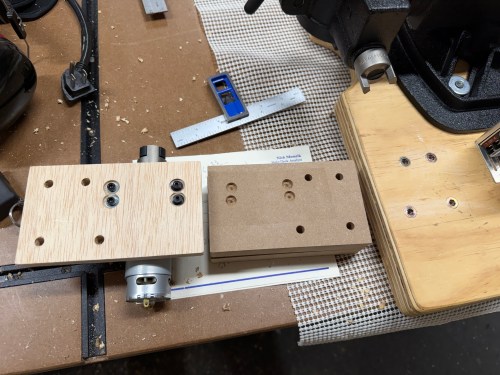
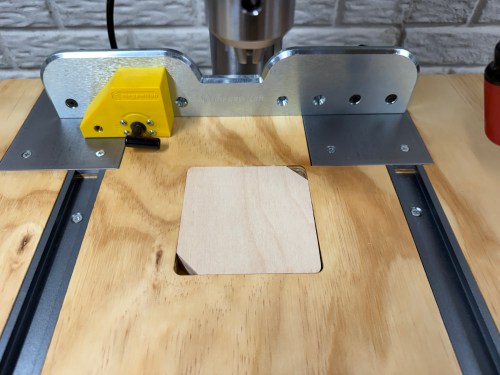
The small chunk of plywood was for a new drill press table. I worked on the layout, routed the middle for inserts, and routed slots.
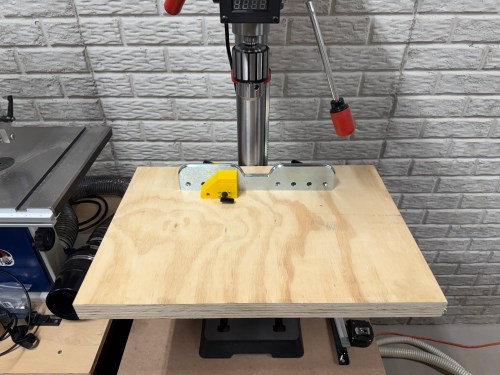
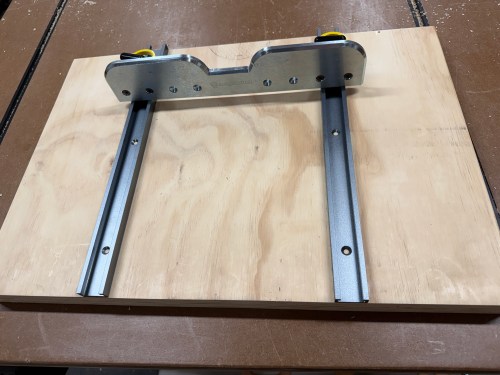
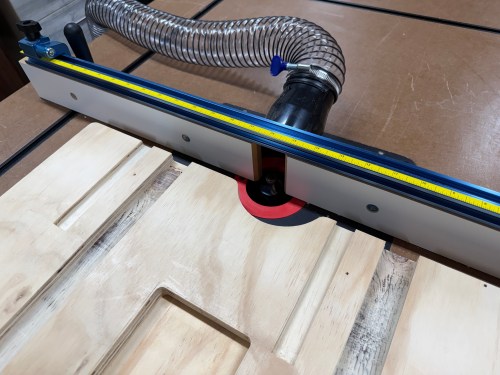
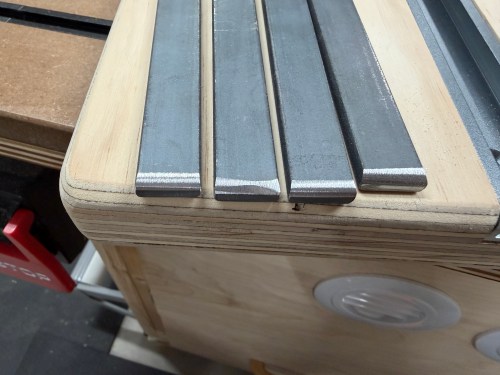
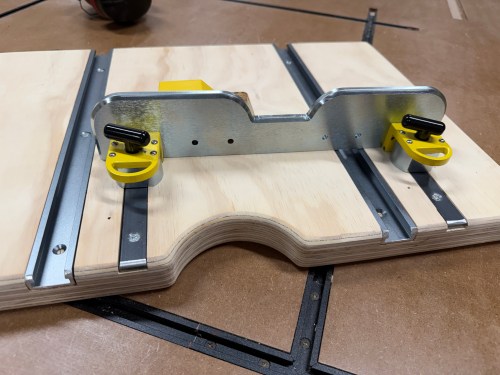
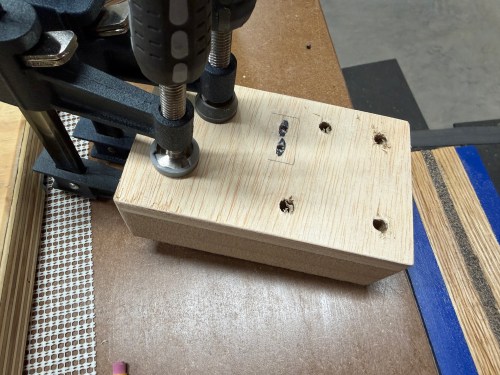
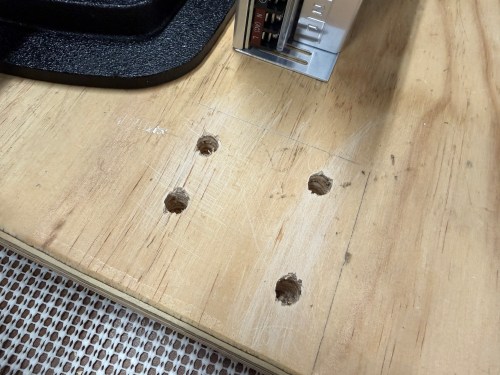
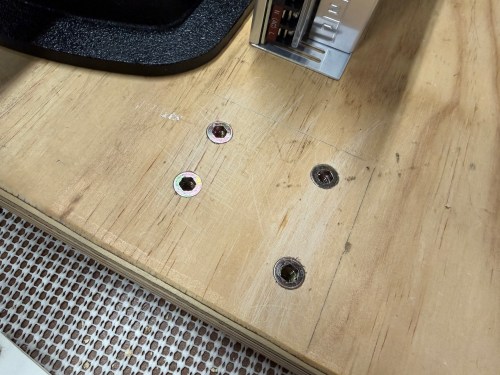
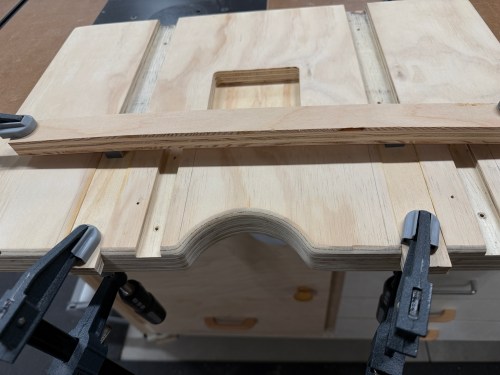
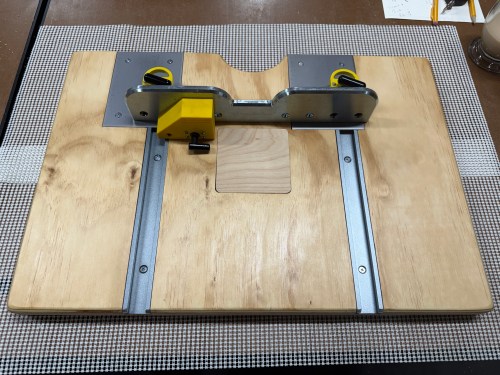
The wide slots are for T-tracks. One of my requirements for the table was to make it function with the Magswitch fence I had. So I bought 3/4 x 1/4″ steel bar stock, which fit perfectly through the top of the T-track. The shorts slots in the table offset to the left got additional pieces of metal, allowing me to move the fence over to clear the quill feed handles.
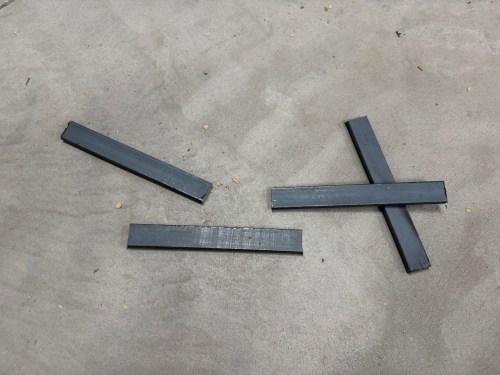
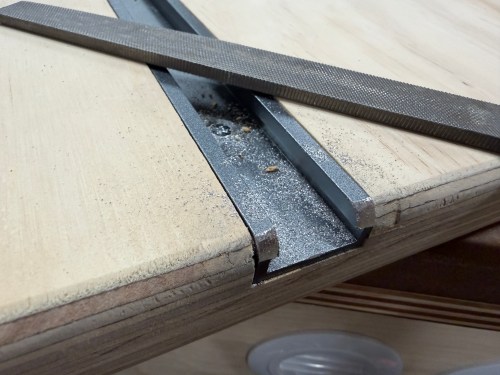
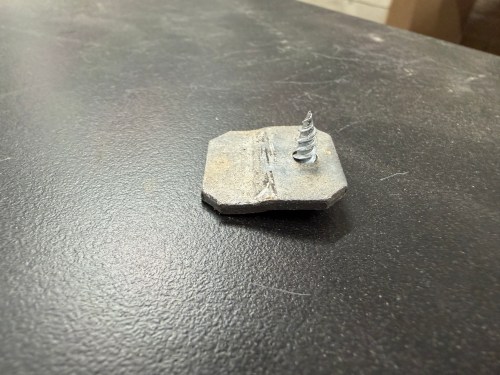
When I bought the flat bar, I place it across both magnets and I could not pull it off. That turned out to be a flawed test. After screwing in the short pieces as shown in that last picture I could easily move the fence. I did some research and found the 1/4″ thick metal was fine, but it needed more surface area to hit the magnetic field. I clamped two pieces of the metal side by side and couldn’t move the fence.
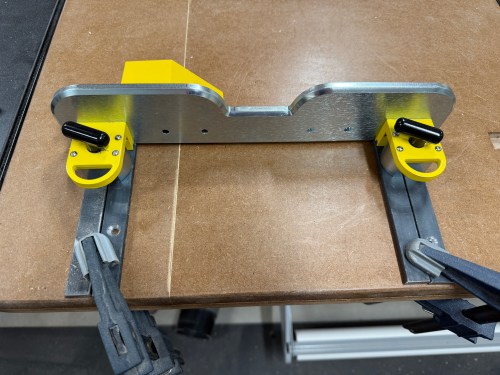
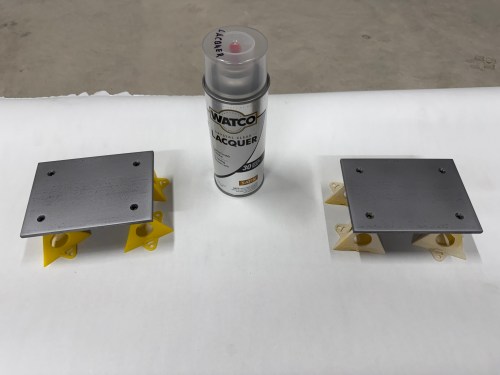
So I bought a piece of 1/4 x 4 x 12″ flat cold rolled steel and cut two 5-1/2″ pieces. Then I did a bunch of sanding and drilling before spraying three coats of lacquer.
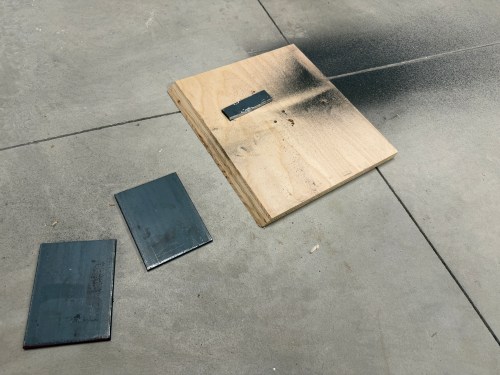
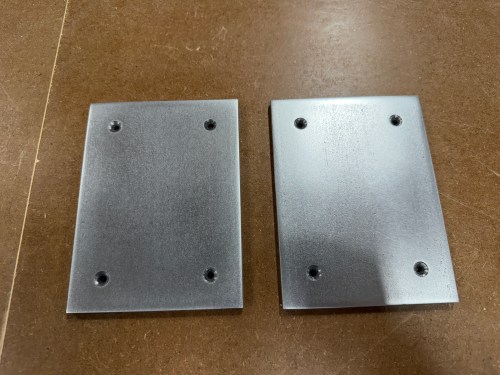
On the table, I cut and glued plywood in the back section of the T-track slots. After the glue dried, I routed large areas for the plates. I cut the T-tracks shorter, sanded the table, and gave it 3 coats of shellac. Then I mounted the tracks and metal plates. This turned out to be a much better solution.
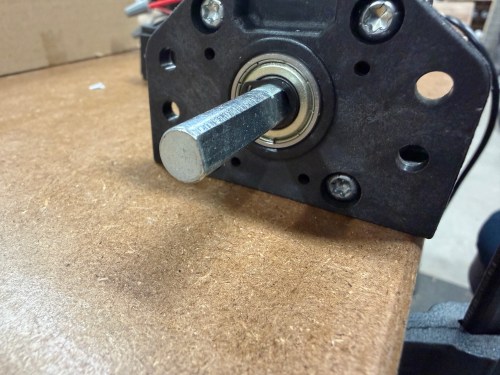
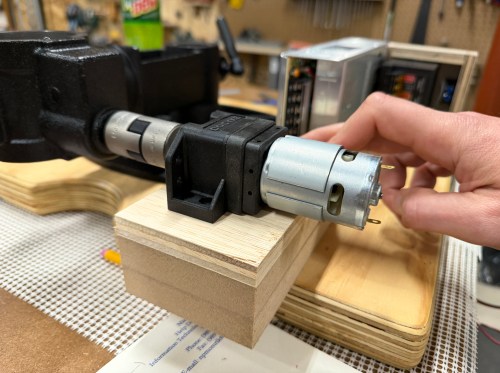
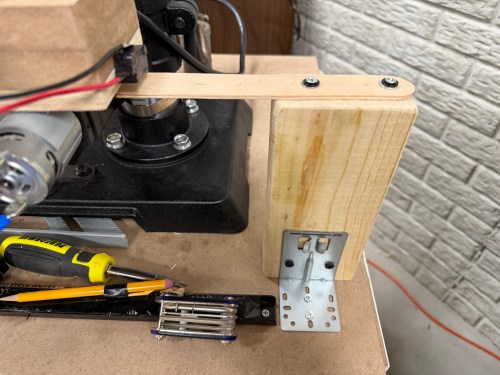
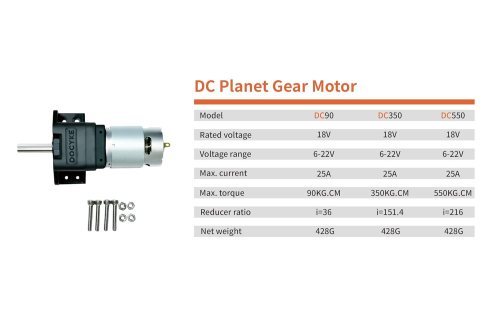
It was time to start working on a powerful upgrade. Raising and lowering a drill press table is usually a pain in the ass. This larger table actually got in the way of the hang crank and I wanted to motorize it. I bought a couple high torque gear motors, a momentary 3-way rocker switch, and a 15mm to 8mm flexible shaft coupling.
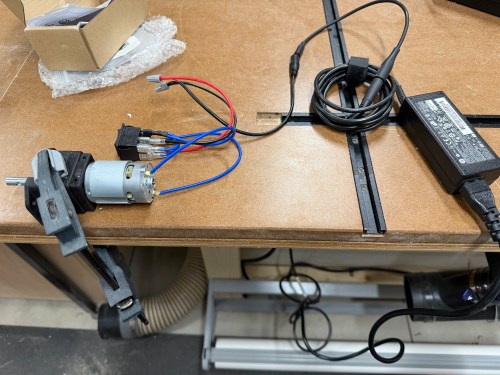
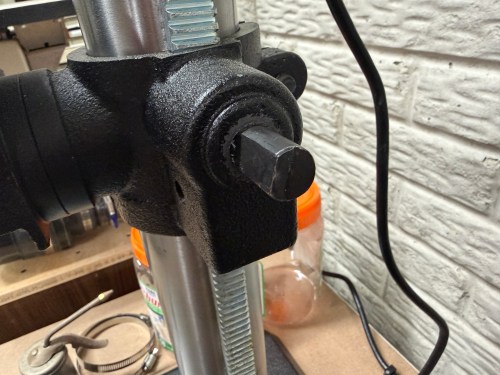
The crank shaft on the drill press is actually 9/16″, so the coupling was too large (I could only find metric sizes on Amazon). Three small pieces of aluminum can were thick enough to shim it and test. I connected an 18 volt laptop power brick, added extra weight to the table, and toggled the switch. It worked!

I had ordered both the DC90 and DC350 motors and went with the DC90. The beefier motor was too slow and has way more torque than I’ll even need.

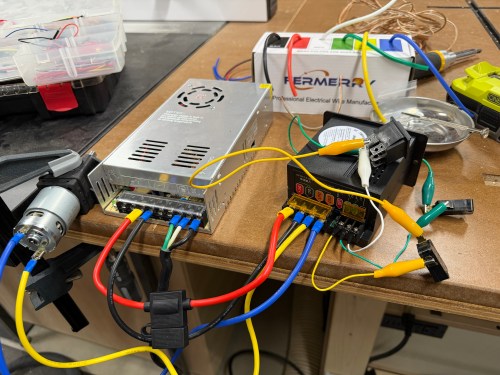
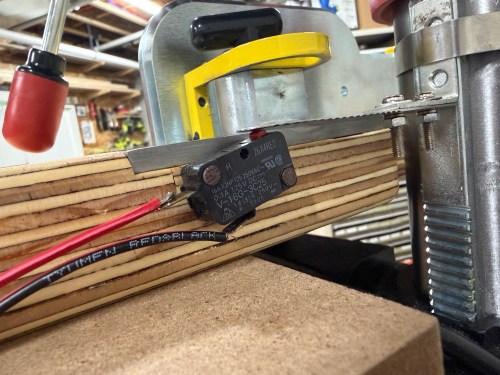
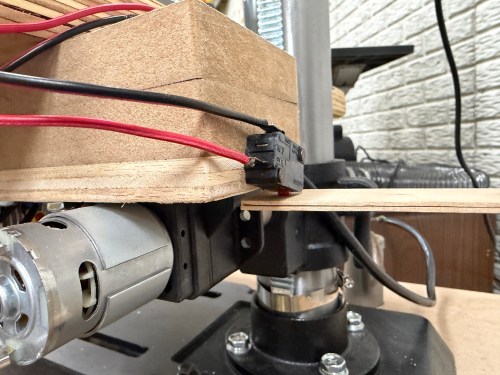
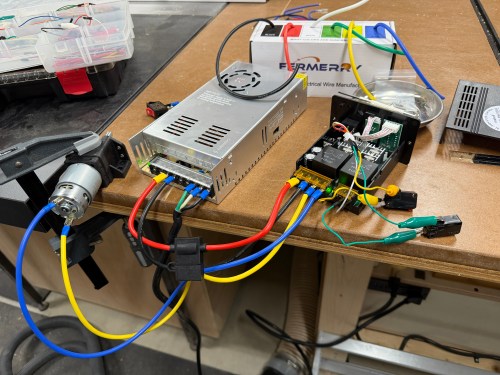
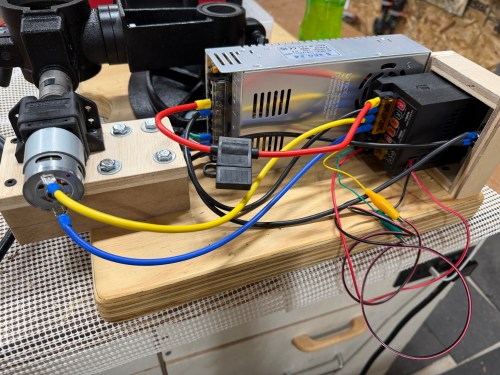
I bought a 24v power supply, motor speed controller, fuse, and 12 gauge wire. I also grabbed a toggle switch and limit switches from my parts bins. The toggle switch was so AC wouldn’t be constantly flowing to the power supply. The limit switches were to prevent the table from going out of bounds, which I do enough of on the golf course! I wired things up for an initial test.
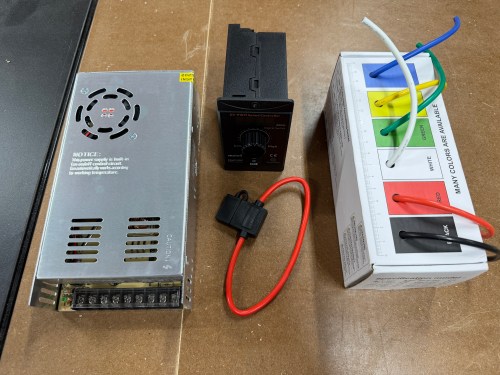
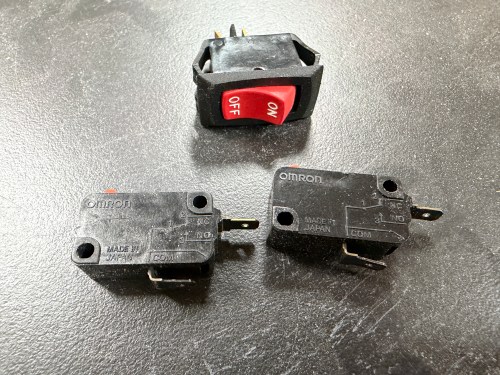
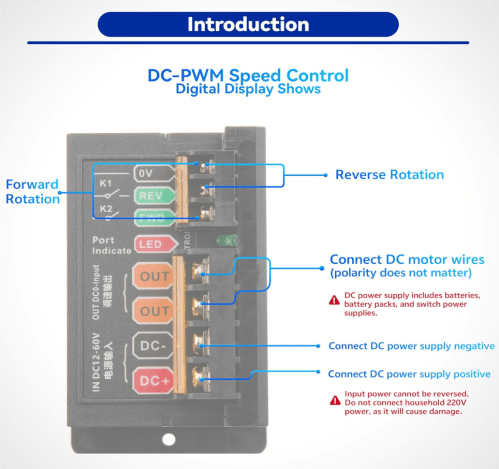
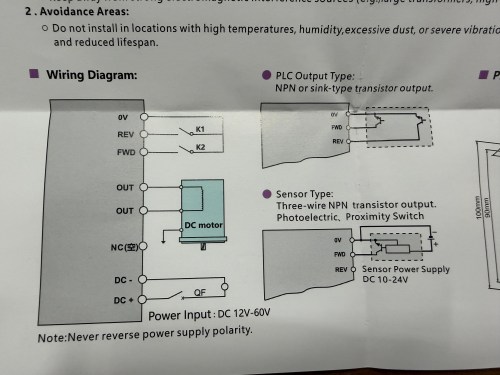
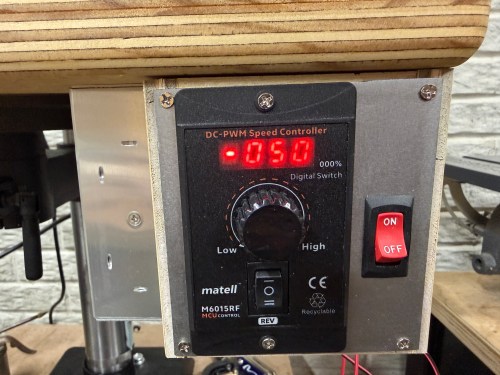
When I bought the speed controller there wasn’t much documentation and I was hoping the FWD/REV terminals would allow me to directly connect limit switches. They didn’t. At least not out of the box. The controller has two modes; you can use the switch on the front or bypass it with your own switch connected to those back terminals. In the picture above I got the bypass working with my limit switches and the 3-position switch used in my initial testing.

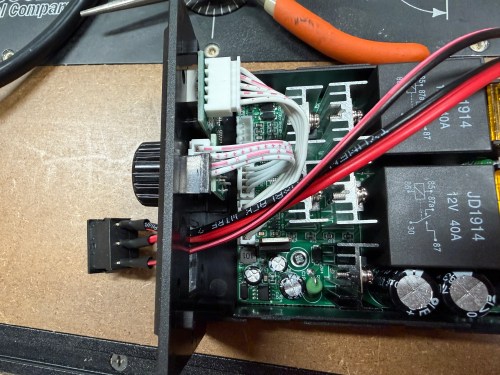
This was unnecessarily complex, disabled the switch on the front of the box, and meant I’d have to mount the additional switch. I opened up the controller to see how it worked. The case’s switch was plugged in to the circuit board, so I popped off the connector and connected it through my circuit instead. Bingo!
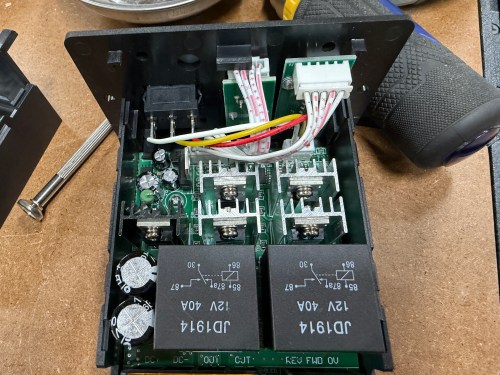
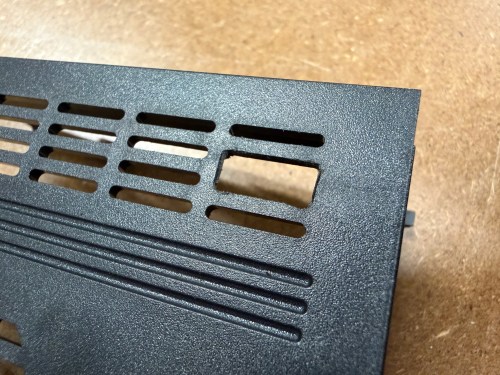
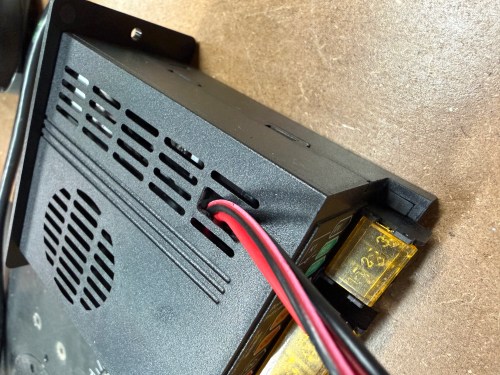
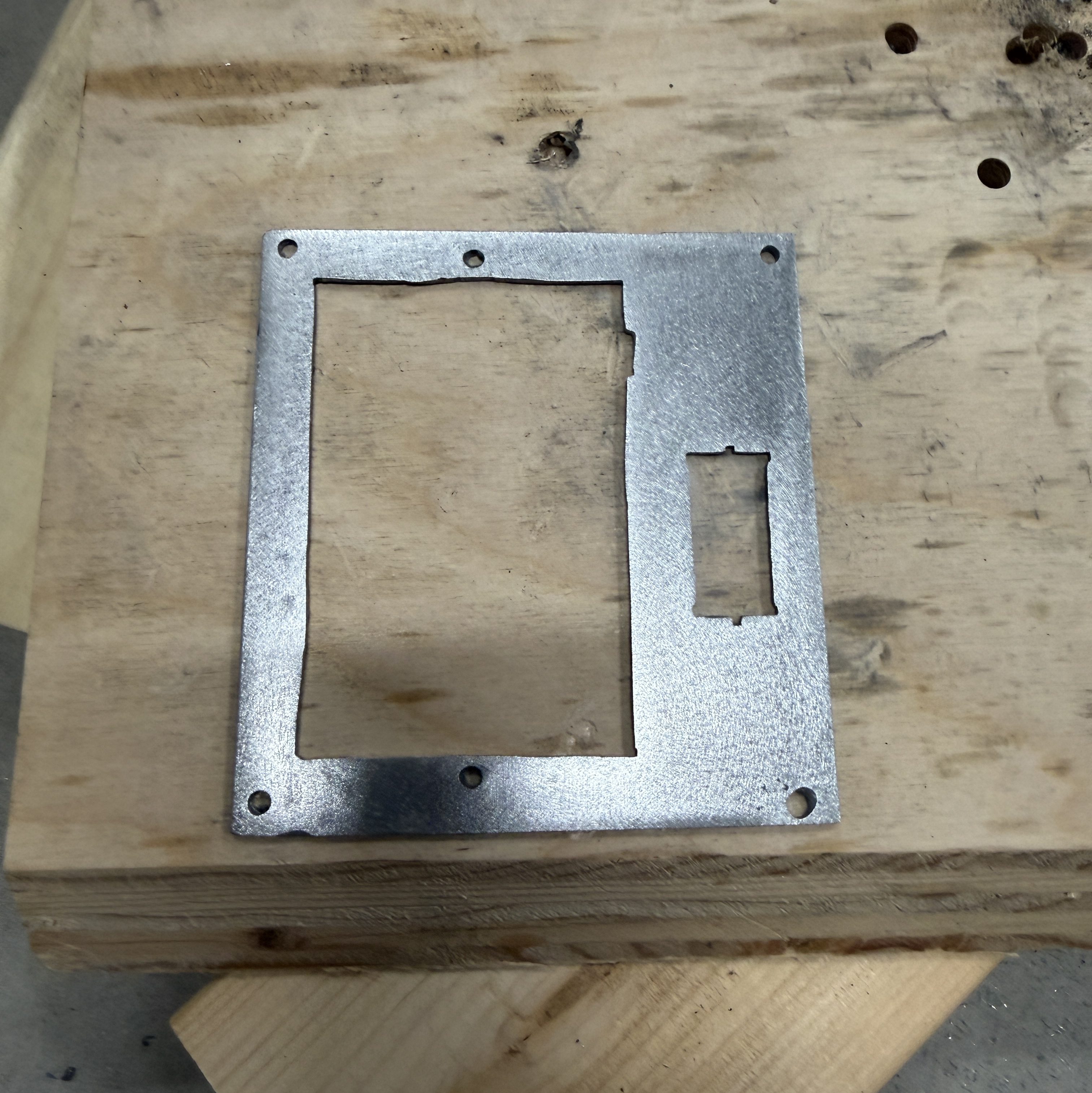
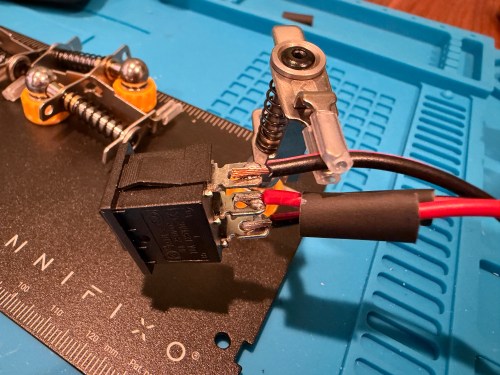
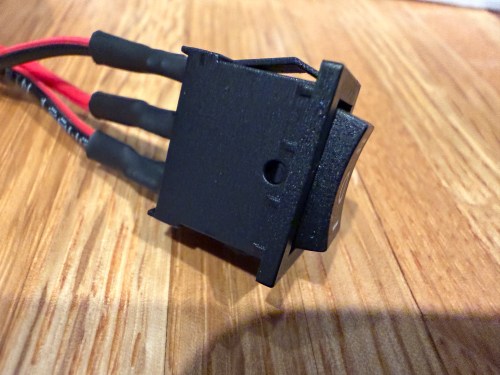
It was a latching switch, but I wanted a momentary 3-position switch, so I bought a pack. I soldered wires to the new switch, clipped a bit of plastic from the case, and fed the wires through the larger hole. The new switch was a perfect fit.
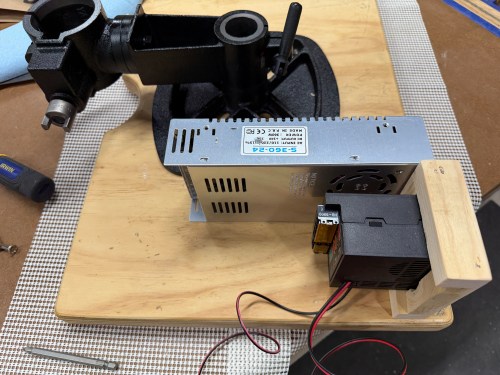
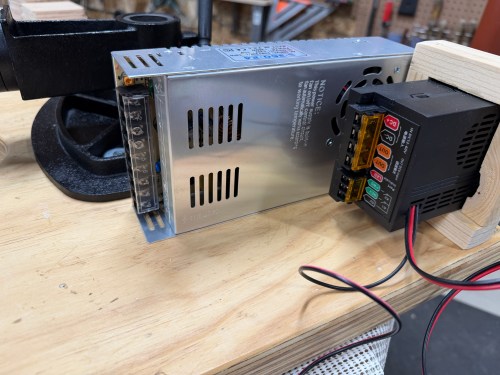
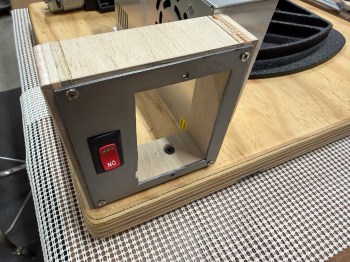
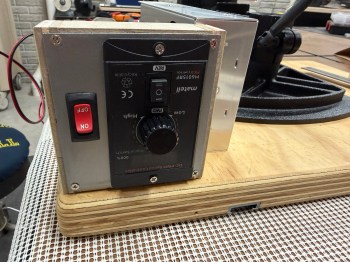
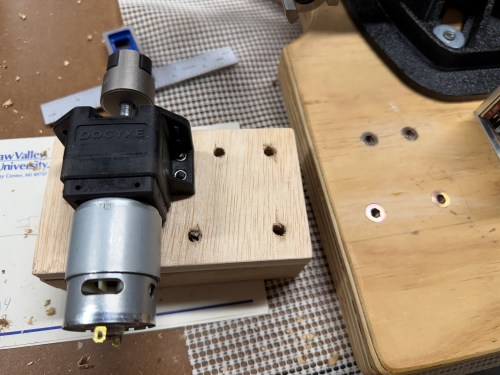
I took the original table off the drill press and brought it to my assembly table. First, I mounted the tables together and then screwed down the power supply. I made a custom bracket for the speed controller.
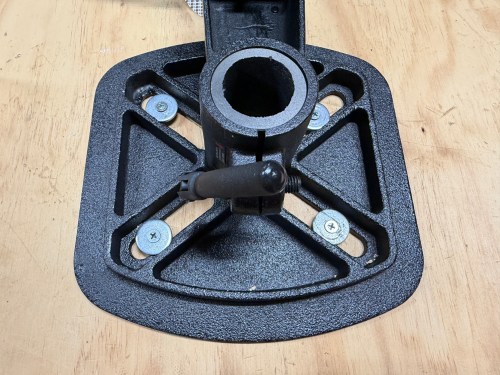
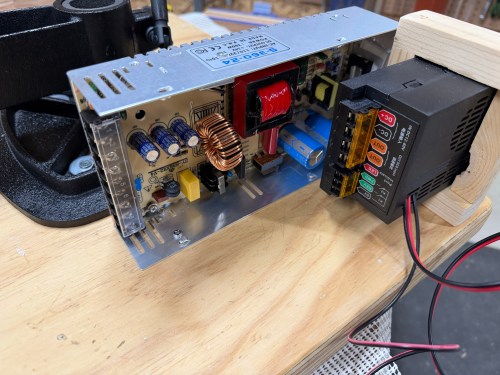
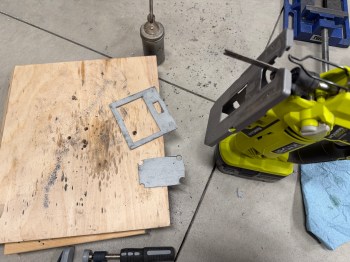
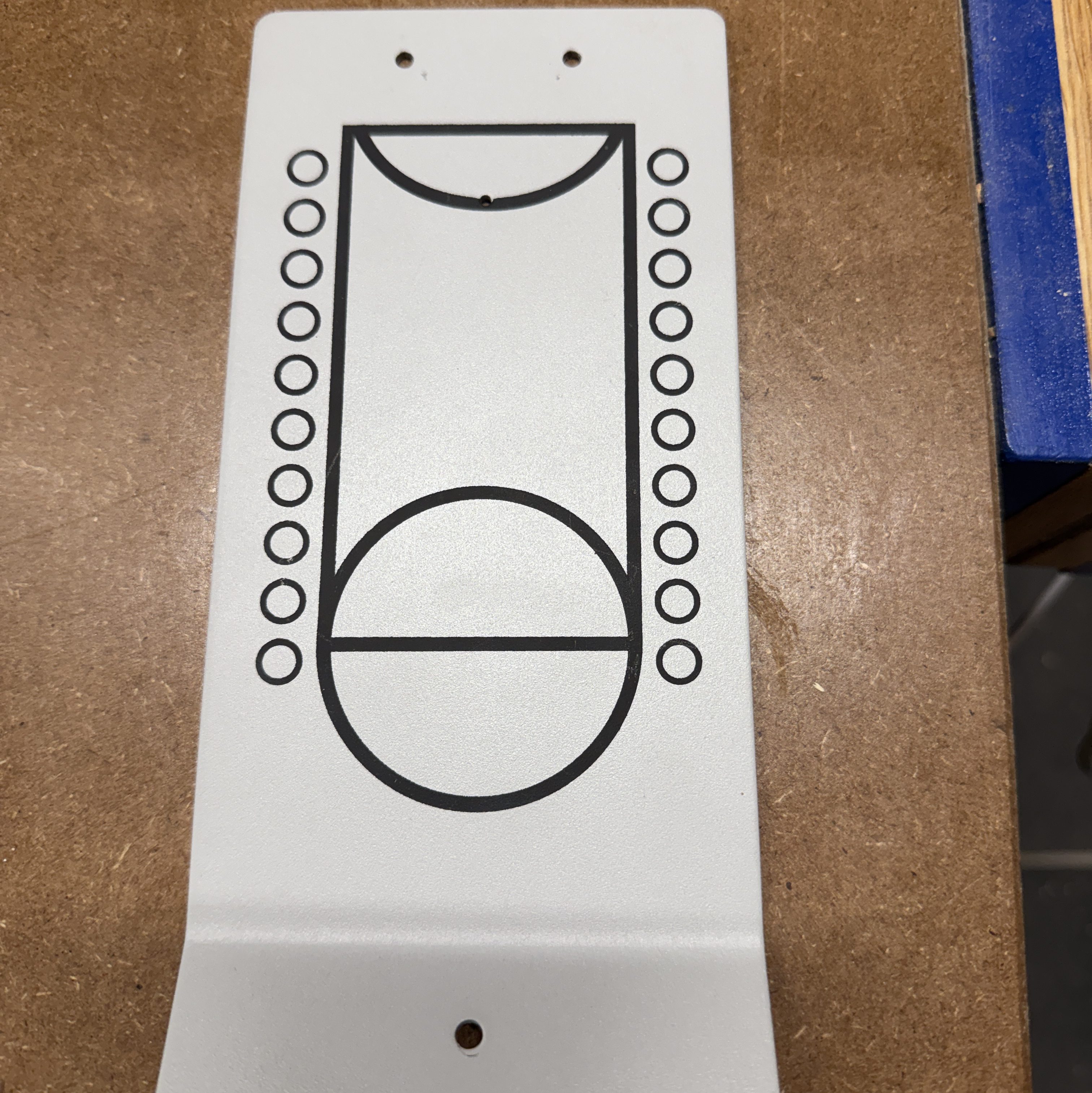
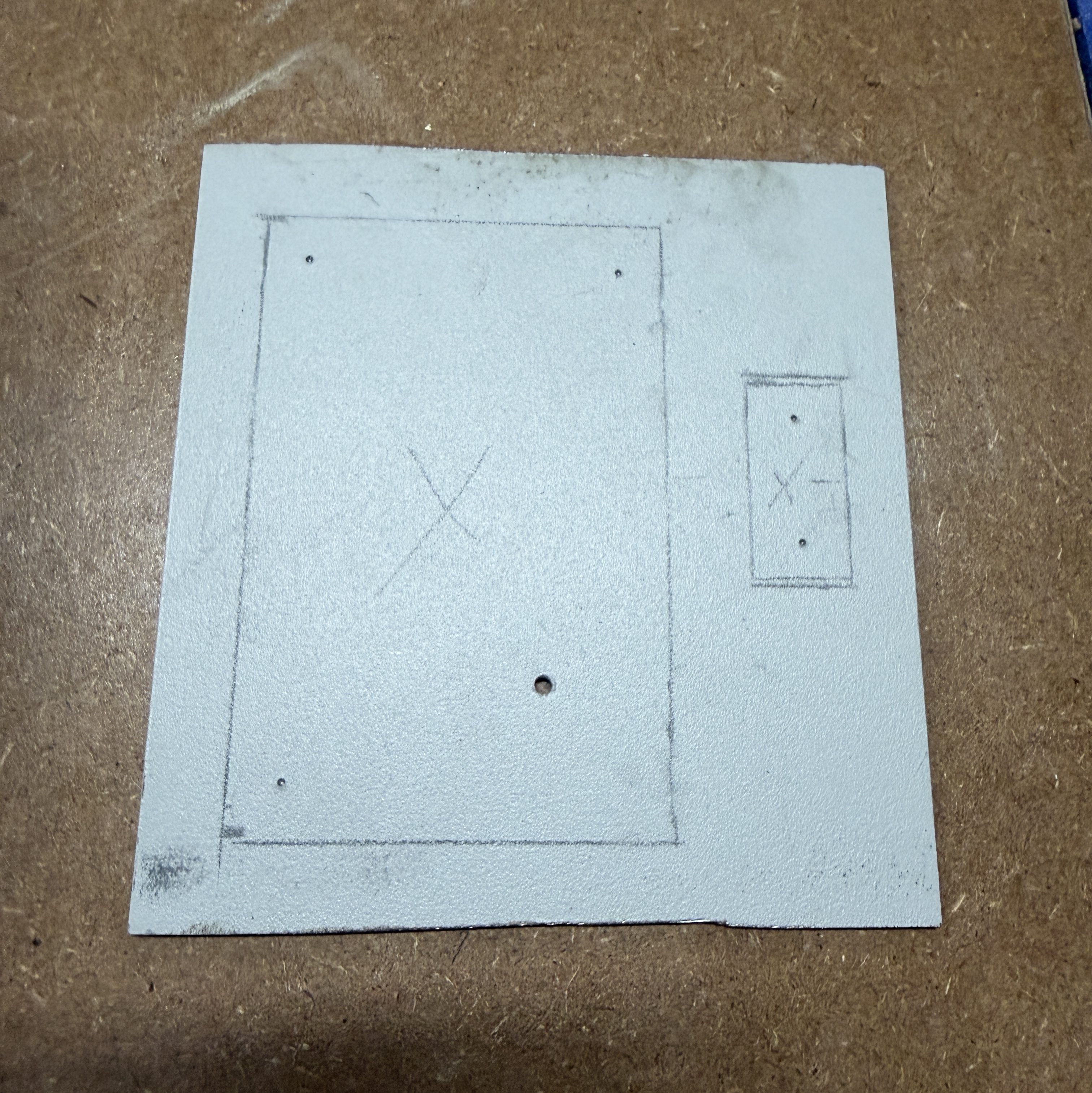
I forgot about the on/off switch though! So I scrapped the mounting bracket and made a new one. The second one used a piece of metal saved from a table top basketball game and turned out much better.
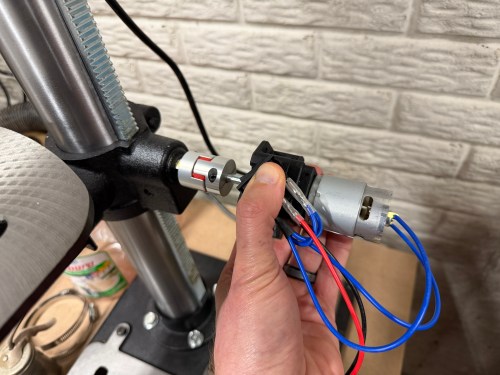
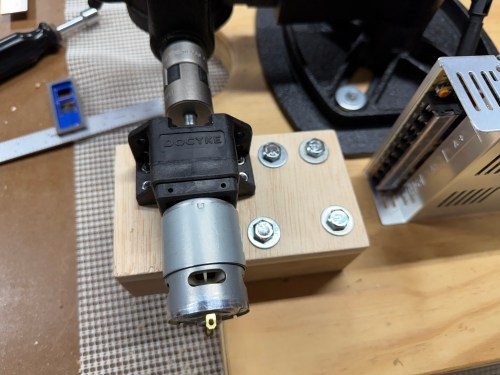
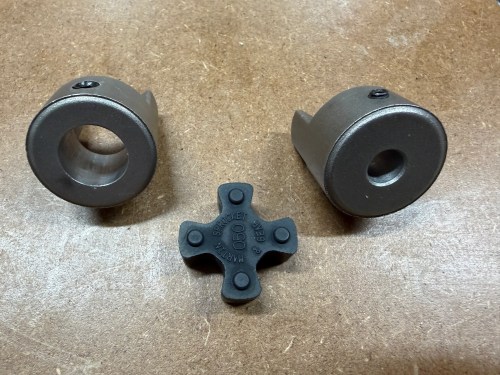
To make a proper coupling that would join the two shafts I ordered parts from Motion Industries:

The middle piece is flexible and would help with any misalignment, but I wanted to try to get the shafts lined up the best I could. I think it turned out pretty well.
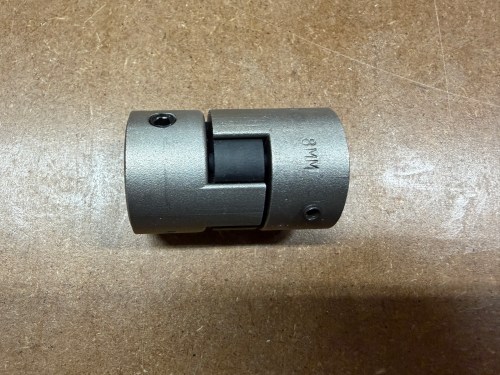
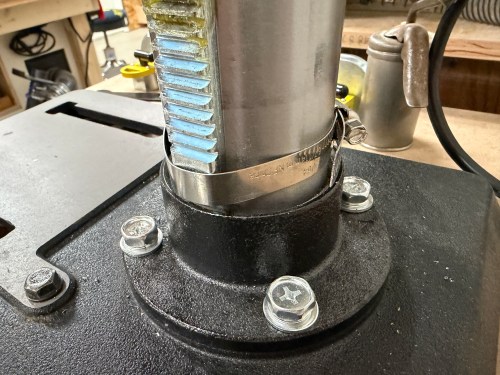
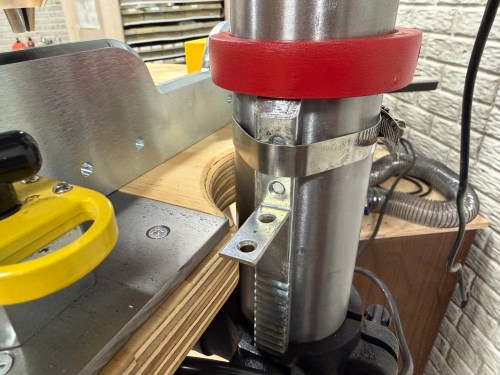
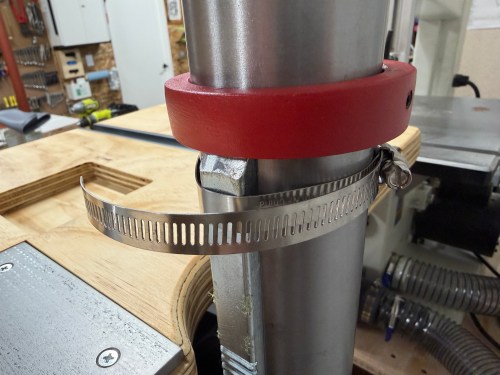
Then I put the table back on the drill press column. After squaring it to the cart, I tightened hose clamps around the rack to prevent rotation. I never need that functionality. Then I figured out the limit switch triggers and positions.
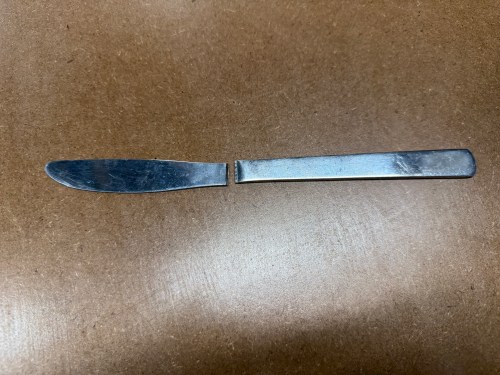
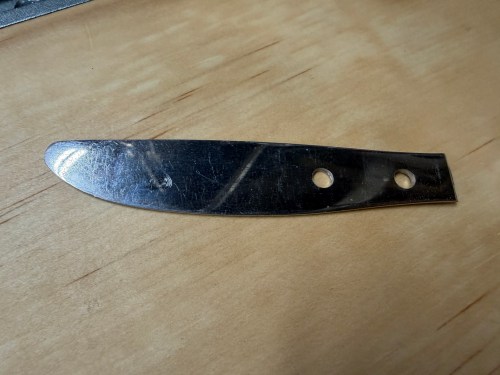
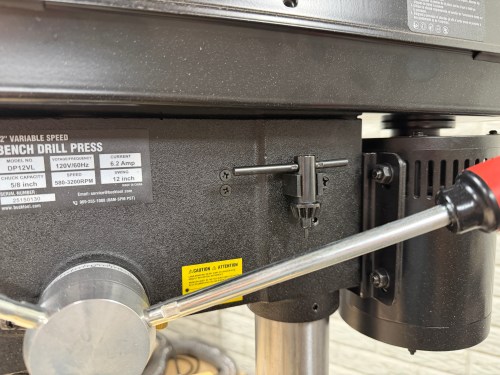
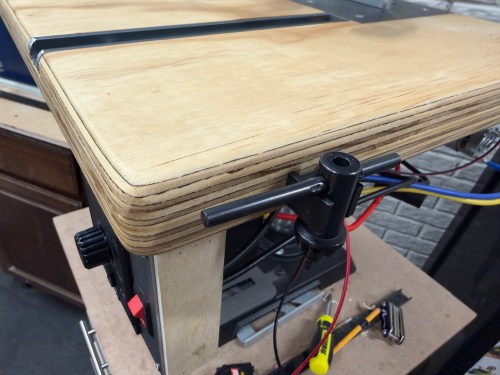
I hadn’t used the drill press much, but while drilling the holes in that piece of butter knife, I was already sick of the cluck key location. So I mounted the clip on the side of the table instead.
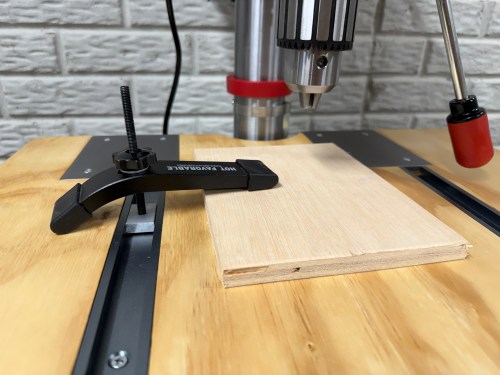
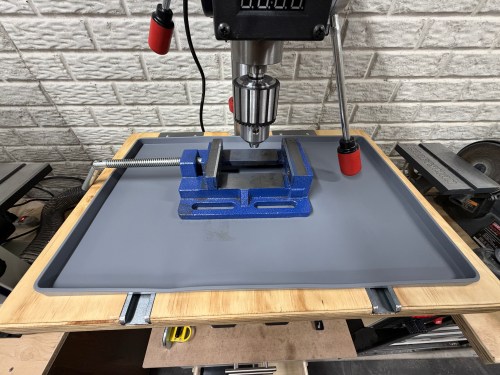
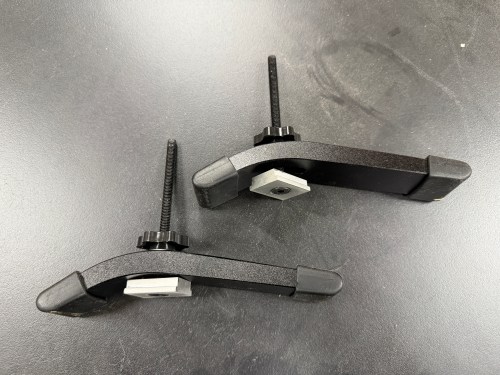
I had extra hold down clamps from the assembly table, so I bought M6 star knobs, 100m M6-1.0 bolts, and T-track slider nuts to make them useable for this table. I also bought a 19×12″ silicon tray for the table, to help contain the cutting fluid and chips, when drilling metal.
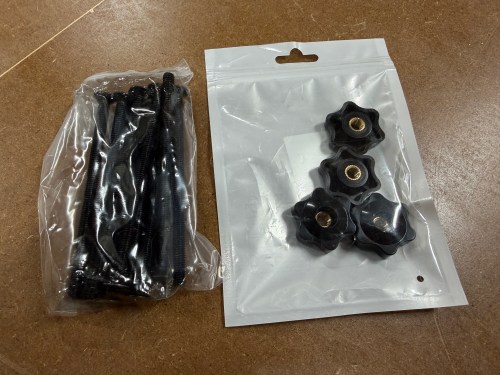
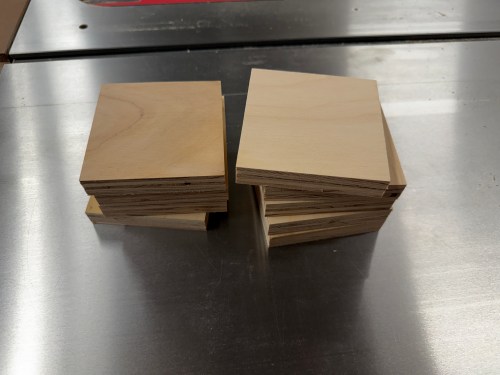
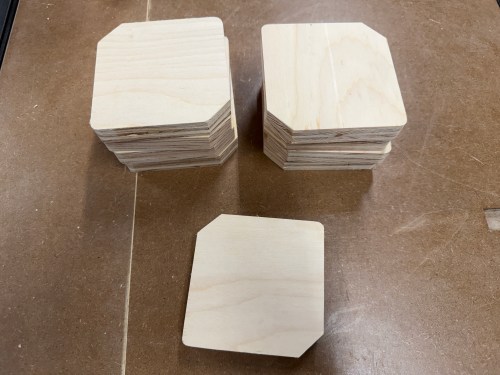
I forgot to cut corners off the inserts earlier, so quickly did that. It’ll make it much easier to get the inserts out of the table. Eight spares should last a long time.
Here’s a quick demo of the motor and limit switches. This thing is awesome!

This project was a lot of fun and is a big improvement to the machine.
Always Evaluate Your Tools & Processes

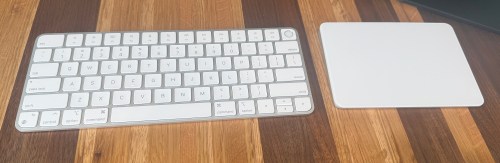
When I was building the PC for the golf sim, I had a temporary table in my office and I was turning my chair from my desk to the table and back while I installed and configured Windows. Each time I went from the mouse on the PC to the Apple Magic Trackpad I wanted the mouse again. I’ve been using the trackpad for about a year, since I built the desk.

Prior to this desk, I actually had the MacBook Air right in front of me and used its keyboard and trackpad. The trackpad on a MacBook is actually much better than this “magic” one. It really struggles with drag and drops, releasing the click action before I’m done. Maybe it’s user error, but I’d been struggling with that aspect since day one.

I ordered another mouse that same day.

This situation got me thinking. I know I’d been struggling with at least one aspect of the Magic Trackpad, yet I didn’t do anything about it. It took using the mouse to realize there’s a lot of performance to be gained.

Life is too short to struggle with the tools and processes we use. Is there anything else at work I’m struggling with? Maybe I could write more scripts to automate things I do frequently. How can I improve my woodshop processes?

Folding Miter Saw Wings

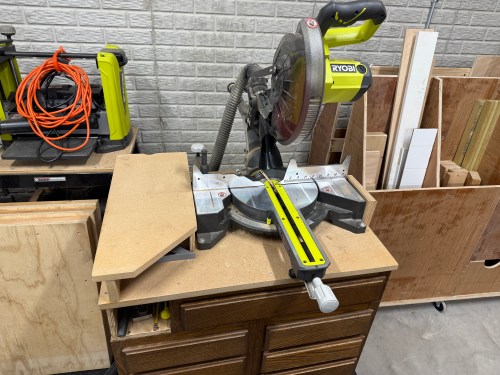
I’ve been wanting wings for my miter station since I got the Ryobi saw and built the cart. If I’m cutting anything with 20″ or so on the right side of the saw, the cutoff crashes to the ground after making my cut.

This weekend we’re building something that’ll require a lot of cuts on the miter saw, so it was a good time to tackle this project. I’ve actually had the brackets since this summer, so I could work on it when I got motivated.

Unfortunately I wasn’t thinking about such an upgrade when I built the cart, because neither side was flat.

I created some flat areas by attaching scraps.

The main objective of this project was to extend the horizontal space on both sides, which this does well.

When I don’t need the surfaces, the wings easily fold out of the way.

The brackets I bought are pretty poor, with a lot of play in them. Maybe it would be better if I used two on each wing. The wings are level with the saw top, which is key, but they move front to back quite a bit. If I want to attach a stop block of some kind I’ll have to stiffen up the wing in some way.

They work for now though. Maybe I’ll improve them down the road. On to the next project!

Network Rack Supports

We’re having a house built next year and it’ll have ethernet ports all over. I’ve already started gathering equipment and setting up a network rack cabinet (from Amazon), so I can start playing around with the stuff in our current house over the winter. The rack will do the job fine, but it’s not super high quality. Since the components usually only mount to the front rails, the heavy equipment can sag quite a bit in the rear. I cut and stained a couple of pieces of scrap wood.

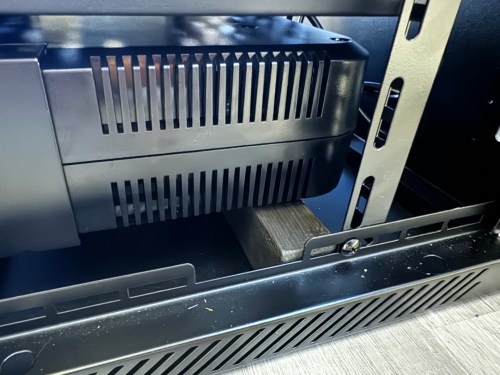
The UPS is the heaviest piece of gear, so it’s mounted at the bottom of the rack. I used a couple of pieces of VHB tape to stick the support beam to the rack floor. The rear of the UPS simply rests on that piece of wood.

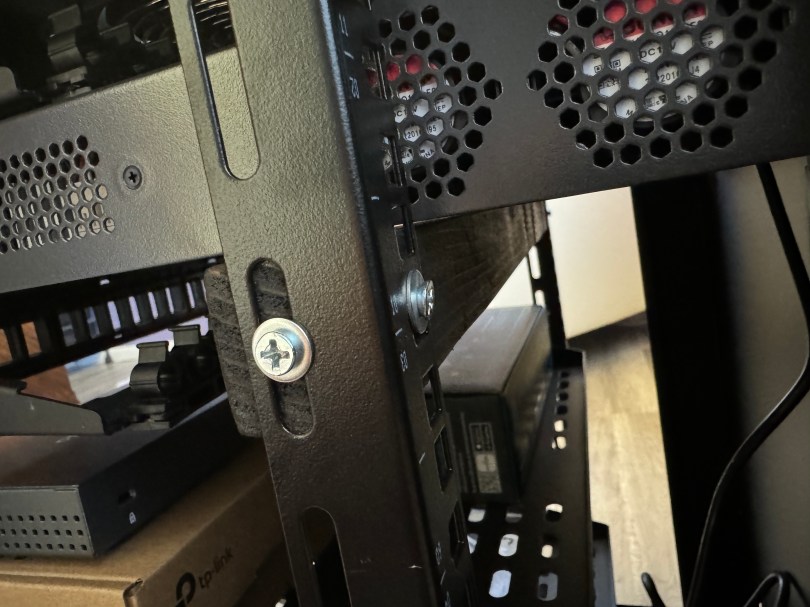
The other support piece mounts to the rear rails with washers and screws, propping up the back end of the switch.

Simple and effective improvements.

Modifying/Upgrading a DP Ultra Gympac

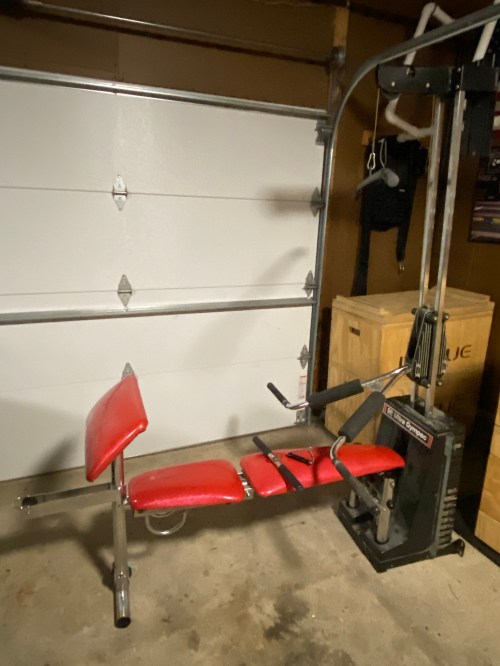
On August 15th I bought the DP Ultra Gympac, a piece of fitness equipment from the mid-80s.

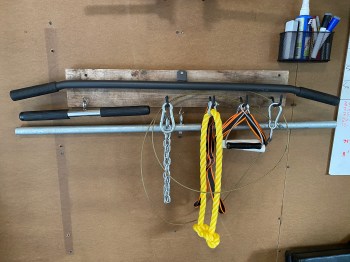
It was missing some of the original parts, but it had the weight stack and pulley system, which are what I cared about. I had made my own pulley system, but I’ve been fighting with it for several months. Having something dedicated with it’s own weight stack was going to be a big improvement. Here’s what the equipment looked like when I got it home.

This awesome machine was sold at Sears for $499.99 back in the day!

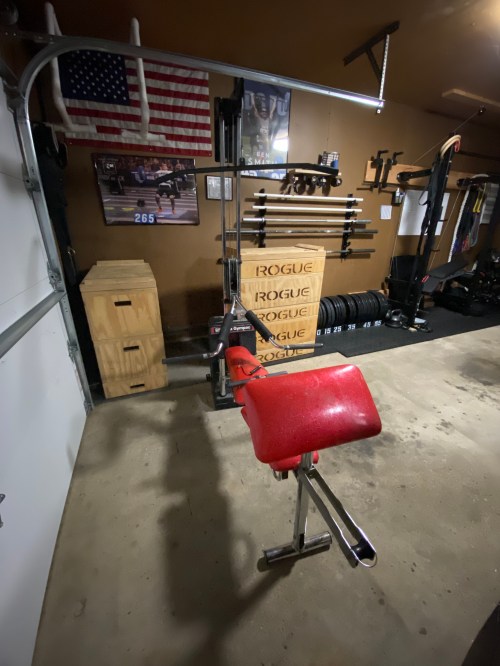
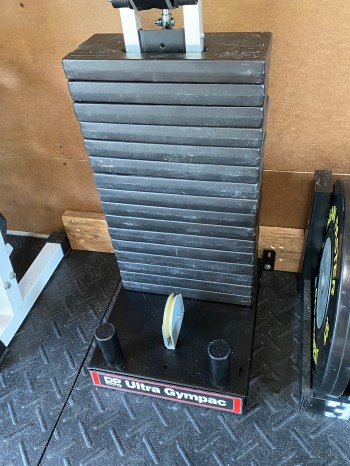
I paid $100 for this one and it also came with a small barbell and weights, which I’ll sell. The unit did need some work. I moved the bench and curl attachment to storage because I don’t plan to use them. Then I disassembled the unit. Most of the weight stack plates had cracks. By a stroke of luck, I came across a Facebook Marketplace listing for 14 of the same weights and I paid $25.

The base of the Gympac had quite a mess where something nasty had spilled a very long time ago. I got that taken care of and cleaned the pulleys really well. The main top and bottom pieces got fresh black paint. I bought new cotter pins for the pulleys, replaced nuts and bolts, added washers and made a cable. The hardest part of the rebuild was replacing the guide rails with longer ones to allow more travel length for the cable. A couple of eight foot pieces of 1″ aluminum square tubing ran me about $30 and I drilled holes for the various bolts. On my bandsaw I cut the original logo out of the cracked plastic case.

Making room required a big reorganization of my gym space. After that I moved the unit in place, put everything together, and bolted it to the wall. The final touch was labeling the weights. I wasn’t confident in the numbers on the original stickers, so I bought a small luggage scale and sure enough, everything had previously been labeled six pounds too heavy. I made some new labels.

I love it! The great thing is it only uses about two and a half square feet of floor space. Rethinking the entire organization of the gym space ended up making the rest of my equipment a lot more accessible as well. This was a really fun project. If you have a garage gym and some extra space, try to find one of these.

% Better/Worse

This showed up in my Facebook memories this morning and I quickly shared it.

tiny-gainz

Then I thought about it for a minute and the scale on the chart seemed out of whack, so I deleted the post. I opened up a Google spreadsheet and started messing with numbers. Here’s what a real chart looks like if you improve by 1% each day.

1-percent-changes

What does this really show though? If the starting number 1 represents your current ability in some skill, the end result is your ability in that skill. So if you improved by 1% each day, at the end of a year your skill level would be over 37x what it currently is. Conversely if you got 1% worse each day, at the end of a year you’d be left with about 2.5% of your original ability. I can’t think of any skill where either that much of an improvement or decline is possible by any stretch of the imagination.

What about 0.1% changes though?

tenth-of-percent-changes

If you got 0.1% better each day for a year, your skill level would improve by 44% and if you got 0.1% worse each day you’d be left with just under 70% of your ability. Now we’re getting somewhere realistic!

It’s still hard to grasp what that means though, with 1 representing some ability or skill level. To put this in perspective, I’ll use the time it takes to run a mile. Starting with a 10 minute mile on day one makes it easy to understand.

If you run 1% faster each day, you’d have to run a 15.5 second mile at the end of the year. Good luck!

If you run 0.1% faster each day, you’d be running a mile in 6:56 at the end of the year. That’s seems possible doesn’t it?

Pringles Can Improvement

Pringles® are very user-friendly potato chips. They’re fun to eat and addicting. I have an issue with the can though. Once you eat half of the chips, getting at the rest can be messy, unless you pour them in a bowl.

Each can should have some kind of simple spring mechanism that pushes up the bottom as you eat chips. Or how cool would it be if you could peel away layers of the can as you go deeper in the stack of chips?

It would be amazing if the next chip was always at the top of the can.

Master Your Goals

Really wanting to be a better you and not caring about other idiots is the only way to continuously improve and never quit. It isn’t a lifelong process. It’s life itself! Be the best you can be by constantly beating yourself. –Oystein Jensen

Change Yourself in 30 Days

Make a change in your life over the next 30 days. Here are some ideas: Take the stairs instead of using the elevator. Save money for the vacation you’ve always wanted. Start a new exercise routine like CrossFit. Read a book for an hour each day. Only eat out once a week.

Never Settle

Today I attended an UnPresenting workshop because I’d like to get comfortable in front of a crowd so I can be a speaker at WordCamps. When it was my turn to talk in front of the others I mentioned “I never want to settle.” It drew an interesting reaction.

As I’ve thought about it the rest of the day I was reminded of a post I wrote in 2004, titled Being Satisfied. Be sure to read the comment from my friend Lindsay, which is excellent. Many of the things I wrote about in that post are still goals today. A few things have changed.

If I were writing that post today, I wouldn’t mention money or a new job. When I worked for SVSU, money was a motivator because I didn’t enjoy what I was doing and there wasn’t any place to advance to. A higher salary was advancement.

Today I have a job I love. I’m motivated to make great products for our users, help my coworkers, and improve my skills. You might be thinking, “Isn’t that settling for your job?” Not at all. There isn’t another company in the world I would rather work for and I love the role I have. However, I will not settle for my performance. There are many things I have to learn and I can always get better at doing my job.

Do you settle?