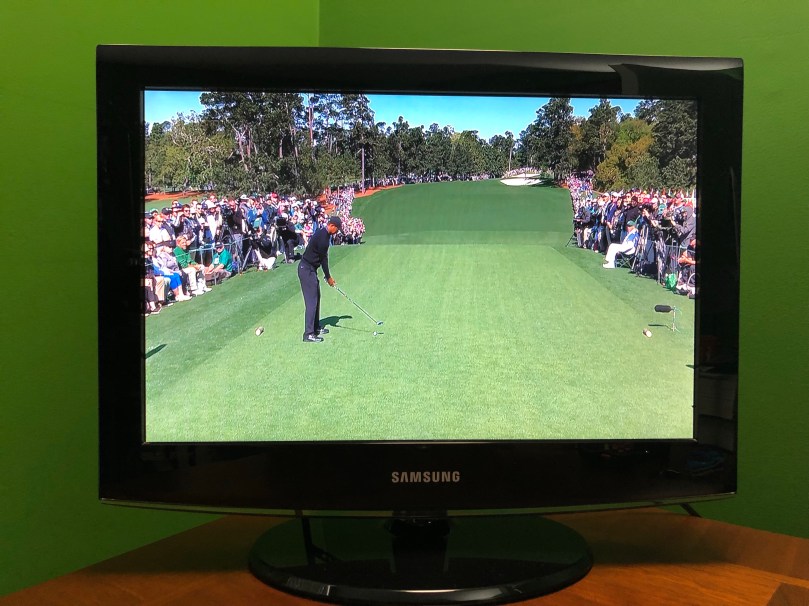
Tiger is set to return to the Masters, and a new generation of fans will be watching
“Golf spoils us because you can convince yourself that, on the right weekend, a miracle will unfold for the right player, even if he’s in his 50s. People would laugh if you suggested LeBron would hit a jump shot to win a championship at age 59, but Tom Watson had a putt to win The Open at that same age. Why couldn’t Tiger?”
What is Ground? Earth Ground/Earthing
When I started learning about electronics I was confused about the ground in a circuit compared to the ground wiring in a house. This is a simple and thorough explanation.
A few months ago I helped my brother rewire some lights for his shop to use LED bulbs instead of flourescent tubes. I decided to do the same thing for my kitchen light, which had been flickering and didn’t always light up every tube.
Years ago, a friend rhetorically asked me, “Are you an electrician?” after I screwed up some wiring, which left us without heat on the coldest night of the winter. I’d say I’m the perfect man for this job. 😉
Jokes aside, it is an extremely easy wiring task. Electrical stuff can be scary for a lot of people, so I figured I’d document my process. Fair warning… I am not a professional and I’m not telling you how to do this. This is just an explanation of what I did. I’m also not a lawyer.
I did this at night, guided by some battery-powered LED lights, so the lighting in the photos isn’t very good.
First I TURN OFF THE BREAKER connected to my light. Absolutely no shortcuts here. Then I took the tubes out and removed the fixture covers.
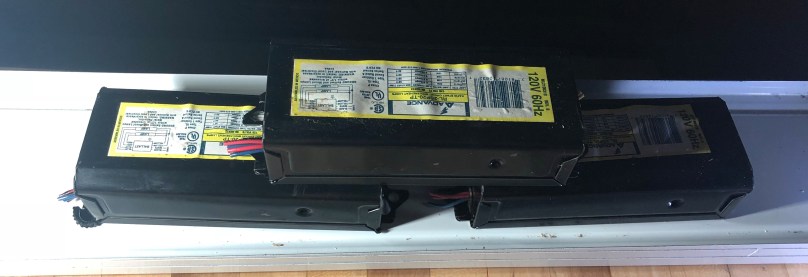
Those black boxes are the ballasts, which limit the current in a circuit. To use LED bulbs those need to be bypassed. I cut all of the wires and removed them.
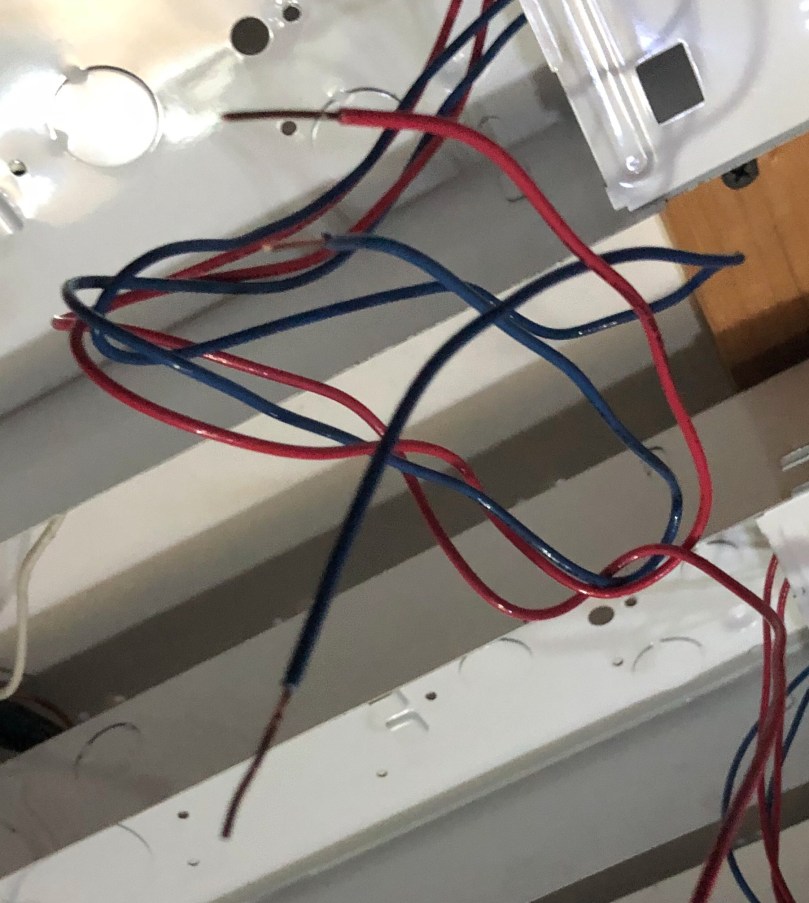
Then I stripped the ends of every wire I had cut.
In these particular fixtures, one side used 2 blue and 2 red wires and the other side used 2 yellow wires. The yellow side did use some short white wires to connect one tube to the other, but those white wires were not directly connected to the ballast.
This is the key step. All of the wires on one side of the fixture needed to be connected and then connected to either the black (hot) or white (neutral). It doesn’t matter which side goes to white and which goes to black, but it’s very important that everything on one side of the fixture goes together.
As you can see here I grouped by dark (blue and red to black) and light (yellow to white) colors. I screwed a wire nut on each bundle of wires. When I have 3 or more wires connected like this I gently pull on each wire to make sure nothing will come loose.
Before I closed everything up, I flipped the breaker and made sure the light switch was on. Then I took one LED bulb and tested it in each spot to make sure everything worked. There’s nothing worse than having to take something apart after it’s been closed up. Everything worked great, so I wrapped each wire nut with electrical tape.
For the final step I put the covers back on over the wiring and slipped in the LEDs.
It made a huge difference in my kitchen. Here are some unedited before and after shots.
The camera really shows how green the light was from the flourescent tubes.You can see how much more natural the wood looks.
What happened with that wiring mistake I made years ago? We got drunk and survived a cold night. I woke up early the next morning determined to figure out what I had done wrong. I fixed the mistake and learned not to assume that speaker wire running through a basement ceiling was useless. I’m probably lucky the wires I cut were only used for thermostats instead of something with a higher voltage.
I didn’t let my friend’s joke discourage me from trying. To this day I continue to learn.
Then AdaBox007 came with a starter set of lock picks and a clear training lock. After reading and watching some videos, I learned that the set was missing some important picks, so I ordered the SouthOrd PXS-14 – Beginners Lock Pick Set (reviewed by bosnianbill of Lock-Lab). Each night I’ve practiced while watching TV. I can’t believe how easy it is to open up some locks, so I had to make a video.
If you’re interested in learning, grab a beginner set of picks (don’t go too cheap) and read Lock Picking: Detail Overkill (free PDF download). Then watch some videos on YouTube (bosnianbill has a playlist for beginners). I’ll publish a future post when I acquire more skills.
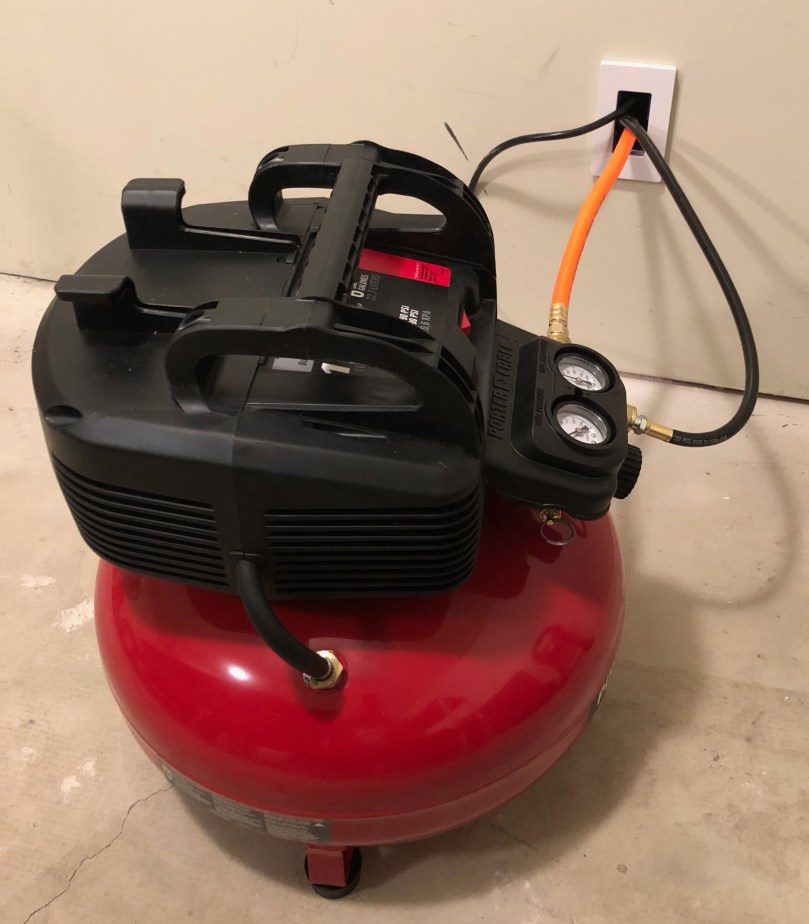
I’d been thinking about getting a better cordless brad nailer because the old Craftsman one I have is useless. I discovered Craftsman makes a much better one in the C3 line, but it runs about $130. I kept looking around and found Home Depot selling a Porter-Cable combo kit with:
6 Gallon 150 PSI Air Compressor
16-Gauge Nailer
18-Gauge Nailer
3/8″ Stapler
25′ Hose
It was down to $200 from $279! I bought it the next morning. I also stopped by Harbor Freight for their air tool accessory kit (gotta have a blow gun!) and a second 25′ hose.
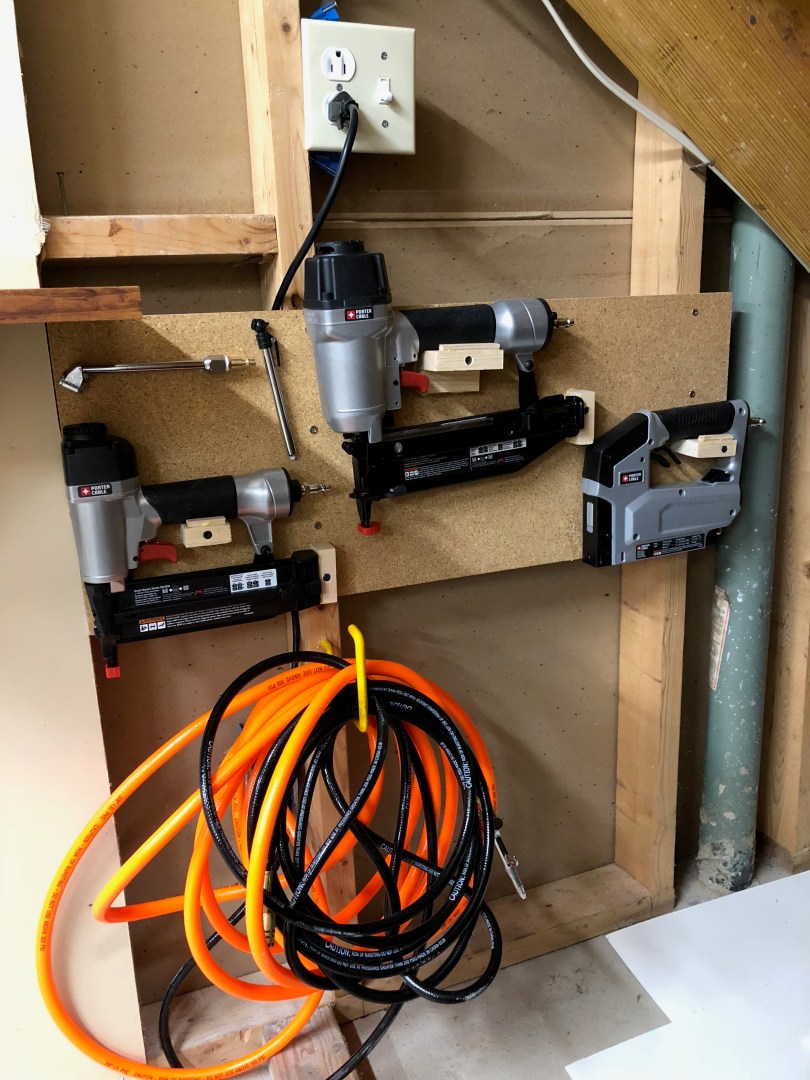
I didn’t want the compressor in the shop because it’s very loud when it runs. So I cut a hole through the wall, put in an electrical box, and added a face plate so it doesn’t look too much like a hack job. If I ever move it I can swap out the place for a blank one.
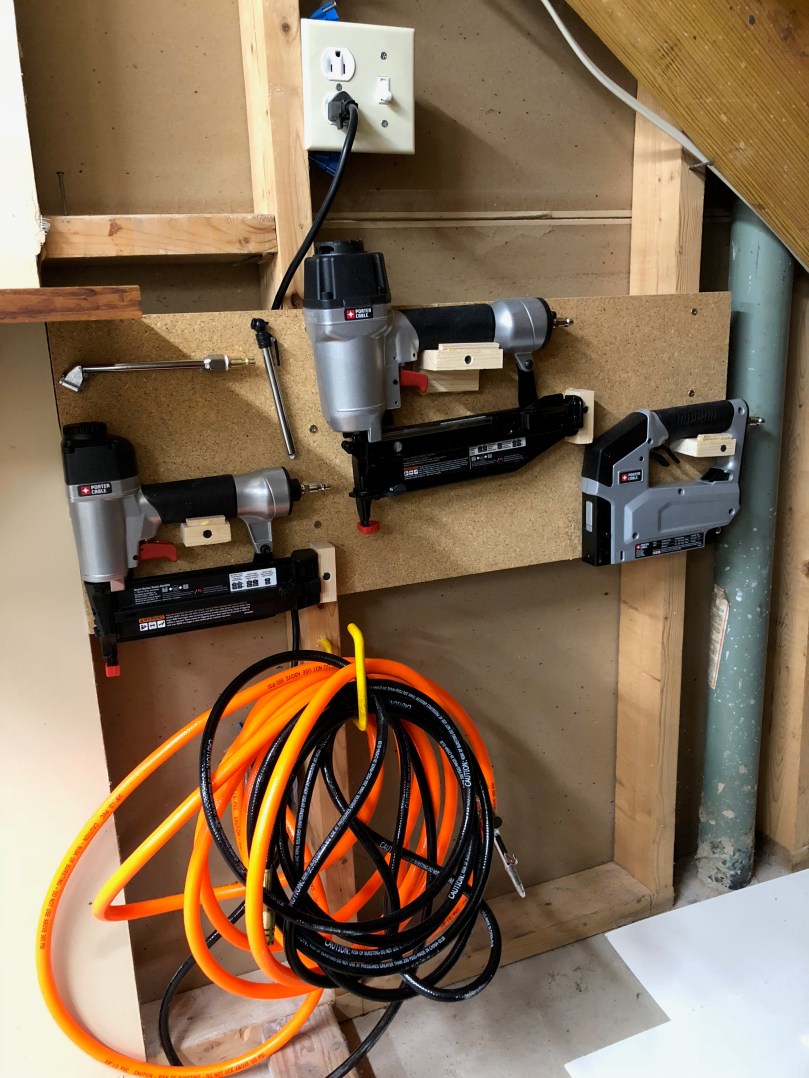
Where it comes through on the other side is under my staircase, which is fairly central in the shop. Figured that would be a good place to store the tools.
I didn’t want to have to go to the other room to turn the compressor on/off. So I removed an old outlet that was on this wall, added a 2-gang electrical box, put in a new outlet, and wired a switch to control the bottom plug (top plug stays hot). Now I can always leave the compressor’s power switch turned on.
I really like the idea behind this box. I’ve already rolled up more solder to keep in my kit and will have to think about what else to put in there. Maybe some potentiometers. It’s nice getting a microcontroller I don’t have yet.
I had pretty much decided I was going to cancel my subscription so #0030 would be my last box. I think I mentioned recently about cancelling my AdaBox subscription, that I have accumulated a pretty decent collection of microcontrollers and other components. I spend a lot of time catching up on all of these boxes when I could be using that time to build projects from my own list of ideas, which is quite large. After getting #0029 though I think I’ll stick it out for longer and see how it goes.