I was browsing on my phone the other day and thought I saw a hair on the screen. Take a look..

Turned out to be clever (perhaps evil) attempt to get me to tap of the button. Here’s a closer look at the graphic…
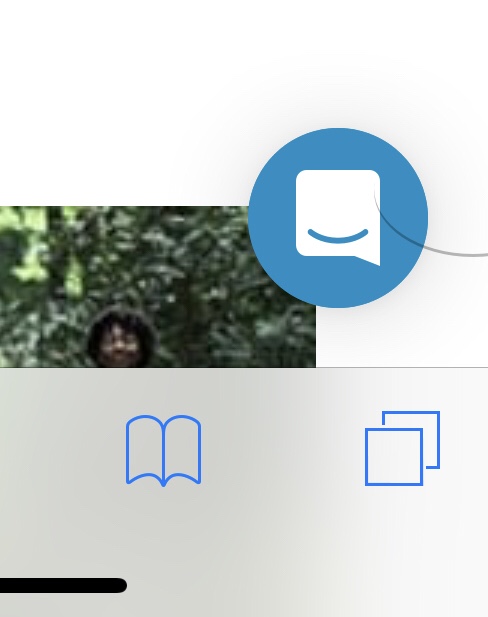
I was browsing on my phone the other day and thought I saw a hair on the screen. Take a look..
Turned out to be clever (perhaps evil) attempt to get me to tap of the button. Here’s a closer look at the graphic…
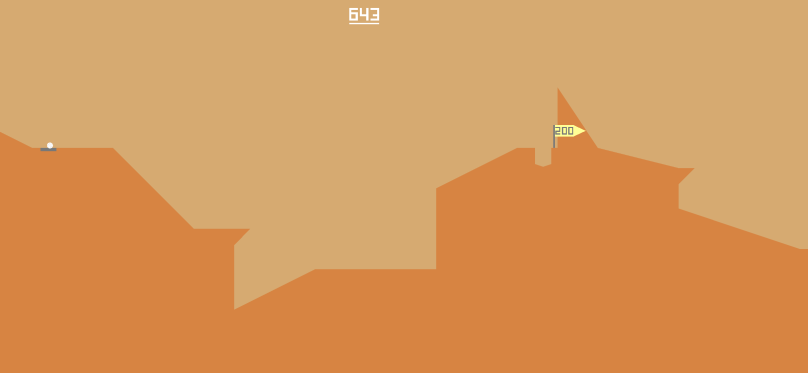
I think the only time I launch the Desert Golfing game is when I travel. It was just under 2 years ago when I got to hole #100.

My 2013 MacBook Pro is having some issues and the suggestions say to try this. It didn’t find any problems. Reminds me of the DOS days.
I use the Mac screenshot utility a lot, but have never thought of using it as a ruler. I’ve always used a browser extension to measure pixels on the screen. If you’re not using this utility, you initiate it by pressing command + shift + 4 on your keyboard.
I learned a few other tricks from the thread. Once you start dragging your mouse to create the rectangle:
shift to lock in an axis as you continue sizing the area.space to move the rectangle to a new location.Do you have any other tips?
Filled up every square in 2017 and today extends the streak to 418 days.
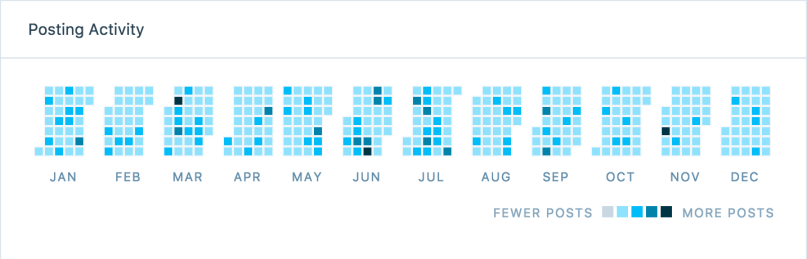
Happy New Year!
A year ago, I posted a screenshot of the home screen on my iPhone 7 Plus. Might as well make this a yearly thing. Not much has changed with my app usage though. Here’s the home screen on my iPhone X.
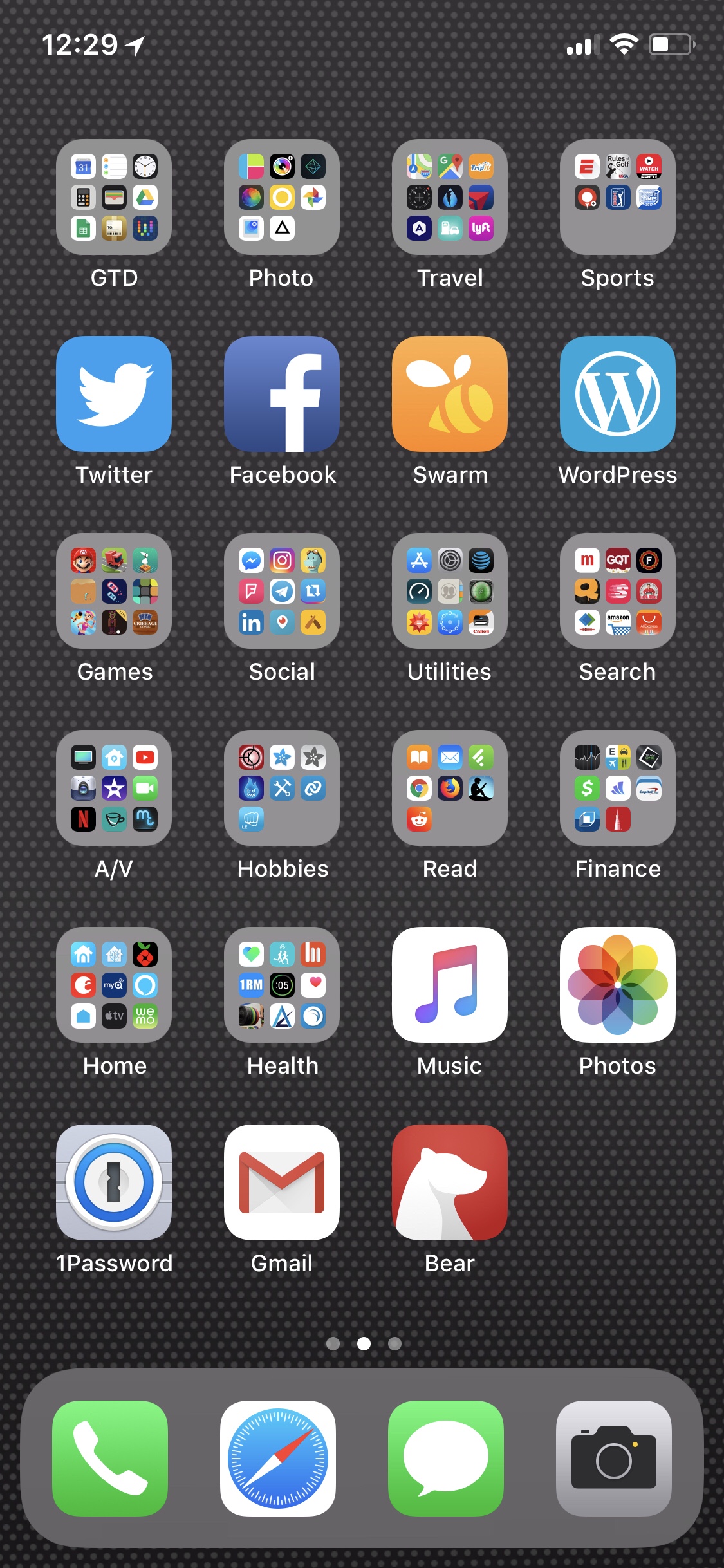
This may be the first time since iOS added app groups that I have a 2nd page.

These are some augmented reality apps I wanted to try. I’ll get around to filing them into a group soon because this second screen is bugging me.


My Twitter followers are leet!
 Nick Momrik