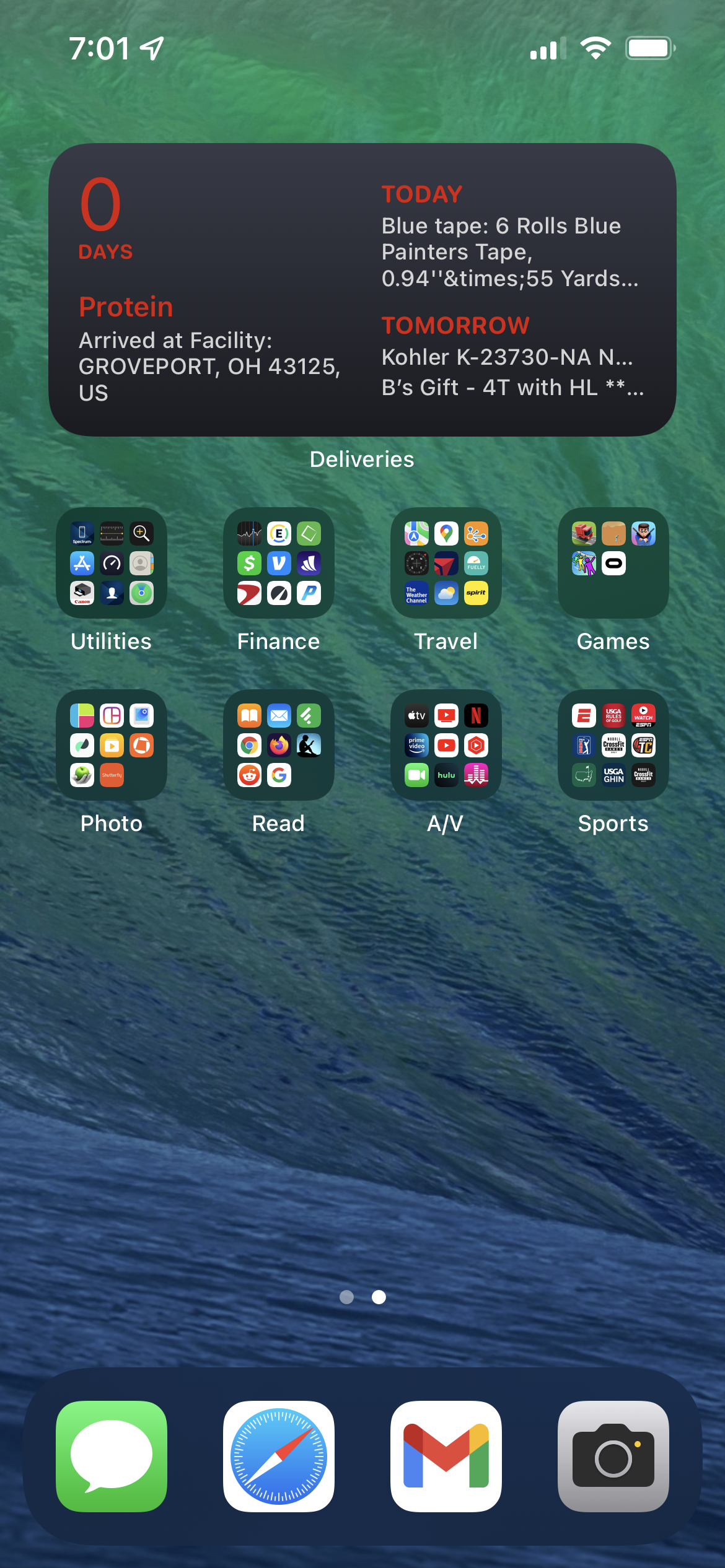
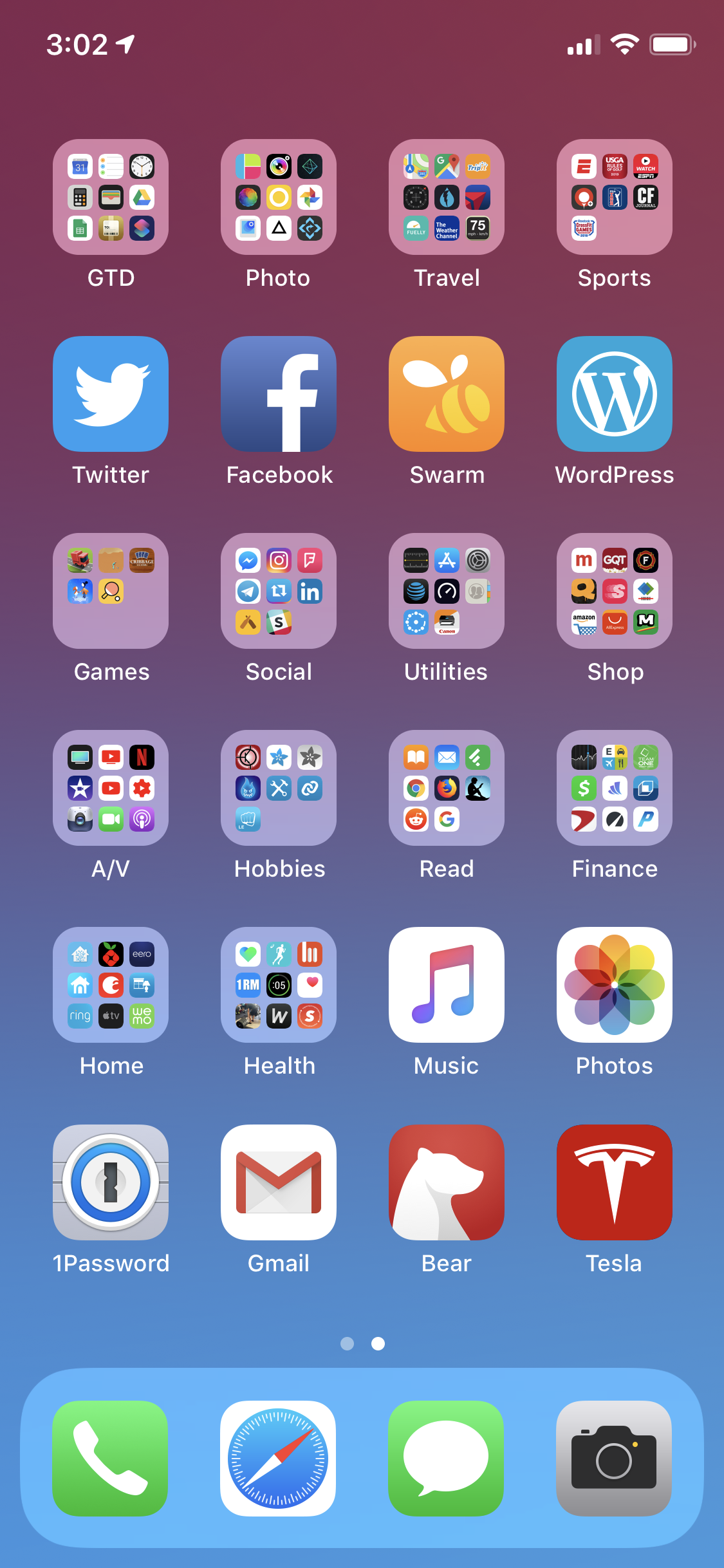
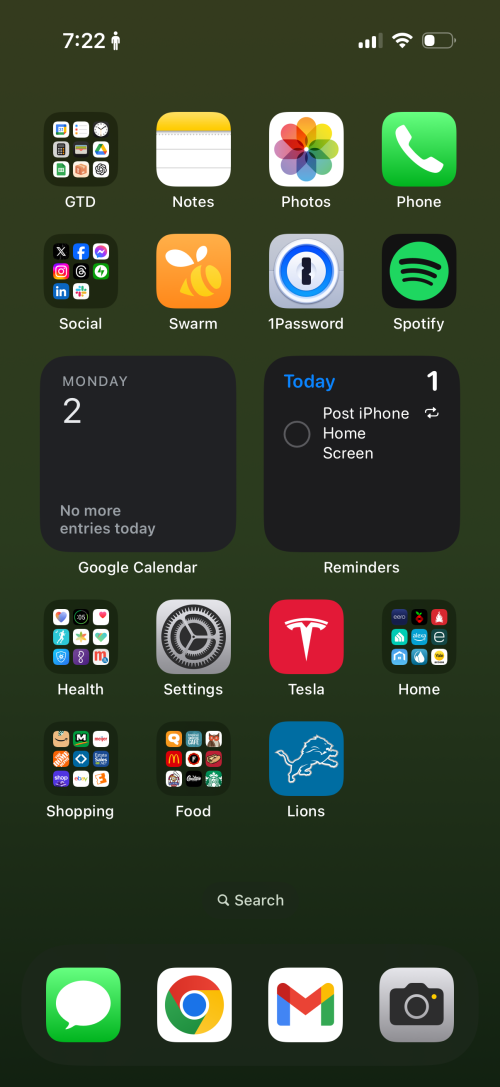
2025 Home Screen – iPhone 17 Pro

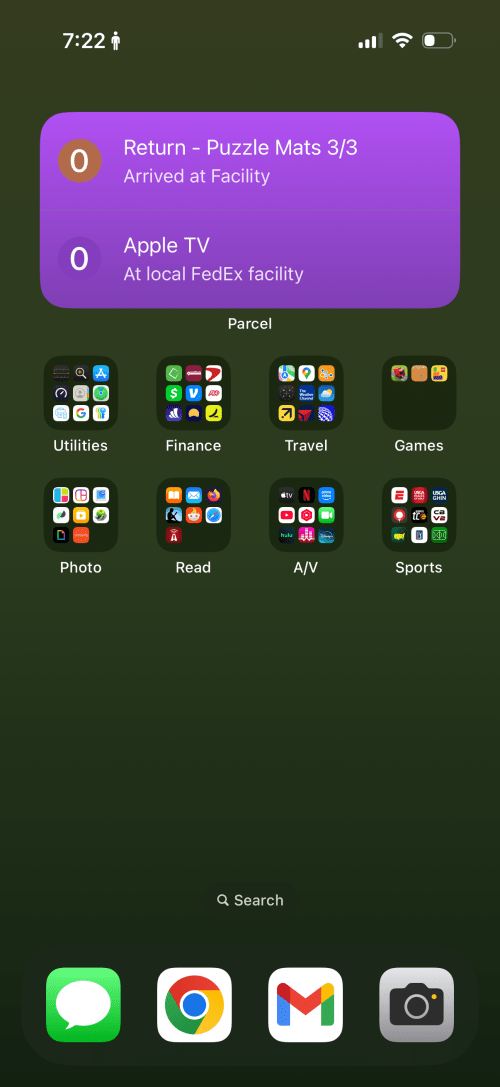
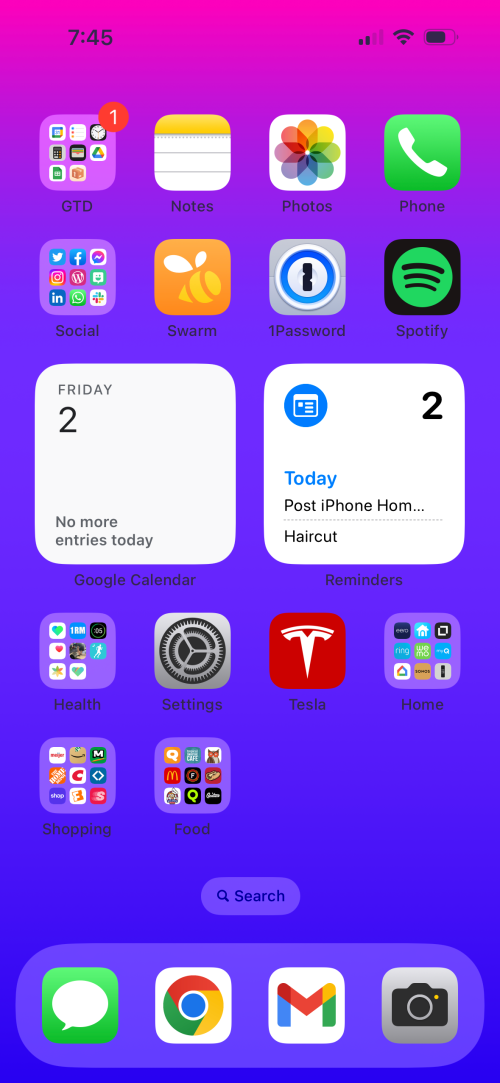
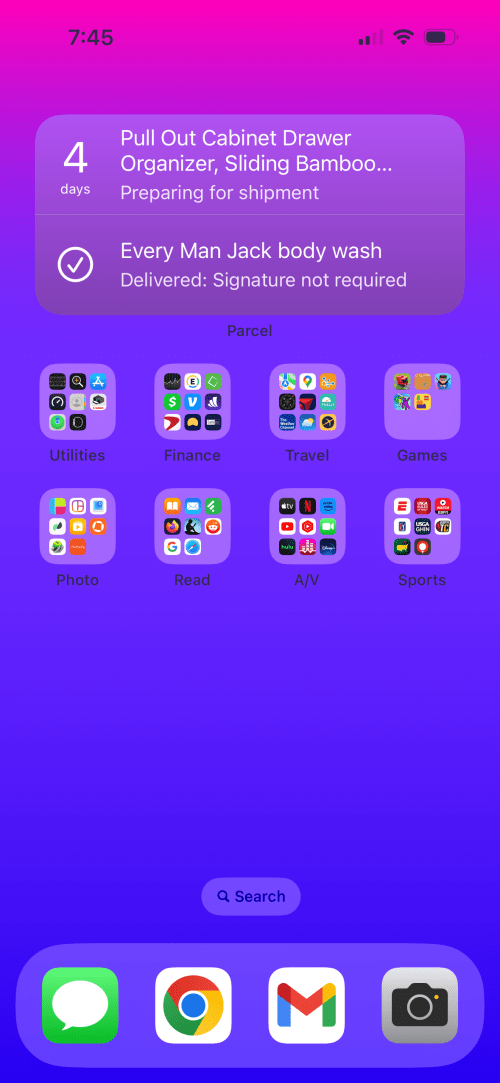
Here’s the yearly share of my iPhone home screen.
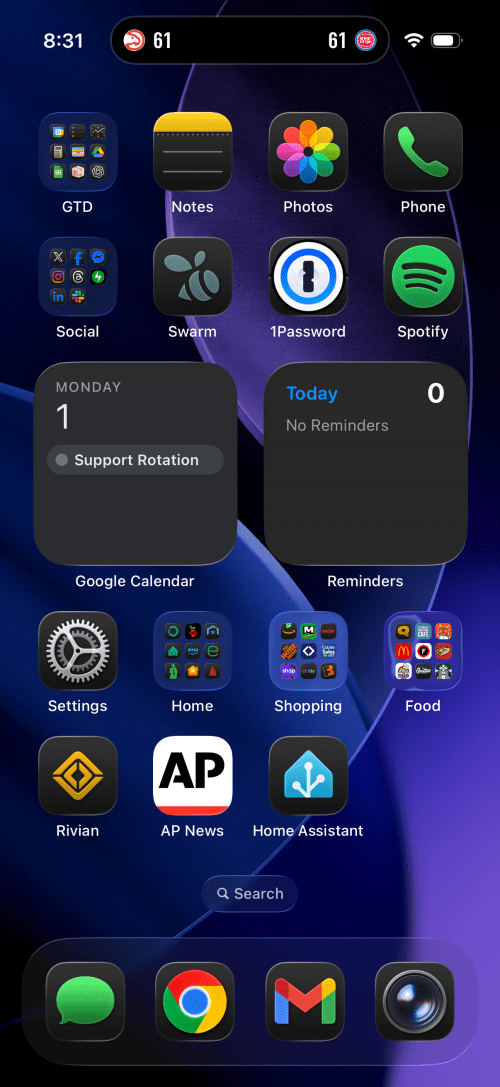
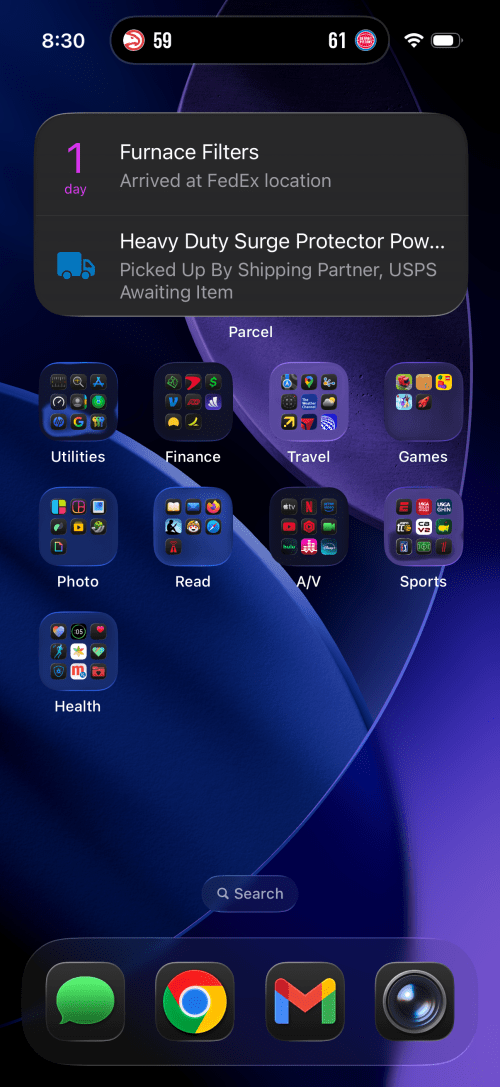
The biggest change I’ve customized it to always use the dark icons, even during the day. The Rivian, AP News, and Home Assistant apps all claim prominent spots on the first page and a few groups moved around.

Check out previous screenshots from 2024, 20232022202120202019201820172016, and 2010.

2024 Home Screen – iPhone 16 Pro

Here’s the yearly share of my iPhone home screen.

Not much different than last year and I think I’ve deleted more apps than acquired new ones. The Lions app has gotten a spot on the home screen. Is anyone triggered by the battery status?

Check out previous screenshots from 20232022202120202019201820172016, and 2010.

2023 Home Screen – iPhone 15 Pro

Here’s the yearly share of my iPhone home screen.

This year I switched from Golfshot to a Shot Scope watch, but since it’s out of golf season, the app moved from the home screen in to the Sports group. I think the only other big change is the wallpaper.

Check out previous screenshots from 2022202120202019201820172016, and 2010.

2022 Home Screen – iPhone 14 Pro

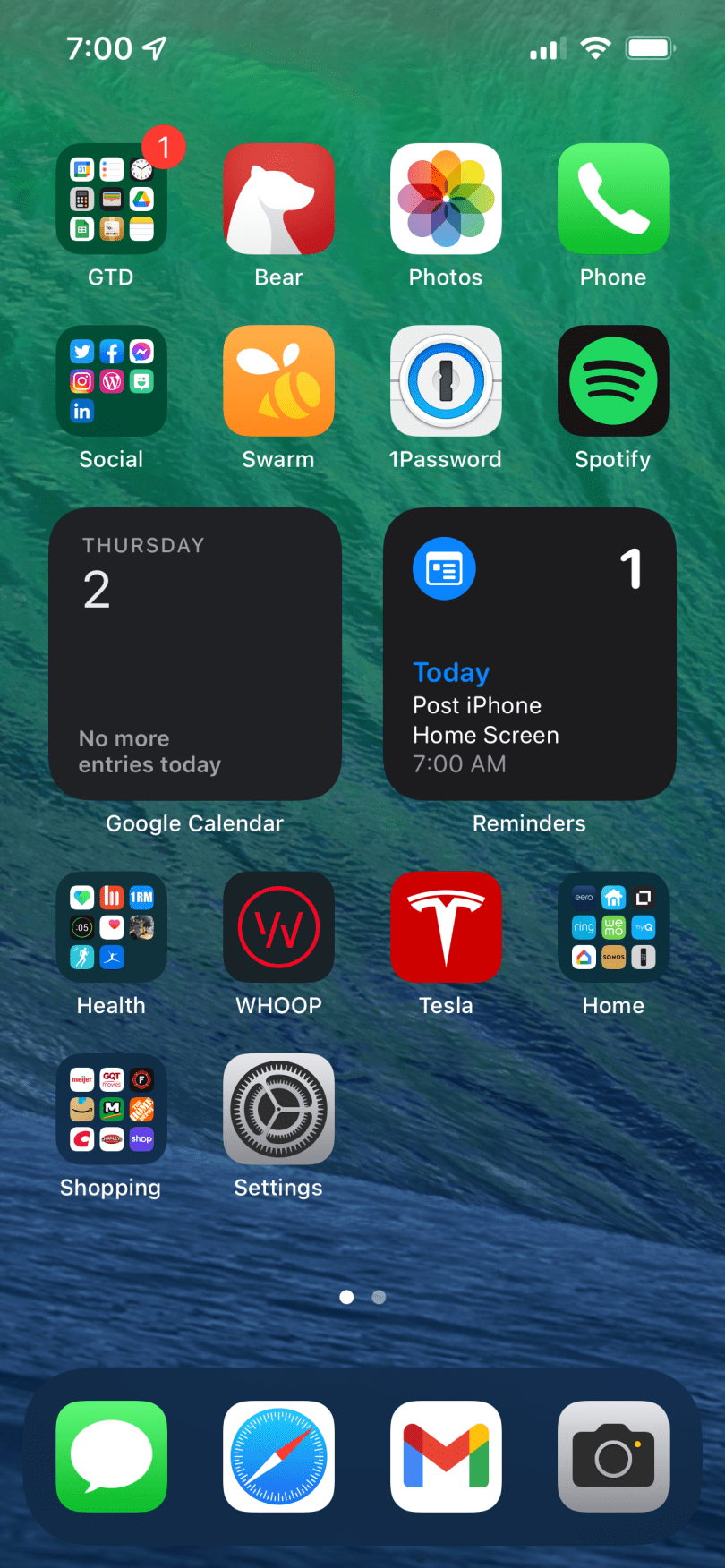
Here’s the yearly share of my iPhone home screen.

Not shown here, but during the golf season, the Golfshot app does move over to the bottom row on screen 1. The noticeable changes this year are:

  • New wallpaper.
  • Switched from Bear to Apple Notes since Brandi and I share several notes to organize and plan. It was easier for me to stick to one app instead of swapping between the two for different use cases.
  • Changed from Deliveries to Parcel for package tracking.
  • Stopped wearing a WHOOP band, so I moved the Settings app there.

Check out previous screenshots from 2021, 2020, 2019, 2018, 2017, 2016, and 2010.
Concept2 Firmware Upgrade

When I went to program my first workout on the new rower the other day I realized it didn’t have the option for setting an Undefined rest period like my Ski Erg and the rowers at the gym. Turned out the firmware on this PM3 monitor was 7 versions old. It was easy to upgrade using a free utility provided by Concept2. The hardest part was finding an old USB cable for connecting the monitor, but luckily I have some for Arduino boards.

Charging Upgrade

I drove up to Rogers City for the weekend to work on the charging situation before it gets too cold outside. Last night I plugged into a standard outlet (NEMA 5-15), which should only be able to charge at a speed of 3-4 miles of range per hour, according to Tesla’s home charging documentation. Somehow I was getting 5, which is still really slow.

I brought wire and a new NEMA 6-20 outlet with me, which is the same thing I have in my garage. So this morning we ran a line and installed the outlet. The box in my parents’ garage already had a free 240 volt 20 amp breaker, which made installation a breeze. It took 20-30 minutes for the charge speed to ramp up, which could be due to the colder weather, but I’m getting the same 14 miles/hour I get at home. Much better!