Updates to my PyPortal Home Assistant Display Project

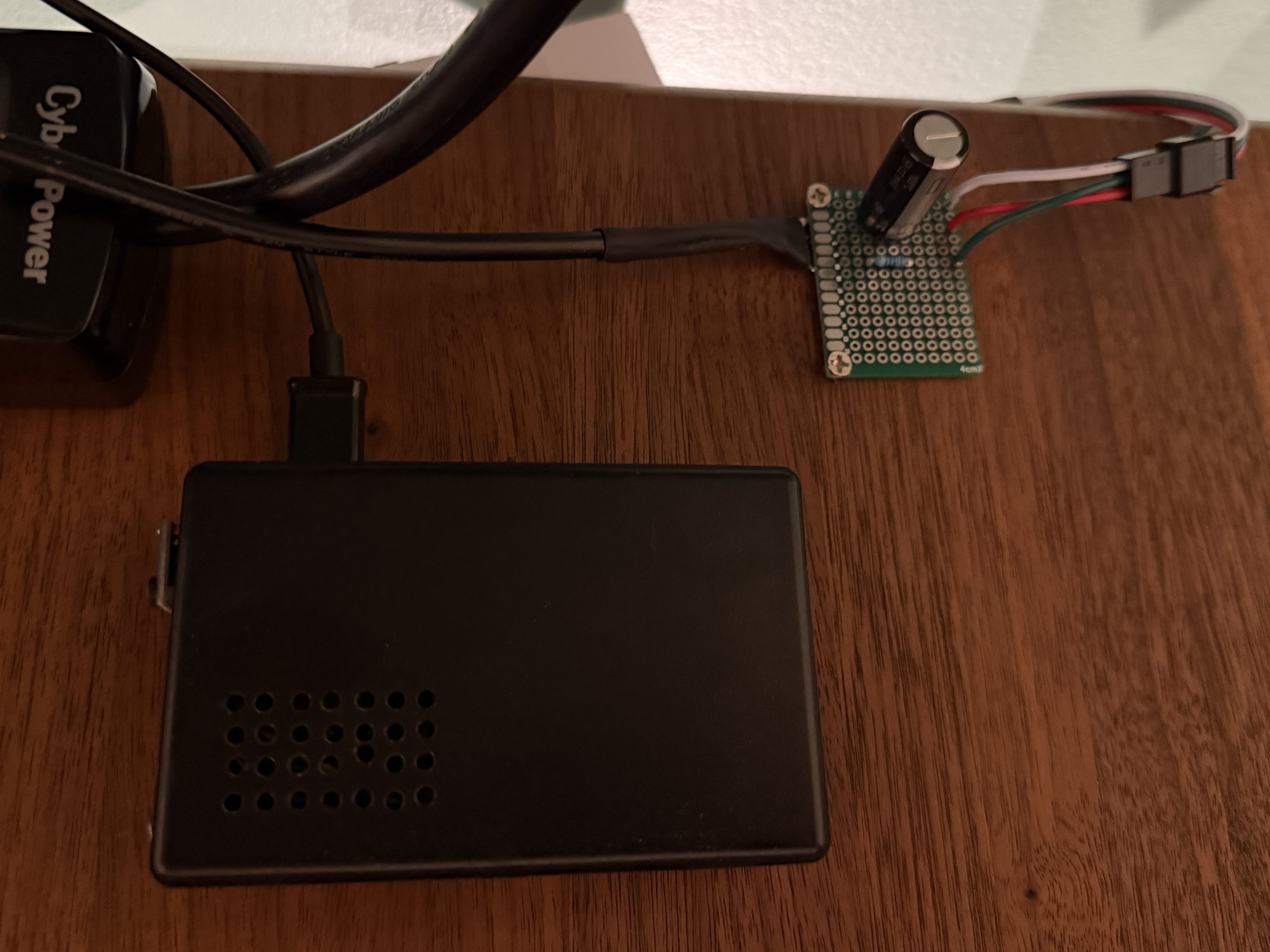
I picked up a 5m strip of adressable LEDs for my PyPortal device. The strip has 60 LEDs/m, which is double the density of the Neopixel strip I fried. To prevent future accidents, I tested improvements. Adding a 1,000 µF electrolytic capacitor protects the LEDs from a power spike and a 470Ω resister protects the first LED from data ringing.

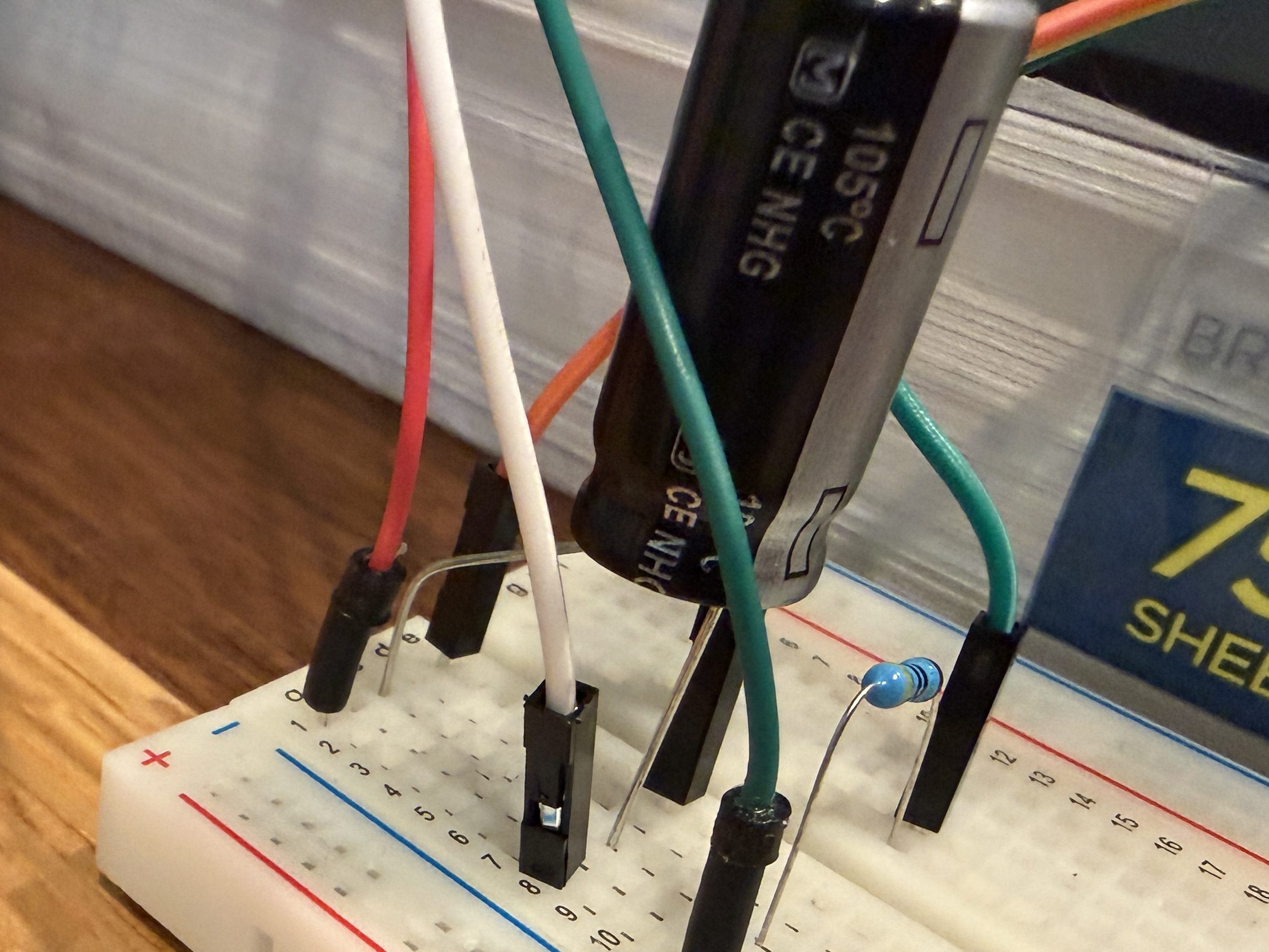
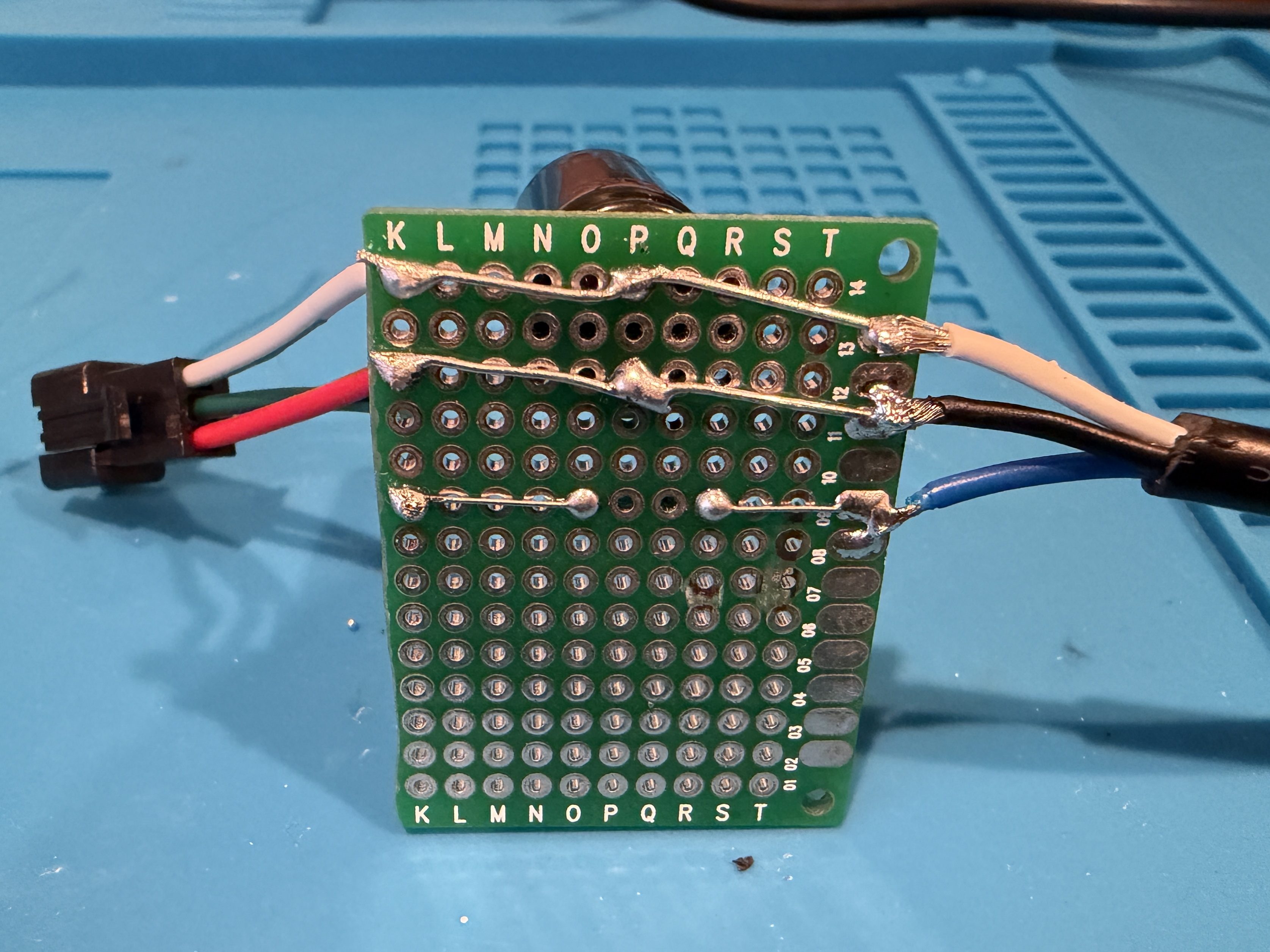
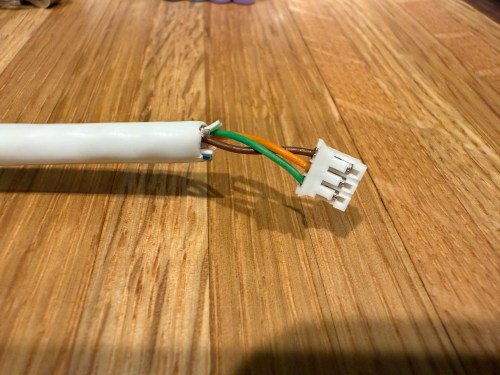
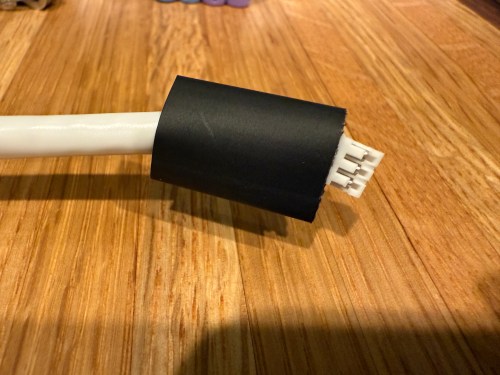
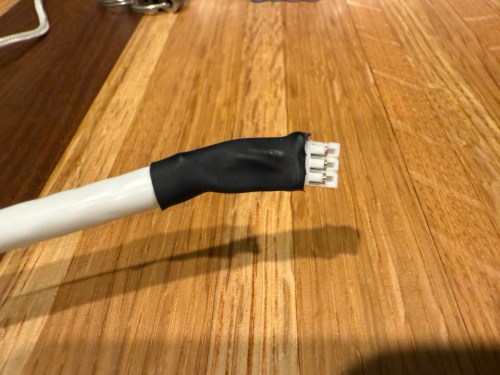
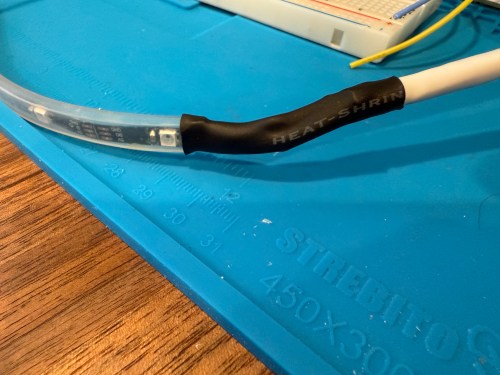
Everything worked great, so I cut off a section of 62 LEDs. Then I worked on a little board and better wiring.
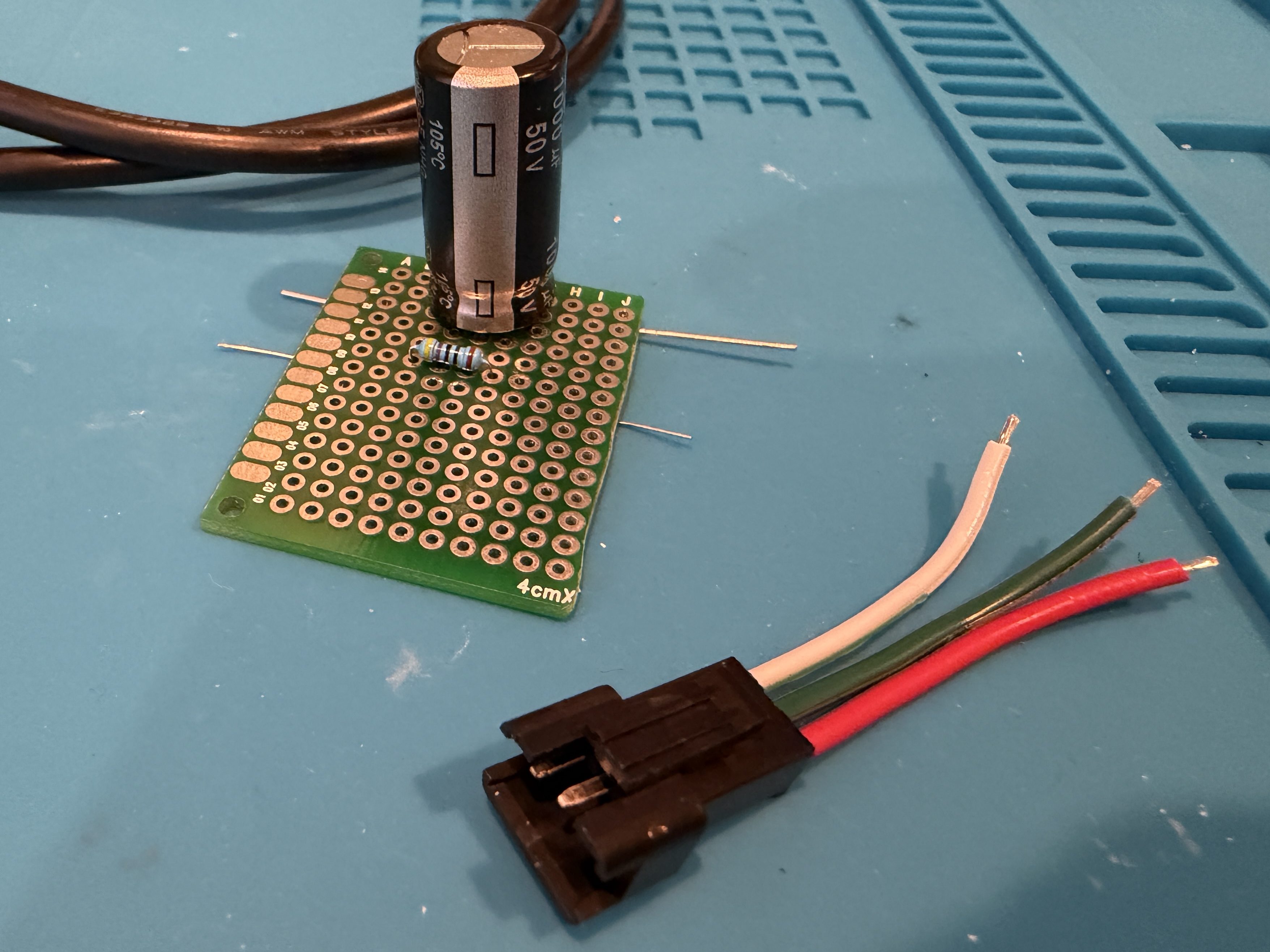
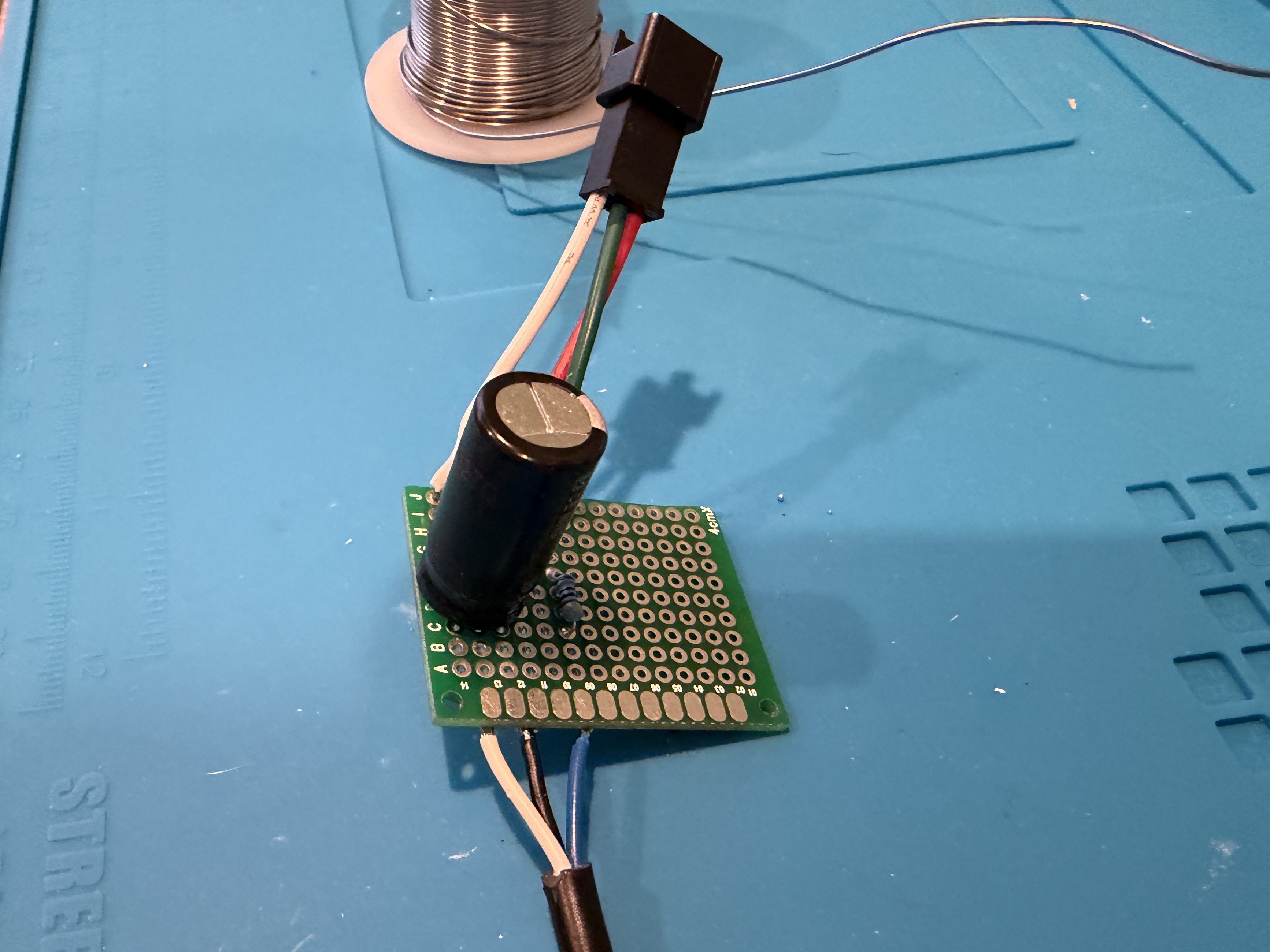
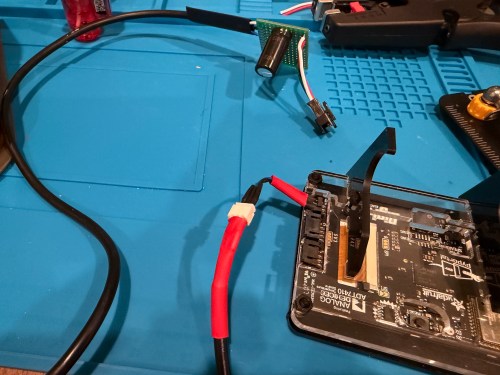
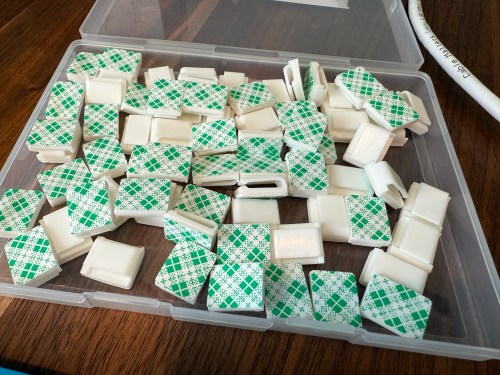
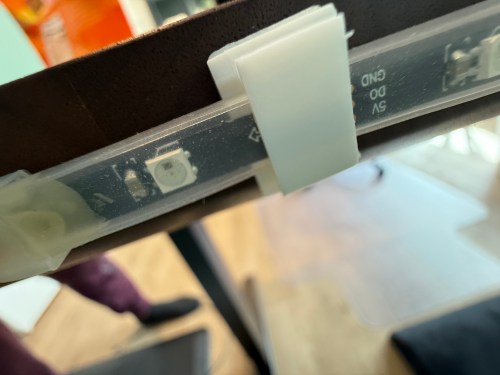
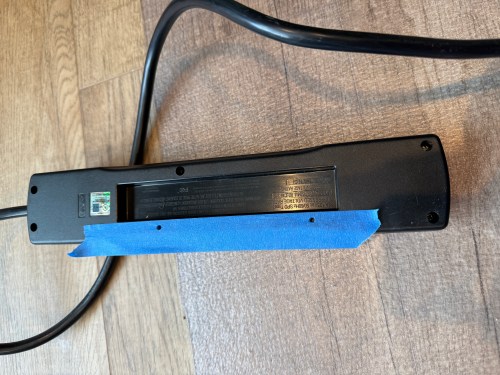
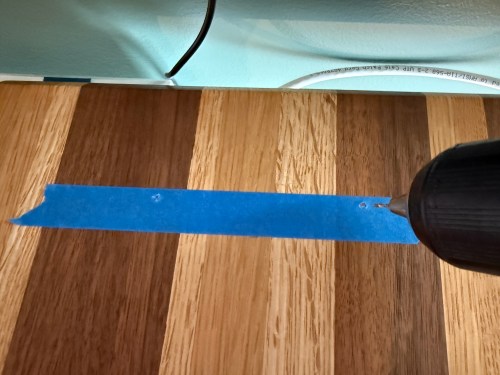
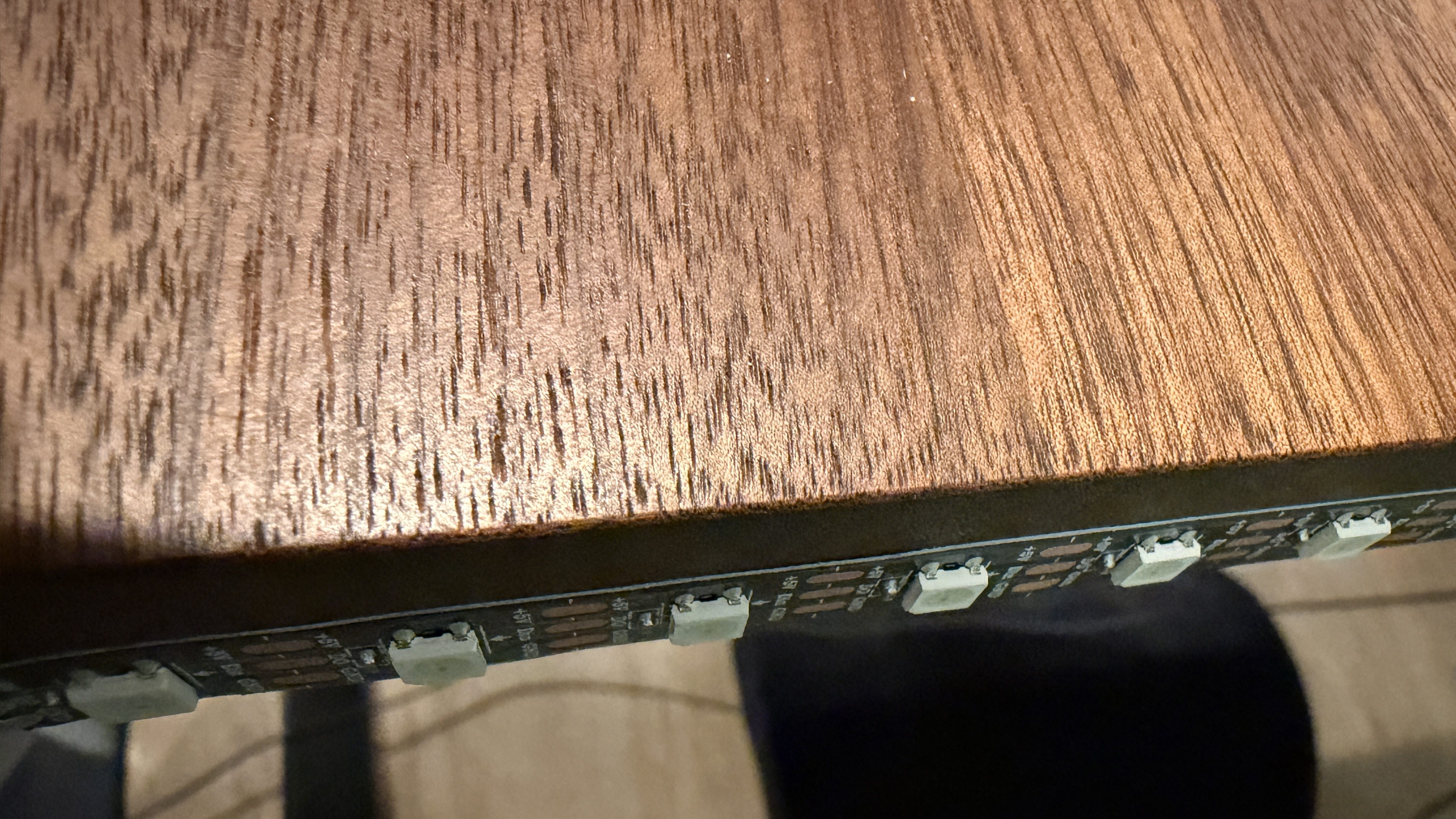
I didn’t trim the protoboard, so I could use the two holes to screw it to the undersize of my desk. This LED strip had an adhesive backing, which worked much better than the clips. I did a bit of cable management and also mounted the air quality monitor under the desk.
The code, which can be found on GitHub, got a bunch of small improvements:

  • Updated the LED count
  • Limited brightness to 50%, which is plenty and helps with power draw
  • Adjusted the pulse functionality to account for the brightness limit
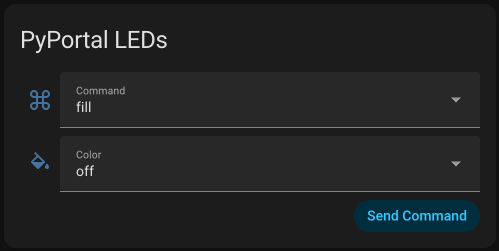
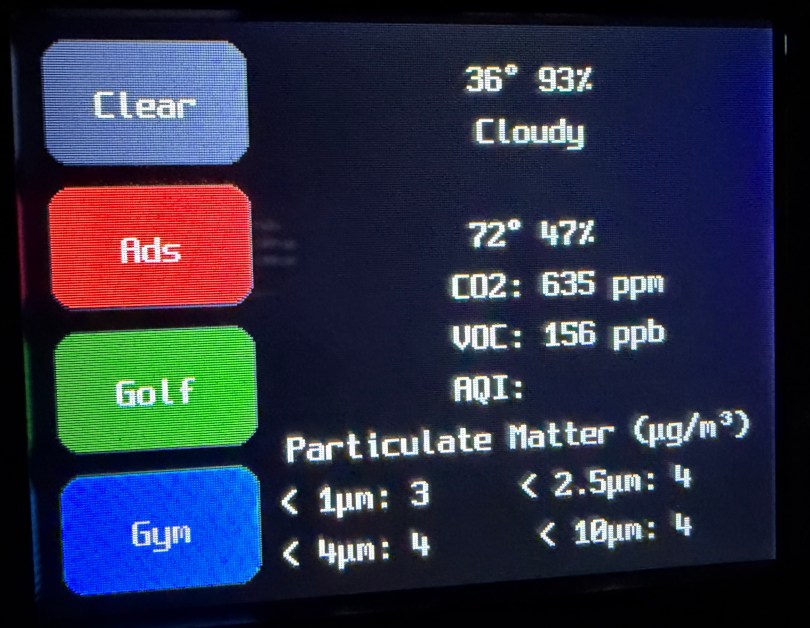
  • Added a button to the interface which can be used to clear the LEDs
  • When filling a color, reset the LED params global, so an animation won’t play on the next loop
  • Tweaked the chase functionality to work better with the new LED density
  • Changed the button success animation so the loop continues sooner
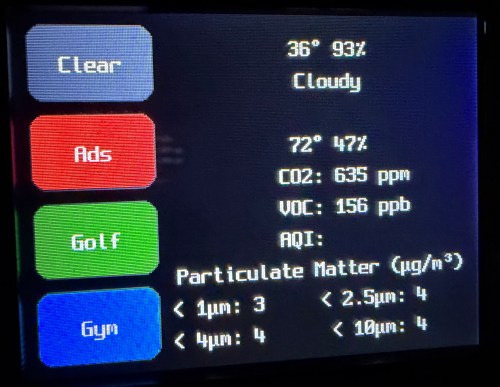
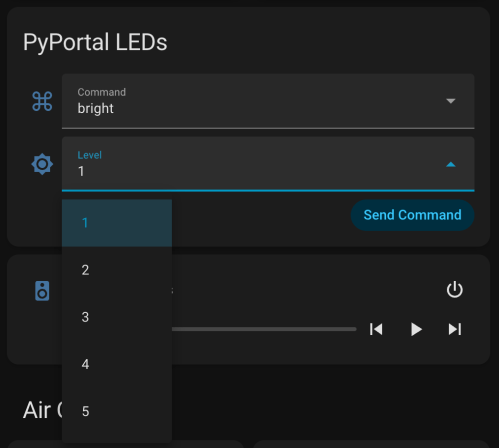
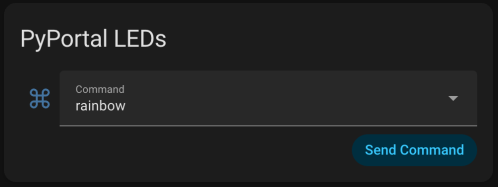
I had Google Gemini help me some stuff. First was to update the PyPortal firmware and CircuitPython version. Then update the code to make it compatible with CircuitPython 10.03. I also made an interface for my dashboard where I can select the different commands and options to send to the device manually instead of typing them in through Developer Tools -> Actions in Home Assistant.
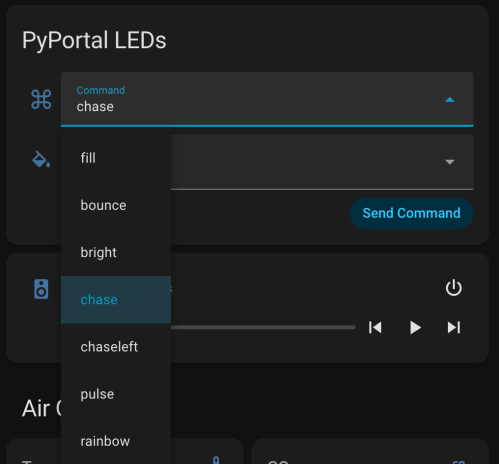
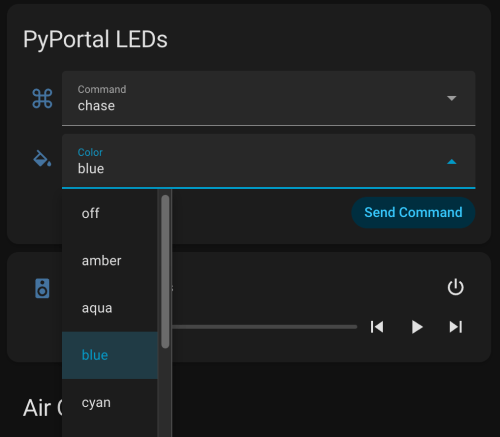
Here’s a new demo video, so you can see how it works and what the lighting looks like.

Of course, the real power still comes from automations, where something happening around the house triggers Home Assistant to send commands to the device. Time to work on more of those. Almost a year later and this project is finally where I hoped it would end up.
Using PyPortal to Display Air Quality Data and Interact with Home Assistant

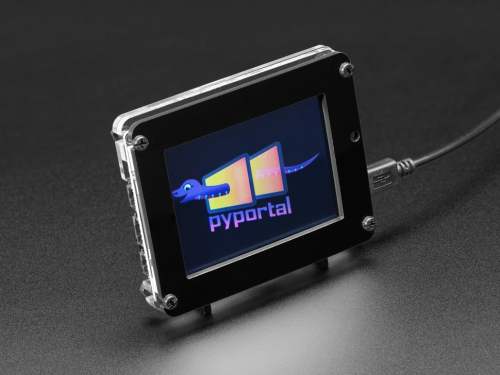
I got AdaBox 011 in March of 2019 and wrote this about the PyPortal (buy at Adafruit):

I’ll likely turn this into something that interfaces with my Home Assistant server to control different devices around my house.

The PyPortal has been sitting on a shelf ever since. Way back in February, it caught my eye, and I picked it up, not remembering what it’s capabilities were. Then I started upgrading IKEA air quality monitors and even made my own. Since I’m at the desk in my office a large portion of the week I thought I would make that 2019 prediction come true.

I could show a bunch of data on the screen and the PyPortal has a touchscreen, so I could display buttons for triggering things around the house. The device also has connectors for doing GPIO, so I got the idea of adding an LED strip, which I could use for notifications. I even had a meter long strip of Adafruit Mini Skinny NeoPixels I had bought in 2017 and never touched that would be perfect. I needed to buy a 2.0mm JST PH Connector kit in order to make a wire that would connect to the pack of the PyPortal. I ended up using a piece of Cat6 cable, even though I only needed 3 of the 8 wires inside.

I used light strip clips to mount the LEDs to the back of my desk.

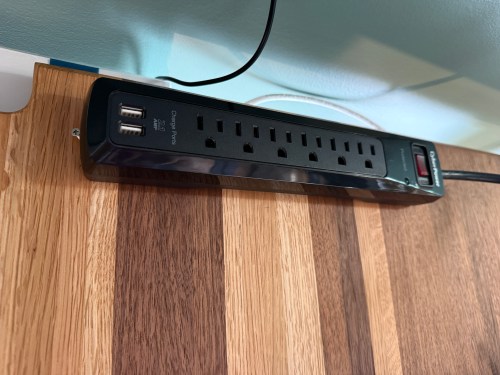
I also mounted a power strip under the desk and cleaned up all of the cables.

The code I’m running on the PyPortal was heavily inspired by Adafruit’s PyPortal MQTT Sensor Node/Control Pad for Home Assistant and PyPortal NeoPixel Color Picker. It’s done with CircuitPython and I’ve added my code to pyportal-home-assistant-display on GitHub.

All of this was done back in March. I quickly began having issues with the ethernet cable and the small JST connectors, so I put this post on pause. Figured it was time to finally fix this before the end of the year. While testing, I determined the LED strip got fried up at some point. It was probably some kind of short from the janky wire.

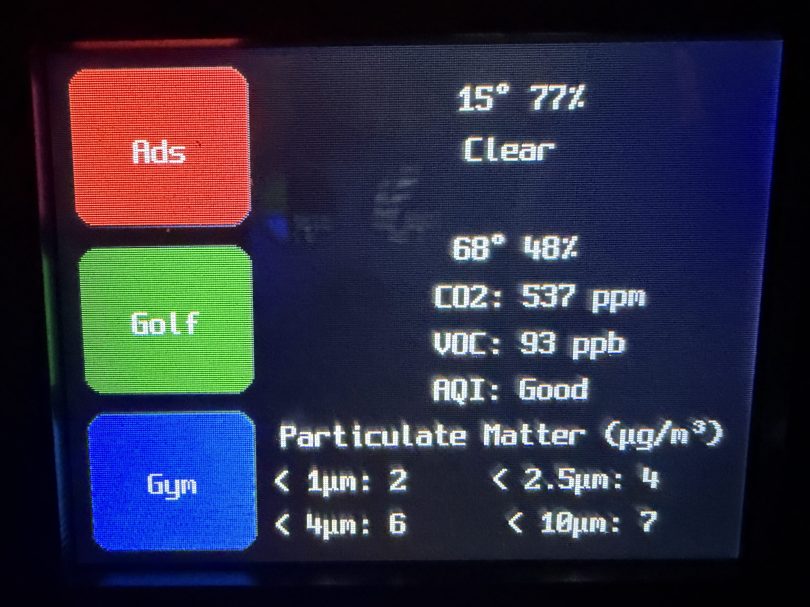
Here’s what my display looks like.

My favorite aspect of the project and code is being able to publish MQTT messages from Home Assistant, which the PyPortal listens for and reacts to. I can send various commands, such as fill:blue, which turns all of the LEDs blue, or whatever color I set. I have commands to chase a color from one side to the other, bounce a color from left to right and back to the left, pulse the entire strip, animate a rainbow, or set the brightness. Since I don’t have another strip of Neopixels, in order to create a demo video, I wired up a 24 LED circle. You’ll have to imagine the effects on the back of my desk, lighting up the wall.

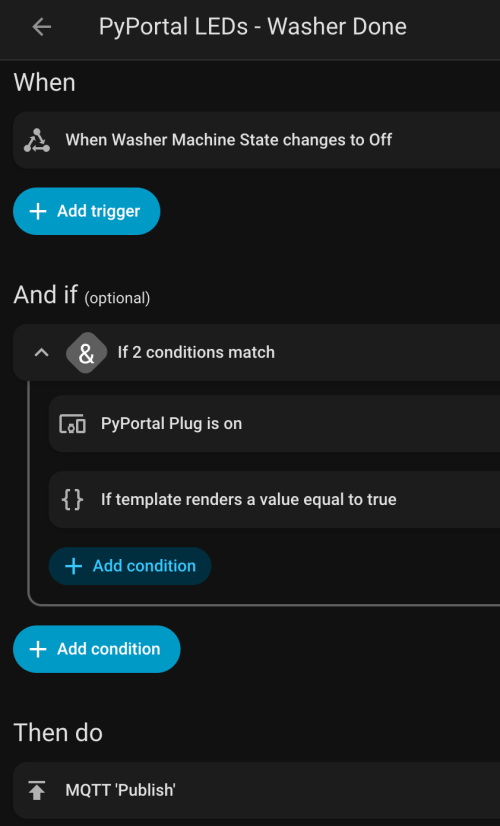
I can manually send these MQTT messages as shown in the demo, but the real power comes from automations. For example, the LEDs automatically pulse blue when the washing machine is done and pink when the dryer is done.

With the different effects and color combinations, the possibilities are endless. What kind of automations would you run?

Update: I got a new LED strip, made a new demo video, and improved a bunch of stuff. See Updates to my PyPortal Home Assistant Display Project.