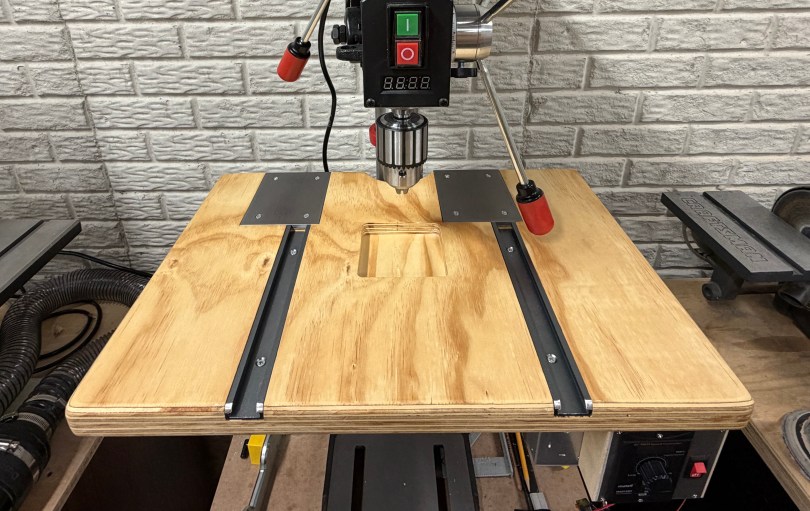
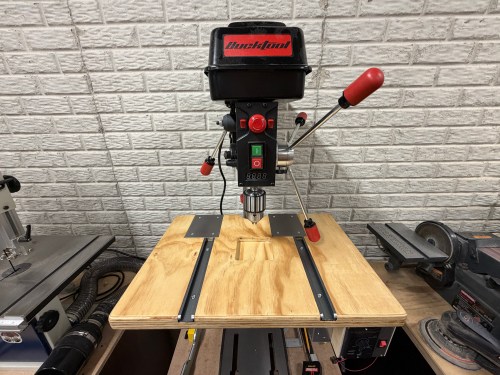
The table on my new Bucktool drill press is about 9-1/2 inches square, which is too small. I set out to make something bigger. First, a side quest though. I still had the top from my old work table, which was two sheets of 3/4″ plywood glued together.
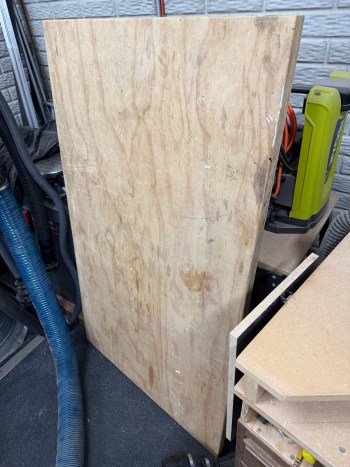
A big chunk was going to the sanding station, which had sheet metal over junk MDF for the top. The brackets holding it to the metal frame were always getting pulled out.
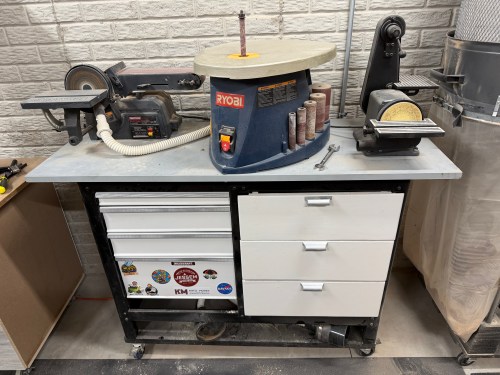
I cut up the plywood lamination and rounded the corners and edges. I changed the orientation of the machines to give me easier access to the big belt sander, which saved about 10″ of width. I also mounted a power strip.
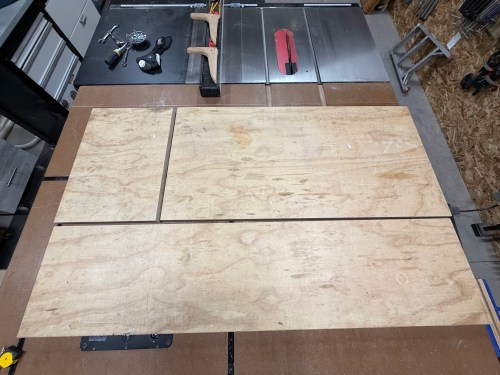
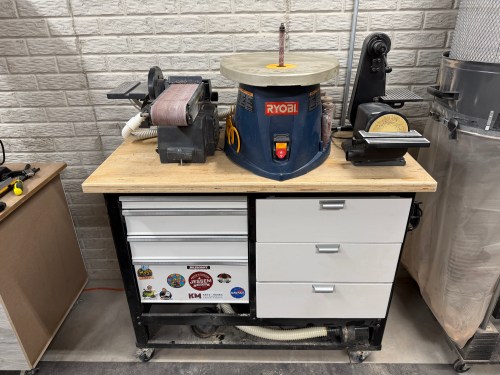
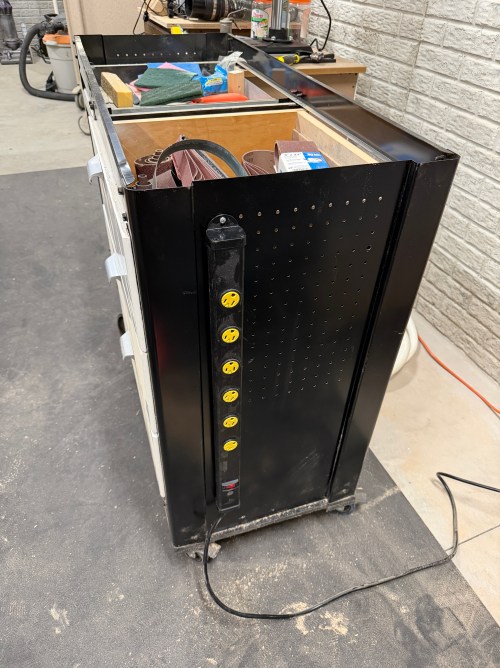
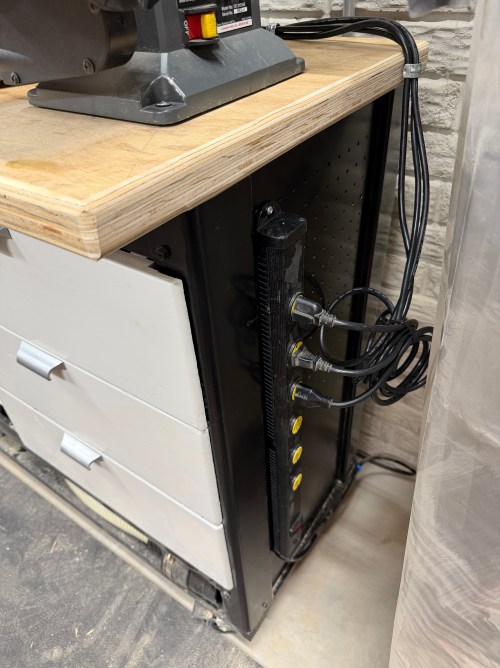
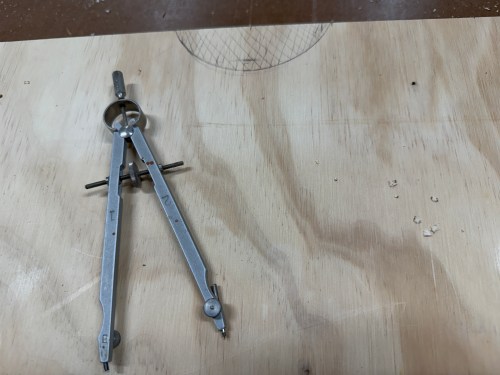
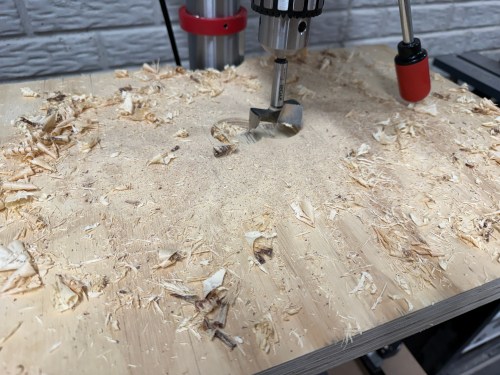
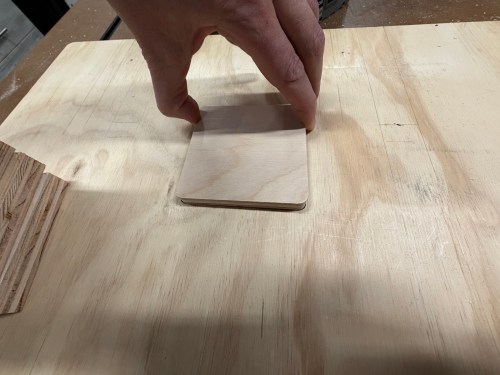
The small chunk of plywood was for a new drill press table. I worked on the layout, routed the middle for inserts, and routed slots.
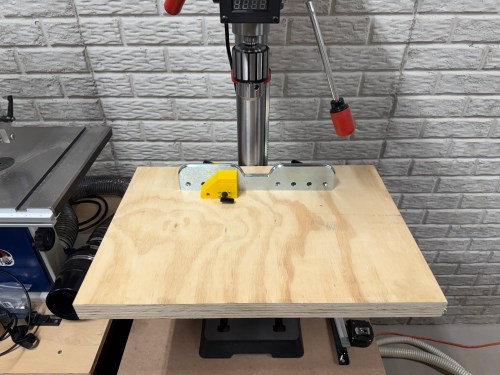
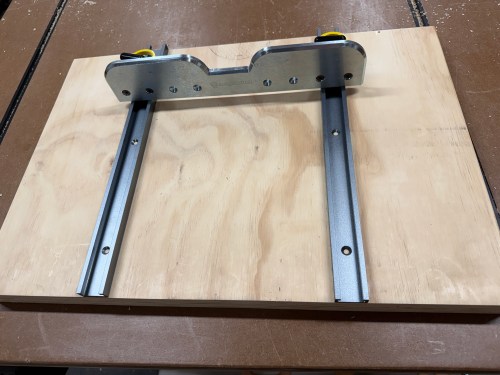
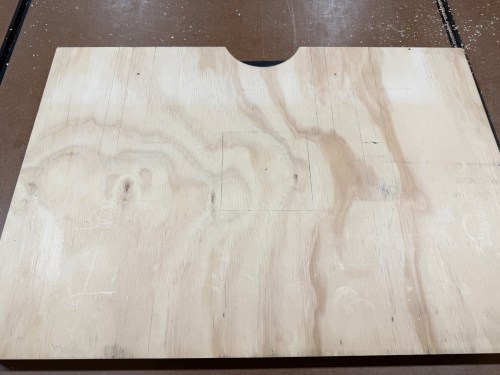
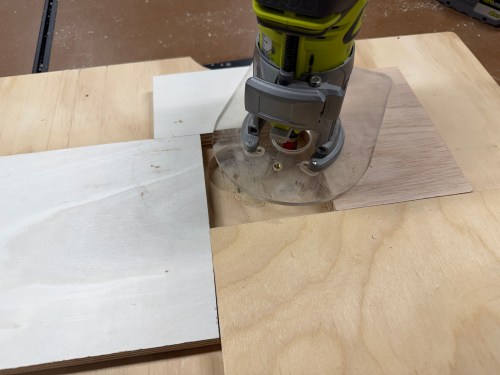
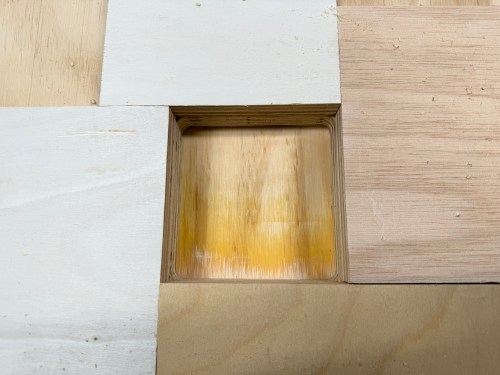
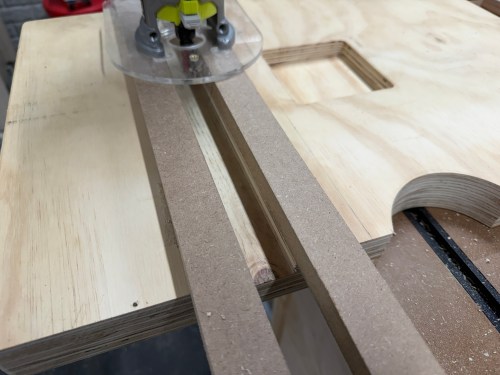
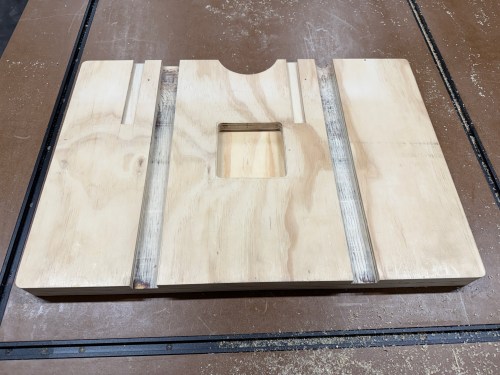
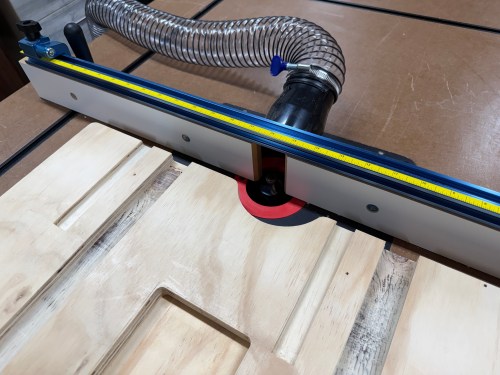
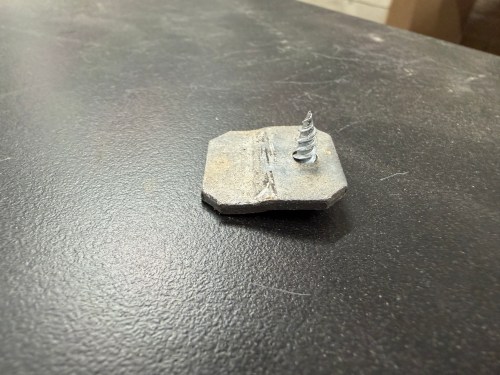
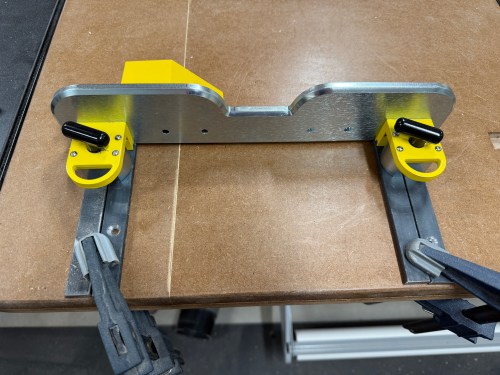
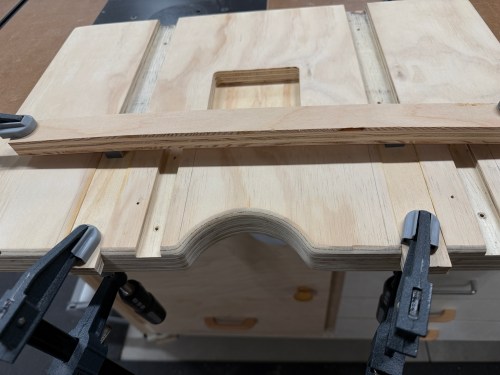
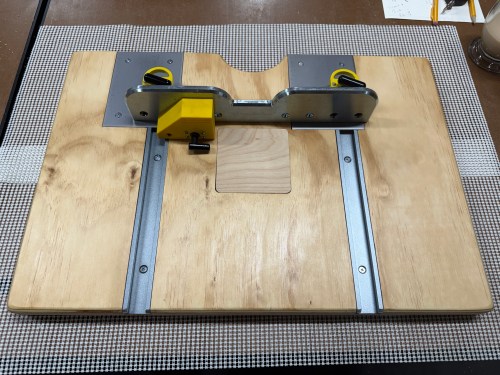
The wide slots are for T-tracks. One of my requirements for the table was to make it function with the Magswitch fence I had. So I bought 3/4 x 1/4″ steel bar stock, which fit perfectly through the top of the T-track. The shorts slots in the table offset to the left got additional pieces of metal, allowing me to move the fence over to clear the quill feed handles.
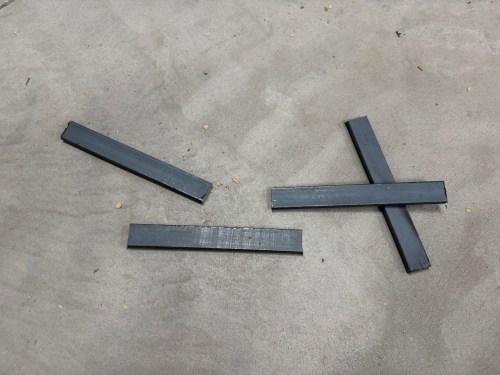
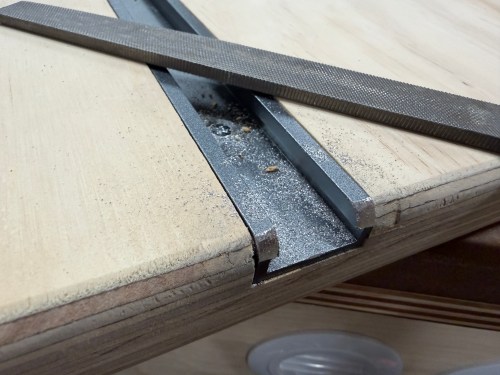
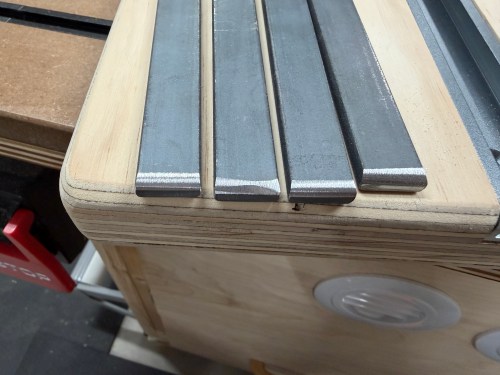
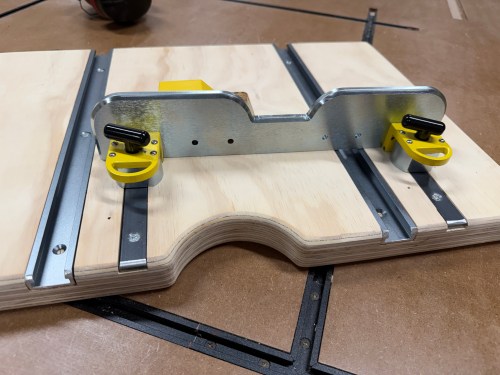
When I bought the flat bar, I place it across both magnets and I could not pull it off. That turned out to be a flawed test. After screwing in the short pieces as shown in that last picture I could easily move the fence. I did some research and found the 1/4″ thick metal was fine, but it needed more surface area to hit the magnetic field. I clamped two pieces of the metal side by side and couldn’t move the fence.
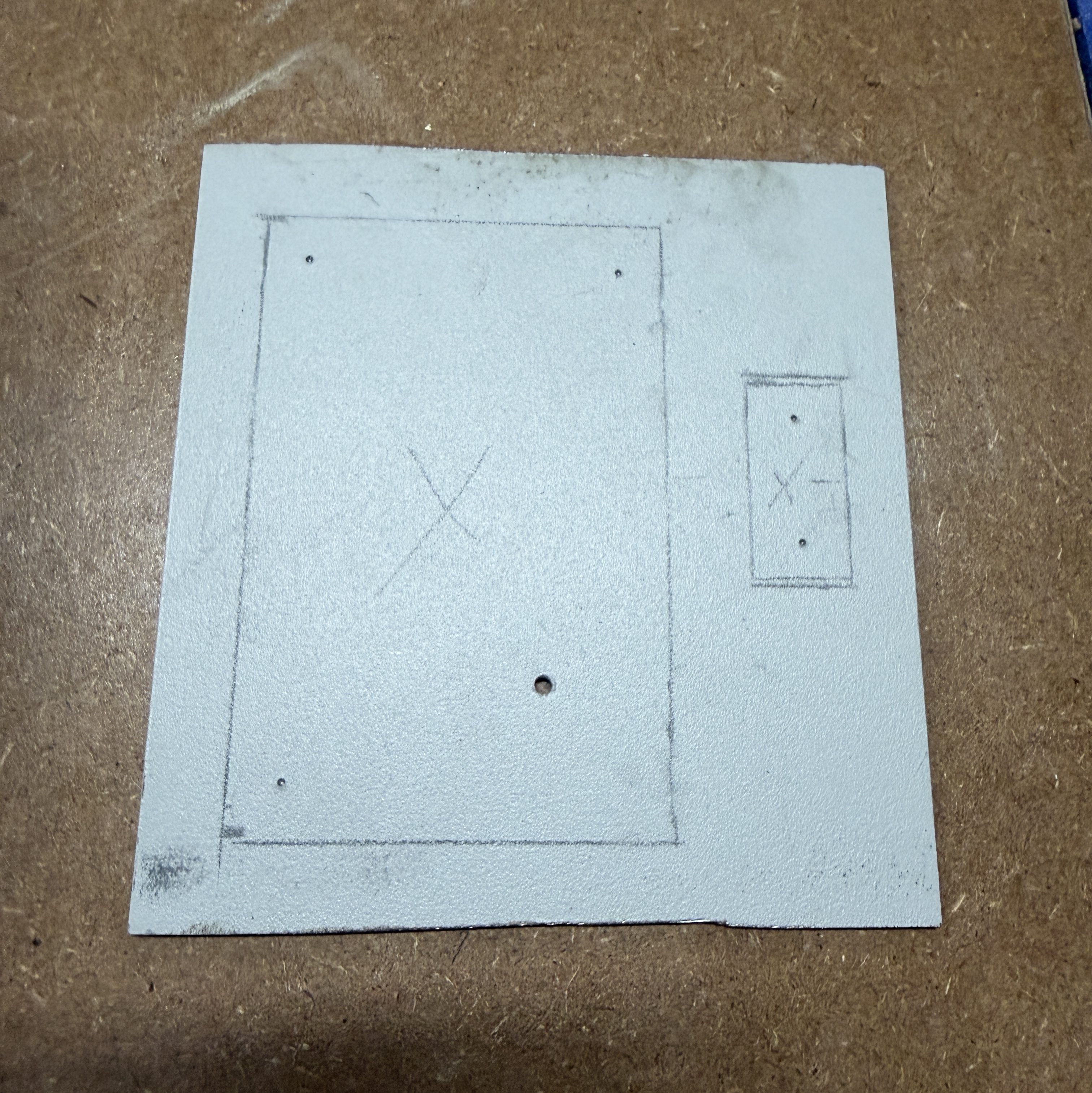
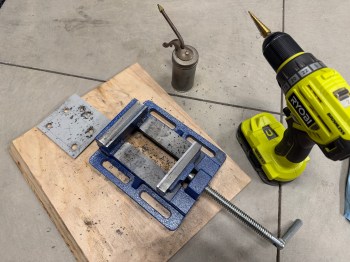
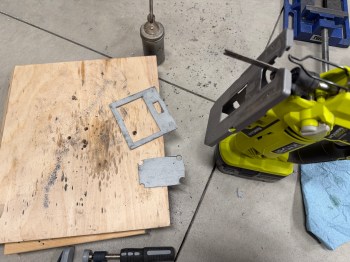
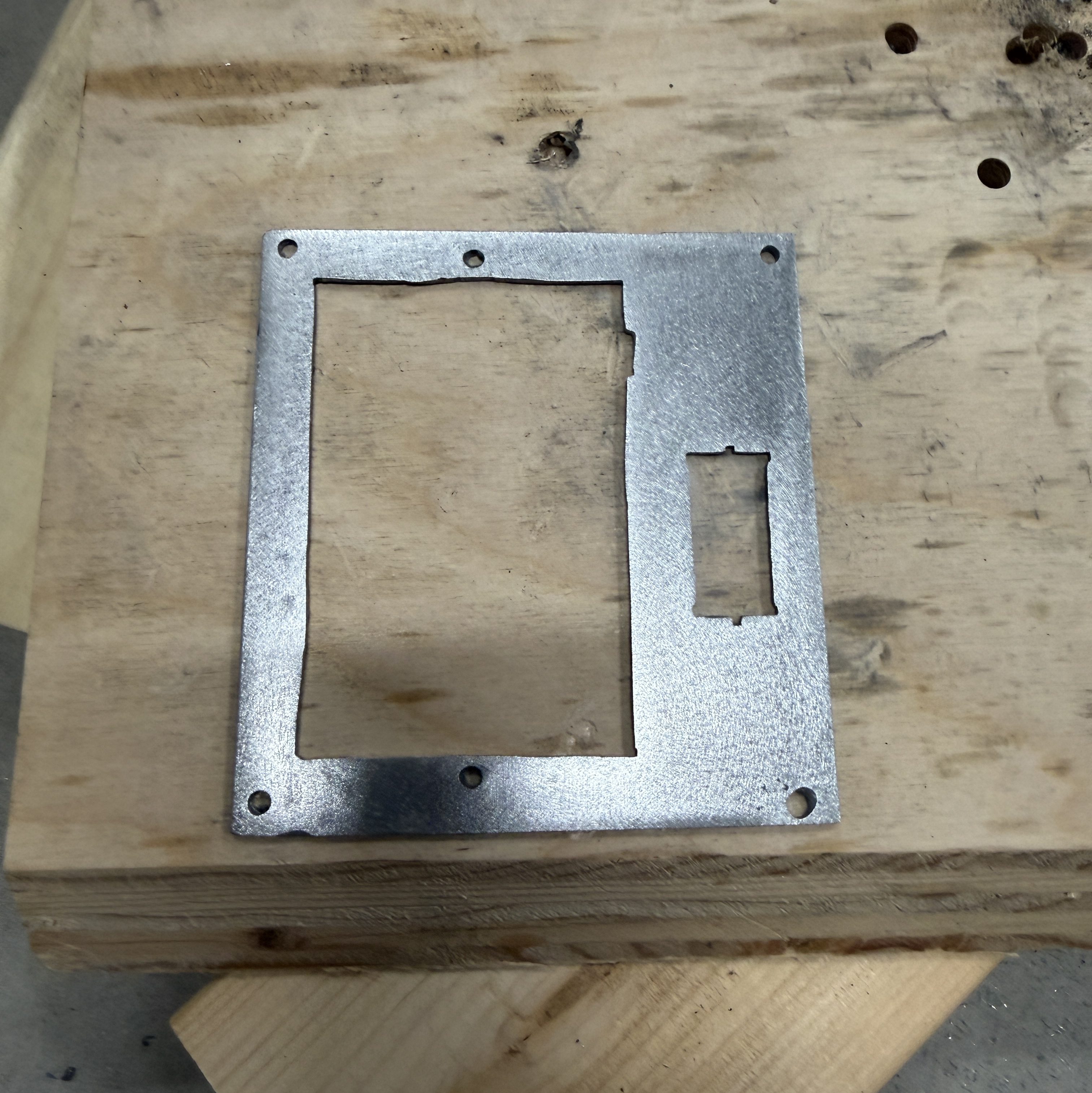
So I bought a piece of 1/4 x 4 x 12″ flat cold rolled steel and cut two 5-1/2″ pieces. Then I did a bunch of sanding and drilling before spraying three coats of lacquer.
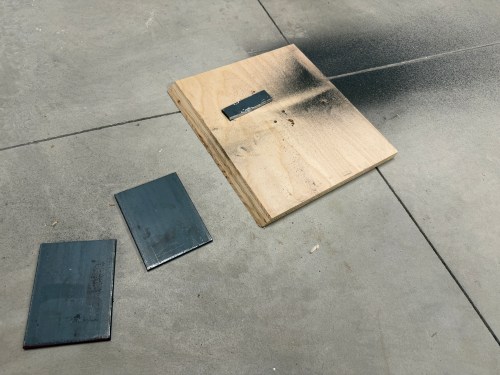
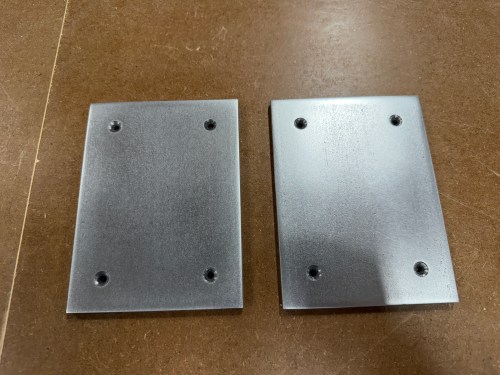
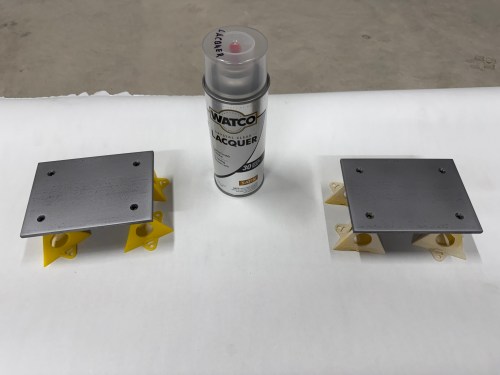
On the table, I cut and glued plywood in the back section of the T-track slots. After the glue dried, I routed large areas for the plates. I cut the T-tracks shorter, sanded the table, and gave it 3 coats of shellac. Then I mounted the tracks and metal plates. This turned out to be a much better solution.
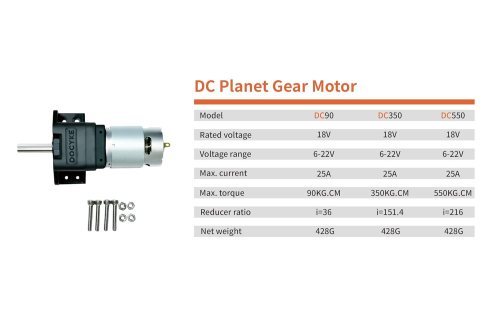
It was time to start working on a powerful upgrade. Raising and lowering a drill press table is usually a pain in the ass. This larger table actually got in the way of the hang crank and I wanted to motorize it. I bought a couple high torque gear motors, a momentary 3-way rocker switch, and a 15mm to 8mm flexible shaft coupling.
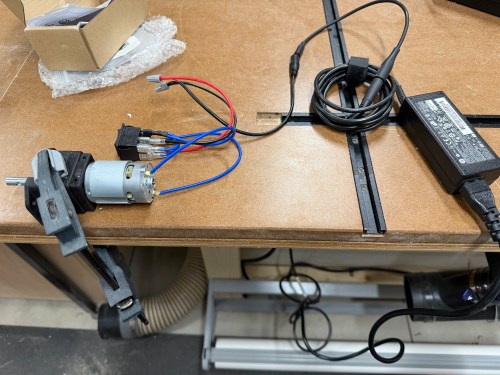
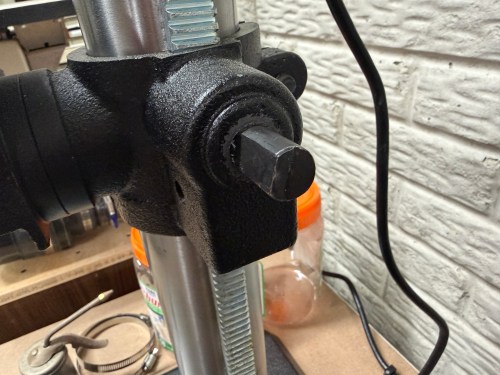
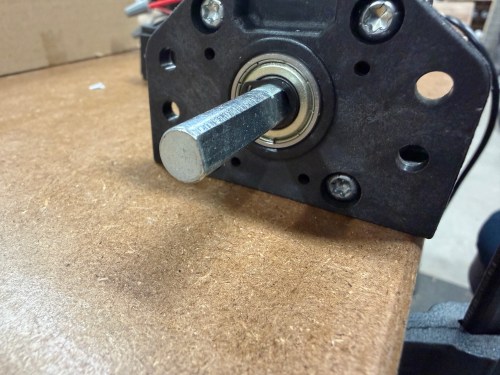
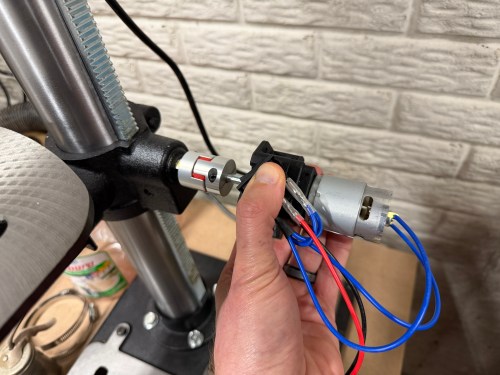
The crank shaft on the drill press is actually 9/16″, so the coupling was too large (I could only find metric sizes on Amazon). Three small pieces of aluminum can were thick enough to shim it and test. I connected an 18 volt laptop power brick, added extra weight to the table, and toggled the switch. It worked!
I had ordered both the DC90 and DC350 motors and went with the DC90. The beefier motor was too slow and has way more torque than I’ll even need.
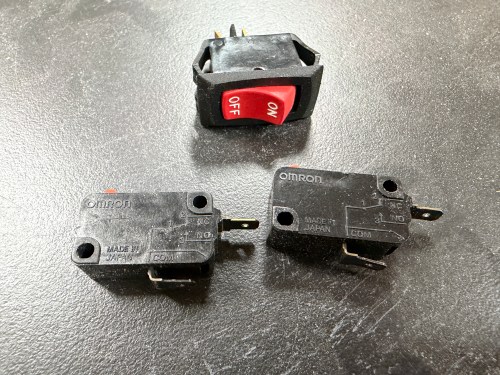
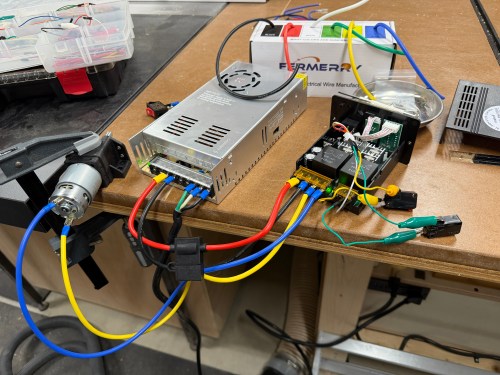
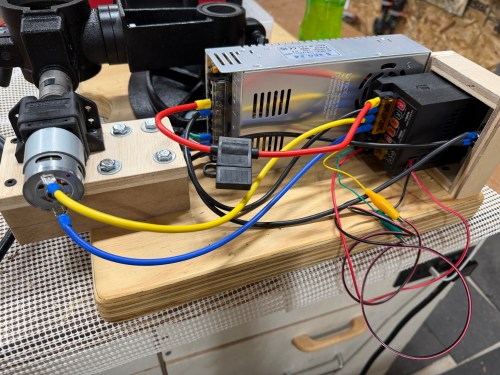
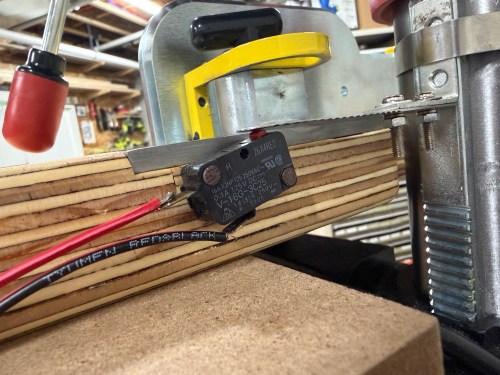
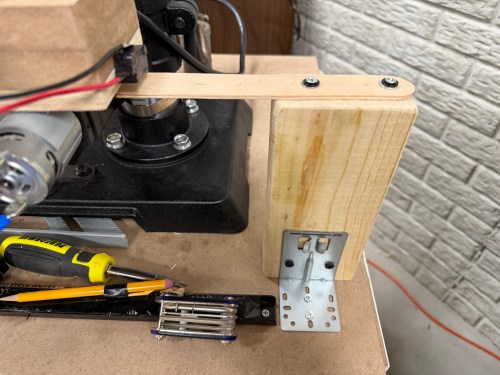
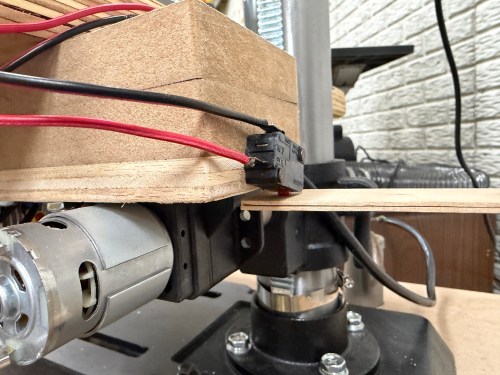
I bought a 24v power supply, motor speed controller, fuse, and 12 gauge wire. I also grabbed a toggle switch and limit switches from my parts bins. The toggle switch was so AC wouldn’t be constantly flowing to the power supply. The limit switches were to prevent the table from going out of bounds, which I do enough of on the golf course! I wired things up for an initial test.
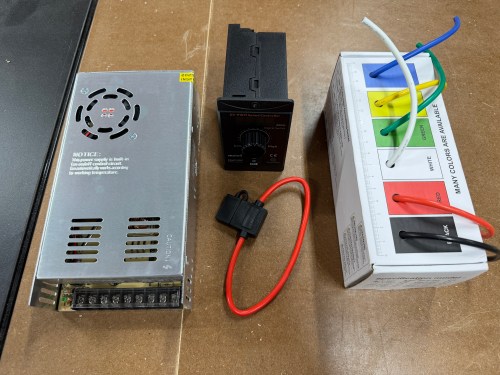
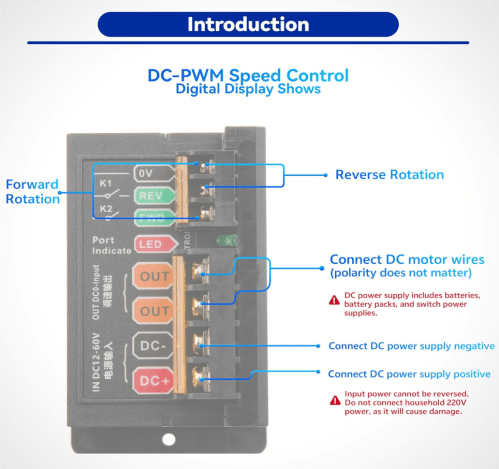
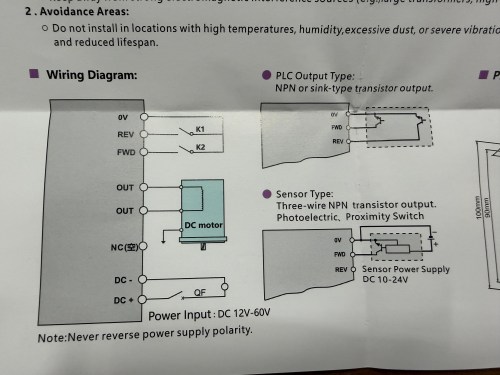
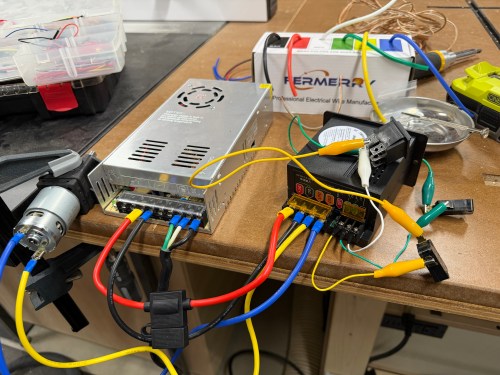
When I bought the speed controller there wasn’t much documentation and I was hoping the FWD/REV terminals would allow me to directly connect limit switches. They didn’t. At least not out of the box. The controller has two modes; you can use the switch on the front or bypass it with your own switch connected to those back terminals. In the picture above I got the bypass working with my limit switches and the 3-position switch used in my initial testing.
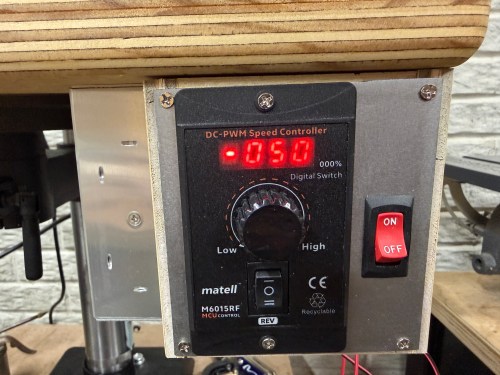
This was unnecessarily complex, disabled the switch on the front of the box, and meant I’d have to mount the additional switch. I opened up the controller to see how it worked. The case’s switch was plugged in to the circuit board, so I popped off the connector and connected it through my circuit instead. Bingo!
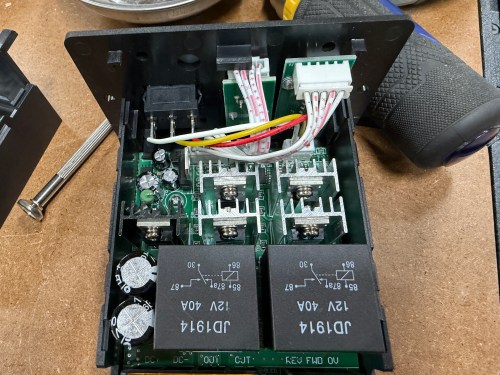
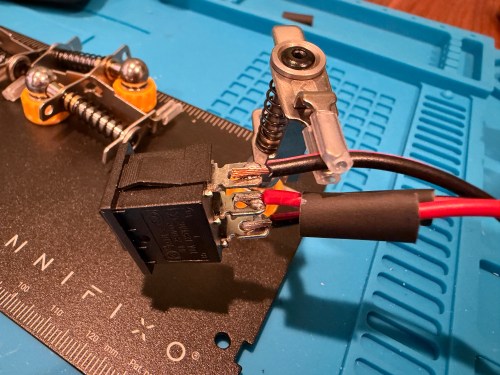
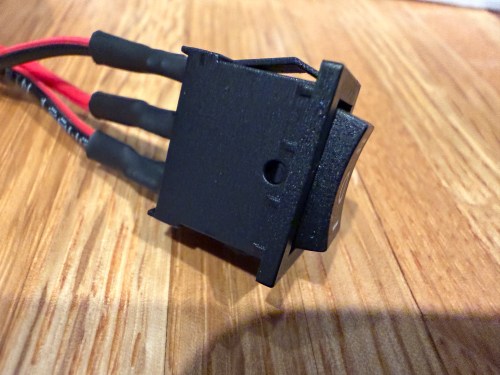
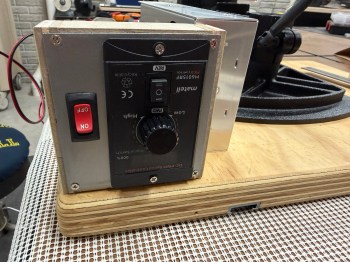
It was a latching switch, but I wanted a momentary 3-position switch, so I bought a pack. I soldered wires to the new switch, clipped a bit of plastic from the case, and fed the wires through the larger hole. The new switch was a perfect fit.
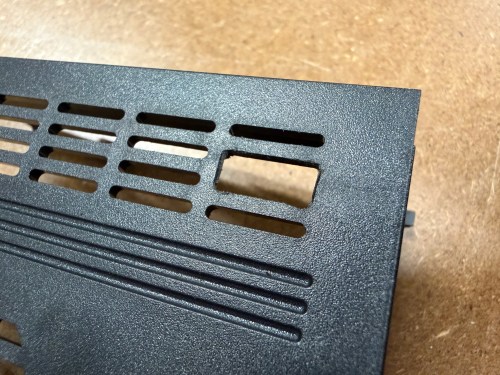
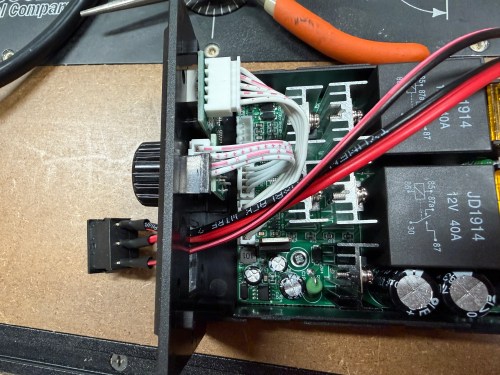
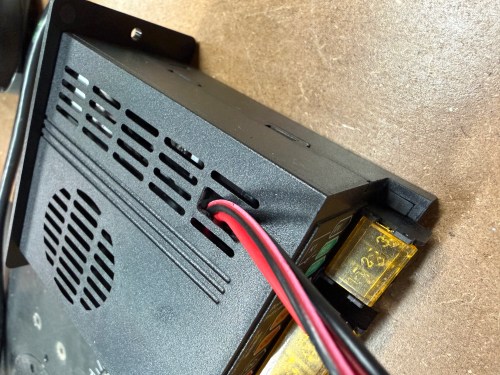
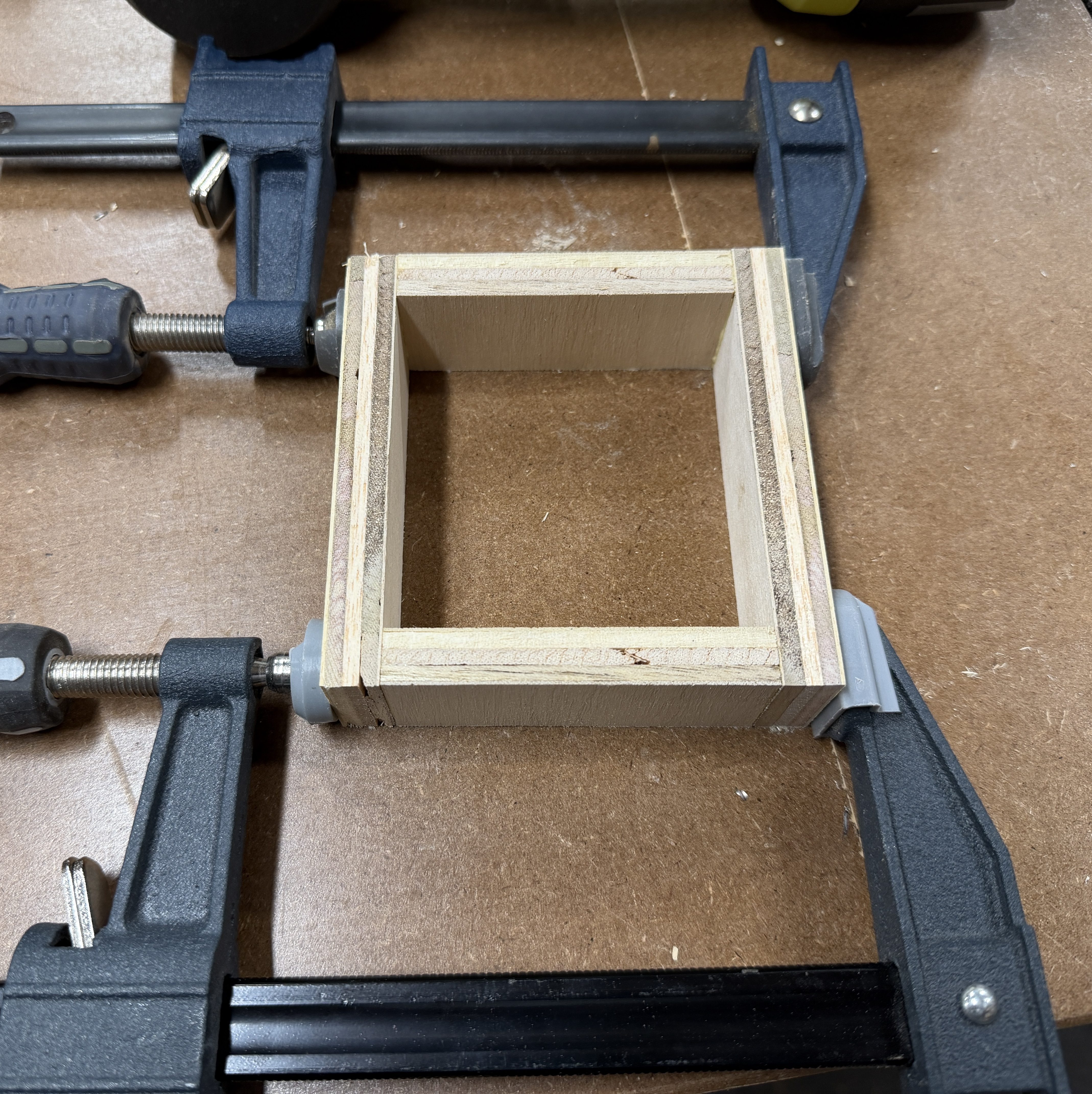
I took the original table off the drill press and brought it to my assembly table. First, I mounted the tables together and then screwed down the power supply. I made a custom bracket for the speed controller.
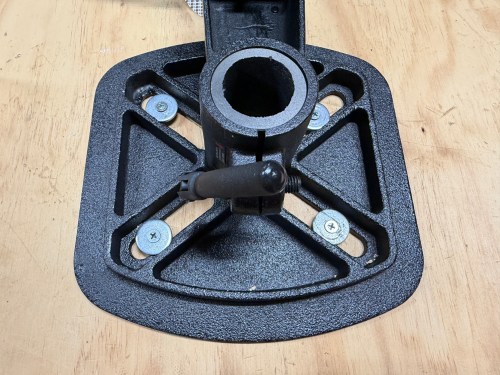
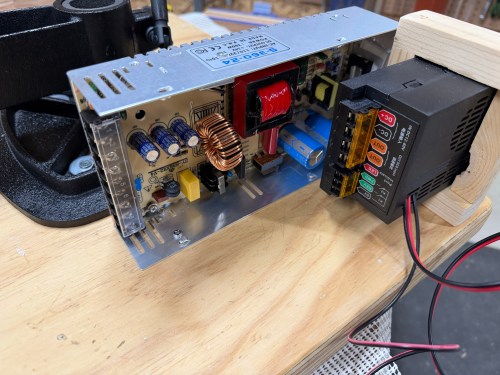
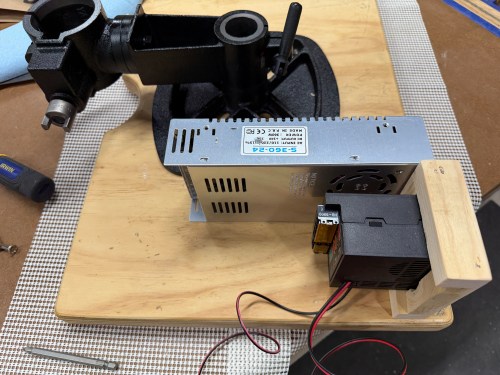
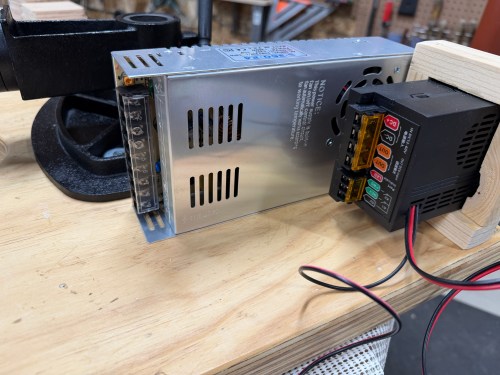
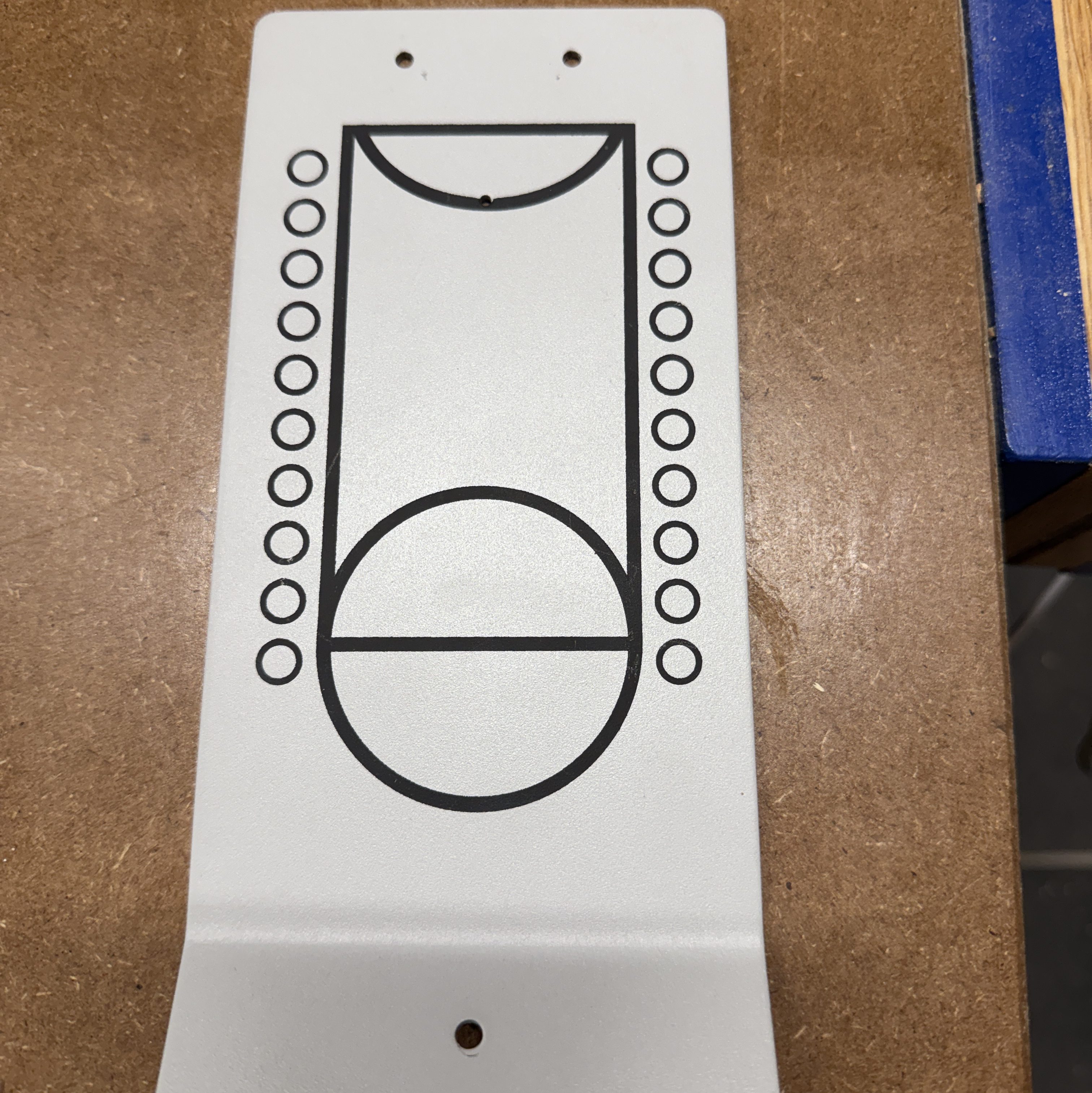
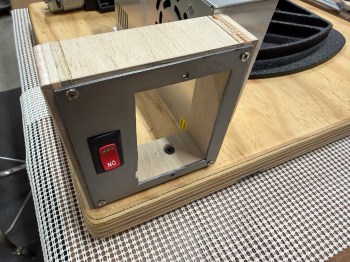
I forgot about the on/off switch though! So I scrapped the mounting bracket and made a new one. The second one used a piece of metal saved from a table top basketball game and turned out much better.
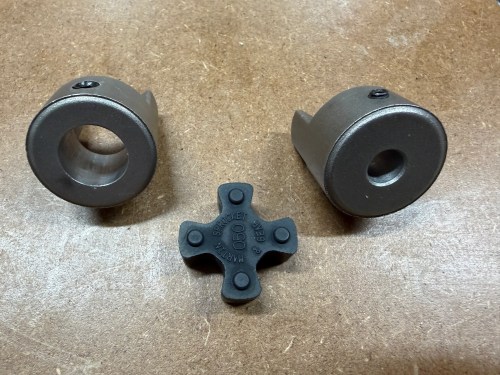
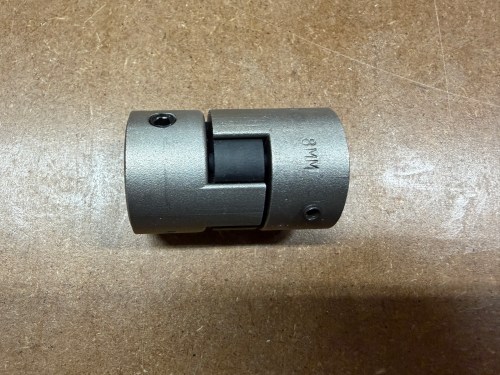
To make a proper coupling that would join the two shafts I ordered parts from Motion Industries:
The middle piece is flexible and would help with any misalignment, but I wanted to try to get the shafts lined up the best I could. I think it turned out pretty well.
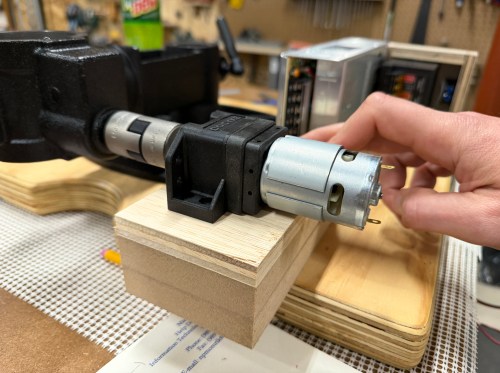
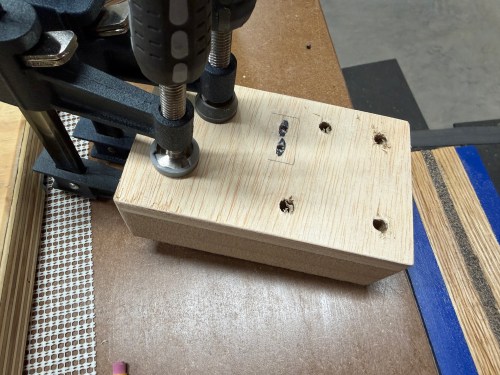
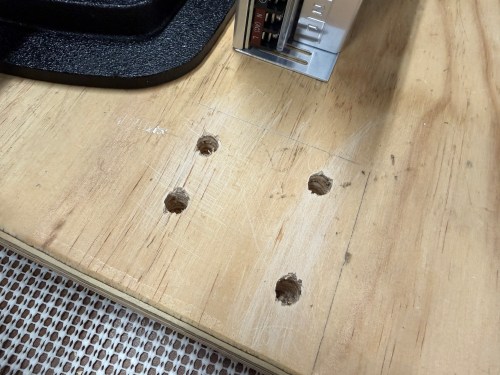
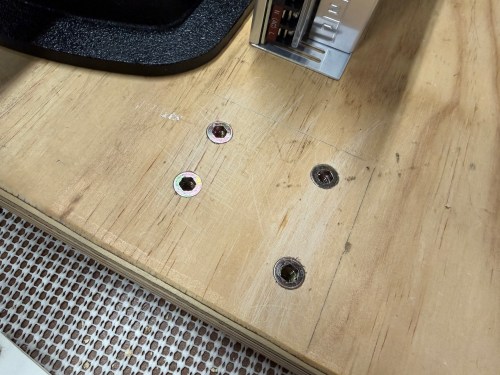
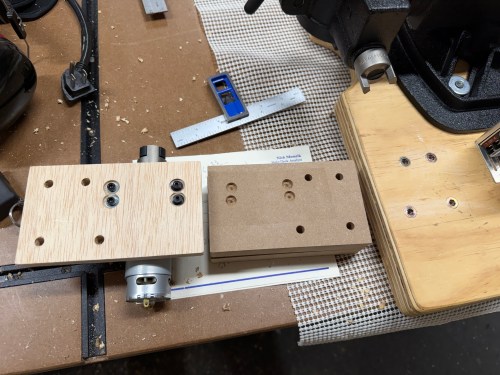
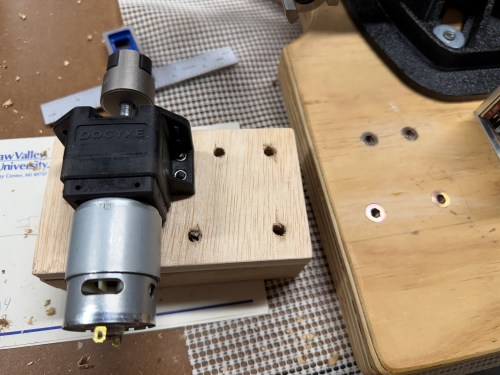
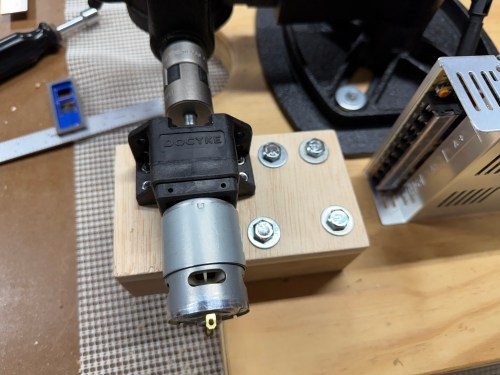
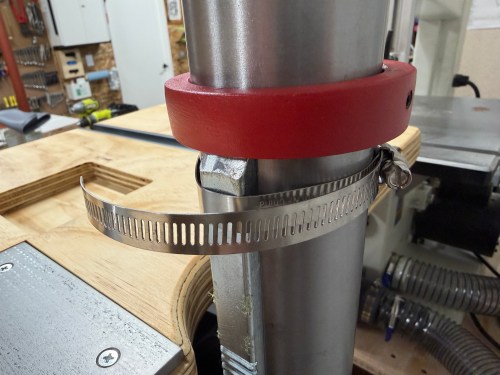
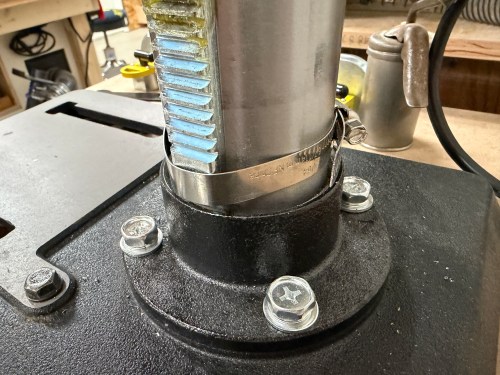
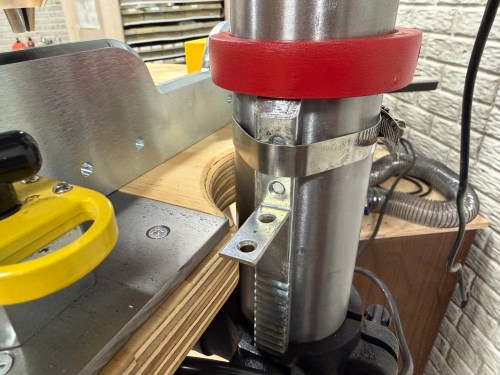
Then I put the table back on the drill press column. After squaring it to the cart, I tightened hose clamps around the rack to prevent rotation. I never need that functionality. Then I figured out the limit switch triggers and positions.
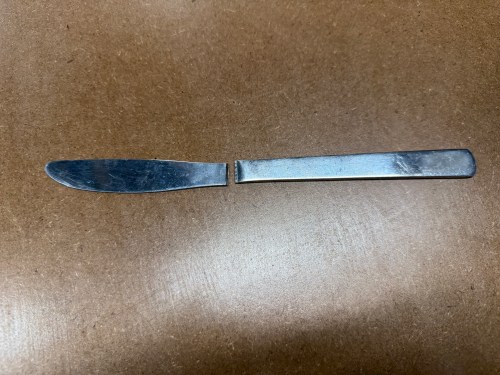
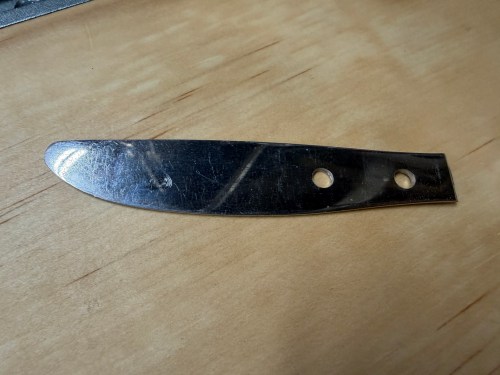
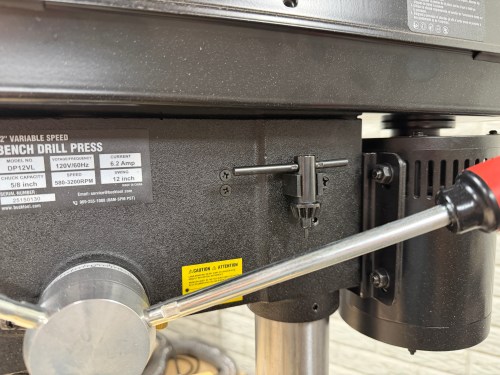
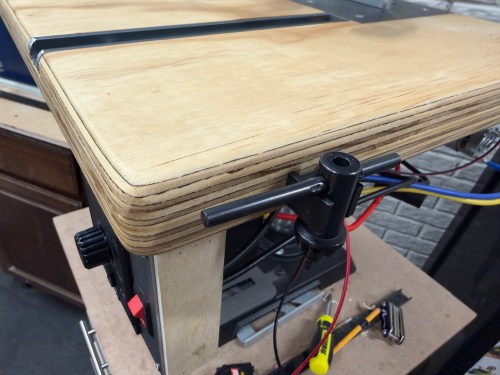
I hadn’t used the drill press much, but while drilling the holes in that piece of butter knife, I was already sick of the cluck key location. So I mounted the clip on the side of the table instead.
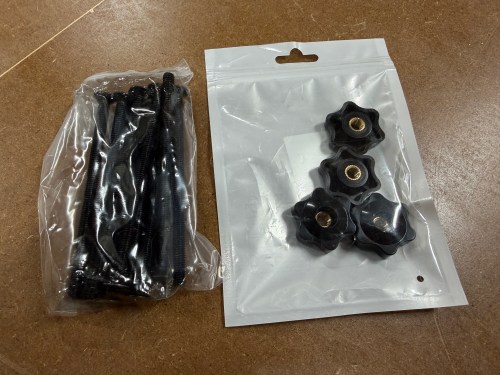
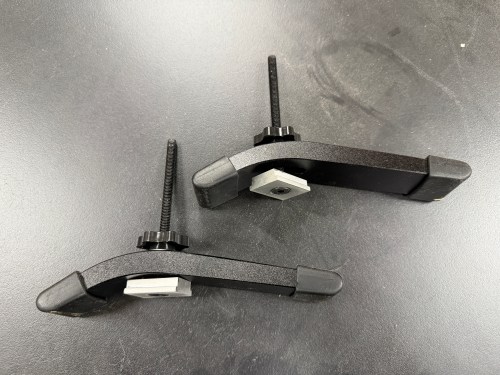
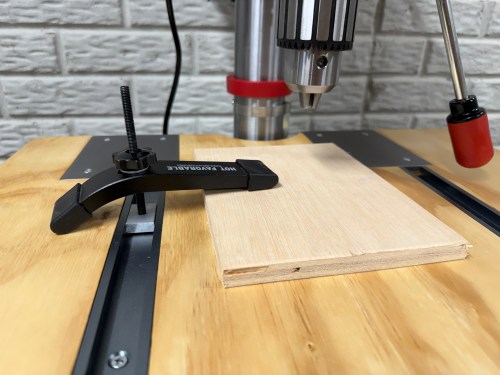
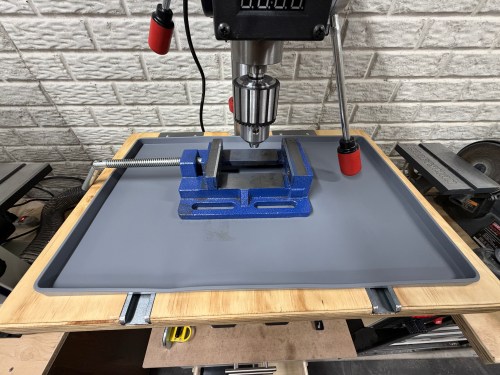
I had extra hold down clamps from the assembly table, so I bought M6 star knobs, 100m M6-1.0 bolts, and T-track slider nuts to make them useable for this table. I also bought a 19×12″ silicon tray for the table, to help contain the cutting fluid and chips, when drilling metal.
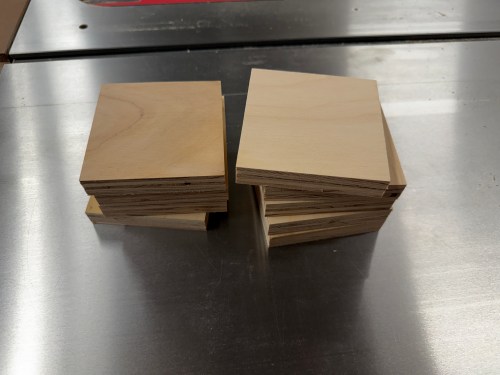
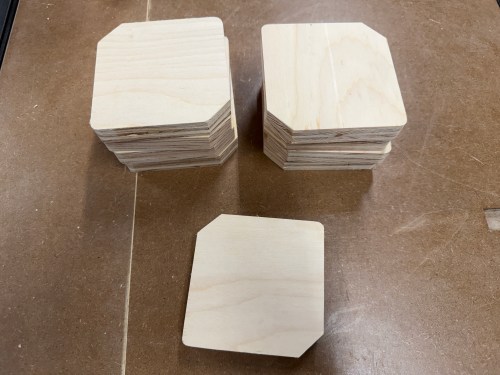
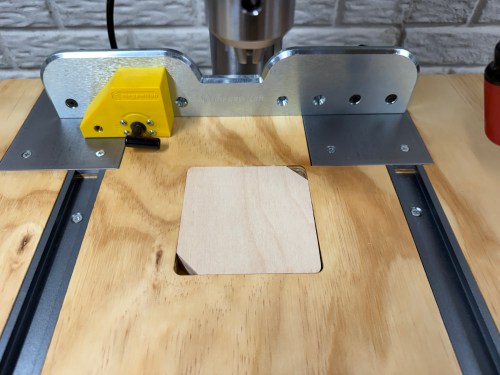
I forgot to cut corners off the inserts earlier, so quickly did that. It’ll make it much easier to get the inserts out of the table. Eight spares should last a long time.
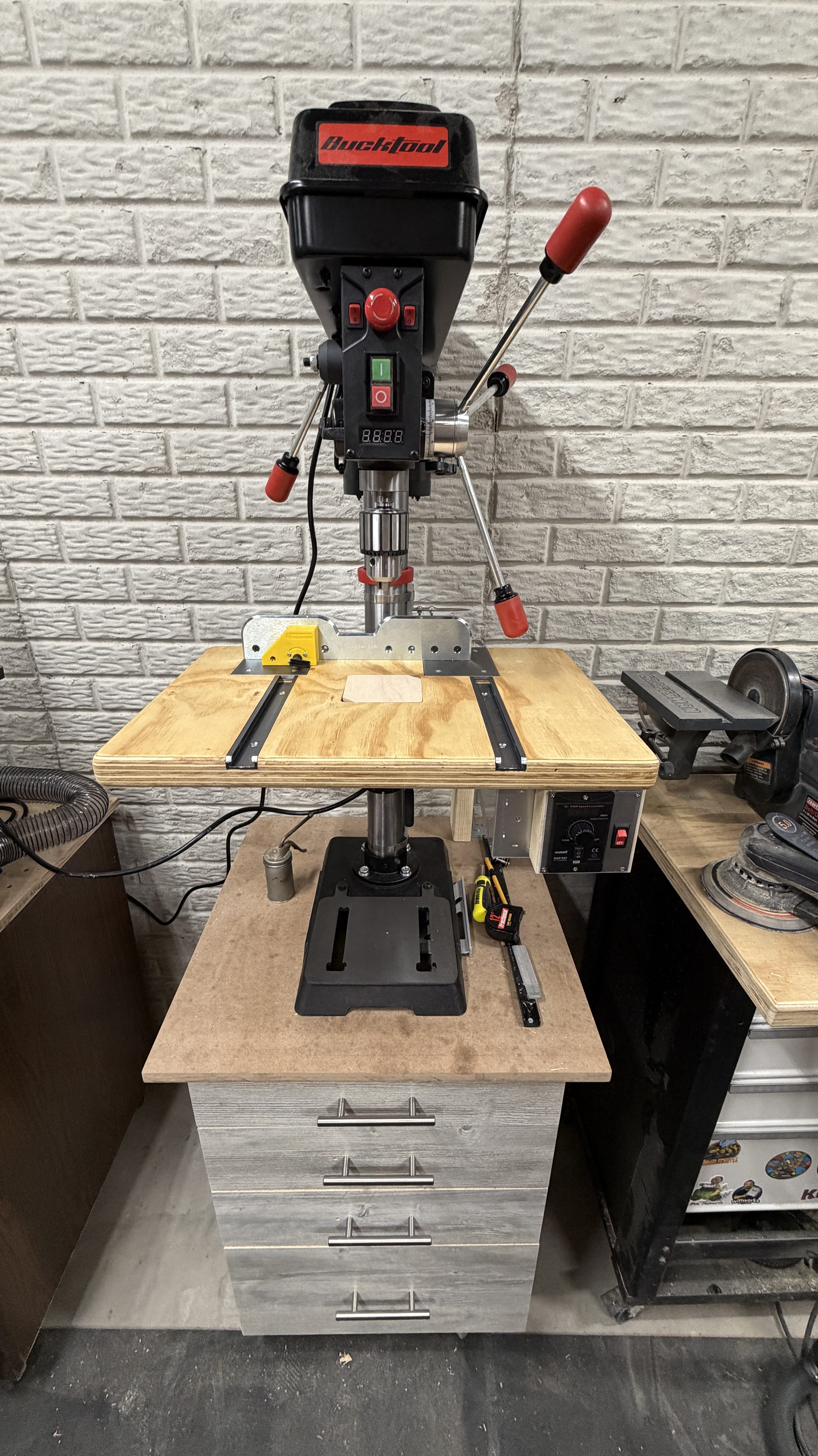
Here’s a quick demo of the motor and limit switches. This thing is awesome!
This project was a lot of fun and is a big improvement to the machine.


 Nick Momrik