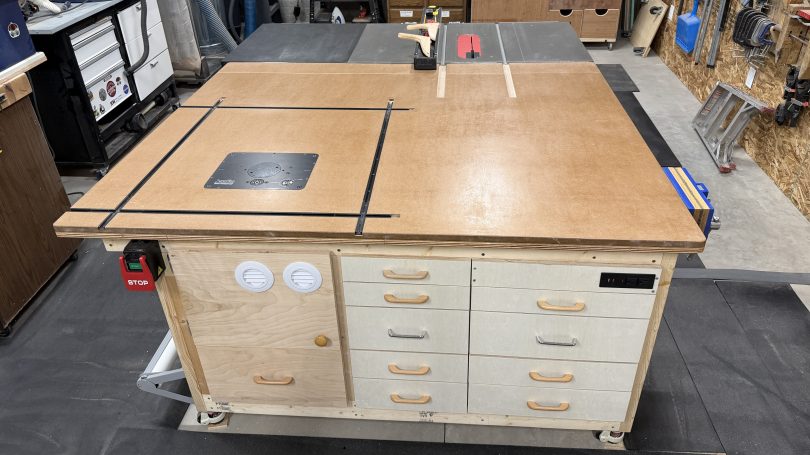
Network Rack Cart

Part of our plan for the house included Cat6 Ethernet ports all over so I can wire in as many devices as possible and keep Wi-Fi for devices that need it. My original plan for the network rack was to build a cabinet on the wall, but the space between the hot water heater and the wall is pretty tight.

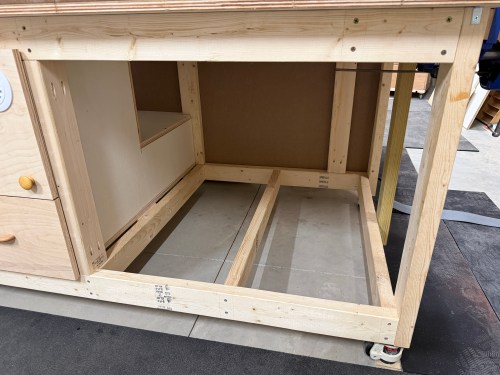
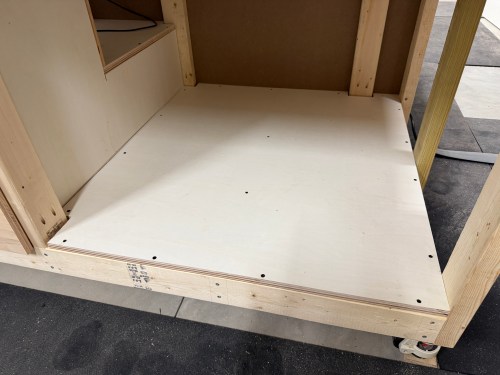
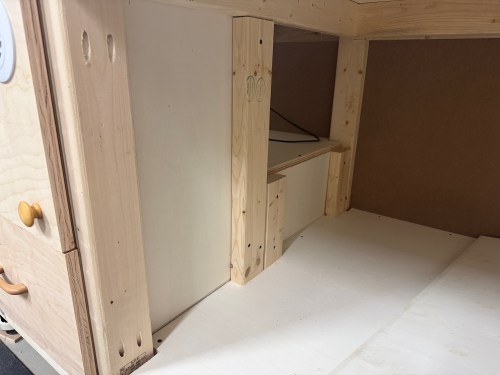
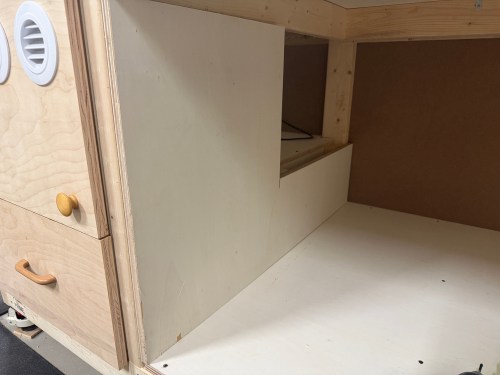
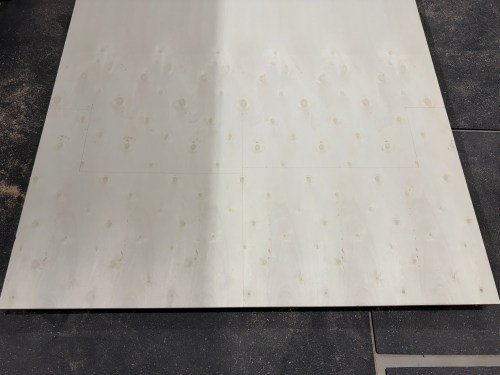
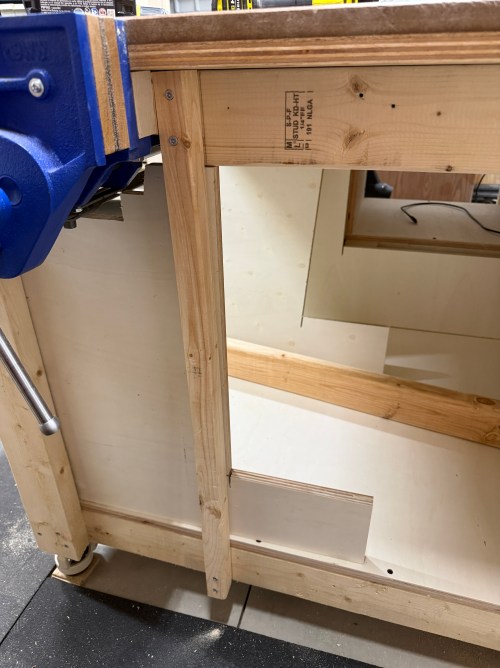
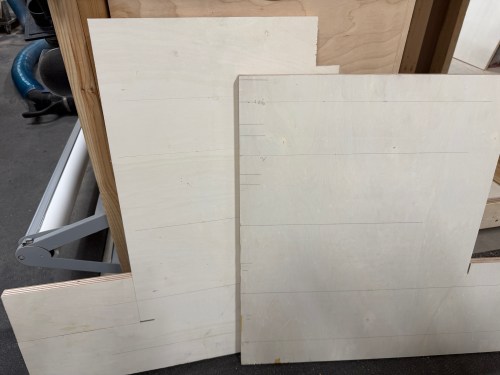
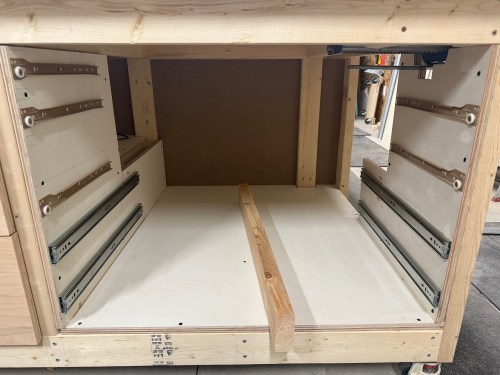
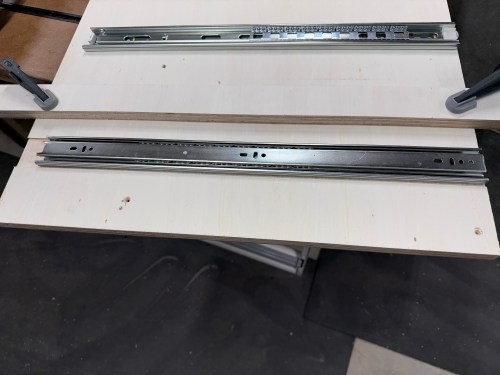
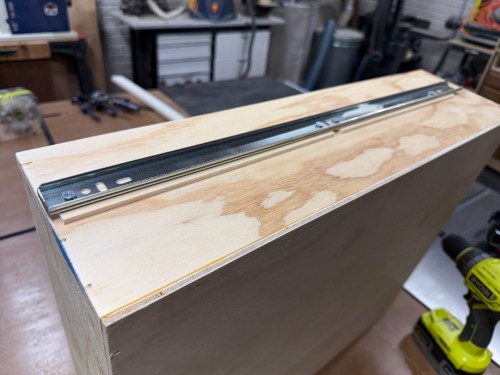
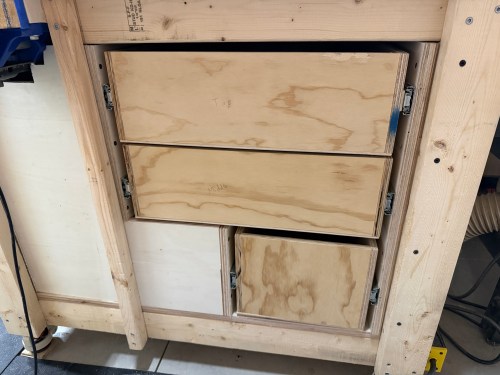
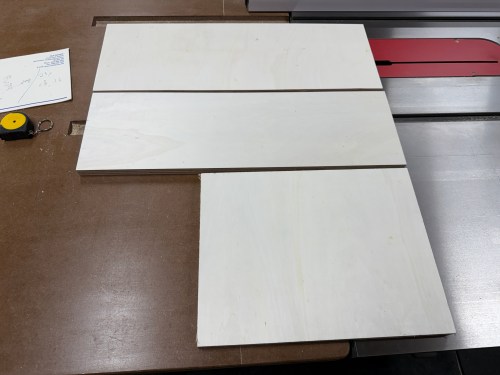
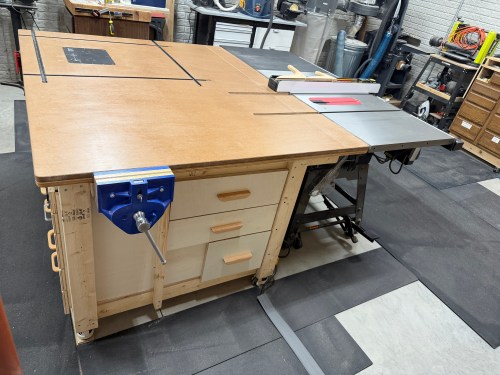
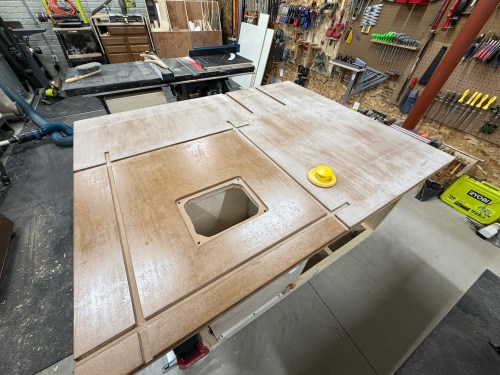
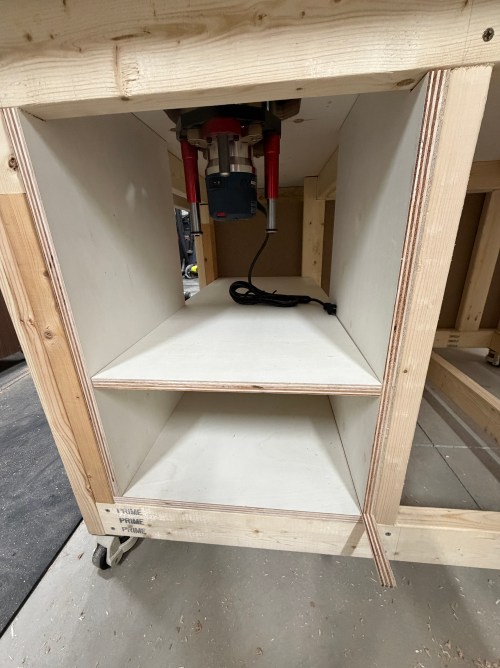
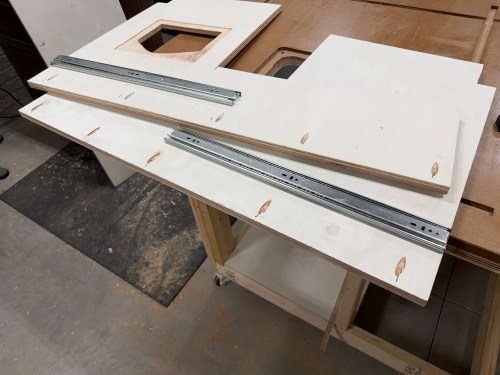
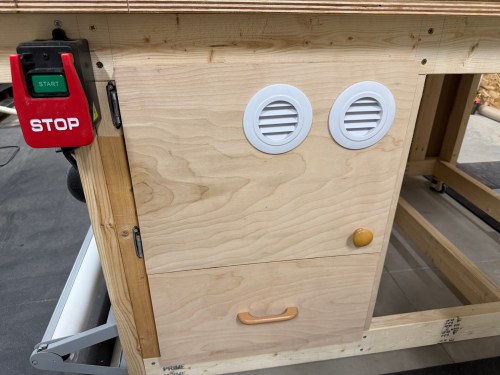
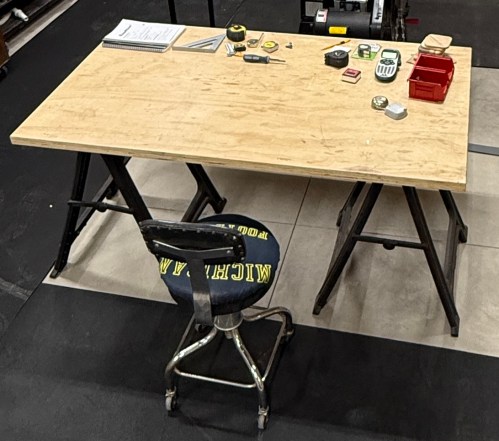
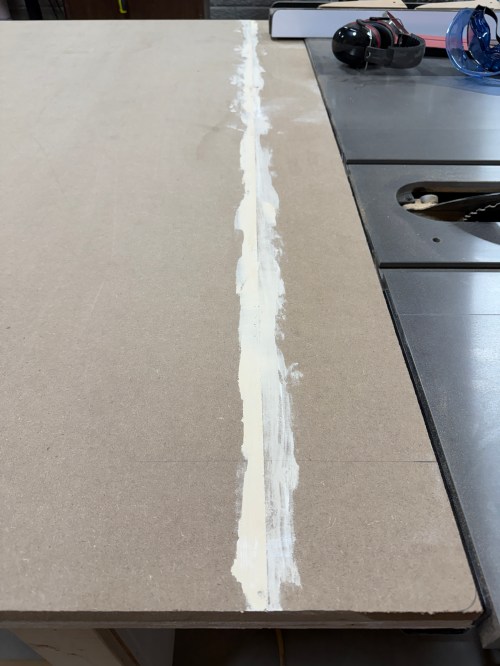
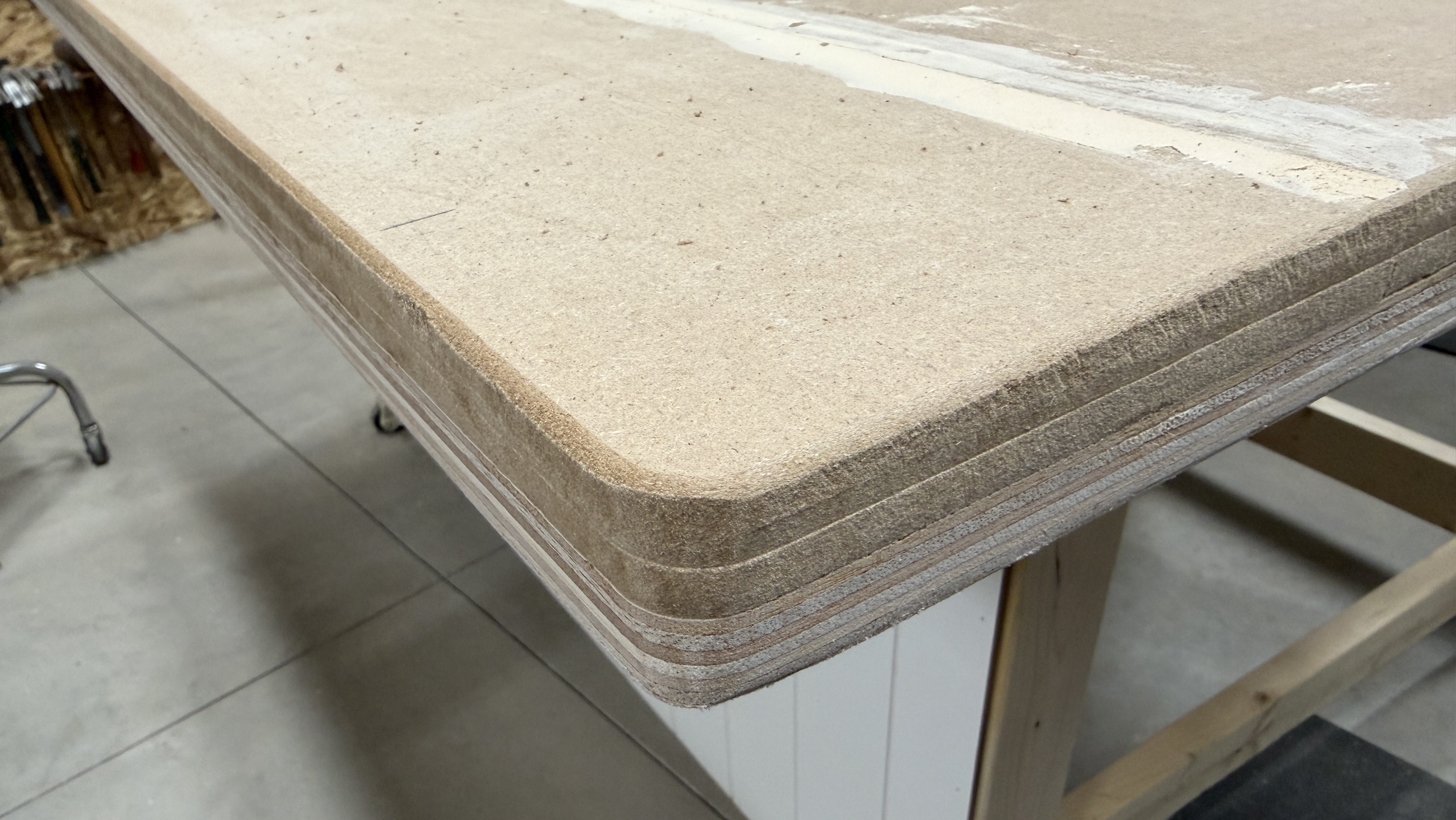
I decided to build a cart instead, especially since there is enough slack on the Ethernet cables that’ll allow me to pull the cart out and turn it to get at the sides of the rack. When we moved I took apart my old work table, which left me with three plywood panels and pieces of 2×4 glued to them. I thought they would make a good top, bottom, and shelf for this cart and I was tired of moving them around the shop.

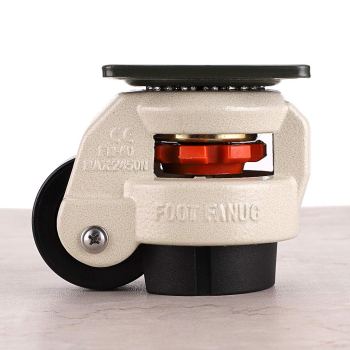
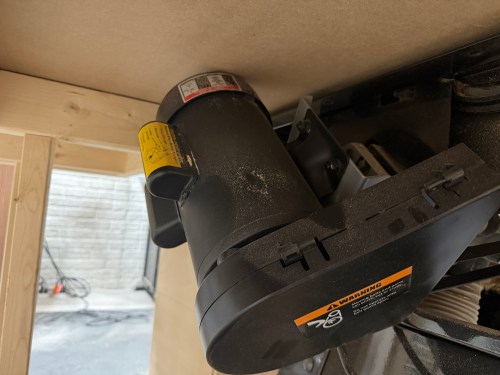
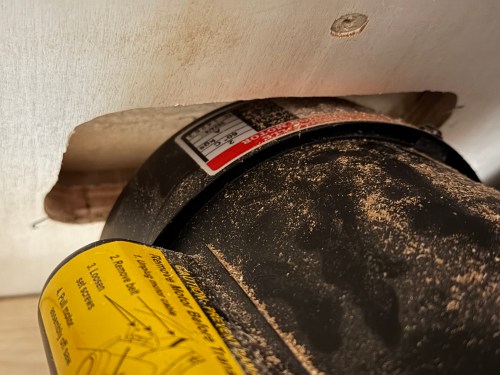
I pulled out castors, washers and nuts.
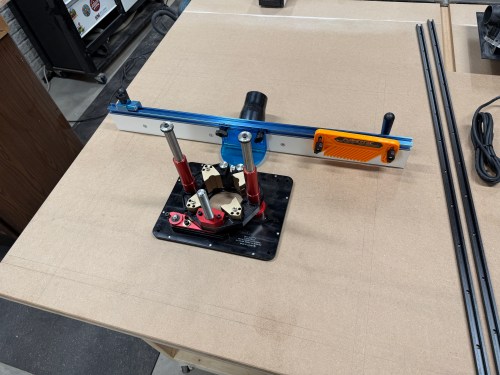
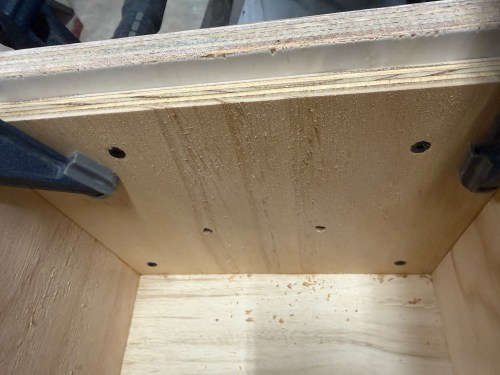
Then drilled recesses and holes in the base so I could attach the castors right away.

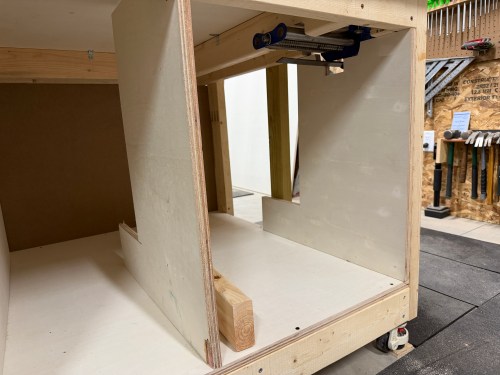
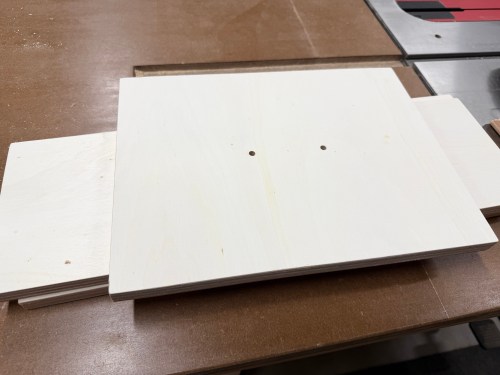
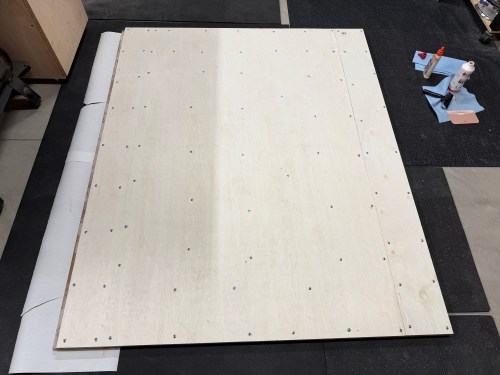
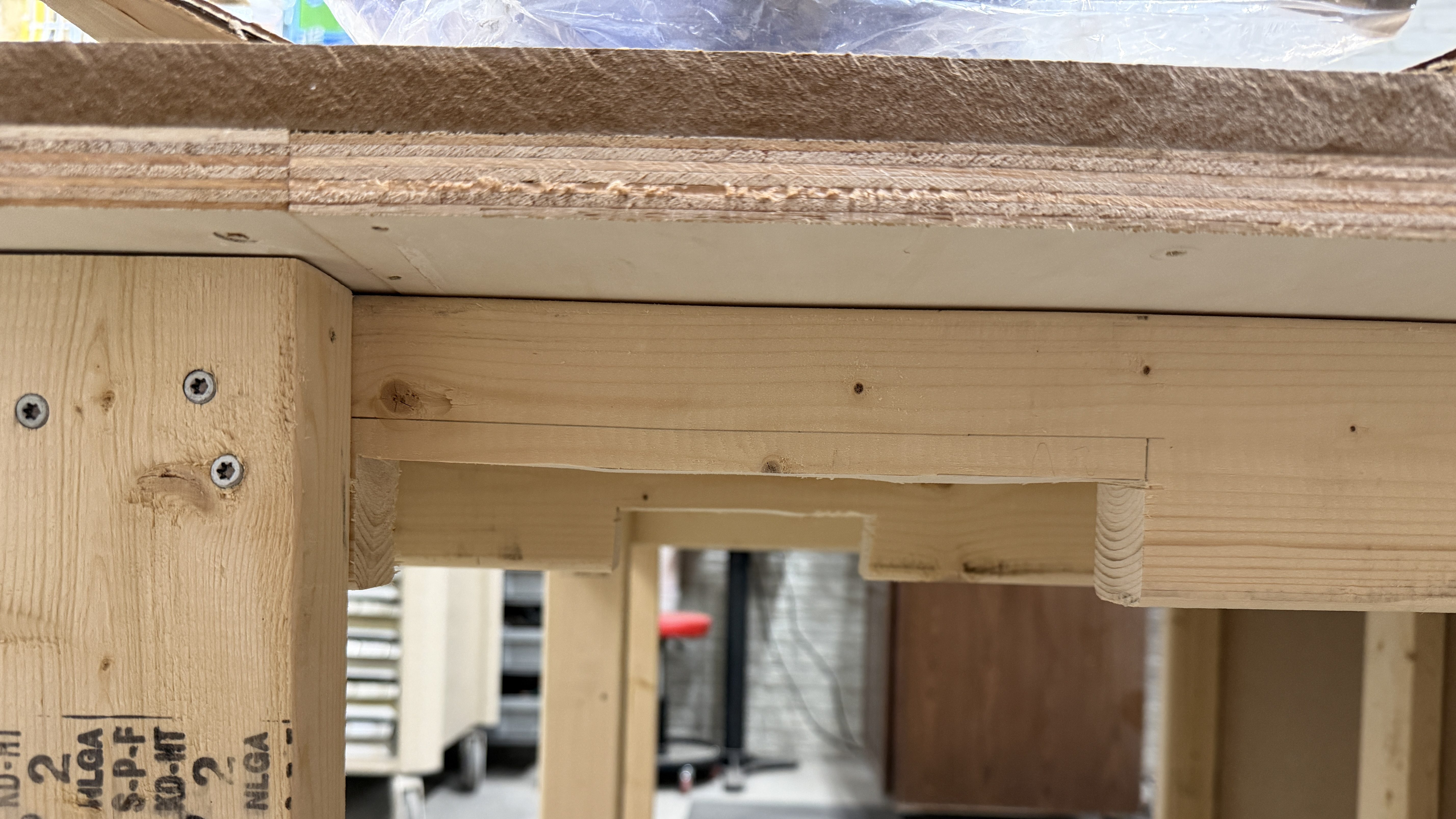
I cut notches out of the middle panel and squared up the edges on all of the panels.
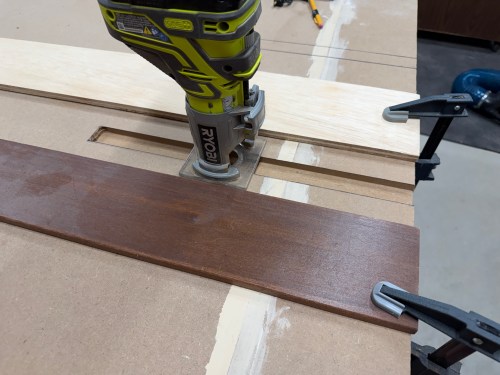
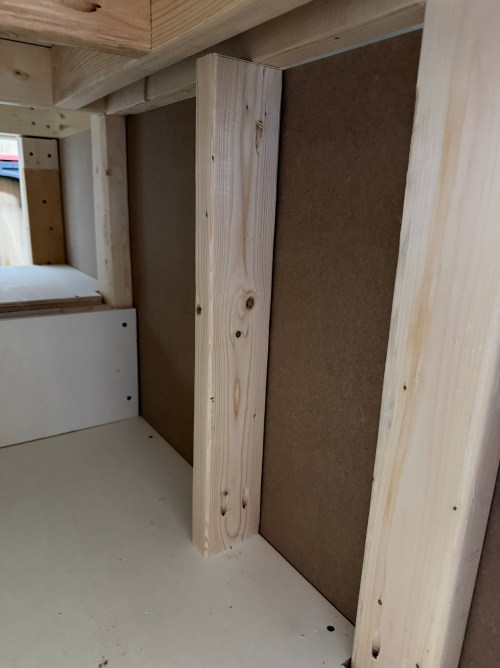
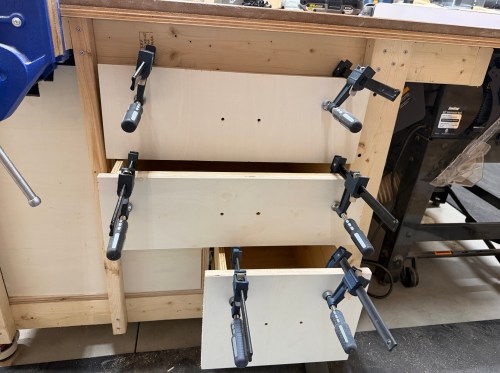
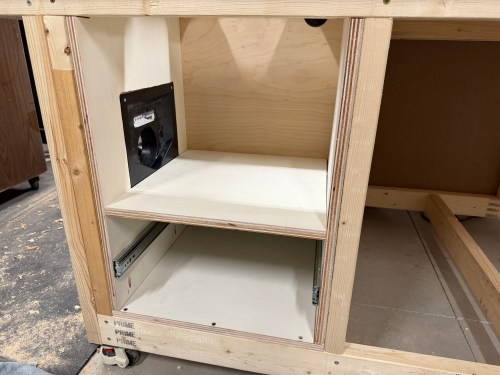
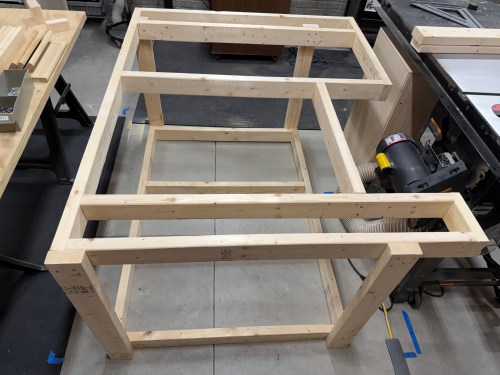
I cut 2x4s for the vertical supports, assembled the frame, and put OSB on the back. I learned my lesson with the old work table and didn’t use any glue here since I’m treating this as a shop project and would like to have the option of taking it all apart if/when I want to change the design.
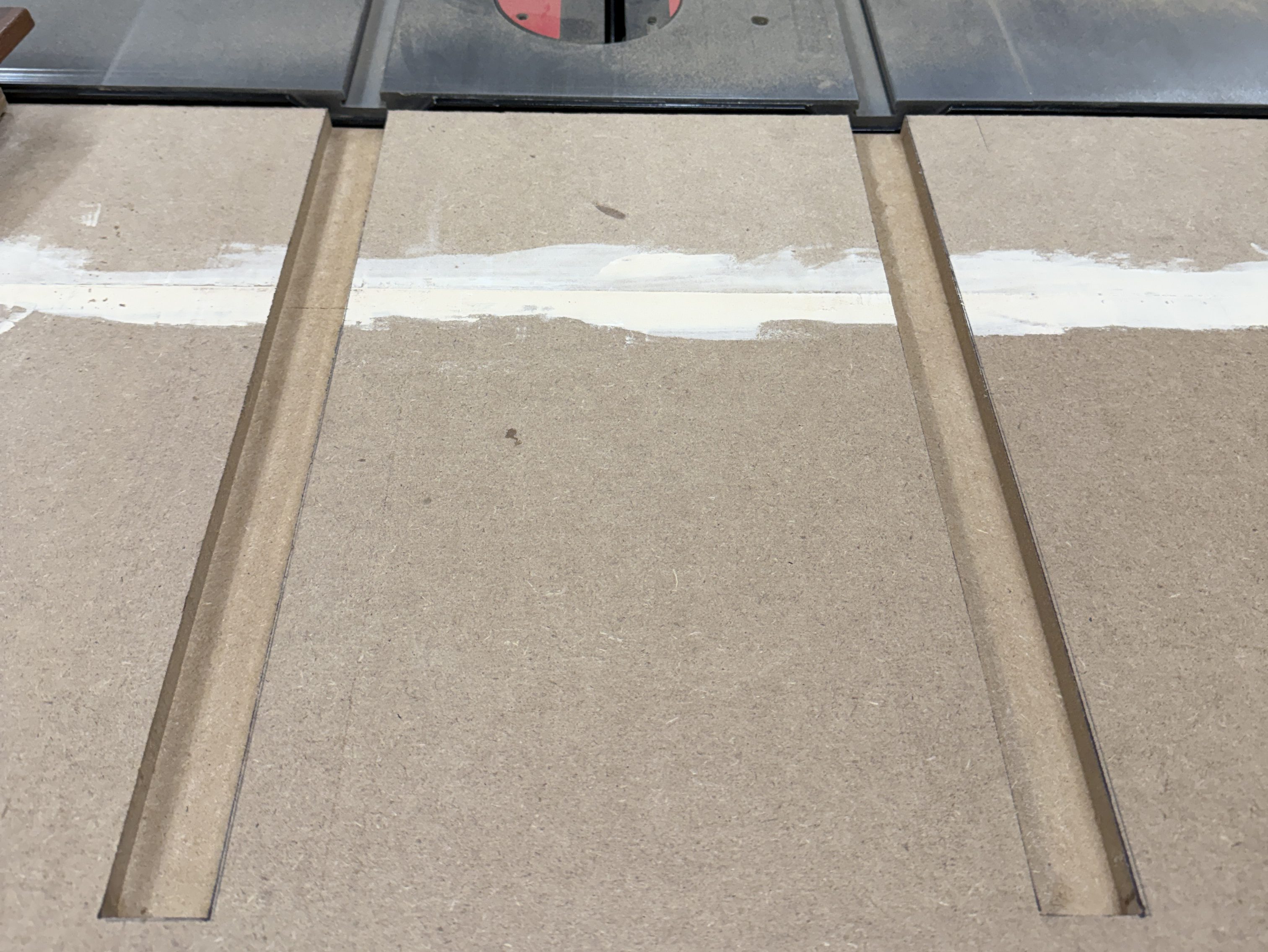
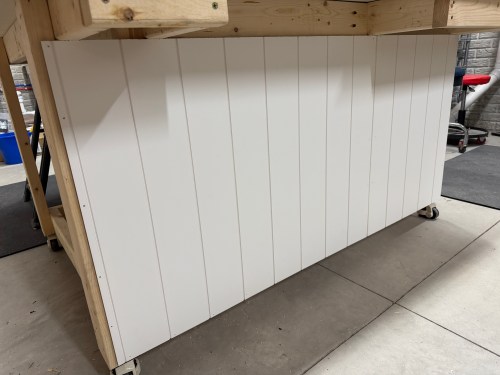
To blend the cart in to the wall, I cut and attached shiplap panels.

I made corner trim from 2x4s and painted it.

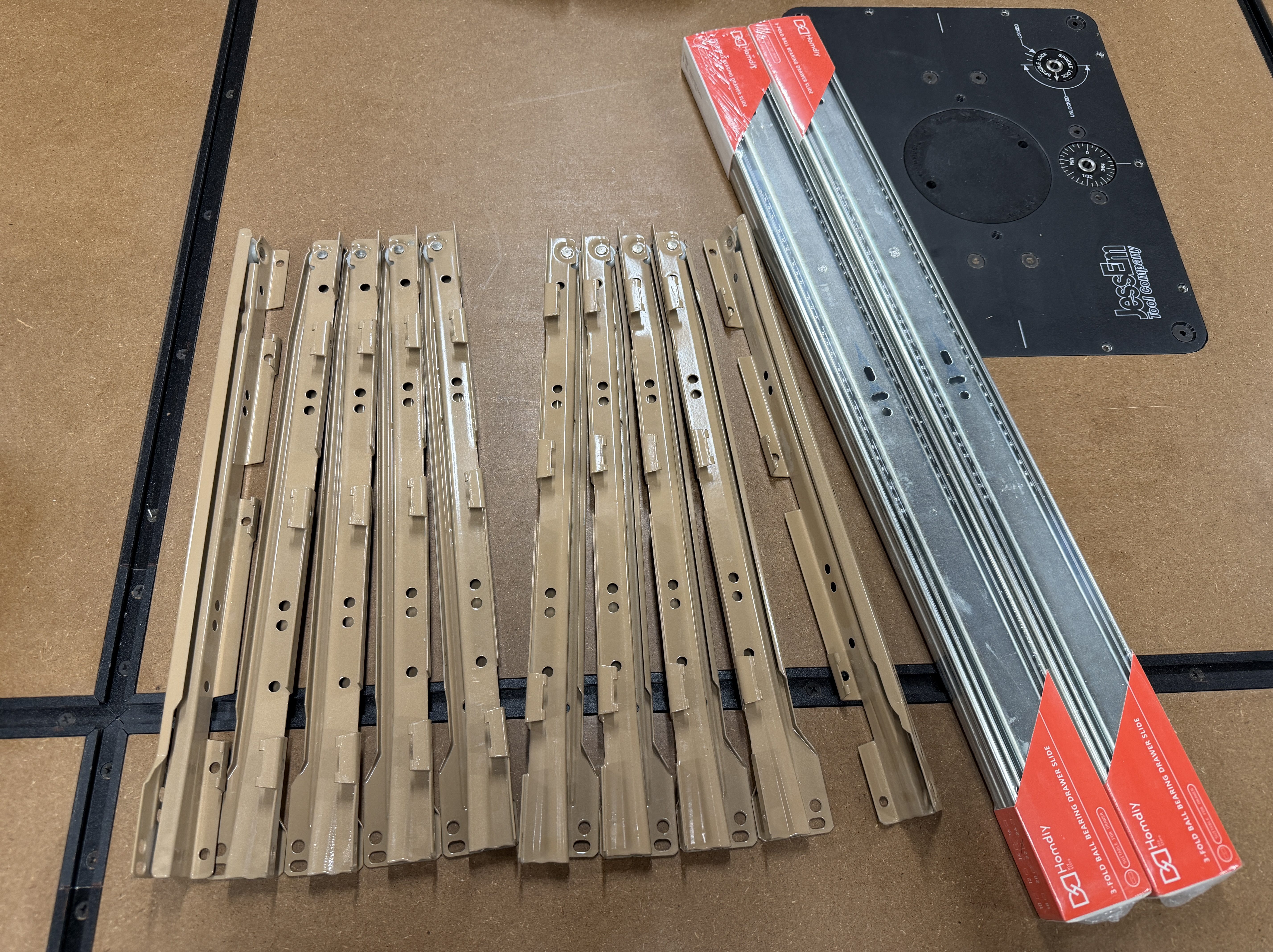
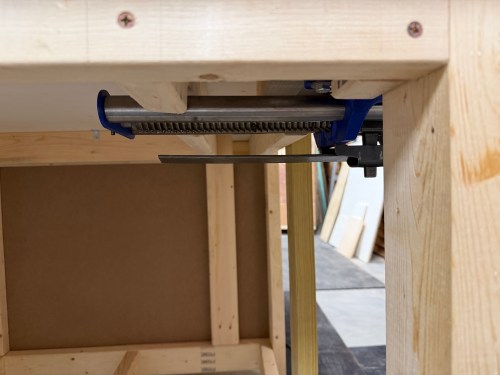
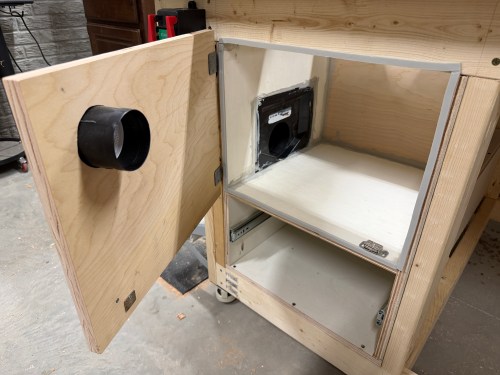
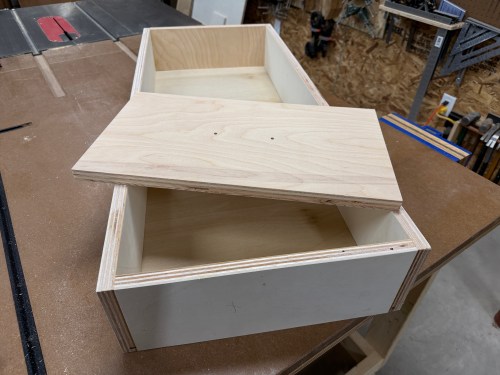
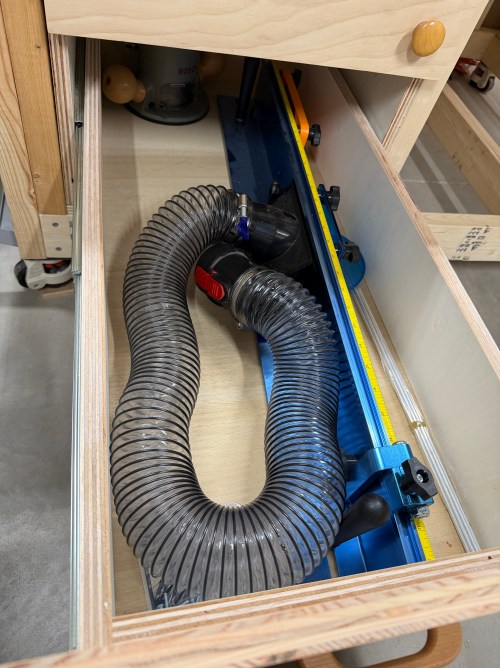
I didn’t want to make doors, so I had the idea to make a hidden siding door. I was going to have it slide up out of the top. Thankfully my wife suggested it slide to the side, which is much better.

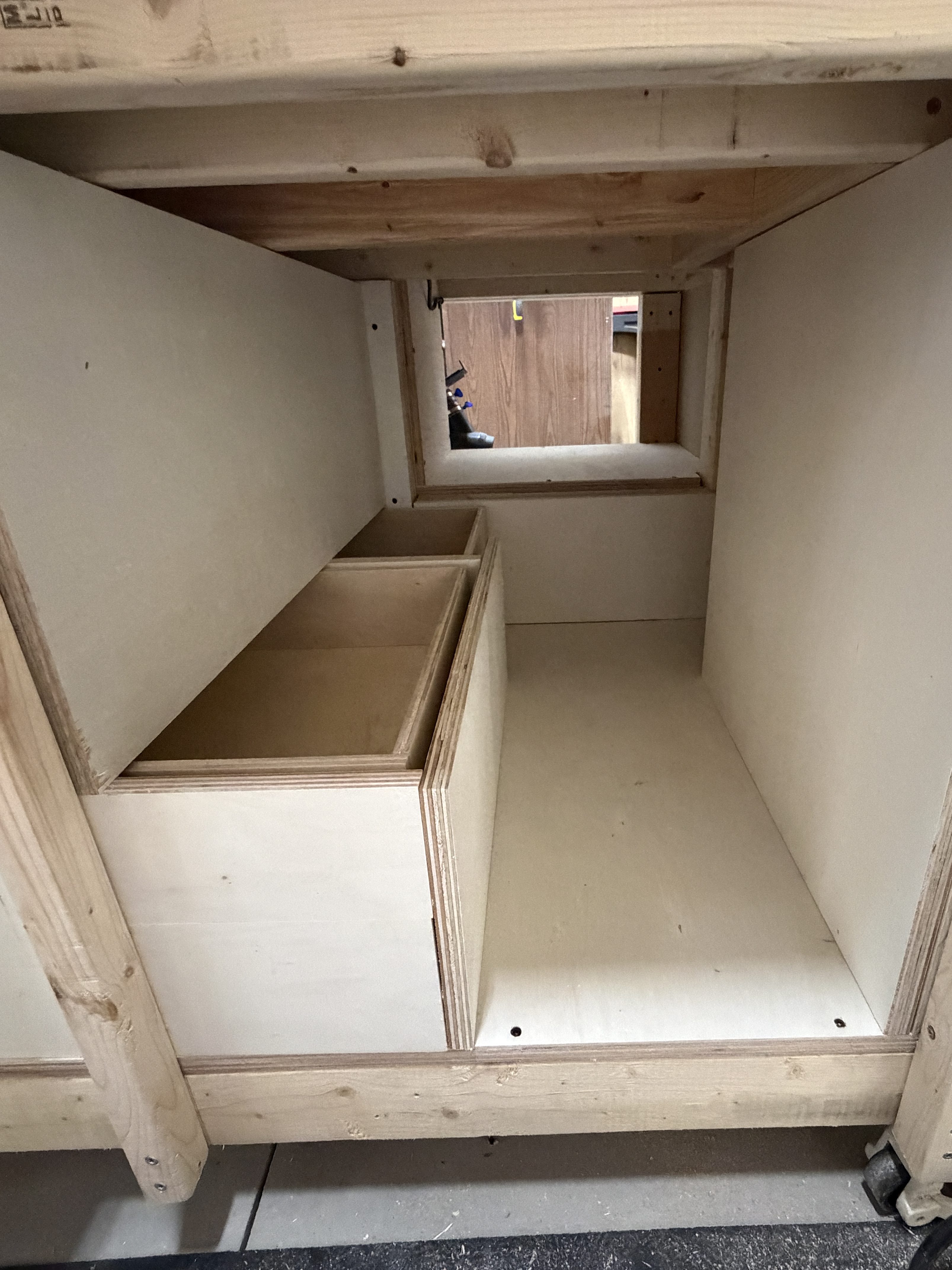
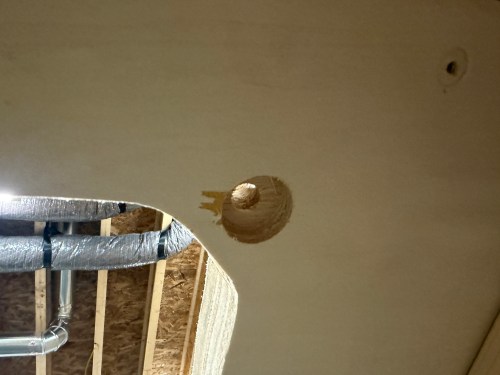
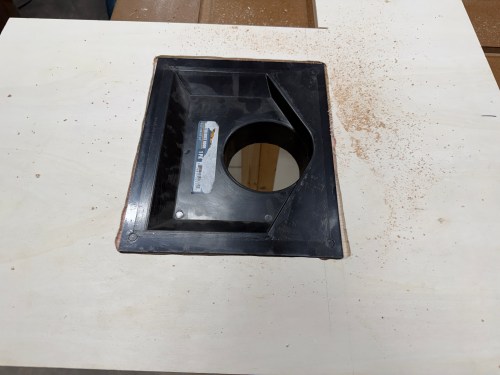
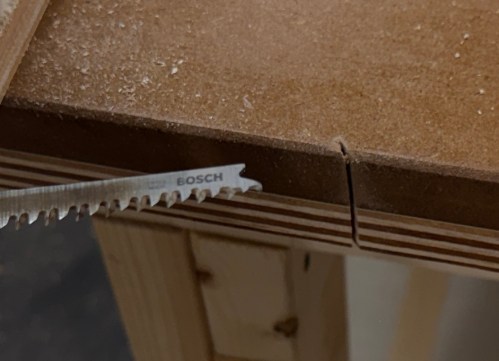
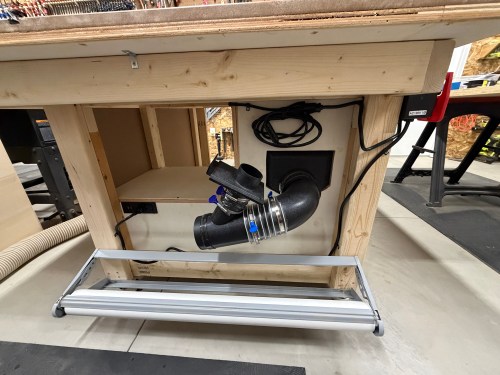
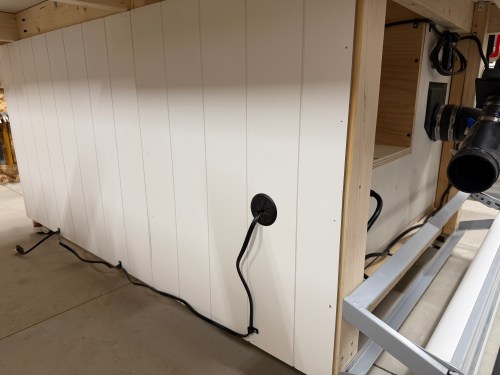
I made a hole in the back for the power cable and a hole in the top to line up with the bottom of my network rack.

Then I screwed the rack down, wheeled it in place, and loaded it up.

Now I can start wiring up the Ethernet and configuring all of the network hardware.

Making Things in 2024

It was definitely a different year with so much planning for the house build, packing, moving, and preparing the old house to go on the market.

January

February

April

August

October

November

December

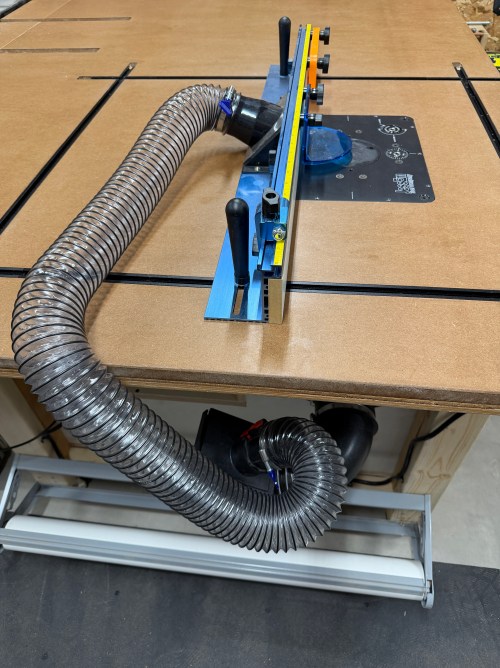
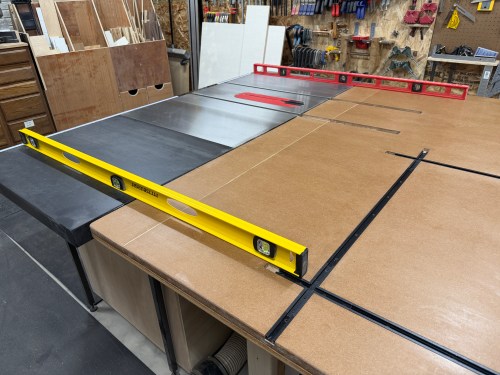
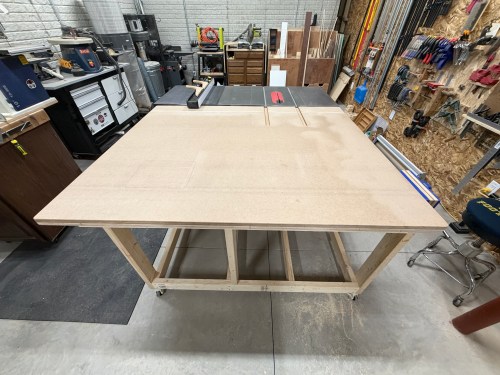
There were two large projects in the new house with the wall for the gym/shop and then the golf sim. Working in the new shop is a joy and will get even better after I build a big assembly/outfeed table.

I’m looking forward to continuing the momentum of November and December in to 2025 and hope to tackle smaller projects through the entire year.

Check out previous recap posts for 20172018201920202021, 2022, and 2023.

Building a Basement Golf Simulator: The Other Electronics

This is the third post in this series about putting a golf simulator in our basement. Part one covered the PC build and part two was all about the environment. This one will cover all of the other electronics and some things that didn’t fit in the first two posts.

The launch monitor is the piece of equipment that “watches” you hit the golf ball and determines the spin, speed, direction, and angles. I guess you might call it the brains of the operation.

There are a lot of options to choose from; some are cheap and some are extremely pricey. I ended up getting the ProTee United VX with the protector from Indoor Golf Outlet due to the following reasons:

  1. Overhead unit.
  2. Doesn’t require special golf balls.
  3. Doesn’t require stickers on the clubs.
  4. Protee Labs is updated often. (changelog)
  5. It provides a lot of data.
  6. Compatible with GSPro.

Before installing the unit, I had to do some electrical work in the basement. I removed a couple of lights in the area, rewired some lighting circuits, and added three outlets in the ceiling.

In order to mount the launch monitor to the ceiling I cut a piece of 3/4″ plywood that could fit in between the joists, resting on the bottom of the I-beams. Then I was able to attach the mounting plates directly to the plywood while I was on the ground. I even locked the launch monitor in to the mounting plate and then lifted the entire assembly up to the ceiling. I felt like it was so much easier than trying to align things while working above my head. This also gave me the flexibility to slide it sideways to dial in the placement. I eventually screwed the plywood to the joists.

At this point I didn’t have the turf and the side netting wasn’t installed. I couldn’t resist and had to hit a few shots. Here’s the very first hit, which was a little chip with an 8 iron.

For my projector I went with the BenQ TK710STi from The Indoor Golf Shop, which had good reviews and felt like a good price point to start with. To figure out where to mount it using a VIVO universal mount, I used Projector Central’s throw distance calculator. Learning about the test pattern and creating a custom resolution were very valuable for placement and configuration.

Due to the distance from the PC to the projector being more than 10 feet, a normal cable wouldn’t work. I snagged a fiber optic HMDI cable from Target. I didn’t need 50 feet, but I had a gift card to use there. It took me a bit to realize this type of cable isn’t bidirectional.

Since most of the basement lights need to be off when using the simulator for a crisper image, I picked up a spotlight to point at the hitting area (the green is quite nice) and a track light (bulbs).

The launch monitor comes with ProTee Labs, which shows ball and club data and allows you to hit on a range. In order to play golf and have other practice options, I got the yearly subscription to GSPro, which is exceptional!

Not necessary for the golf sim, but I bought another Apple TV 4K and a mount. It’s connected to the projector so we can watch movies, football, or anything else. I need to figure out a sound system.

There were several other small purchases, such as an extension cord to run power to the PC, velcro tape to tidy up the wires running down the post, and parts to do the electrical work.

Here’s a video of the golf simulator in action.

I’m excited to see where this can take my golf game. I’ve already started The Strike Plan (from The Practice Manual‘s author) to improve my ball striking and I’m hoping to spend time daily working on my game or having fun with it.

The normal price of the ProTee VX is $6,500 before tax, but I got a bit of a holiday discount. The total cost for everything in this post was a whopping $9,049, bringing the grand total to $14,699. I feel like that’s middle of the road for a home golf sim because you can get really cheap or you can spend more on just a launch monitor! If you have any questions about anything, leave a comment and I’ll be happy to share more.

After I’ve spent more time using the simulator I’ll post some thoughts. There will also be some upcoming side projects.

Walnut & Railroad Spike Coat Rack with Shelf

We left our foyer empty in the house design so I could build some things for it.

First up was a coat rack. I pulled out a piece of walnut and got the bulk of the bark off the live edge. This piece has a lot of sapwood, which should turn out sweet.

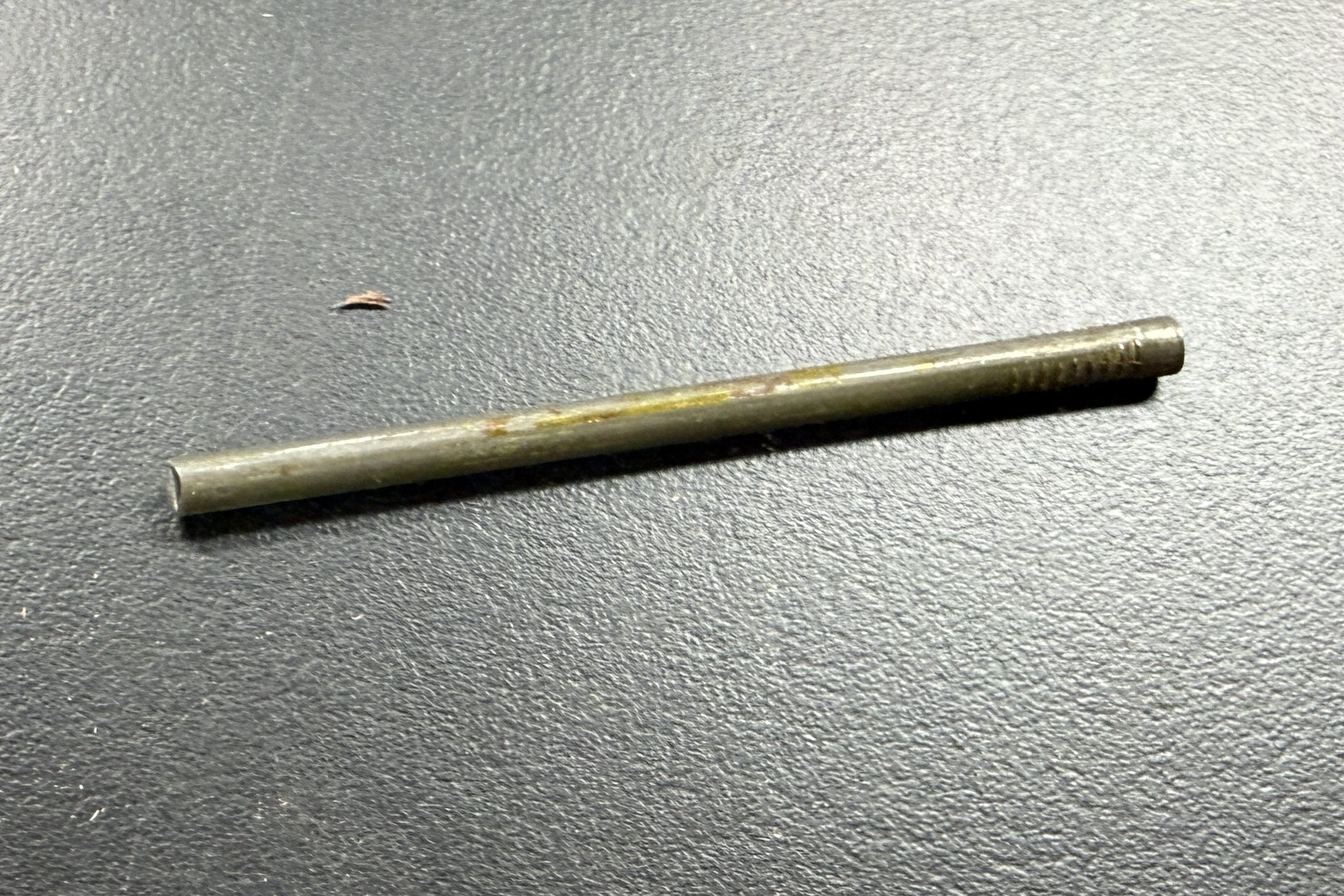
Before getting ahead of myself by sizing the board in any way, I wanted to make the hooks from railroad spikes so I could see how much space they’d need. I bought about 20 of these on Facebook Marketplace a few years ago and still have a bunch.

I don’t have much for metal working tools, so I knew I wouldn’t be able to get consistent length by cutting with an angle grinder. In order to give myself a decent chance at success, I screwed a couple pieces of plywood to my drill press vise and drew a reference line. Then I cut all nine spikes.

At the disc sander I flattened the ends. For the spikes to lay square to the sanding surface I propped them up on some wood.

I soaked the pieces in a 50/50 mix of white vinegar and water overnight.

Rinsed and wiped them off.

Marked the centers as best I could. Then I stepped through 3/32, 5/32, and 13/64 drill bits on each part. I broke one 3/32 bit and luckily it was deep enough in the hole where it wouldn’t matter.

Then came my favorite part, adding threads in the holes. I used a 1/4-20 tap.

I cleaned up the rest of the rust on a bench grinder wire wheel. Then primer and paint.

Back to the wood. After doing a rough mockup, I cut a length of the larger board and ripped it to create pieces for the shelf and main.

Then they went through the planer.

Drilled a bunch of holes, found some bolts in my collection, and did a dry fit.

I recently bought a corded 6″ random orbital sander, protection pads, and 3M Xtract Net discs, which make sanding much easier. After wiping with a tack cloth, I glued and screwed the pieces together.

I applied three coats of the All-Natural Wood Finish from Bumblechutes mixed 1:1 with Citrus Solvent. It was the first time I’d used this on a project and I’ll definitely be using it more. It went on easy with a foam brush and light sanding with 400 grit between coats. Then to finish it off, one coat of their Bee’Nooba Wax, which I’ve used before.

When bolting on the railroad spikes I applied a little thread locker. I mounted it to the wall and put up a sign my sister gave us.

Now I need to figure out what kind of bench to build.

Christmas Painting

Instead of playing wacky games this year, Mom had the idea everyone would do a Christmas-themed painting. Lucky for me, I learned a few tricks earlier this year during a work activity. I decided on a snowy night sky with Santa and his reindeer.

Here are all seven works of art.

I looked at the back of the canvas and though the frame was interesting; they interlocked the corner joints to make them stronger.

Attempting to Revive Knockoff Ryobi Batteries

I have a couple of 5 Ah batteries and both of them stopped charging. They knockoffs from Amazon, with a brand name of Biswaye on them.

One was completely dead and wouldn’t even register on a usual charger. The other showed a defective status. When I put the multimeter on, it read about 15 volts.

This often means some of the individual cells are bad. Before opening it up, I threw it on a Ryobi P119 slow charger, which can sometimes revive cells that are too low for the more complex battery chargers.

After a couple of hours I tried the battery on a regular charger again, but it still showed as defective. So I tore into both batteries, hoping I might be able to get one working battery out of the two.

On the dead battery all 10 cells read zero volts on the multimeter. I wouldn’t be swapping any of those in to the other battery. It’s not safe to try pumping anything into cells depleted that much, so I recycled them at Batteries Plus.

Two of the cells on the defective battery read very low voltages. I don’t have any spare 18650 lithium ion cells and it’s not worth it to buy some since I have enough working Ryobi batteries in my rotation. As a last resort, I put the battery on the little charger to see if it would slowly charge the depleted cells. I had nothing to lose.

I let it go over 6 hours and unfortunately the voltage didn’t jump up on those bad cells, so I still can’t use the battery pack.

Attempts like this don’t always end in success, but it’s a fun opportunity to learn. This battery pack has plenty of good cells, so I’ll save it in case another battery needs replacement cells.

Repairing a Ryobi P117 Intelliport Charger

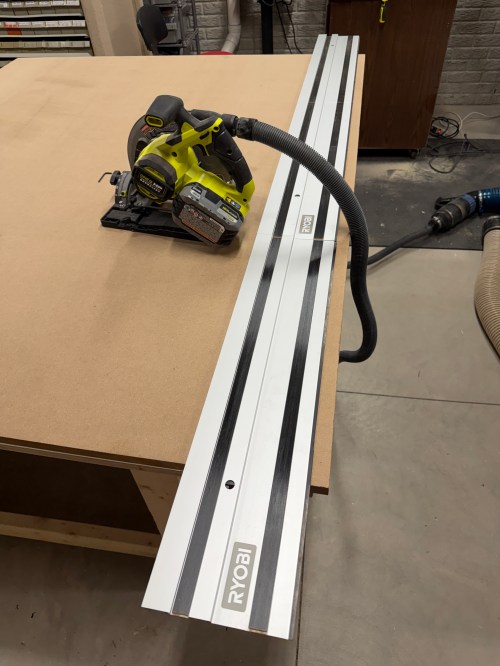
Last week while cutting some walnut with my Ryobi track saw, it kept stalling on me. Turns out the battery was nearly dead because the charger stopped working and the status LEDs weren’t lighting up at all when plugged in.

I opened up the charger and didn’t see burn marks or swollen capacitors anywhere.

Then I found a video on YouTube and sure enough, the resistor at R71 was wide open, reading 152 kΩ on the multimeter.

It’s a surface mount resistor labeled R500, which means 0.5 Ω. I don’t have any resistors that size, so I soldered in a couple of 1 Ω resistors in parallel.

It’s not pretty, but it properly read 0.5 Ω on the multimeter.

I put it back together, plugged it in, and the red LED lit up. Took it down to the shop, put a battery in, and the charger is back in the rotation!

Building a Basement Golf Simulator: The PC

I’m putting a golf simulator in our basement, so this will be part of a series of posts about different aspects of the build and process.

When planning out the project, my first thought was to buy a gaming laptop for ease and portability. I have no need to move the computer around the house though and they’re very expensive. So I briefly looked at buying a pre-built gaming desktop, which can still be expensive. Building my own would save a ton of money. I hadn’t built a computer or even owned a Windows machine in close to 20 years and I was eager to dive in.

I found a starting parts list Reddit and swapped out a few things. Here’s what I ended up getting:

Total cost, with Black Friday sales, was just shy of $1,850.

I actually managed to put together a working computer! The only mistake I made was not connecting an extra cable from the power supply to the motherboard, which provides more juice for the CPU and memory. It may have been easier to connect all of the cables before installing the graphics card, but it may have caused other issues.

Then it was time to install the operating system. I downloaded an ISO of Windows 11 Home from Microsoft and created a boot drive on a USB stick with balenaEtcher on a Mac. I’ve used balena many times to create boot drives for installing Raspberry Pi operating systems, but Windows was not happy. During installation it was giving the error “A media driver your computer needs is missing.” I turned to Google and found out a Windows boot device is special and balena doesn’t do whatever is required. I used WinDiskWriter to create a new boot drive, which then launched a working Windows install.

At one point an Internet connection was required and the drivers for the WiFi adapter weren’t installed yet. I still don’t have the Ethernet in our house connected, so I had to share my MacBook’s Internet connection from WiFi through a USB Ethernet device.

After several reboots and various Windows updates, it’s a working PC. I’m pretty happy with how it went. The stand came in a few days later and was easy to assemble.

Time to get everything else setup and get some golf balls!

The second post in this series covers my sim environment and the third post covers the other electronics and everything else.

Mirror Hanging Brackets

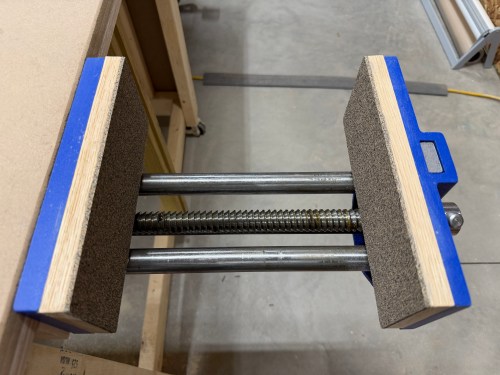
We have this old mirror you’d mount to the back of a bedroom door and it’s been propped up against the wall in our new gym. In order to mount it to the paneled wall, I needed to make brackets to span the studs. I grabbed some oak from my scrap cart.

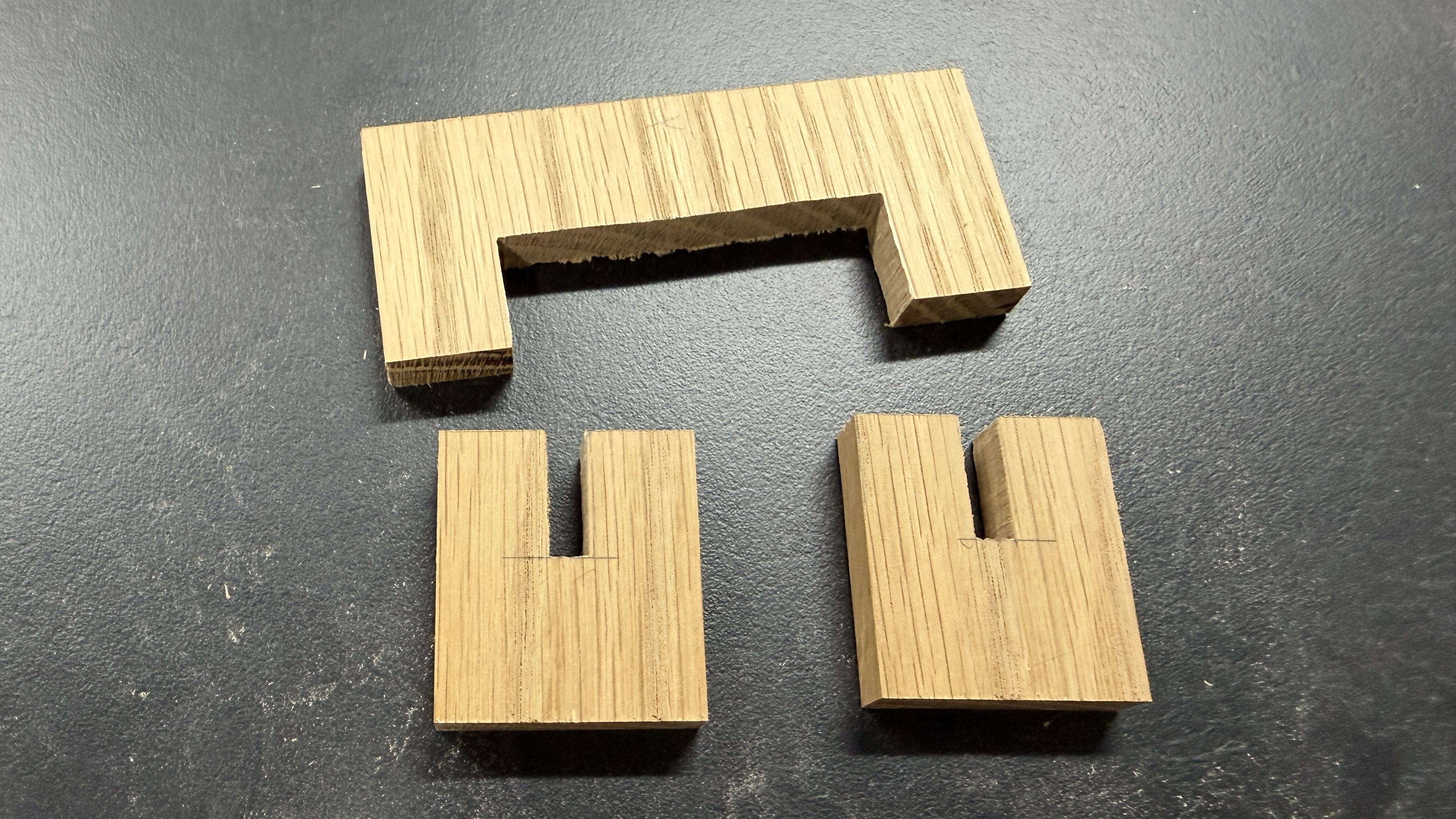
I only ended up needing one of the pieces. Ripped a couple of 1″ wide strips and trimmed to 18″ long. I marked areas on the back side, and cut out with a router.

It was quick work to clean up the ends with a chisel.

I gave the brackets two coats of black paint.

Really quick project and it cleans up the gym a little more.